If you love having a cloud-ready storage solution accessible from any of your devices, be it multiple computers, mobile phones, iPod Touch… then you should have heard of Dropbox, one of the most famous services with a free 2GB account. Unfortunately, Dropbox works on almost every platform out there except Symbian. You could access it through the m.dropbox.com mobile site, but that’s just not the same. Well, just today, I came up with a solution to get it working on my Symbian/Nokia phones using the SugarSync Symbian app, another cloud-storage solution.
Note: this method isn’t perfect, it’s limited to S60 5th Edition currently, and it’s somewhat ugly. But it works. If you’re not really attached to Dropbox, I suggest you simply use SugarSync instead. It’s basically the same.
Step 1: Create a free SugarSync account
SugarSync offers a free 2GB storage solution, as well as paid 30GB and more storage options. If you’re good with 2GB, head over to this page and sign up for a new account and make sure you activate it.
Step 2: Download SugarSync on your computer
Whether you have a Mac or a PC, head over to the SugarSync Downloads page to download it on your computer. Then open the app, sign in and set up your computer.
Step 3: Integrate your Dropbox folder into SugarSync
There are two ways to integrate Dropbox into SugarSync. By now, I’m assuming you already have a Dropbox account and have it set up on your computer.
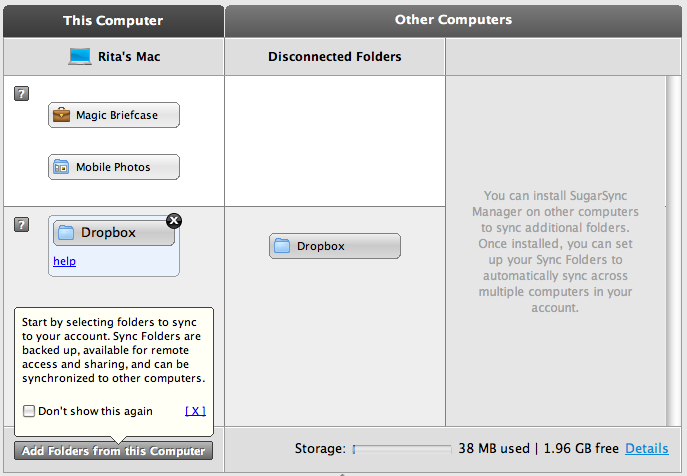
The first way is to go to Manage Sync Folders on SugarSync and add your current Dropbox folder to the sync’ed ones.
 Continue reading “How To: Get Dropbox On Nokia/Symbian, Natively”

 Continue reading “A Byte of Apple : New iPods, iTunes 10 and Apple TV announced and dissected!”
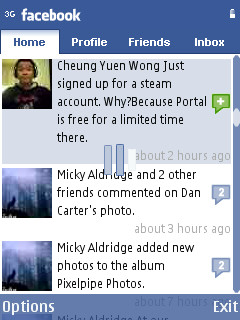


 If you love saving money and your minutes, then here is an application for you. Vonage has launched an app for iPhone, iPod Touch, iPad, and Android OS which is known as Vonage Mobile for Facebook. The ap
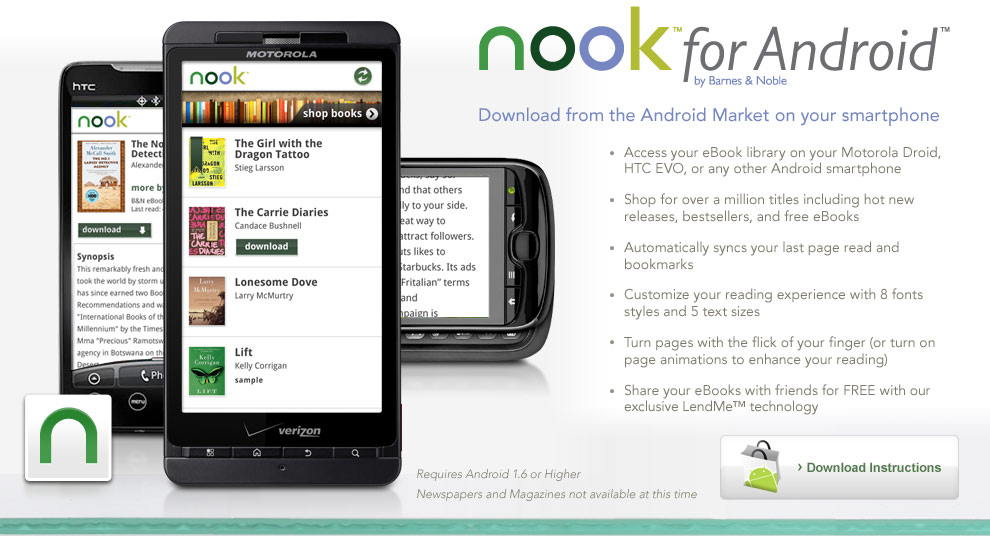 Barnes and Noble is a very famous bookselling giant. Barnes and Noble finally launches the Nook for
  Twitter is one of the biggest and popular social networks in the world, and it’s a very good way of communicating with your friends. You can follow your favorite celebrity, favorite brand, or best friend on Twitter. Most of the time, users use Twitter via their mobile, and if you are using an Android phone, then you need a good Twitter client for your Android phone, and then please allow me to share some good apps with you. After the break, you will see some good Android apps for Twitter with all their information.
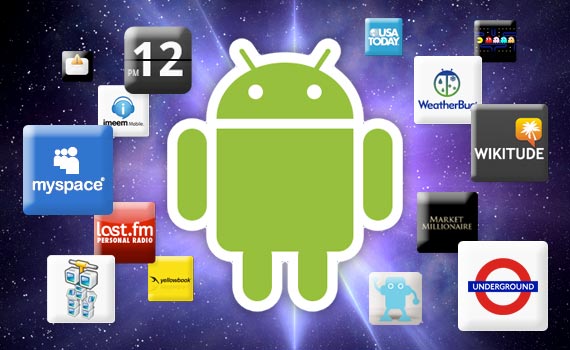 Surfing internet is one of my favorite habit, and searching about something good is also. When I finally find something after searching a lot, and it’s very useful for everyone, then sharing it is my responsibility. Applications, without applications your mobile phone is empty, I am an Android user and I love downloading apps (who don’t love it?), I want all the best apps in my phone, so I can enjoy the experience all the time.
 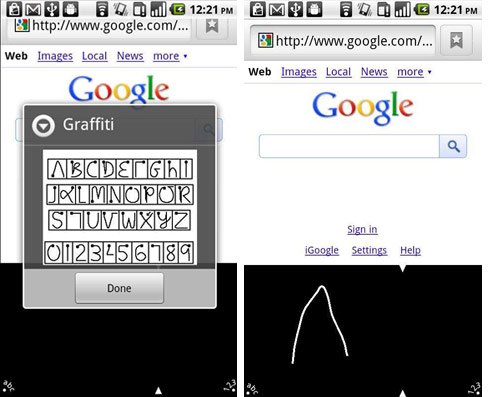 If you are using an Android powered phone, and you hate typing words through on-screen keyboard because the words are very small and it’s hard to use, and you want to write alphabets in a handwriting style with your fingers like you are use to write on a book during old days in your book, then give a chance to a new Android app known as Graffiti. The app is very accurate, and you don’t need to enter the words again and again, because it pick up the words in very first time . The app includes the original Graffiti strokes, complete with the familiar two-part silkscreen, as well as the Graffiti Help reference screen. You can bring up the silkscreen for text input and use a finger or stylus to enter characters. You can download the app right now from Android market, or by scanning the barcode after the break.
 Today is a very big day for people who are enjoying their life with Android devices over in Republic of Korea, because the Android Market is now live in Korea, and now you have access to all Android apps in the market. Korean market is really huge, and it’s the home of the one of the well known mobile phones maker, Samsung. Samsung has sold more than 300,000 Samsung Galaxy S in Korea, and they also sold 1 million Samsung Wave all over the World.