
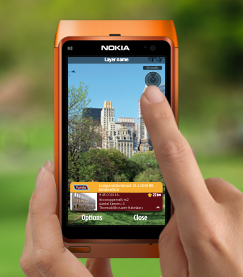
Layar has launched their Layar Reality Browser for phones running Symbian OS. Layar claims it to be a truly terrific augmented reality experience for the users.
Continue reading “Symbian Gets Augmented Reality App – Layar”
Layar has launched their Layar Reality Browser for phones running Symbian OS. Layar claims it to be a truly terrific augmented reality experience for the users.
Continue reading “Symbian Gets Augmented Reality App – Layar”
I switch mobile phones quite often and whenever I get a new Symbian phone, I have a specific routine of 30 minutes, including removing the useless stuff away from the Main Menu, changing some settings and installing Whatsapp, Gravity and Nimbuzz. You can be certain that if any of these 3 applications aren’t there, I won’t be using the phone at all.
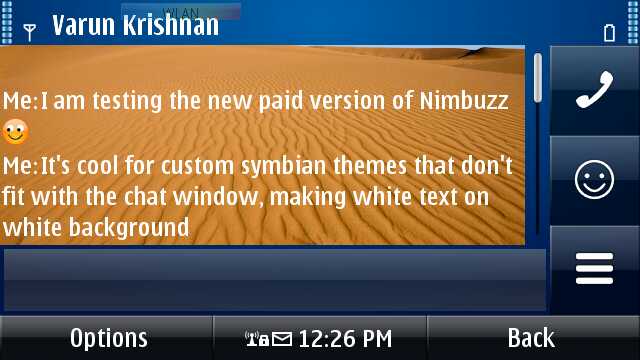
Nimbuzz has easily become the default Instant Messaging applications for Symbian, thanks to its one-login that imports all IM accounts instead of having to setup each one separately. Lately, it also added compression which made the app snappier for all tasks and decreased its data usage. But for the past few versions, Nimbuzz has been trying to get some revenue out of its free service by displaying ads in its chat window, which are non-intrusive but may annoy some people nonetheless. Enter the premium Ad-Free version of Nimbuzz, now available in the Ovi Store for about 2.29$. This new Ad-Free version of Nimbuzz currently offers 3 advantages over the free version.
Continue reading “Nimbuzz Releases Premium Version In The Ovi Store”
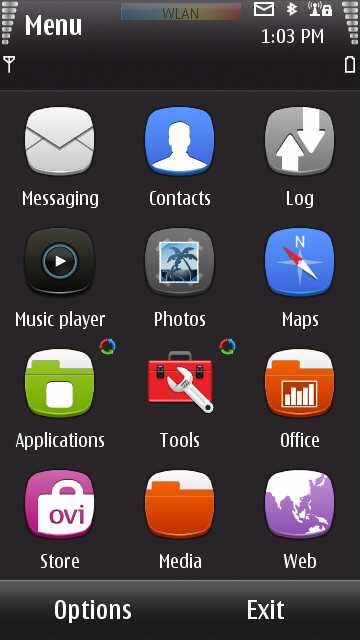
One thing Symbian has never had a lack of is excellent theme designers. Ever since the S60 2nd Edition days, you would simply have to hit up a small search on the internet to find hundreds upon hundreds of theme overhauls to help you personalize your device and always keep it feeling fresh. If fresh is what you’re aching for, then we’ve got just the thing for you.
Continue reading “Get The Promised Symbian Overhauled Look Right Now”
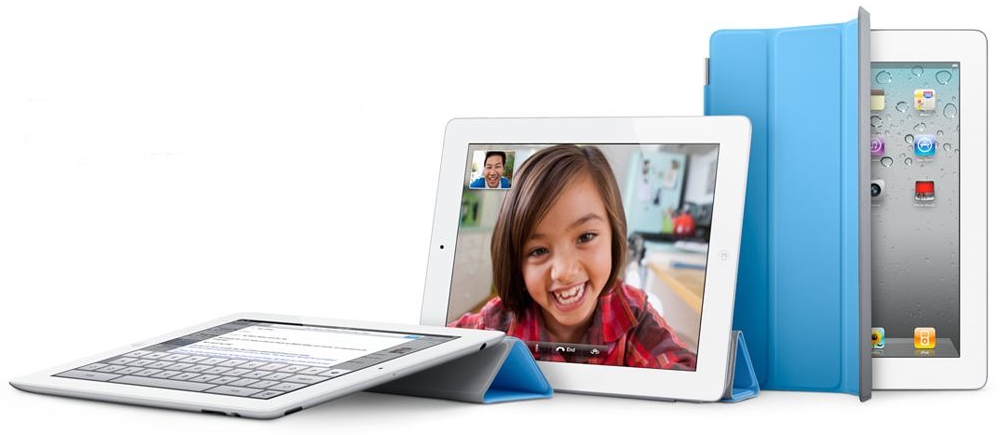
Apple is targeting to receive 40 Million iPad shipments from Taiwanese suppliers in 2011. The shipping is estimated at 6-6.5 million units in the first quarter including 3 Million iPad 2’s and expanding to around 10-12 million units in the 2nd quarter.
Continue reading “Apple Targets 40 Million iPad Shipments in 2011”
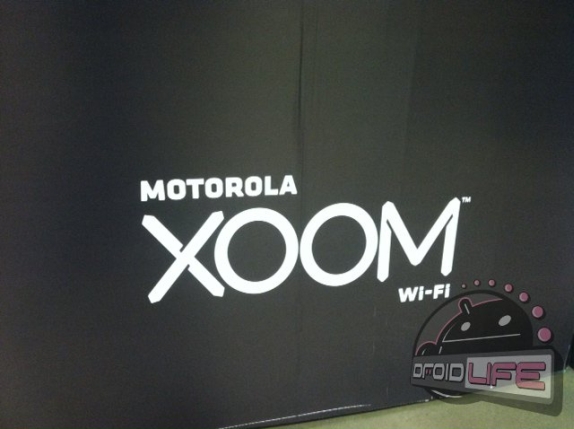
Folks at Droid-Life have got some interesting info about the upcoming WiFi only version of the Motorola Xoom Android Tablet spotted at a retailer Sams Club Continue reading “Motorola Xoom WiFi-only version spotted , priced at $539”
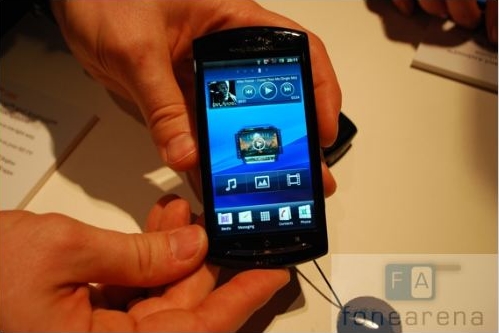
Sony Ericsson Xperia Neo is now available for pre-order at Flipkart, with a price tag of Rs 24,999. The smartphone is the next device ready to be launched from the Xperia line-up. The Xperia Neo is expected to start shipping from the second week of April 2011. Continue reading “Sony Ericsson Xperia Neo available for Pre-Order in India”
The Nokia N8 and C7 have been available for quite a while in the market, and we’ve already brought you reviews of the N8, many photo galleries of it, and a separate gallery of the Frosty Metal Nokia C7. I happened to have both the silver N8 and the Frosty Metal C7 in my hands at the same time, so I thought I’d share a hardware tour comparison with you, explaining the key design differences between these otherwise slightly similar Symbian^3 devices. Continue reading “Gallery: Frosty Metal Nokia C7 vs Silver Nokia N8”
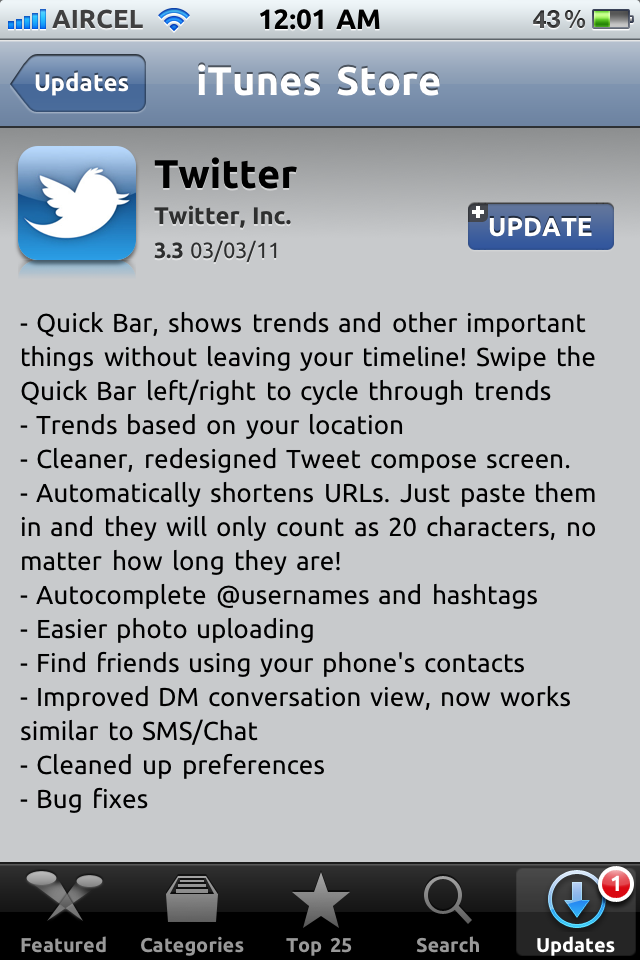
Twitter for iPhone just got updated to v3.3 . This new version brings lots of changes in the UI and many improvements in the overall app. Continue reading “Twitter for iPhone updated to V3.3 brings UI changes and bug fixes”
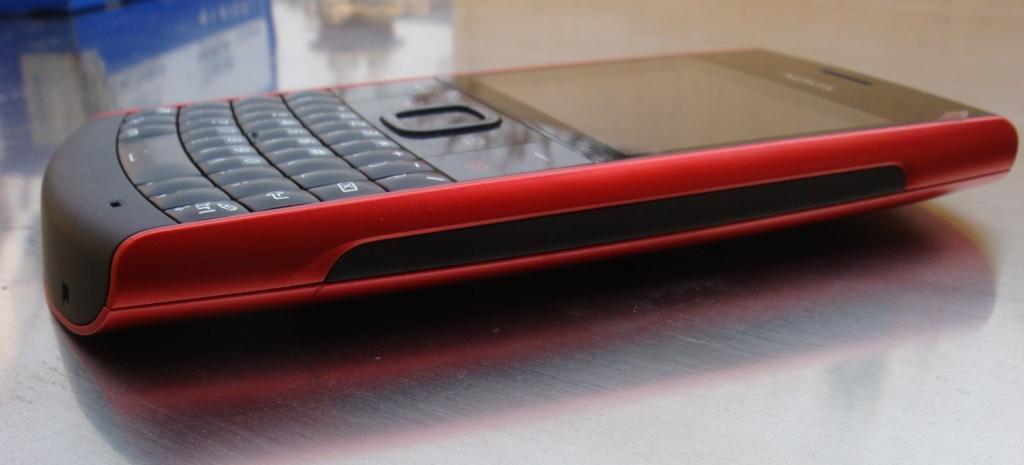
Here is the FoneArena Nokia X2-01 review. What would you do if you were a teen and given a handset as sleek with a solid qwerty and music DNA running on the handset. One would type so fast, so fast you can barely see them! The X-series range of phones are music oriented devices, Nokia has picked up the demand and love for social networking and heavy texting and has released this lovely looking device X2-01. Does this phone deliver ? find out in our review below Continue reading “Nokia X2-01 Review”

Airtel has finally launched 3G services in the Indian capital New Delhi and NCR ( National Capital Region) which includes Gurgaon, Faridabad and Noida. The company claims it has installed over 1800+ 3G cell sites for this region. Seems like the tariffs are same as the Airtel 3G tariffs revealed before. I know a lot of readers have been asking about Airtel’s 3G launch in Delhi and here is good news for you all.
Continue reading “Airtel 3G launched in Delhi, Gurgaon, Faridabad and Noida”
Here is the official video from Apple describing the iPad2. In this 6 minute long video you can get a overview of what’s really different about the iPad2. Totally worth watching if you are considering purchasing an iPad in the future.
BGR is reporting that the RIM Tablet – BlackBerry Playbook is set to hit retails stores in USA on April 10th
 Continue reading “BlackBerry Playbook Launch Date : April 10th ?”
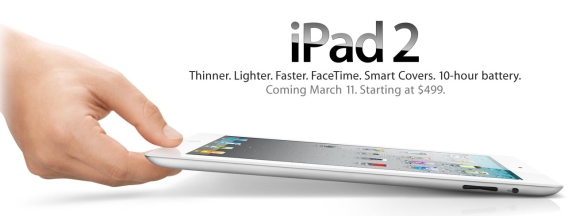
Apple recently announced the much awaited iPad 2 at an event in San Francisco. Check out the exclusive specs comparison of the original iPad and the new iPad 2.
Apple recently announced the much awaited iPad 2 at an event in San Francisco. The iPad 2 comes with a front facing camera as well as a rear camera. The iPad 2 is also 33% thinner as compared to the original iPad. iPad 2 runs on the recently announced iOS 4.3 and comes with the same 9.7 inch display and 10 hours of battery life. Continue reading “Apple iPad vs iPad 2 Specs Compared”
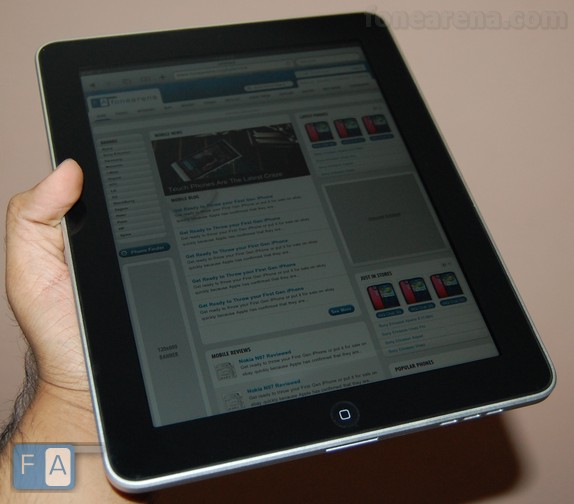
What Steve Jobs did not announce during the iPad 2 launch today was the price drop of the older versions of the iPad. While the new iPad 2 is going on sale at same old levels , Apple has shaved off $100 across every model from last year. The base model is available now for $399 .
Apple today launched the all new iPad 2 in an event in San Francisco. The new design is thinner at barely 8.8 mm thickness and its so light at just 601 grams for the basic version. That’s makes us ask the question if tablets are going to as thin as razor blades in future. The iPad 2 still offers the same stellar 10 hour battery life as the previous version.

