
Here is the short tutorial which allows your to configure Gmail Account on N95: (IMP: You must enable POP3 access of Gmail Account. Hint:Look inside Setting and POP forwarding Options on gmail web site)
- Open Messaging Application
- Goto Mail box. It asks you ‘No mailbox defined. Define now?’, Choose Yes.
- Mailbox setup wizard will start. Press start to continue
- Mailbox Type choose POP3, Press Next
- On next screen type your email address xxx@gmail.com (IMP: press the Pencil Key and highlight your email address then press Copy. This will save you typing)
- Press Next
- Enter pop.gmail.com as Incoming mail server, Press Next
- Enter smtp.gmail.com as Outgoing mail server, Press Next Continue reading “Configure Gmail On Your Mobile Phone”


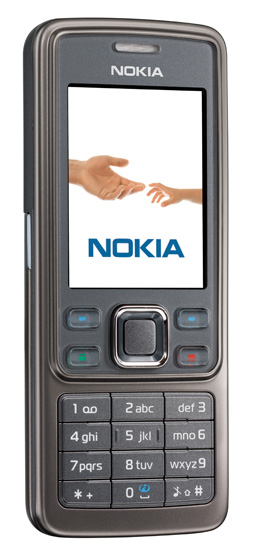 The main features are the presence of Wi-fi and VoIP
 Apple is going on path taken by Samsung and Nokia. Like Nokia came up with the Nokia 5500 Sports edition and Samsung recently launching the
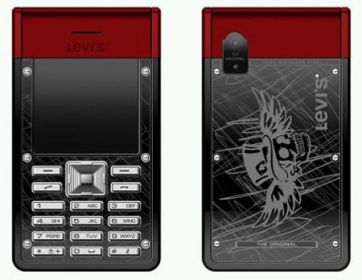 This time Levis has done it again. After launching the