
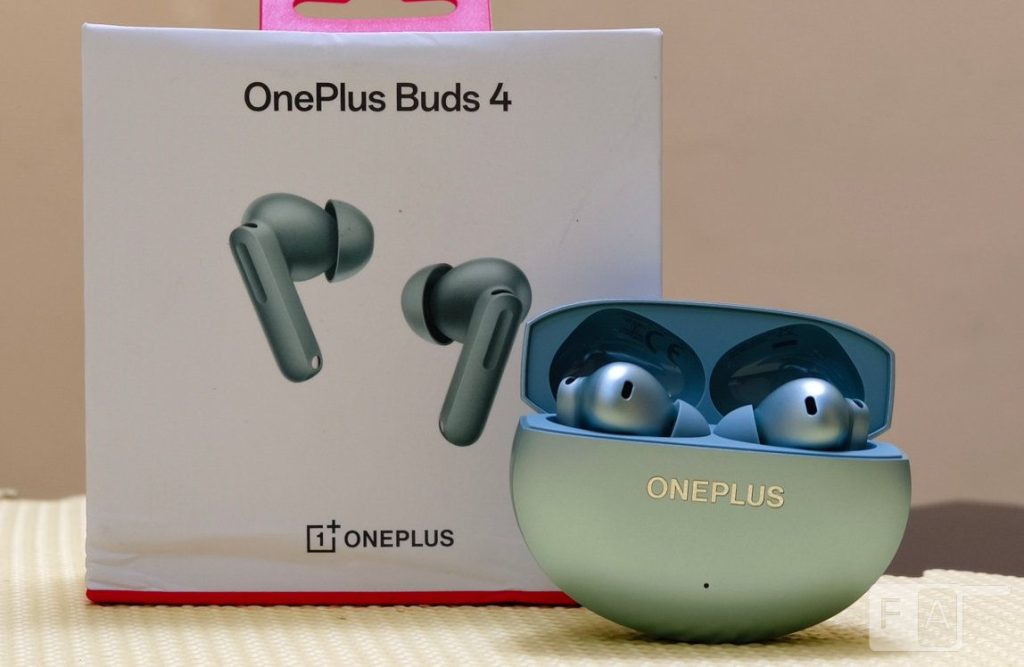
OnePlus today launched the OnePlus Buds 4, the company’s latest true wireless earbuds, as the successor to last year’s Buds 4. The new OnePlus Buds 4 retains dual drivers and LHDC 5.0 codec, and brings dual DACs and up to 55dB ANC.
Are these the best true wireless earbuds with ANC under Rs. 6,000? Let us dive into the review to find out.
Box contents
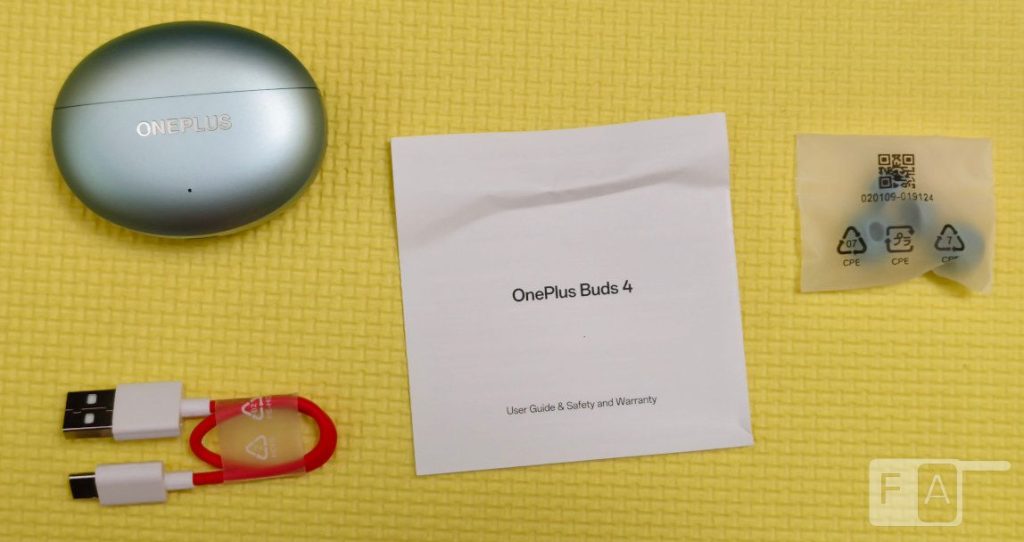
- OnePlus Buds 4 in Zen Green colour
- OnePlus Buds 4 charging case
- User guide
- Silicon ear tips (S and L, M pre-installed)
- Safety and Warranty card
- USB Type-C charging cable
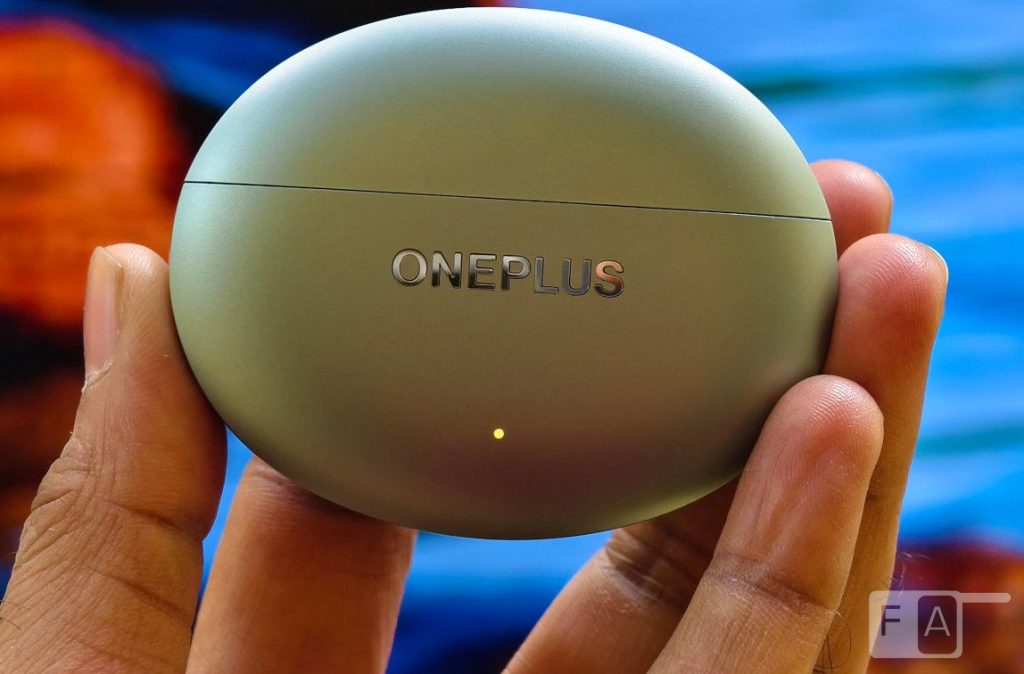
Starting with the design, the headset switches from a rectangular charging case in the predecessor to a round case matching the Buds Pro 3, and it fits in your pocket. It has a matte finish, so it doesn’t attract fingerprints.
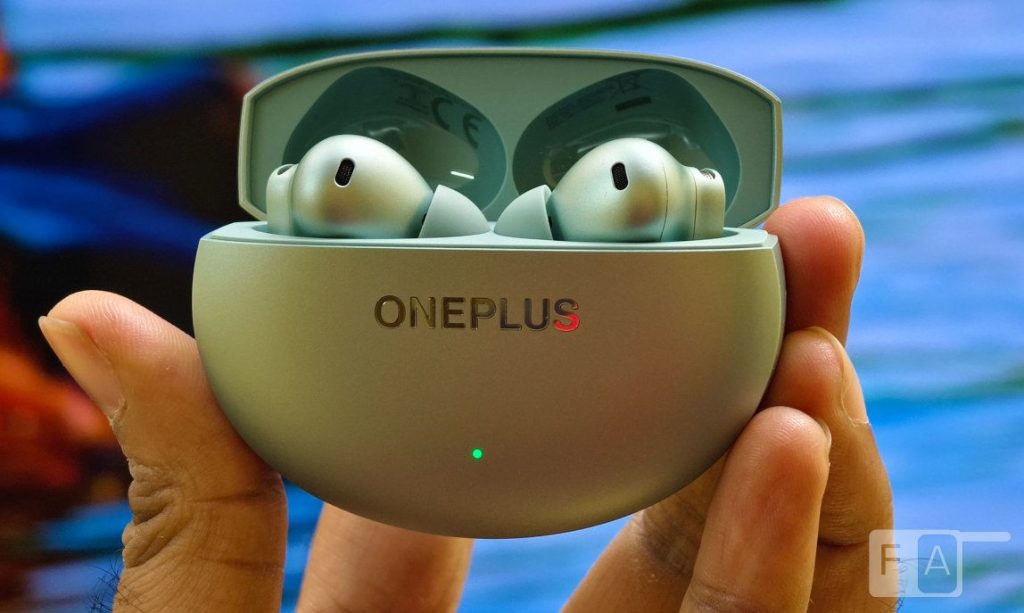
Similar to the predecessor, it has NCVM (NonConductive Vacuum Metallization) coating technology and high-powered CO2 laser engraving distinctive metallic texture and matte finish that creates a delightful interplay between subtle light and shadow, says the company. The charging case weighs 49.02 grams with the Buds.
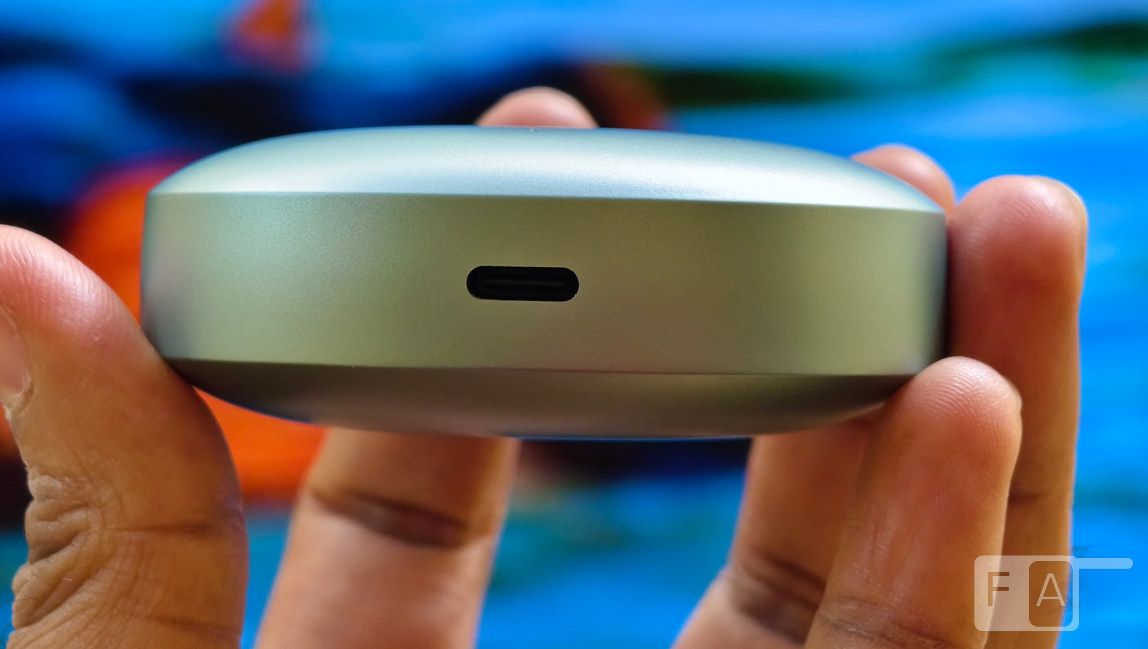
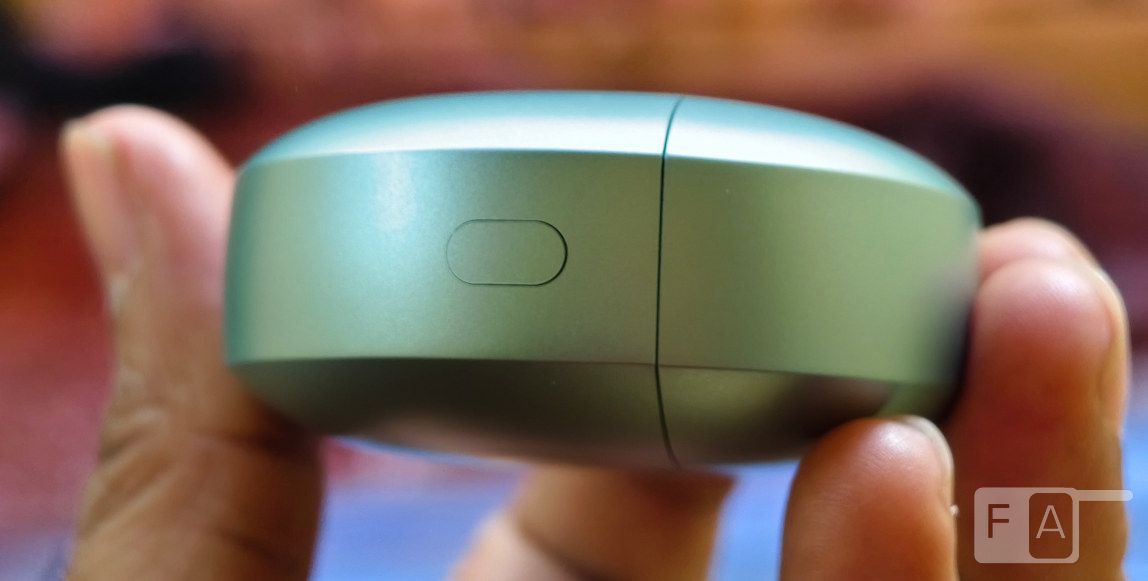
There is a tiny LED indicator on the front that glows in green and red colours. The USB Type-C port is present in the bottom, and the function button has been moved to the side.
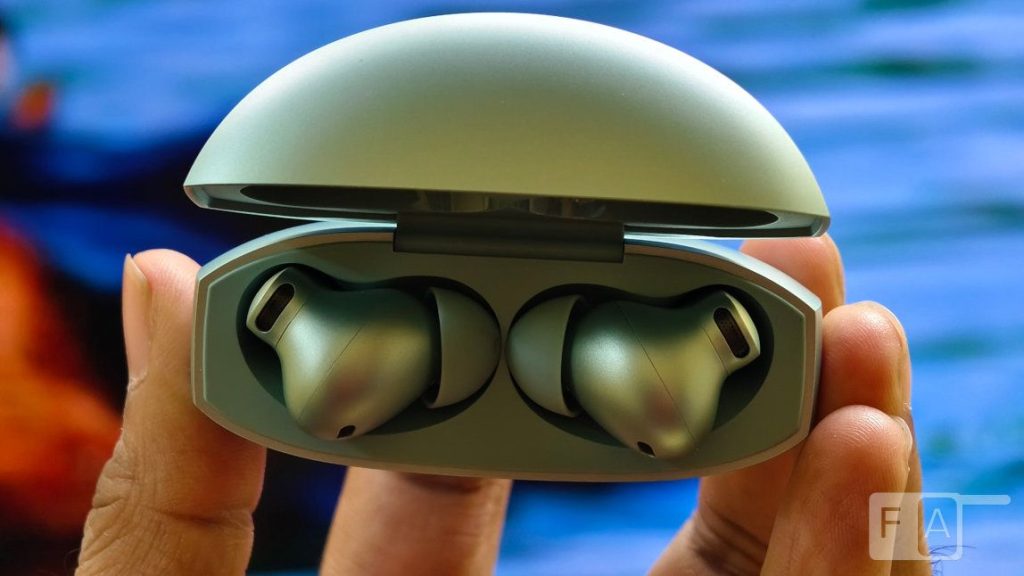
Opening the case, you can see the slots for Left and Right earbuds. It has strong magnets to secure the buds in its place.


The headset has a plastic build and a matte finish that doesn’t attract fingerprints. You can also see the microphones on the outside. This uses touch controls, same as the Buds older model, instead of squeeze or press controls in the Buds Pro series. However, this retains the touch slider for volume adjustment.
The earbuds weigh about 4.73 grams and feature an in-ear design. The earbuds come with medium-sized ear tips pre-installed, but you can change to bundled Large or Small sized ear tips if you wish.
There is an Optical Sensor for Wear Detection so that it can automatically pause the audio when you remove it from your ears and play when you put it back. There is a microphone near the ear tips.
Overall, the headset offers a good build quality and fits your ears perfectly so that they don’t fall off your ears easily, even during outdoor activities like running or cycling. The earphones also have IP55 ratings for dust and water resistance, so it can withstand splashes or light rain, but you can’t use it when swimming. The case doesn’t have IP ratings.
Connectivity, Pairing, and Controls
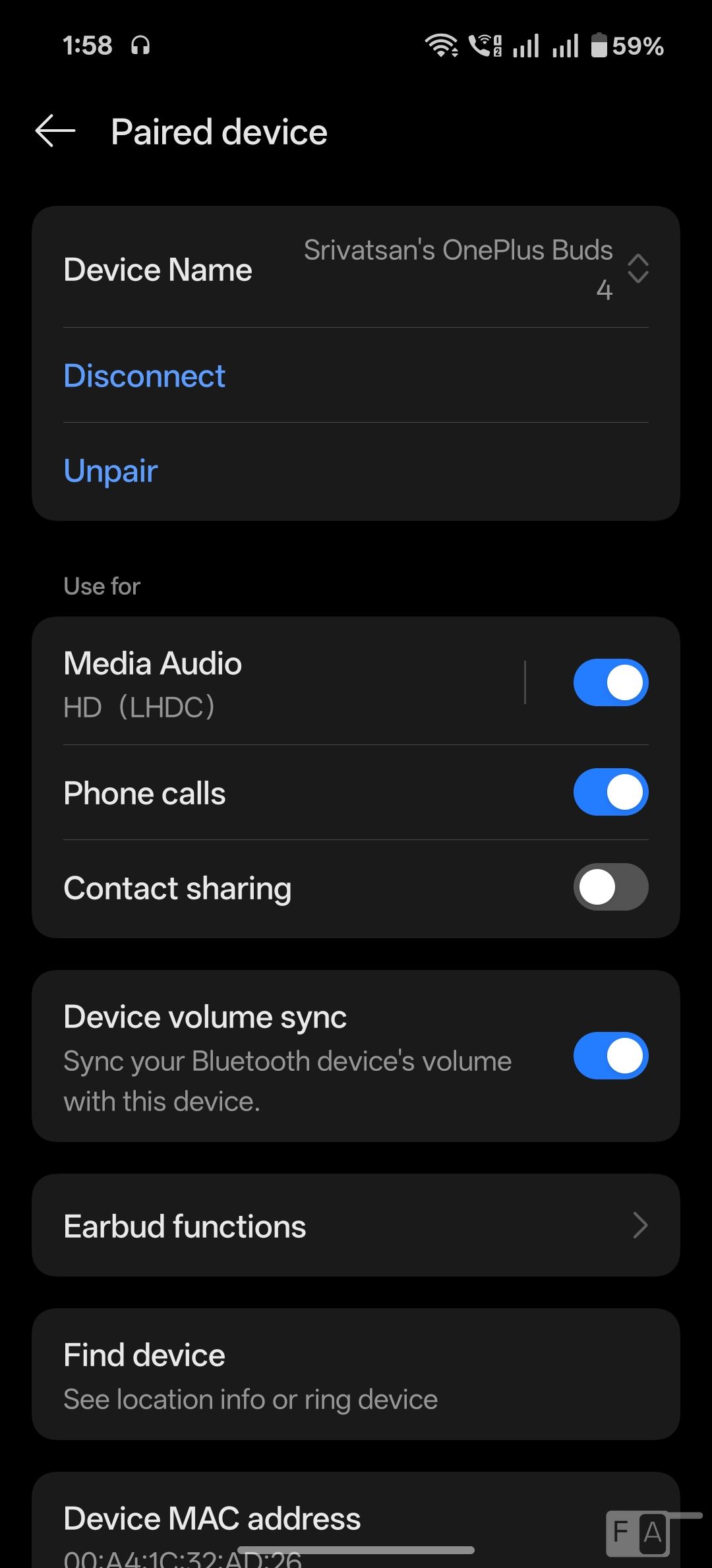
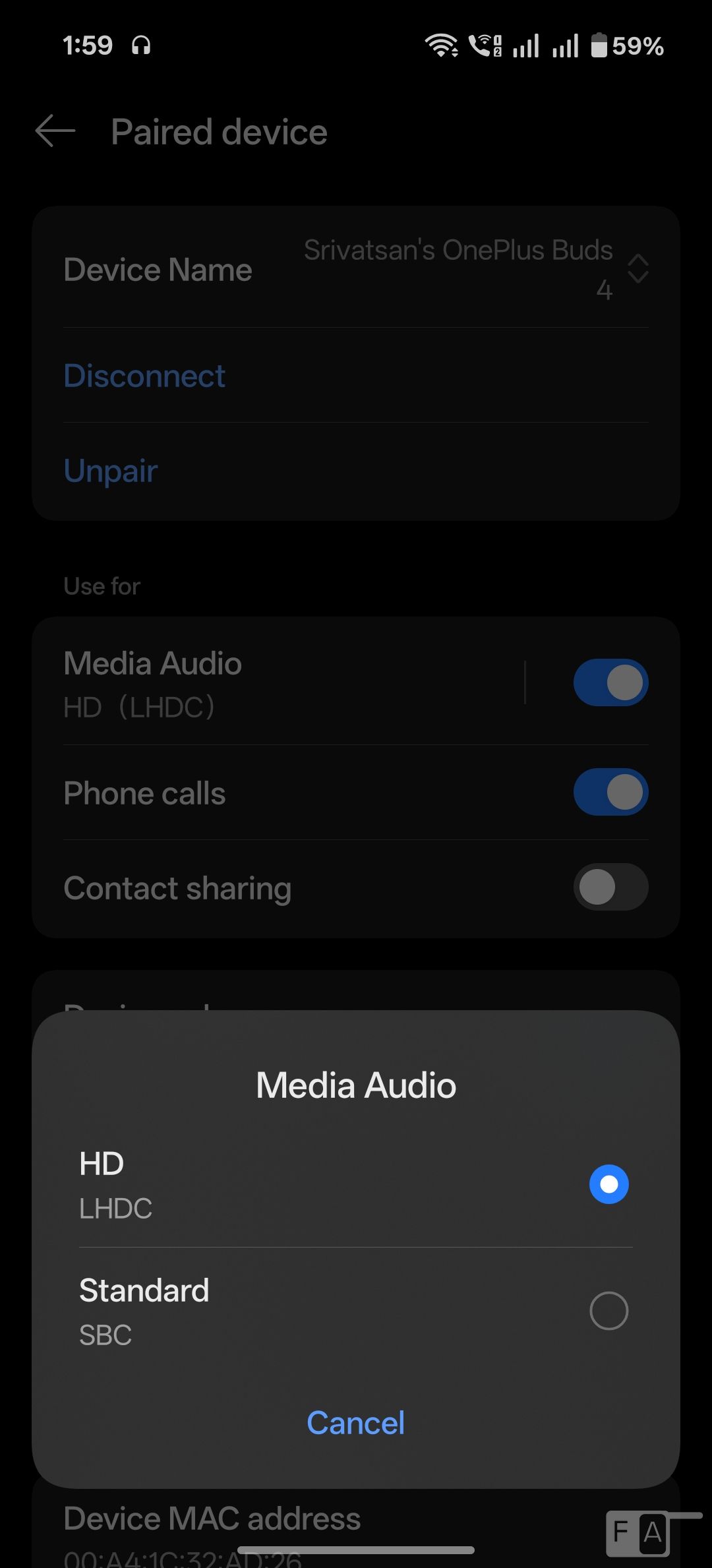
The OnePlus Buds 4 supports Bluetooth 5.4 with LHDC 5.0 Hi-Res audio codec for HD sound quality on supported devices offering a transmission rate of up to 1Mbps, and supports AAC codec that works in phones that have it.
The pairing process is very easy for OnePlus devices. Just enable Bluetooth on the OnePlus phone, open the charging case of the buds, place the charging case close to the phone, and follow the prompts. To connect to a non-OnePlus phone or other Bluetooth device, place the Buds 4 into the charging case with the cover opened. Press and hold the setup button in the case for 2 seconds to enter Bluetooth settings. Then, select OnePlus Buds 4.
There is a fast pair option which works in latest Android phones. We tested it on the Pixel 9a, POCO F7 and the OnePlus Nord 5, and never faced any pairing or disconnection issues. Since the phone pairs with the case and not the headset, you will need the case if you want to reconnect it or even turn on the headset if it’s disconnected from the phone.
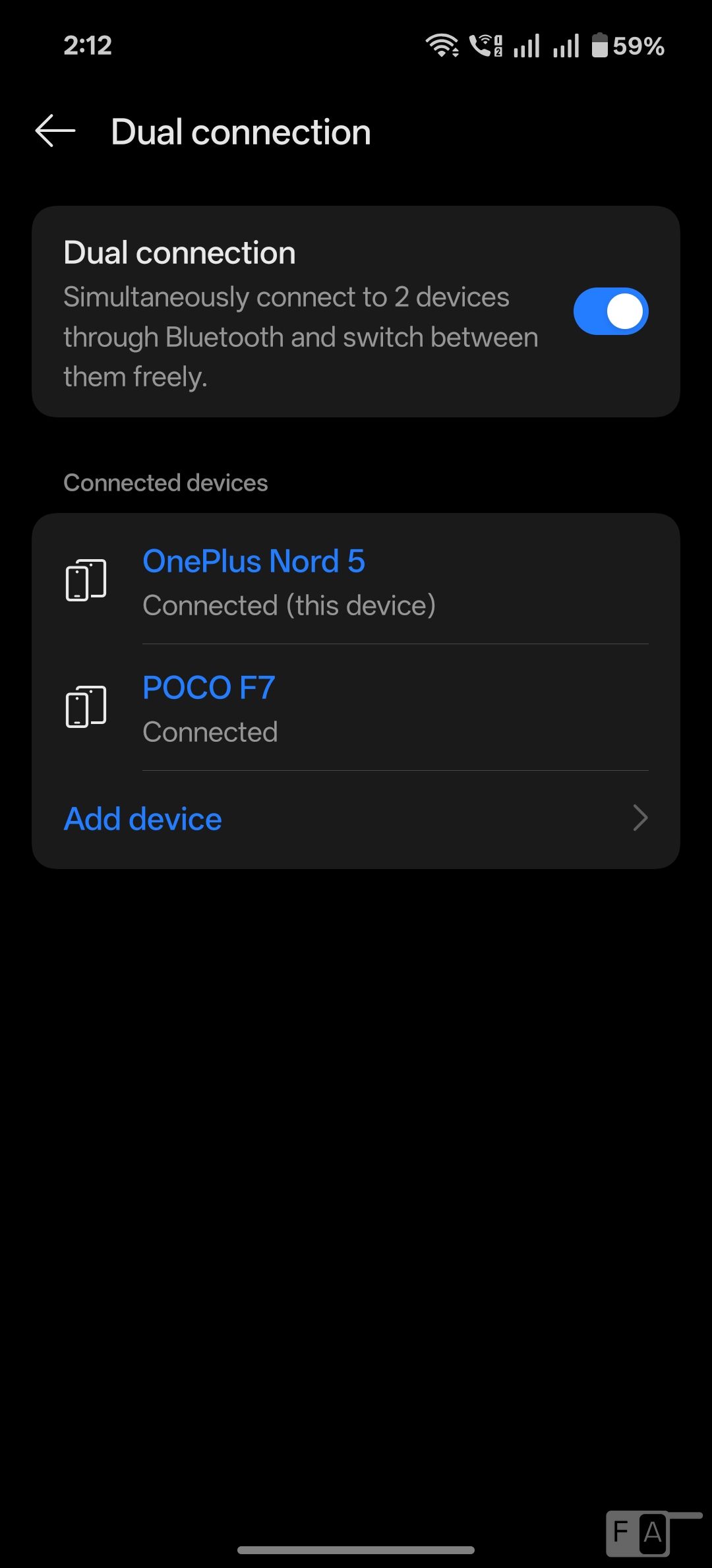
You can enable dual connection option that lets you connect to two devices at the same time and switch the audio playback between them.
| Function | Left earphone (L) | Right earphone (R) |
| Play / Pause | Single tap | |
| Play next track or Answer call / Hang calls | Double Tap | |
| Play previous track | Triple Tap | |
| Enable noise cancellation or switch between noise cancellation modes | Press and hold for 1s | |
| Switch the device / Reject calls | Press and Hold for 3s | |
You can customize the controls from the settings if you have an OnePlus, OPPO or realme phones. Other use the Hey Melody app on Android and iOS.
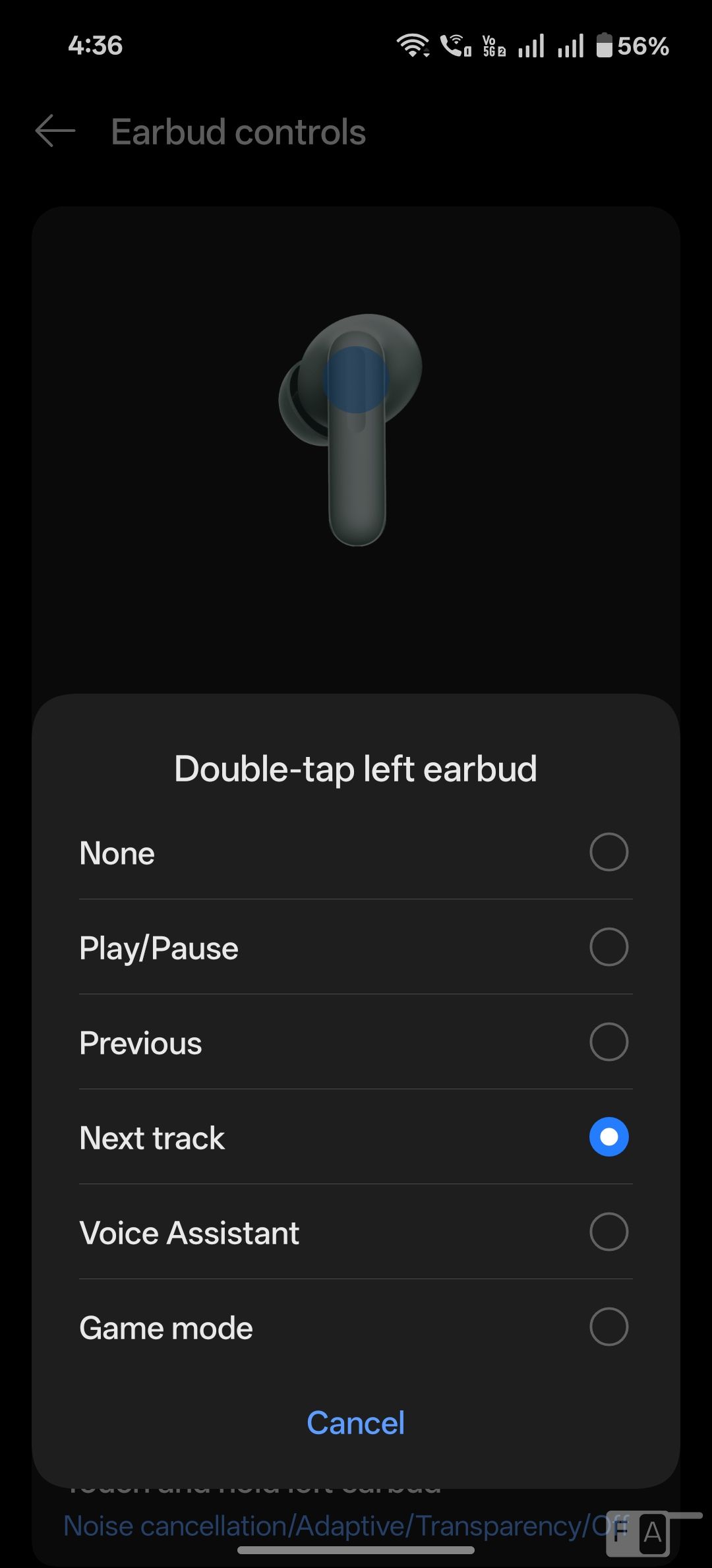
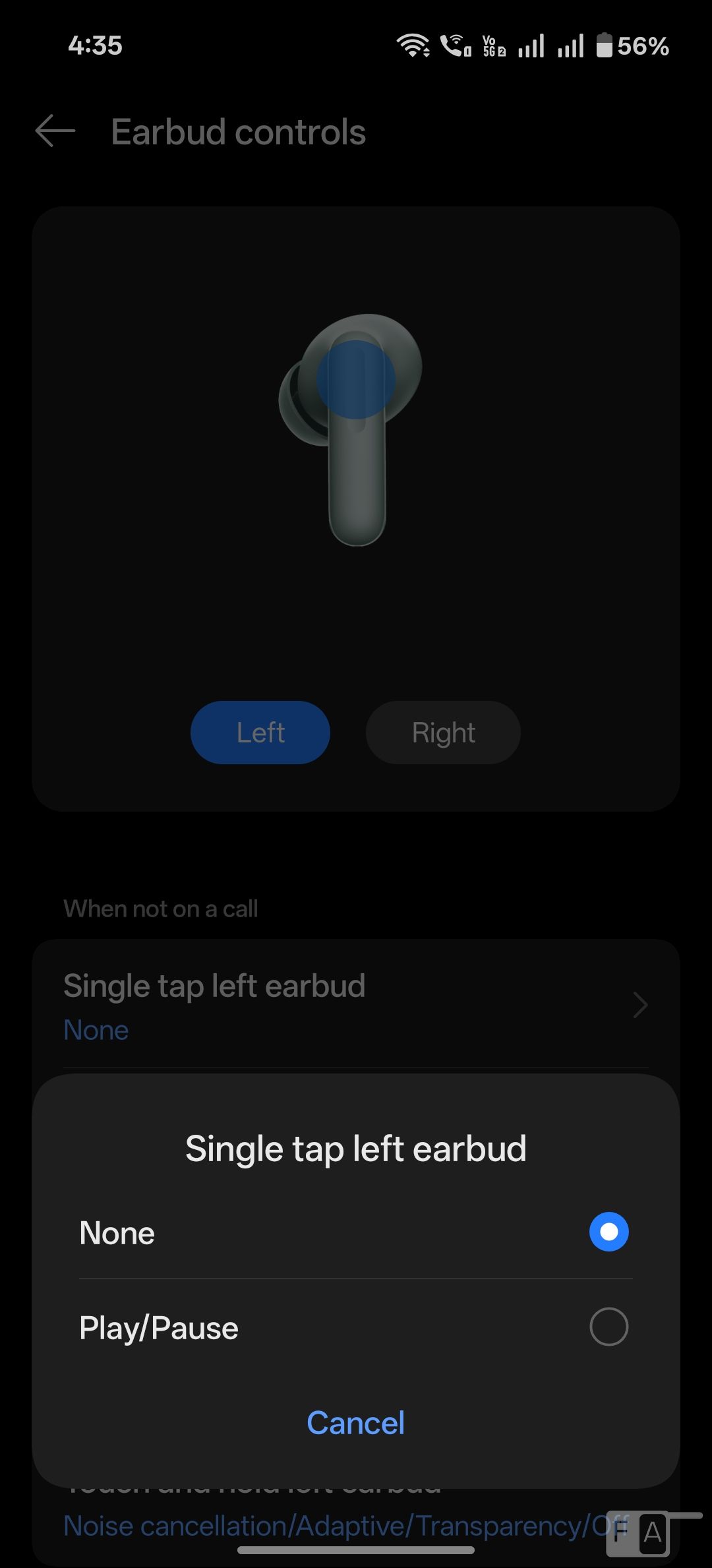
You can’t edit single press for play/pause, but can change double-press for next track to previous track or to launch voice assistant for either left or right or both the earbuds. The triple tap function can also be customized. You can slide to control the volume, which comes in handy. This can also be customized to switch track.
You can also choose at least two from Noise cancellation, Transparency, Noise cancellation off, when you press and hold either earbud. The autoplay / pause option when you remove the earbud can be disabled. The earbuds miss the Zen mode option, which is exclusive to Buds Pro series.
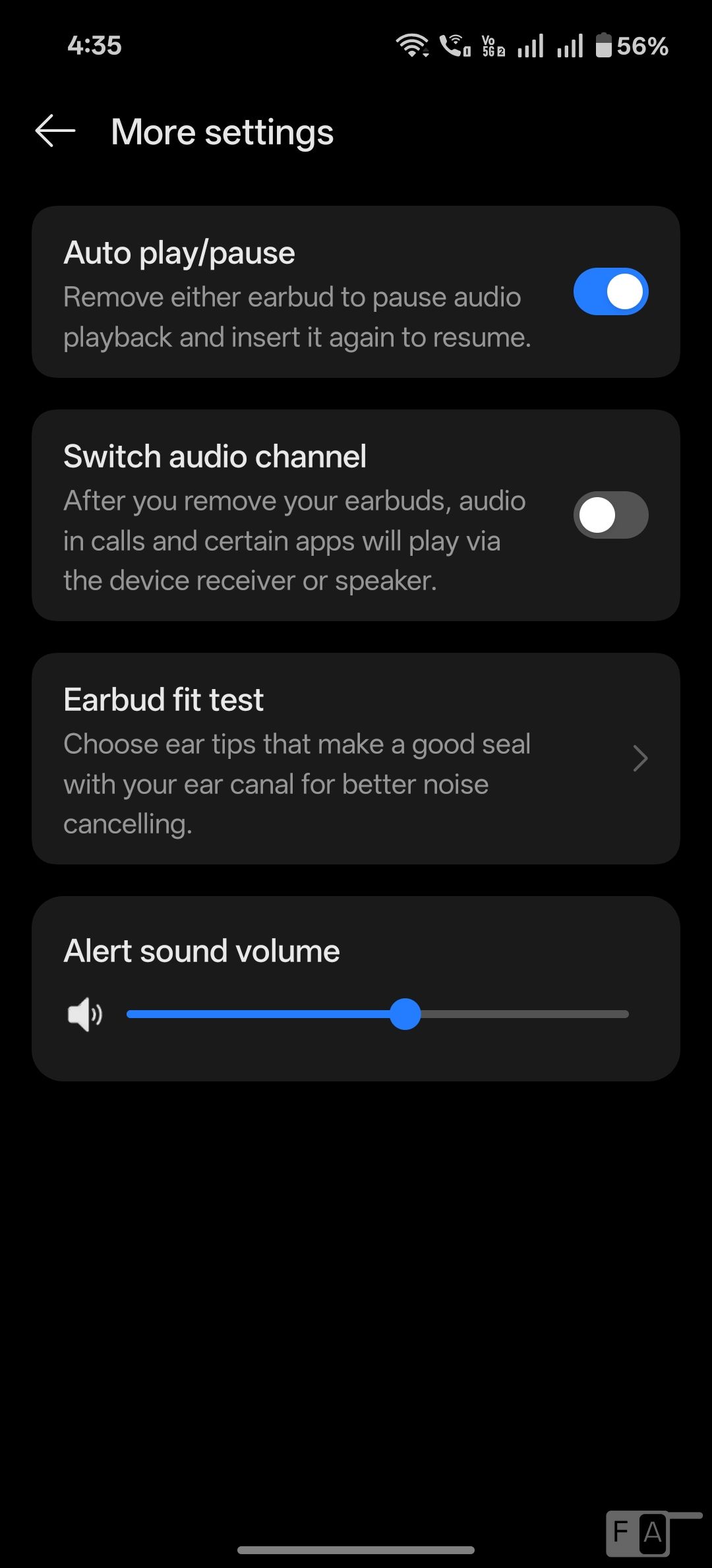
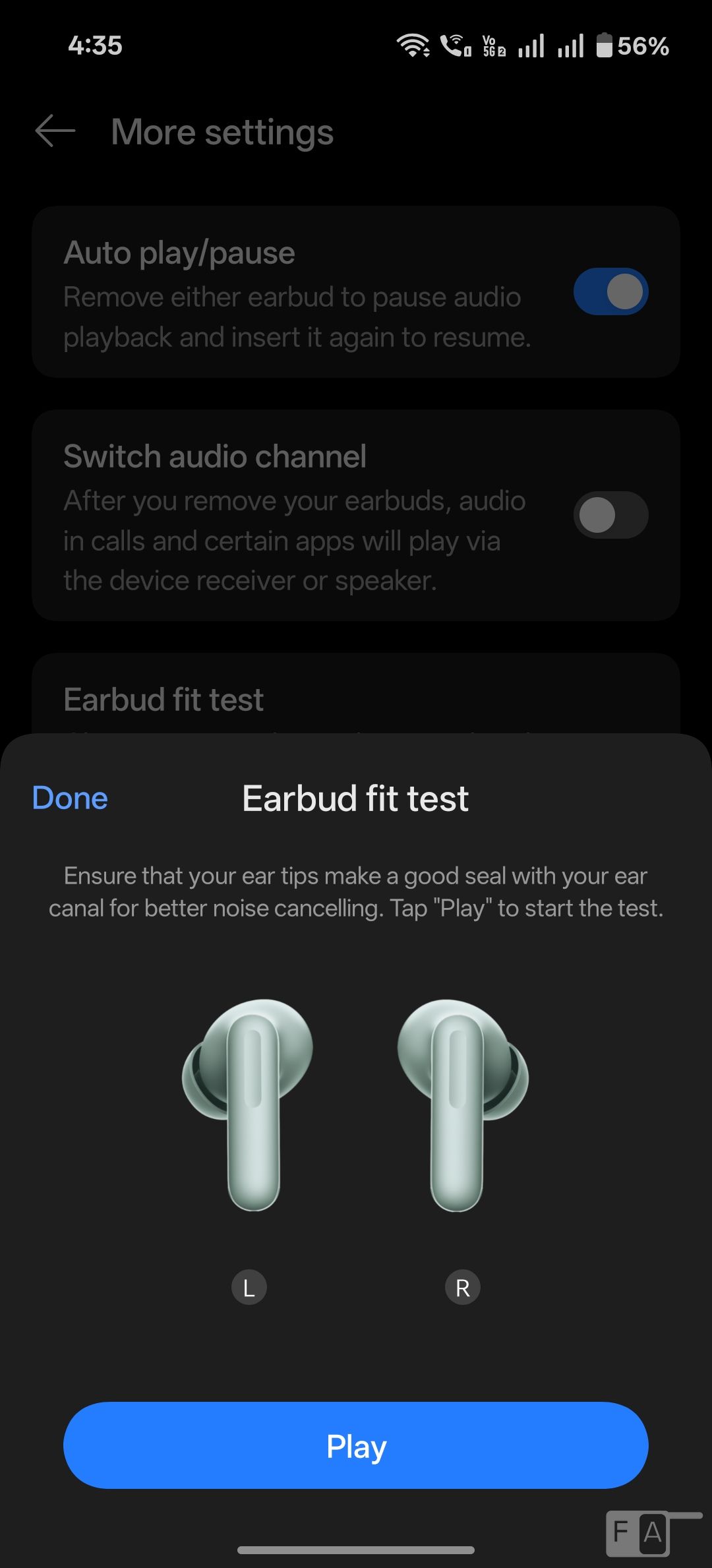
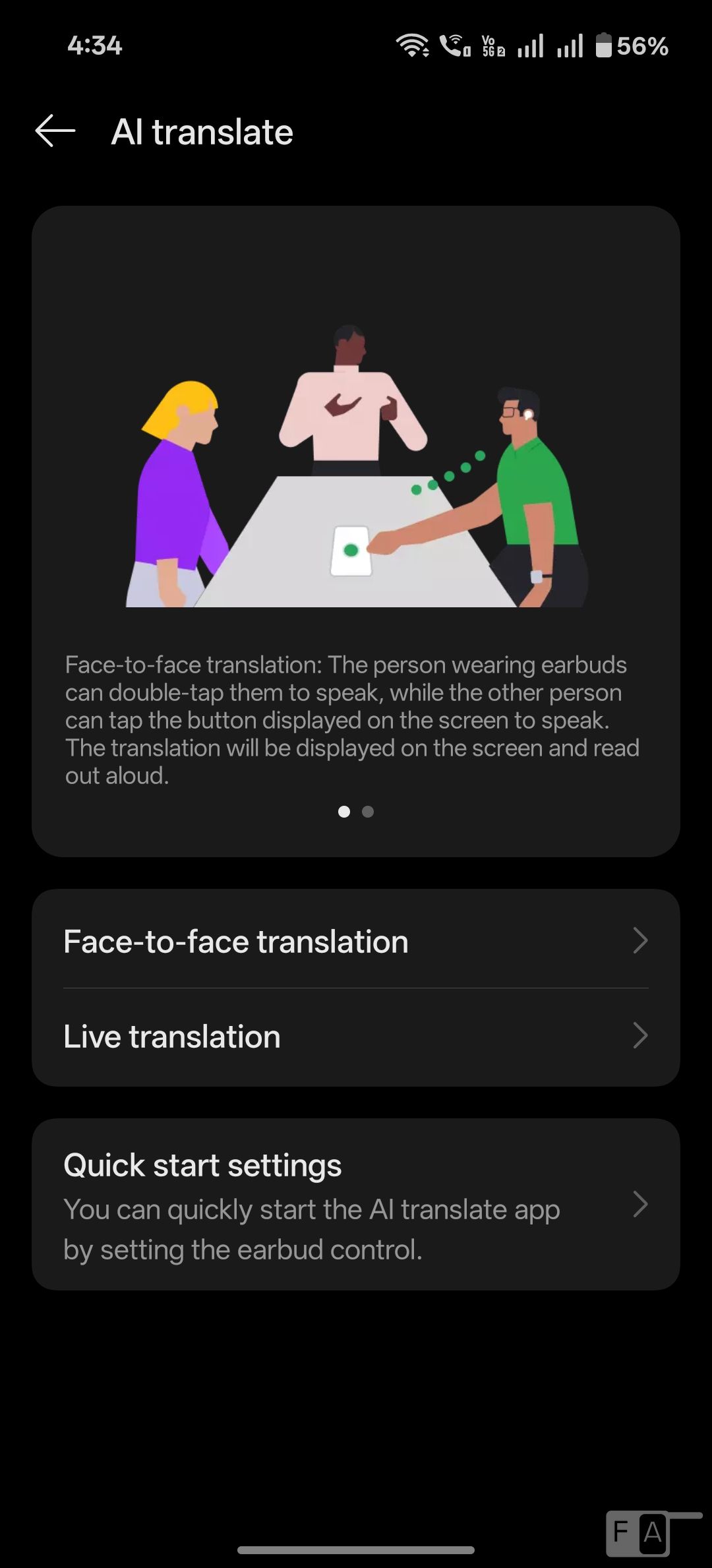
The Earbuds fit test option plays music to ensure that your ear tips make a good seal with your ear canal for better noise-cancelling. For OnePlus phones, there is AI Translation that can translate between Chinese, English, Japanese, Spanish, Italian, French, and 17 other languages.
Audio Quality
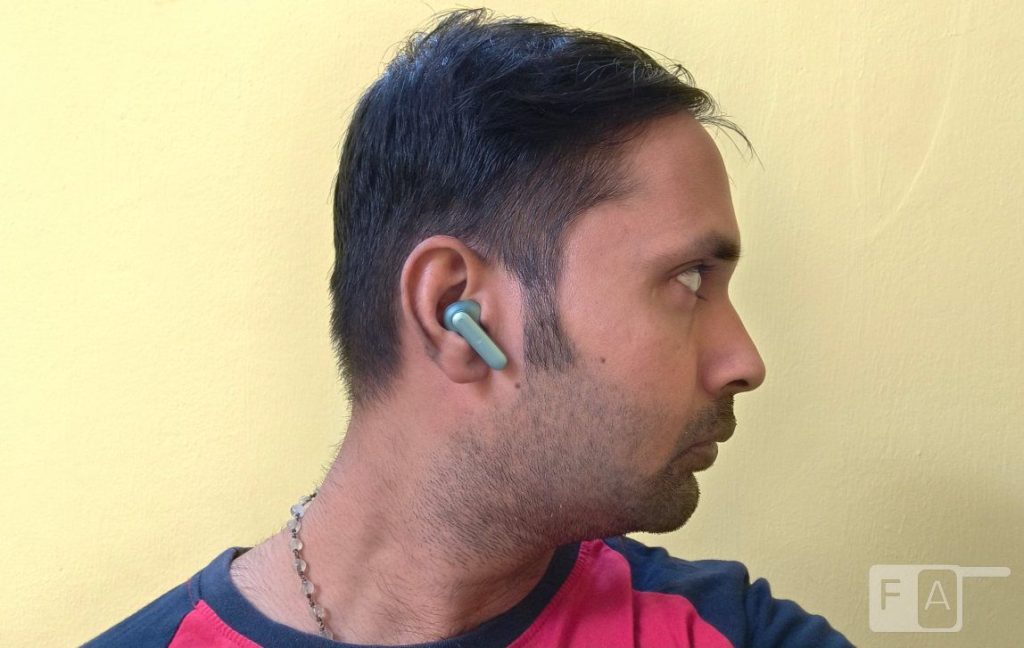
The OnePlus Buds 4 has Dual Drivers that includes a 11mm woofer that uses 30-layer ceramic-metal diaphragm and dual-magnet drive covering a wide frequency range, and the 6mm tweeter reproduces crisp, shimmering highs. It covers frequency from 15Hz till 40kHz.
There is also dual DACs that does a good job offering improved Signal-to-Noise Ratio, better audio separation and enhanced dynamic range and detail.
LHDC 5.0 worked with OnePlus Nord 5, and POCO F7. The audio quality is crisp with clear vocals and good amount of bass. Highs are good, and the mid-range is average.
While the overall sound is V-shaped, vocals and mids are generally well-represented with good clarity. Overall, there is a good improvement in audio compared to the OnePlus Buds 3.
3D Audio and EQ
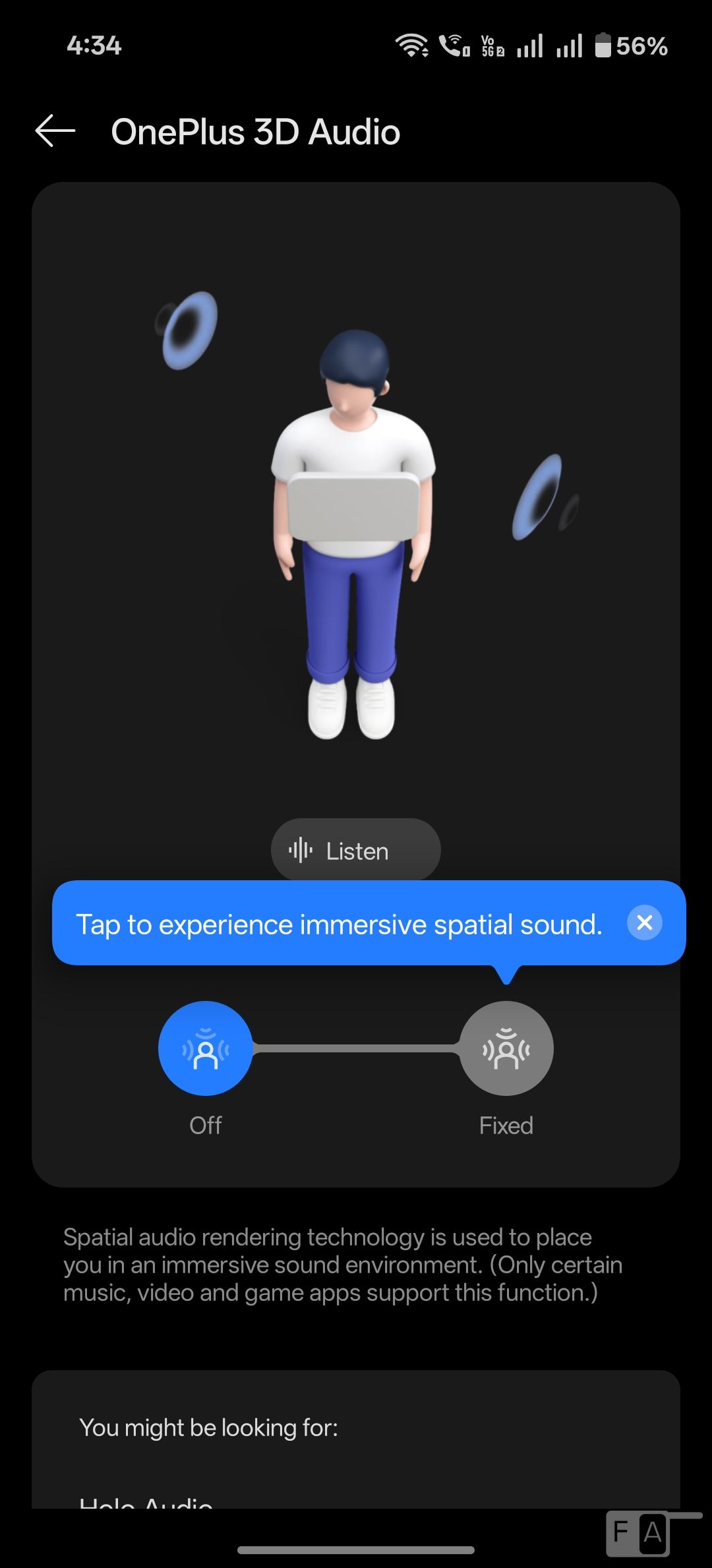
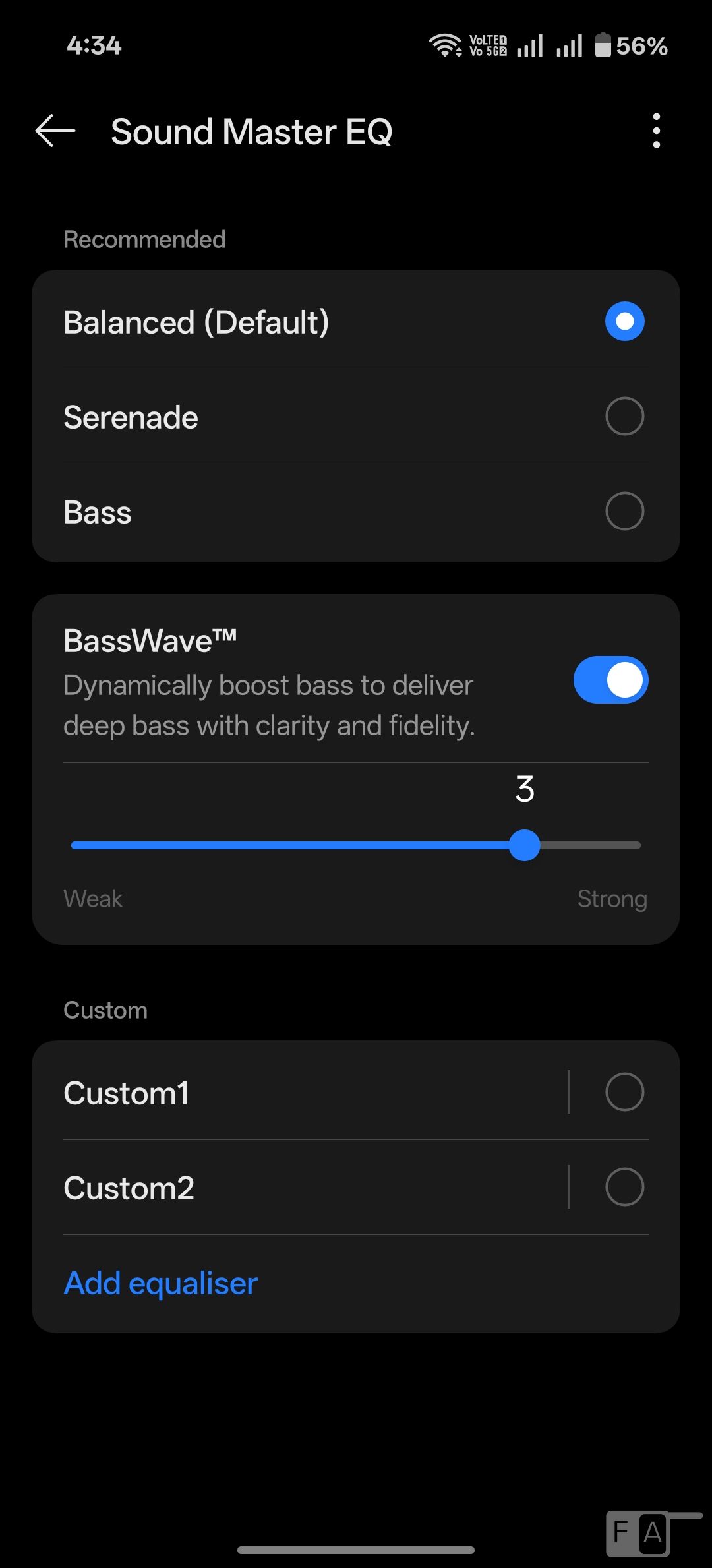
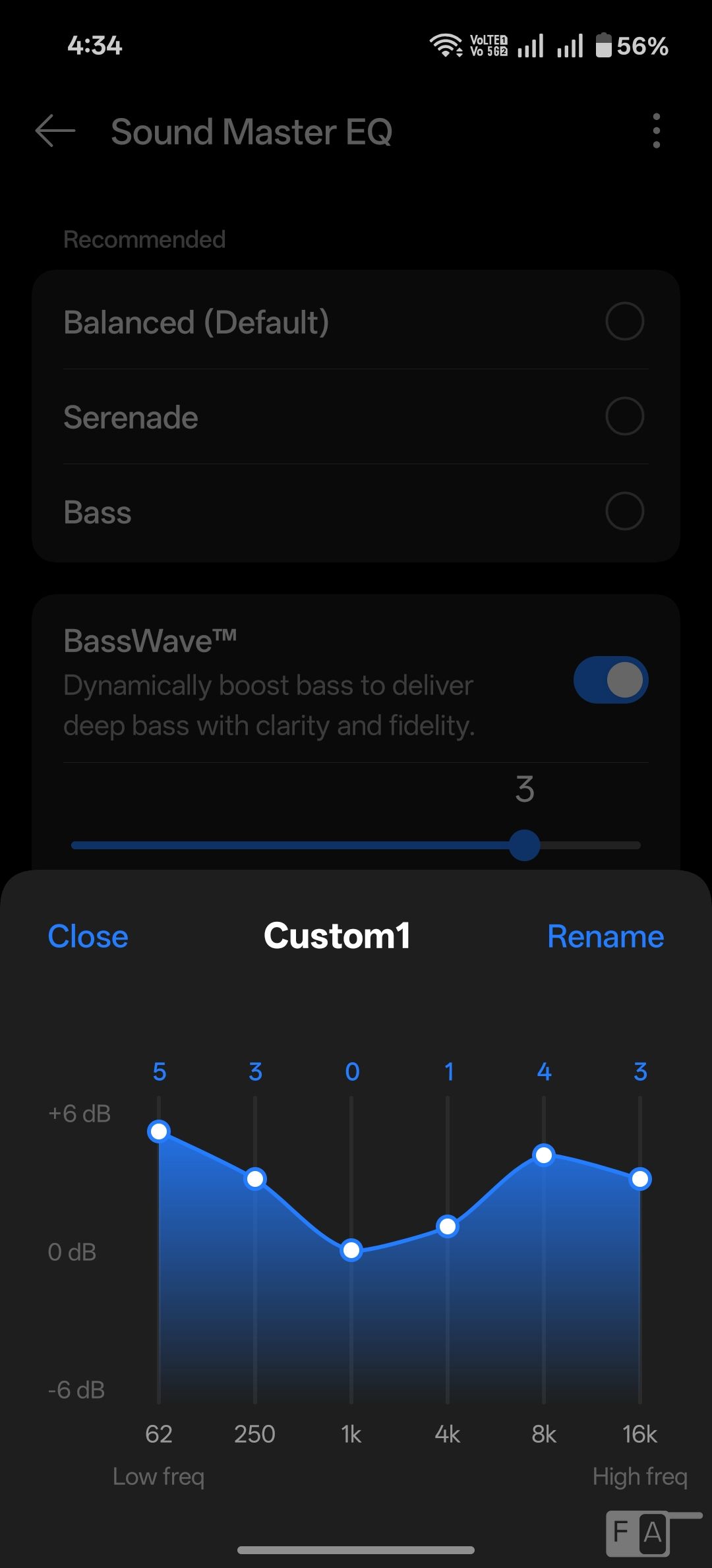
There is OnePlus 3D audio, which uses software to create spatial sound. It features four equalizers – Balanced (default), Bold, Serenade and Bass – so that every song can be heard how it should. You can also create custom EQ.
If you feel the bass is not enough, there is BassWave feature that boosts bass even more, and you can select the strength. Golden Sound lets you customize the audio based on the ear canal and hearing characteristics. There is also Hi-Res mode.
Noise Cancellation and Call Performance
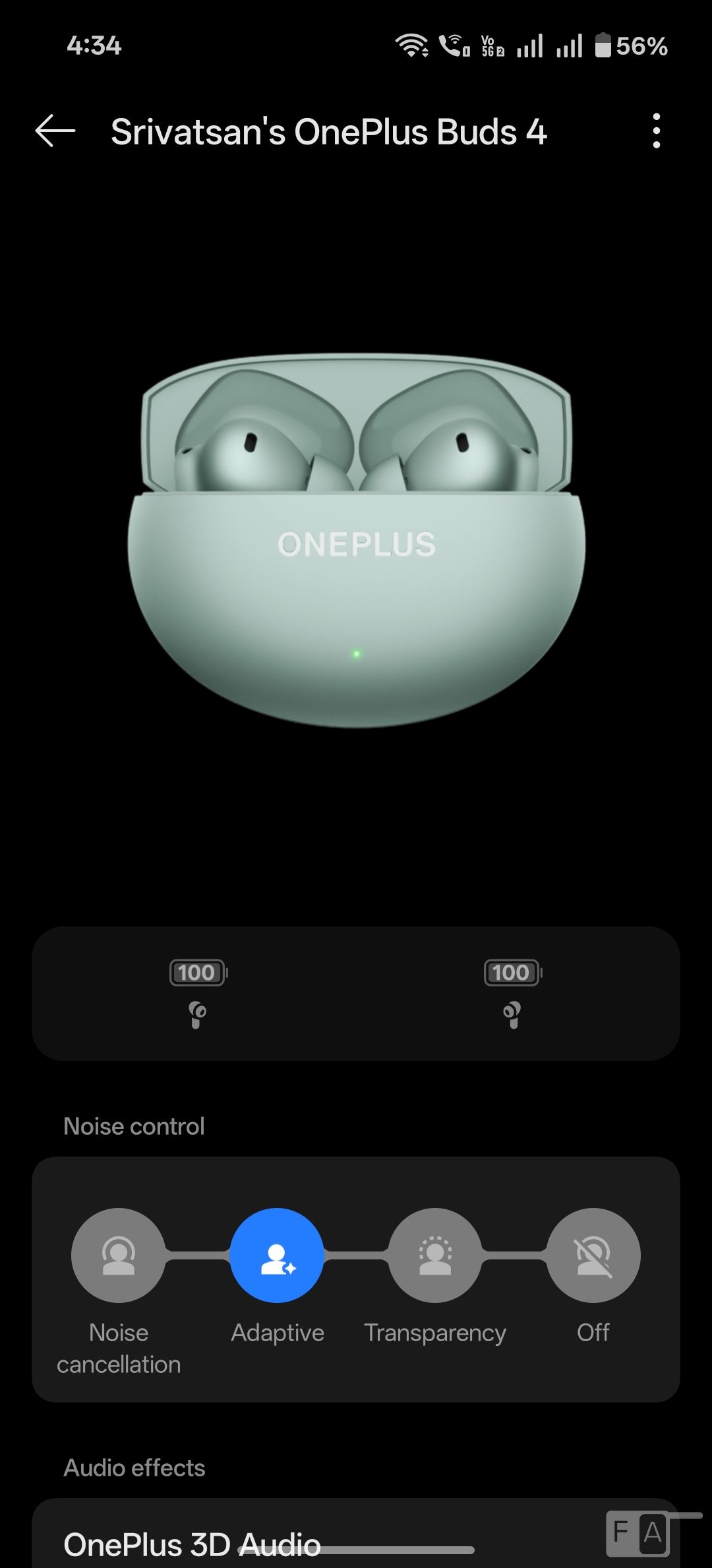
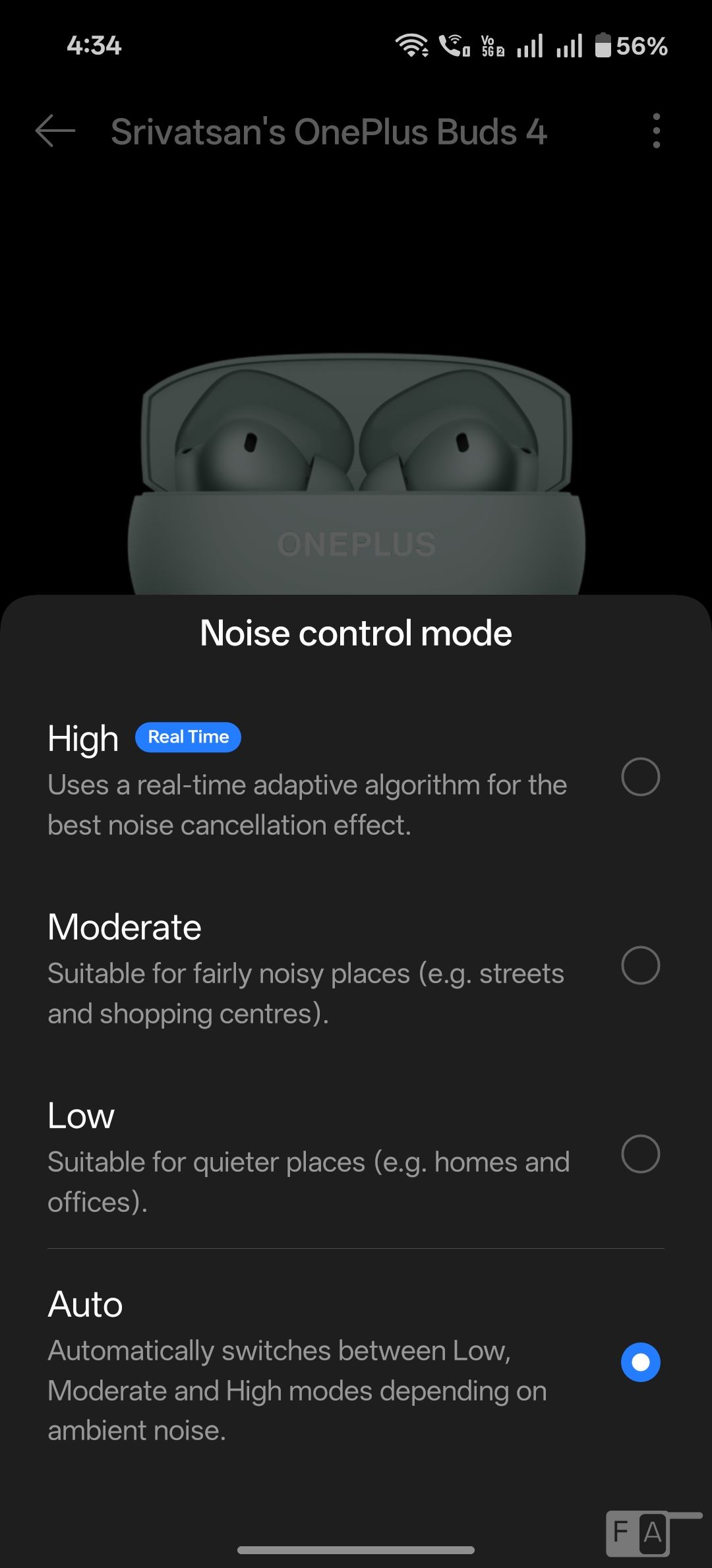
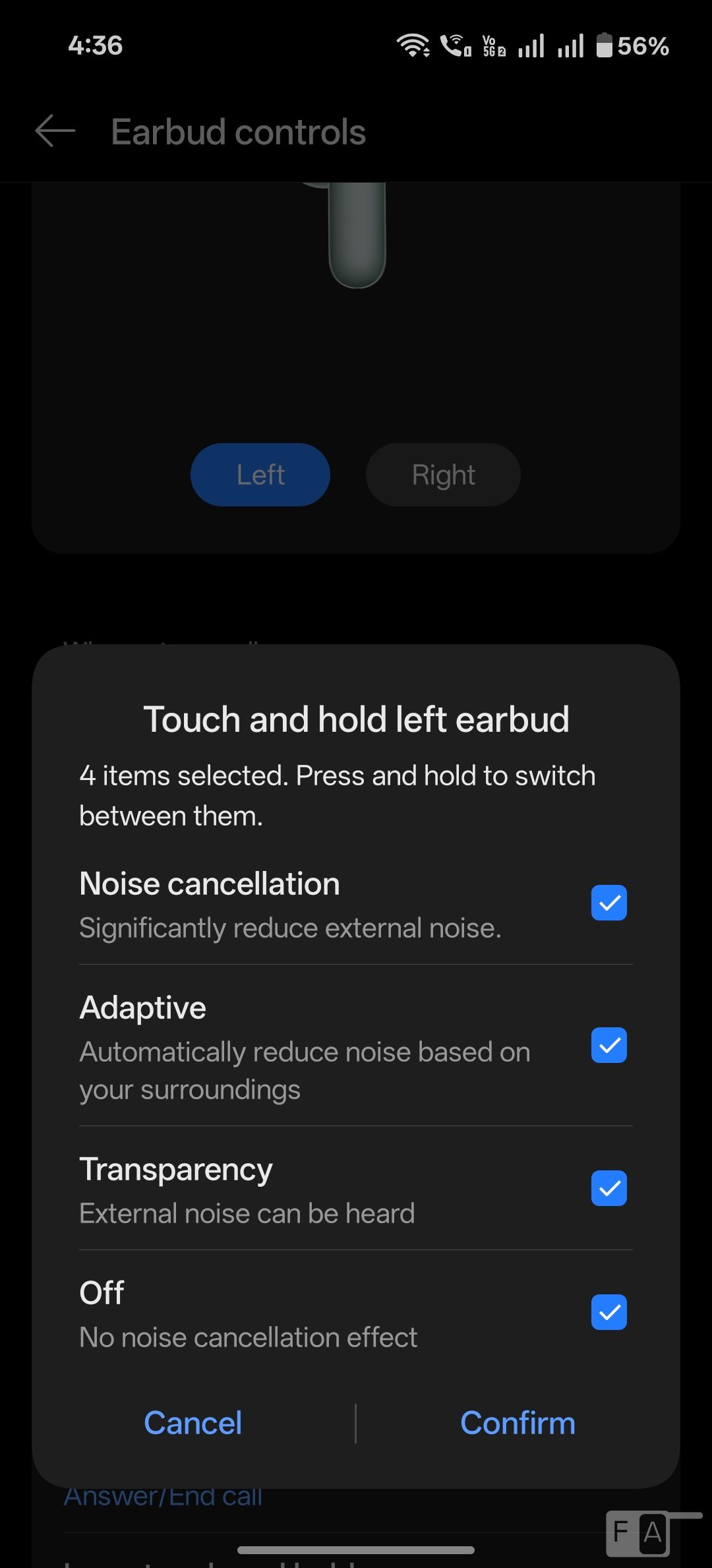
Regarding the Noise cancellation, the Active Noise Cancellation (ANC) blocks the ambient sound that helps in most cases. You can feel the difference when you are listening outdoors. For the price, it does a good job.
Compared to 50dB ANC in Buds 3, this offers 55dB ANC, and it has wide 5500Hz frequency range. There are Smart, Max, Moderate and Mild modes. The Smart noise cancellation option works well in blocking the noise automatically depending on the noise outside.
There is a new Adaptive Mode that removes the need to manually switch between Active Noise Cancellation and Transparency Mode. By leveraging real-time microphone input and advanced algorithms, Adaptive Mode intelligently balances ANC and ambient awareness for a seamless listening experience that adapts to your environment. This is fine, but can be inconsistent at times.
This also has Transparency mode that allows you to listen to ambient sound so that you can recognize the surrounding situation and any potential risks. It can turn on the transparency mode automatically when you remove a single earbud. The low-latency is 47ms, better than OnePlus Buds. This useful when gaming, but it again limited to OnePlus phones with the game mode enabled.
Coming to the call noise cancellation, it uses AI-powered noise reduction algorithm and three ENC microphones to cut external noise. This does a good job in cutting down wind and traffic noise. During my use outdoors, wind noise was complete cut out to the receiver, but the traffic noise was faintly audible.
Battery Life
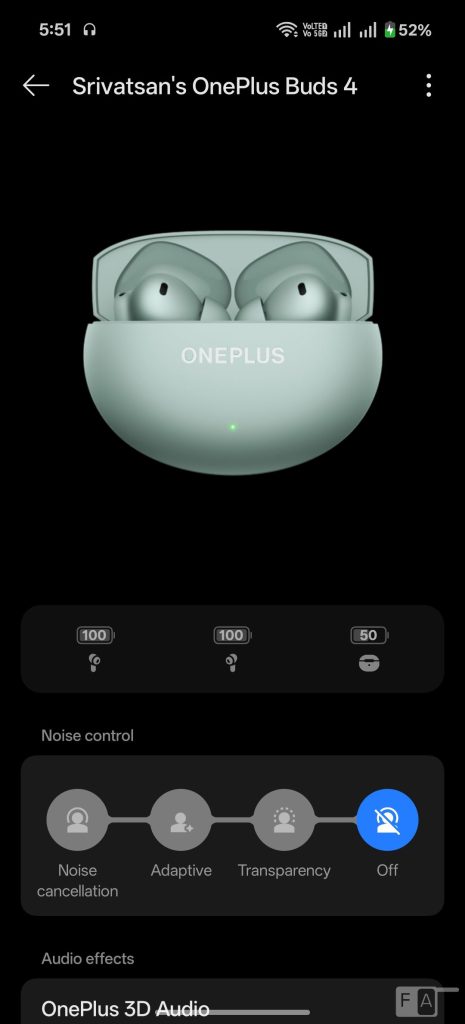
The earphones pack 62mAh battery that promises about 11 hours of standalone battery life and 6 hours with noise cancellation enabled. During my use with LDHC and noise cancellation on and off rarely, I got about 6.5 hours of battery life in about 60% volume, so it is good. For calls, it lasts for less than 4 hours since it uses call noise cancellation tech.
With the 530mAh charging case, it promises up to 45 hours of total battery life without ANC and 24 hours of total battery life with noise cancellation enabled. I got about 38 hours with mixed use, which is decent. The green light in the case indicates that the battery is high, and it turns red when it is low. You can also see the charge left in the case in the HeyMelody app when the earbuds are placed in the case.
Charging the case fully with the earbuds takes about an hour. It also has fast charge, so that you get 11 hours (charging case + earbuds combined) of playback with 10 minutes of charging with ANC off, and 3.5 hours of listening with 10 min charge with earbuds alone with ANC off.
Certified by TÜV Rheinland for battery health, the OnePlus Buds 4 retain excellent performance even after 1,000 charge cycles, said the company.
Conclusion
Overall, the OnePlus Buds 4 is once again a value for money TWS earbuds that offers good audio quality, long battery life, and improved ANC for a refined audio and ANC experience. Battery life will take a hit if you make a lot of calls, which is fine.
Priced at Rs. 5,999 the earbuds will be available from Amazon.in, OnePlus online store and OnePlus Experience stores and select offline stores starting from today February 6th with several launch offers. With bank offer, the effective price is Rs. 5,499.
Pros
- Good audio quality, LHDC 5.0 support
- Good call quality with call noise cancellation
- Up to 55dB ANC is good
- Volume controls
- IP55 ratings for the headset
- Good battery life with fast charging
Cons
- Adaptive ANC can be inconsistent