Metis Eddy G70 Kids tablet Review

Metis Eddy G70_fonearena-103

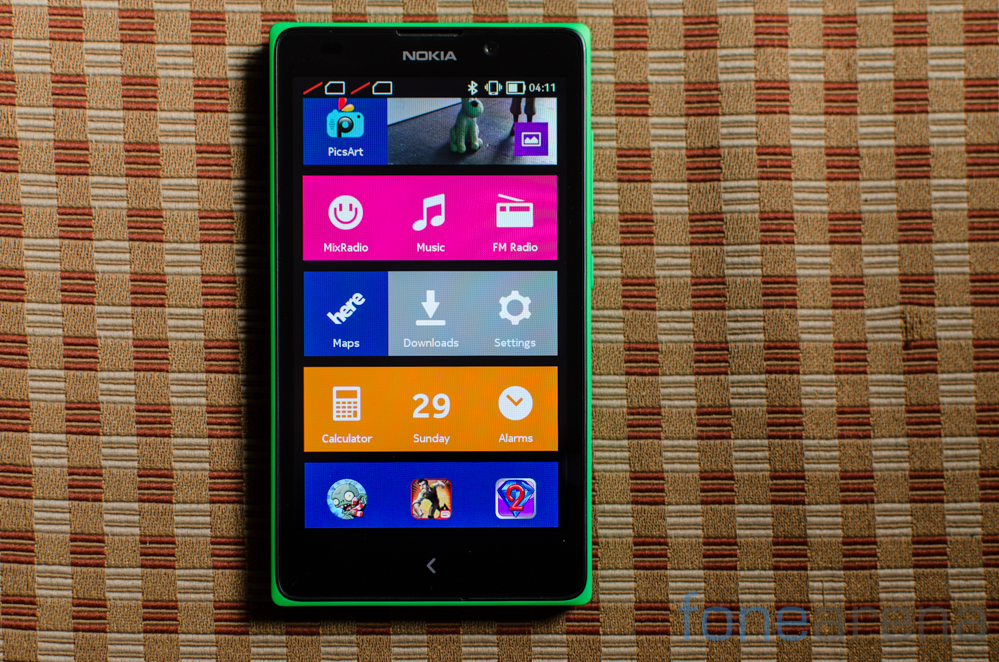
Metis Learning, an education start-up launched Eddy G70 kids tablet in September. The Android based learning tablet is priced at Rs 9,999 and is a successor of the Eddy tablet launched earlier in January this year. We have already seen the unboxing and photo gallery of the device. Now lets see the detailed review of the tablet. Continue reading “Metis Eddy G70 Kids tablet Review”

Apple iPhone 6 Review

Is this the same Apple we’ve known for all these years? Well, the company has evolved leaps and bounds after the Steve Jobs era. Apple under the guidance of Tim Cook is doing things that we never thought we will ever get to see from the Cupertino giant.

fonearena_001

Starting from a plastic iPhone to all those cheeky ads mocking its competition, we’ve seen it all. Perhaps, the only thing that went missing was a big iPhone, but it’s here today – however, it took a long time coming. Apple always said that they do things their way and don’t care about what other manufacturers are doing, but the time has come where the company has left is arrogance behind and produced a device that most of you were asking for. Continue reading “Apple iPhone 6 Review”

Samsung Galaxy Alpha Review

Samsung pursued with its polycarbonate design language for a very long time and was criticised for being rigid on its stance. However, the company has finally produced a device with refined looks and premium build.

fonearena_001

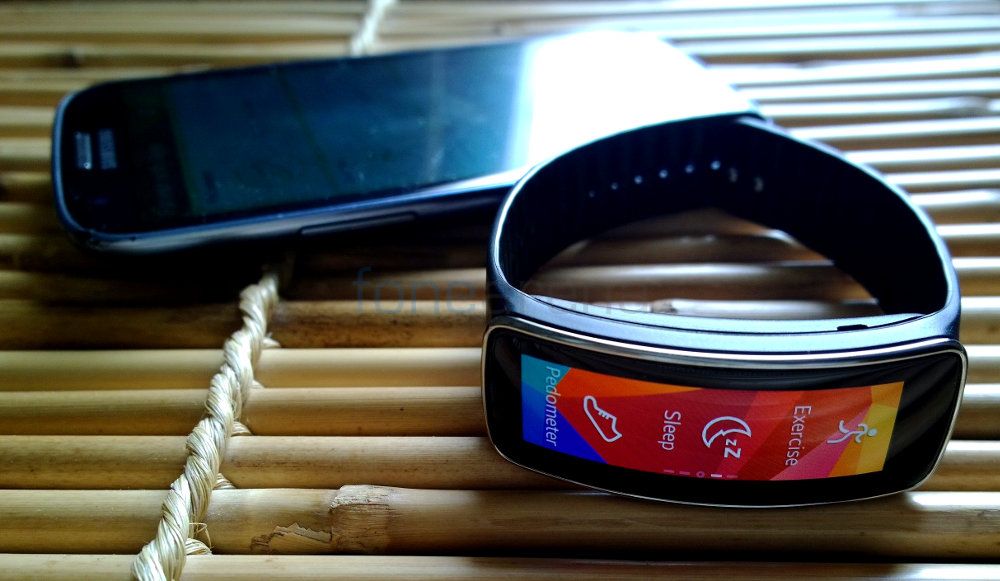
With Galaxy Alpha, Samsung will be competing against the likes of Apple iPhone 6 and with its size – the device will also take on the compact portfolio. Has the South Korean manufacturer found the right design and the hardware mix to attract the masses? Well, we take a deep look to find out if it’s worth shelling out a premium on the Galaxy Alpha. Continue reading “Samsung Galaxy Alpha Review”

Karbonn Sparkle V Review

Karbonn Sparkle V_fonearena-014

Karbonn Sparkle V is one of the three smartphones in the Google’s Android One lineup that was launched last month. We already brought you the review of the Spice Dream UNO Mi-498 and the Micromax Canvas A1 smartphones. The Karbonn Sparkle V is available exclusively available from Snapdeal. It even got a price cut recently that makes it the cheapest of the Android One smartphone.  All the Android One smartphones have the same specifications, is the Karbonn Sparkle V any different in terms of the performance? Let us find out.

Continue reading “Karbonn Sparkle V Review”

RAVPower Deluxe 15000mAh Power Bank Review

RAVPower Deluxe 15000mAh-002

We unboxed the RAVPower Deluxe (RP-PB19) 15000mAh Power Bank recently. Here we have the review of the power bank. It has a larger battery compared to the RAVPower Element 10400mAh Power Bank that reviewed recently. Since the battery is larger, it offers more juice to charge your devices several times and the size is also comparatively larger. It has a new LED light arrangement and even comes with iSmart Charging Ports that intelligently identifies your device and offers optimum output needed to charge it. Continue reading “RAVPower Deluxe 15000mAh Power Bank Review”

Xiaomi Redmi 1S Review: One of the best budget smartphones ever made

Redmi 1s_fonearena-004

Xiaomi entered India with hopes of making a decent foray into the highly competitive smartphone market where right pricing equals massive success. Traditionally, Samsung knew this and Motorola stumbled upon it, Xiaomi should have known better. With the Mi3, the company woefully underestimated online demand and ended up discontinuing its sales soon, only to introduce a much cheaper model into the market, the Redmi 1S. On paper, the device is just too good to be true at the price point it comes at. For a shockingly low price of Rs. 5,999, the Redmi 1S comes with a large 720p screen, a powerful quad core processor, a 8 MP camera, 8 GB of memory and so on. No other phone currently offers these kinds of specifications at this price point, but the natural reaction for something that’s too good to be true is always this – Is there a catch? With the same doubt in our minds, here is the review of the Redmi 1S.

Continue reading “Xiaomi Redmi 1S Review: One of the best budget smartphones ever made”

Moto X 2014 Review

Moto X 2014 Review -1

Motorola stands as one of the old ones, the leaders in mobile technology that somehow got sidelined amidst the confusion and chaos as everyone aimed for the race to the top. With the launch of the first generation Moto X, they proved that they still have the mojo to create a product that stands out despite not having top of the line specifications. With genuinely useful software additions to stock Android, top notch build quality and near infinite customization possibilities, the handset was unique and consumers noticed it. Enough to warrant a second run and enough for Motorola to kick things up a notch and launch the 2nd generation Moto X that takes all the best things from the first generation phone and supercharges it with top of the line specifications. So is the Moto X (2014) a winner? Read on to find out. Continue reading “Moto X 2014 Review”

Xiaomi Mi Band Review

Xiaomi Mi Band_fonearena-003

Xiaomi introduced the Mi Band, the company’s first fitness band at the Mi 4 launch event back in July. Priced at just 79 Yuan in China or approximately US$ 13, this is the cheapest fitness band till date. Is this on par with the other fitness trackers that cost five or ten times more than this? Let us find out.

Continue reading “Xiaomi Mi Band Review”

Acer Iconia A1-713 Review

Acer, the Taiwanese multinational hardware and electronics corporation is known for its desktop and laptop PCs. The company has entered the mobile space with its tablets and is trying hard to make a name for itself in one of the most profitable segments.

fonearena_001

The latest slate from Acer to hit the store shelves is the Iconia A1-713. Acer is promoting the 3G data and voice calling ability of the tablet and calls it one of the best in its price range. We decided to take the device for a spin in order to find out if it has enough quality to sustain in the market and here’s what we think. Continue reading “Acer Iconia A1-713 Review”

Micromax Canvas A1 Review

Micromax Canvas A1_fonearena-002

Micromax Canvas A1 (AQ4501) is one of the three smartphones in the Google’s Android One lineup that was launched last month. We already brought you the review of the Spice Dream UNO Mi-498, the cheapest of the lot, which is available from Flipkart. The Micromax Canvas A1 is slightly costlier than the Dream UNO and is exclusively available from Amazon. All the Android One smartphones have the same specifications, is the Canvas A1 any different in terms of the performance? Let us find out.

Continue reading “Micromax Canvas A1 Review”

Spice Dream UNO Mi-498 Review

spice-dream-uno-android-one-unboxing-2

Google announced the Android One program back in June at the Google I/O to provide low-cost Android smartphones running on stock Android, with software updates handled by Google. It also released a reference hardware and announced Micromax, Karbonn and Spice as the first members of the program. Spice launched the Dream UNO Mi-498, the company’s first Android One smartphone priced at Rs. 6,299 at an event in India last month. We already brought you the unboxing, benchmarks and the photo gallery of the smartphone, here is the complete review.

Continue reading “Spice Dream UNO Mi-498 Review”

Sony Xperia Z3 Review

Sony Xperia Z3 Review -2

When Sony launched its flagsip ie the Xperia Z2 a few months back, we said that it felt like a device where the thought was on making improvements all around. Improvements that made sense and improved the experience. Fast forward 6 months and Sony already has a successor to their flagship device. Way too early? That’s what we first thought as we unboxed the handset and set it up. A few days later, we’ve had some time to gather our thoughts about what makes the Sony Xperia Z3 tick. Is it worth an upgrade though? We answer that and more in our review below. Continue reading “Sony Xperia Z3 Review”

Apple iOS 8 Review

fonearena_001

Apple started seeding the much awaited upgrade for its mobile operating system about 4 days back. The newest version brings the material design to the OS – after a visual overhaul of iOS 7. We have managed to spend some quality time with the iOS 8 and here’s what we think about it.

Apple’s latest mobile operating system is an attempt to catch up with the Android eco-system. The company has decided to make changes under the hood and doesn’t focus too much on adding new features. Back at its drawing board, the Cupertino giant seems have realised the importance of opening its OS for third-party applications and extensions – of course contradicting the company’s traditional approach from time

With the new iOS operating system, developer community can rejoice as they now have access to the core capabilities of the platform. Apple has opened more than 4,000 APIs to developers, which they can use to integrate applications with Notification Center, Sharing and Action menus, Keyboard and Photos among other things. And, the TouchID can soon be used in many ways other than unlocking your iPhone, as the company is expected to open it in the coming days.

For starters, the iOS 8 doesn’t look any different than the previous version – as the newest release is an attempt to polish the already existing form with improved performance, better spotlight search, attractive user interface and other enhancements. Among the additions in iOS 8, the handoff feature between the iDevices and Macintosh running machines is the most significant one.

All the goodness of iOS 8 can be enjoyed on iPhone 4S, iPhone 5, iPhone 5c, iPhone 5s, iPad Touch 5, iPad mini, iPad mini 2, iPad 2,iPad 3, iPad 4 and iPad Air. If you have any other iDevice apart from the ones listed here, your gadget is likely to miss out on the update.

User Interface

Apple’s iOS 8 update doesn’t bring many changes to the existing user interface and having completely revamped it last year, it makes sense for Apple to leave it as it is. However, the new update is sufficed with few finishing touches.

fonearena_003

The control center that can be pulled up from the bottom of the screen has been slightly changed in the newest release. But, the layout of toggles, shortcuts and media controls still remains the same. There’s a slight change in the notification center – all and missed tabs are replaced by a unified tab. Today section now houses edit button at the bottom of the page.

fonearena_004

You can now interact with the pop-up notifications directly from the banner, discard alarms, comment or like on facebook and mark tasks as complete.

The task switcher has been re-designed and it now sports an extra row at the top. It features a list of recently contacted friends and you can call or message them right from the task switcher.

fonearena_005

As we said before, the spotlight search has got a lot better from the previous release. The tool supports smart suggestions and is capable of showing results from Wikipedia, IMDb, nearby places, App Store, iTunes content, iBooks and other popular news sources.

Developers can now add their own sharing options in the contextual menus. And, users can edit the sharing options in the menu if you think they are cluttered.

Another minor addition is the battery usage stats in the settings menu. With iOS 8 users can find out which of their application is consuming the most juice and what’s causing it to drain the battery.

fonearena_006

Handoff and Continuity

The Handoff is the most exciting, advertised feature in the iOS 8. What this option has got to offer will be very handy if you are using multiple iDevices. Handoff allows you to start working on any of your Apple product and end it on another. For example, you can start writing an email on your iPad and you can finish it on your Mac. How cool is it?

fonearena_002

Unfortunately, this feature works only between iOS 8 running iPhone, iPods, iPads and Macs with OS X Yosemite.

It’s not just emails and messages – the continuity feature is designed to work for Safari, Maps, Reminders, Calendars, Contacts, Pages, Numbers and Keynote. Apple also says that you can answer or make calls and iMessages on your Mac via your iPhone if you are on the same Wi-Fi network.

fonearena_016

iOS 8 also comes with a new Hotspot feature, which once enabled will automatically set up a mobile connection for your iDevices like iPads and Macs. Your iPhone will exactly know when your iPad or Mac stops using the connection and it will automatically turn the radios down.

Messaging and Keyboard

Apple has retouched the user interface of its messaging application on iOS 8. Now, you can easily attach images or videos with the recent now tab, which shows about 20 of your latest images in the gallery.

fonearena_007

You can send audio and video memo on the iMessage. There’s a mic icon on the right and holding it will record your voice and an upward swipe will send it.

The keyboard on the iOS 8 has been updated and it now features a new predictive input, which the company likes to call QuickType. The operating system over time will eventually learn your typing pattern, vocabulary and understand the subject of each thread – to offer you relative words.

fonearena_008

Now that the keyboard API is available for developers, there are several third-party keyboards already out in the App Store.

Camera

Apple iOS 8 brings two new camera modes called time lapse and burst. With the time lapse, you can capture 1920 x 1080px frames in order to produce a Full HD video. The burst mode is fun as the iPhone will snap images until you release the camera shutter key.

fonearena_009

The good news is the camera API too is available for developers and this means that we can soon see third-party developers use the original camera features, algorithms and come up with some cool applications.

Apple introduced the new photos app at last year’s WWDC and the company has now updated it with new search option. You can now search for images by place, date or location and spotlight is integrated with photos app as well.

fonearena_010

If you have one of those hands that accidentally delete images, well you don’t have to worry any longer. There’s a new album called recently deleted and it stores your trashed photos for up to 30 days.

iOS 8 also brings a new image editor that offers advanced options such as exposure, highlights, shadows, contrast, black point, saturation, black and white tone, grain among other options. If you are not more into edition images, you can use the auto enhance feature, which will do a lot of work automatically.

Safari

Apple’s home backed mobile web browser now supports extensions through its contextual menu. Safari can now auto-fill web forms, translate webpages and even use the TouchID features. The private browsing has been improved and it will no longer ask you to convert all your tabs into private.

fonearena_011

Since the API is now open for developers, we are quite excited to see what sort of creative features then can come up with in the next few weeks.

Siri

Siri on iOS 8 has improved a lot and it now comes with Shazam integration. You can now just open Siri and let her listen to a song, before she tells you the name of the song and provide you with an iTunes download link.

fonearena_012

You can get Siri up and running by simply saying “Hey, Siri”. The virtual assistant now has the ability to dictate in 24 new languages and will help you save a lot of time typing on the keyboard.

App Store and Health Kit

Apple announced some cool new features for its App Store during the iOS 8 announcement. It comes with new interface and has an improved search. You can now get app bundles offered by developers and if you are a developer yourself, you can embed videos in your application description just like the ones on the Google Play Store. Developers can now invite users for beta testing.

fonearena_013

The Cupertino company now offers you to share purchases from iTunes, iBooks and App store among 6 members from your family. The credit card holder or the one who purchases will be the group admin and he can opt to authorize a request made by a family member.

HealthKit is another new feature that is a part of the iOS 8 buddle. This application gathers all the data from the tracking and third-party accessories. It offers a medical ID card, which contains all your health related data, medications, doctor’s contact and your emergency contact.

fonearena_014

Apple has announced that it has partnered with Nike and Mayo clinic. And, we expect Apple to tie up with a few more brands and offer a lot more to its consumers.

Conclusion

Apple’s latest iOS update doesn’t focus a lot on the visual aspects, but brings a lot of changes under the hood, which in turn gives a lot to the developer community. It’s a direction that Apple wasn’t expected to go, but we don’t think anybody is going to complain about it.

With giving access to its APIs, the third-party developers will now unleash the true potential of Apple iOS platform – at least we are hoping so.

fonearena_015

The handoff and continuity options are a great addition and will surely make a huge difference. We just can’t wait for Apple to start seeding OS X Yosemite, so that we can use this feature to its fullest potential. The notification area, keyboards, camera, gallery and safari have all got better.

From a user’s point of view iOS 8 is not a ground breaking update, but it is from a developer’s perspective. iOS 8 will help Apple stay in the competition and rub shoulders against its rivals.

Note: The review is based on the iOS 8 OS, which is installed on the iPhone 5s. And, it reflects only the features that are available on the device.