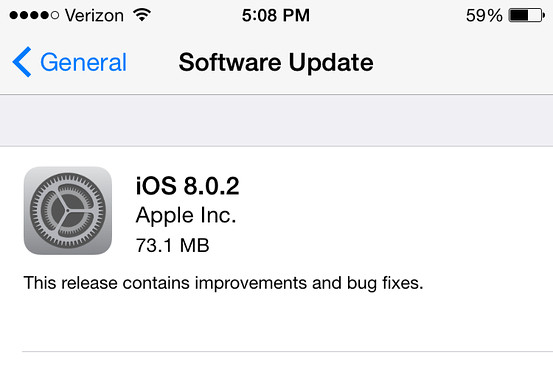
Apple started seeding the much awaited upgrade for its mobile operating system about 4 days back. The newest version brings the material design to the OS – after a visual overhaul of iOS 7. We have managed to spend some quality time with the iOS 8 and here’s what we think about it.
Apple’s latest mobile operating system is an attempt to catch up with the Android eco-system. The company has decided to make changes under the hood and doesn’t focus too much on adding new features. Back at its drawing board, the Cupertino giant seems have realised the importance of opening its OS for third-party applications and extensions – of course contradicting the company’s traditional approach from time
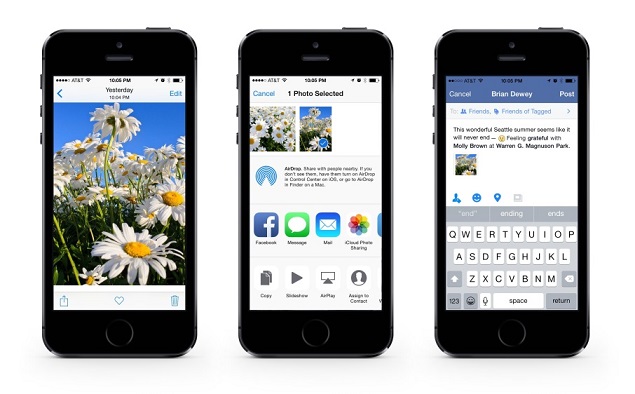
With the new iOS operating system, developer community can rejoice as they now have access to the core capabilities of the platform. Apple has opened more than 4,000 APIs to developers, which they can use to integrate applications with Notification Center, Sharing and Action menus, Keyboard and Photos among other things. And, the TouchID can soon be used in many ways other than unlocking your iPhone, as the company is expected to open it in the coming days.
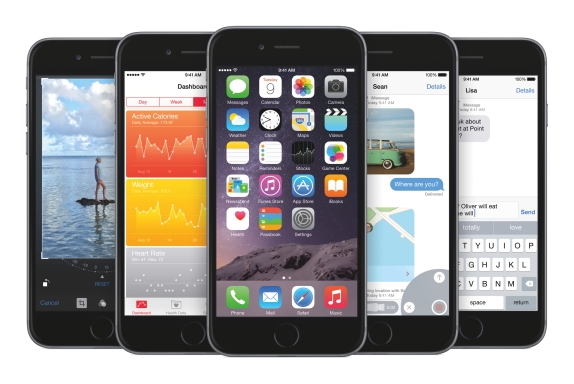
For starters, the iOS 8 doesn’t look any different than the previous version – as the newest release is an attempt to polish the already existing form with improved performance, better spotlight search, attractive user interface and other enhancements. Among the additions in iOS 8, the handoff feature between the iDevices and Macintosh running machines is the most significant one.
All the goodness of iOS 8 can be enjoyed on iPhone 4S, iPhone 5, iPhone 5c, iPhone 5s, iPad Touch 5, iPad mini, iPad mini 2, iPad 2,iPad 3, iPad 4 and iPad Air. If you have any other iDevice apart from the ones listed here, your gadget is likely to miss out on the update.
User Interface
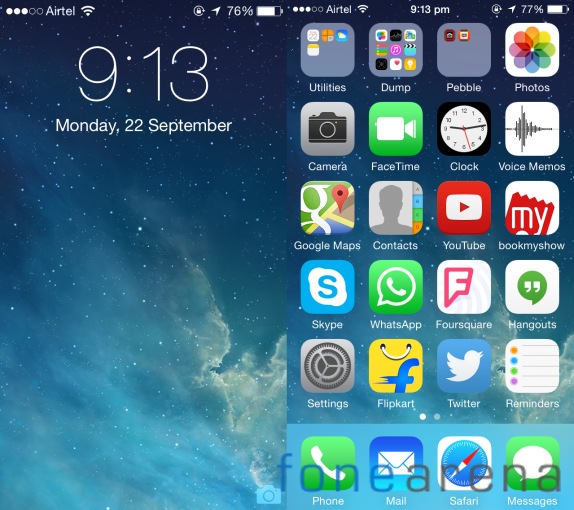
Apple’s iOS 8 update doesn’t bring many changes to the existing user interface and having completely revamped it last year, it makes sense for Apple to leave it as it is. However, the new update is sufficed with few finishing touches.
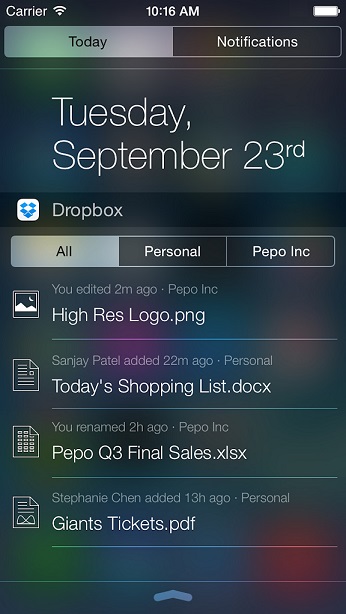
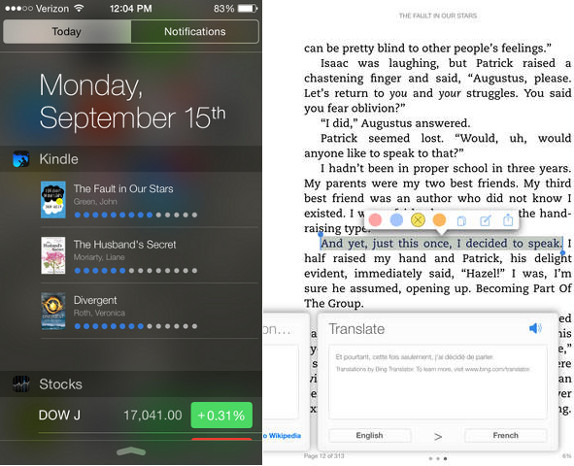
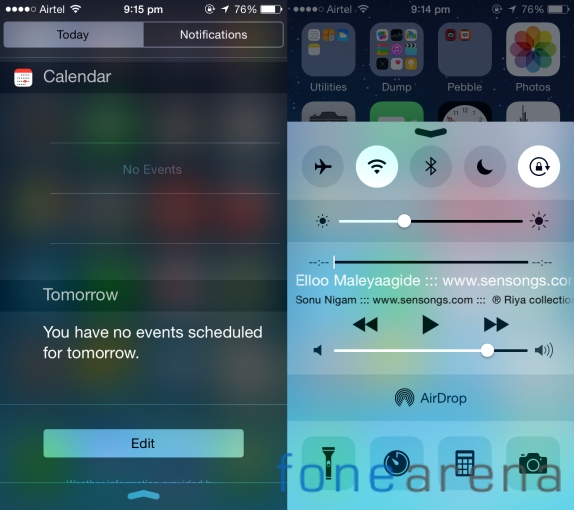
The control center that can be pulled up from the bottom of the screen has been slightly changed in the newest release. But, the layout of toggles, shortcuts and media controls still remains the same. There’s a slight change in the notification center – all and missed tabs are replaced by a unified tab. Today section now houses edit button at the bottom of the page.
You can now interact with the pop-up notifications directly from the banner, discard alarms, comment or like on facebook and mark tasks as complete.
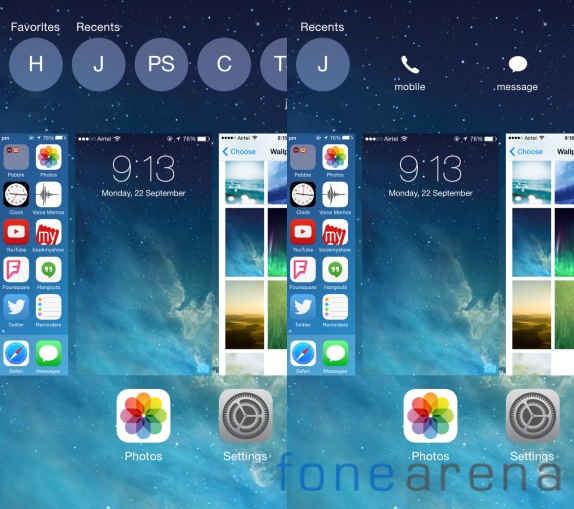
The task switcher has been re-designed and it now sports an extra row at the top. It features a list of recently contacted friends and you can call or message them right from the task switcher.
As we said before, the spotlight search has got a lot better from the previous release. The tool supports smart suggestions and is capable of showing results from Wikipedia, IMDb, nearby places, App Store, iTunes content, iBooks and other popular news sources.
Developers can now add their own sharing options in the contextual menus. And, users can edit the sharing options in the menu if you think they are cluttered.
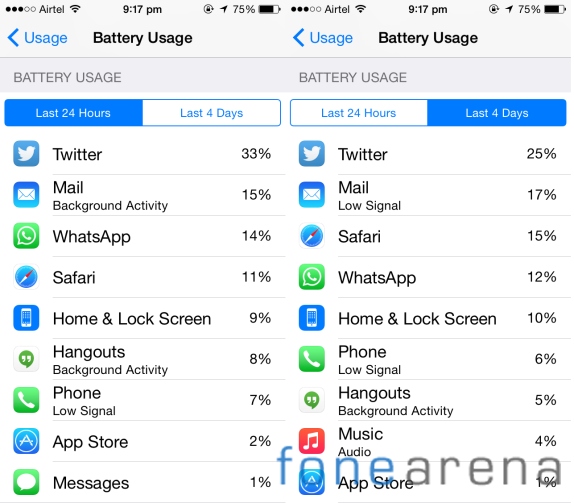
Another minor addition is the battery usage stats in the settings menu. With iOS 8 users can find out which of their application is consuming the most juice and what’s causing it to drain the battery.
Handoff and Continuity
The Handoff is the most exciting, advertised feature in the iOS 8. What this option has got to offer will be very handy if you are using multiple iDevices. Handoff allows you to start working on any of your Apple product and end it on another. For example, you can start writing an email on your iPad and you can finish it on your Mac. How cool is it?
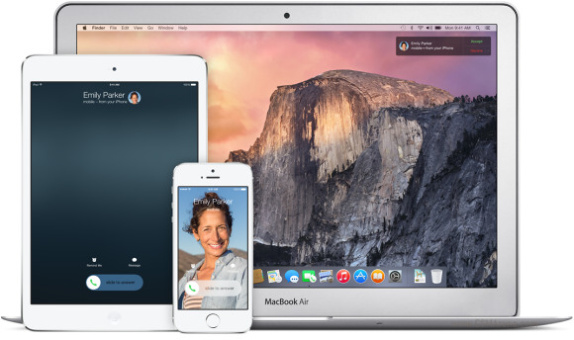
Unfortunately, this feature works only between iOS 8 running iPhone, iPods, iPads and Macs with OS X Yosemite.
It’s not just emails and messages – the continuity feature is designed to work for Safari, Maps, Reminders, Calendars, Contacts, Pages, Numbers and Keynote. Apple also says that you can answer or make calls and iMessages on your Mac via your iPhone if you are on the same Wi-Fi network.
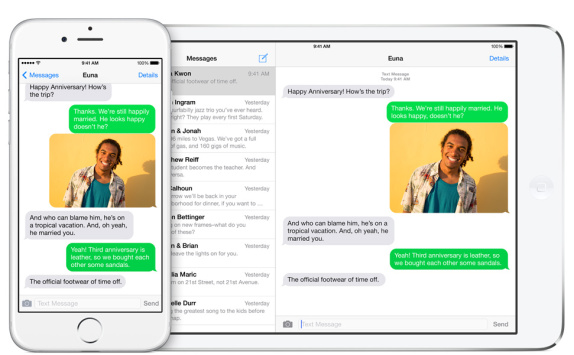
iOS 8 also comes with a new Hotspot feature, which once enabled will automatically set up a mobile connection for your iDevices like iPads and Macs. Your iPhone will exactly know when your iPad or Mac stops using the connection and it will automatically turn the radios down.
Messaging and Keyboard
Apple has retouched the user interface of its messaging application on iOS 8. Now, you can easily attach images or videos with the recent now tab, which shows about 20 of your latest images in the gallery.
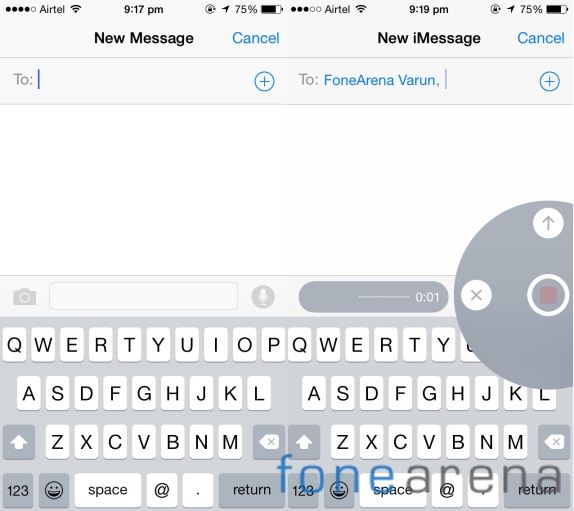
You can send audio and video memo on the iMessage. There’s a mic icon on the right and holding it will record your voice and an upward swipe will send it.
The keyboard on the iOS 8 has been updated and it now features a new predictive input, which the company likes to call QuickType. The operating system over time will eventually learn your typing pattern, vocabulary and understand the subject of each thread – to offer you relative words.
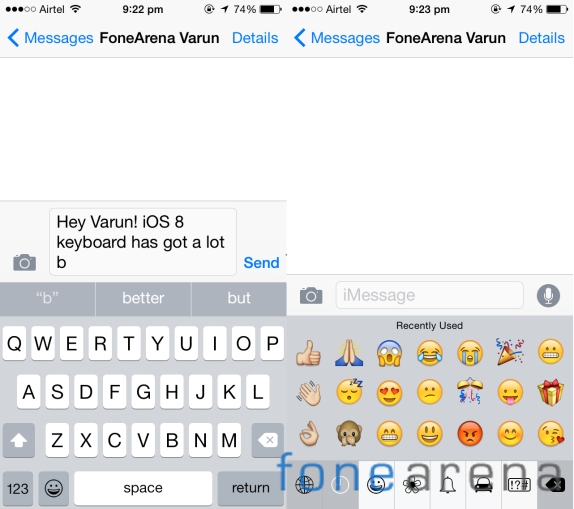
Now that the keyboard API is available for developers, there are several third-party keyboards already out in the App Store.
Camera
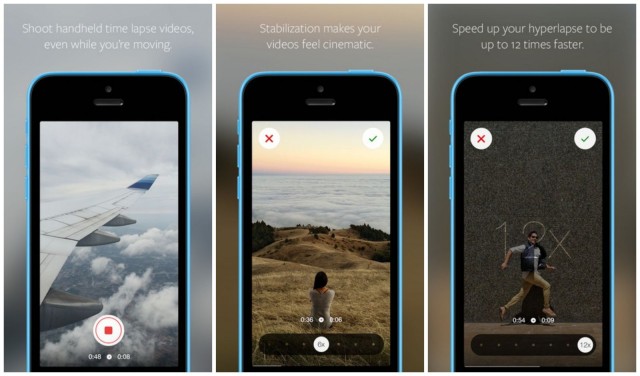
Apple iOS 8 brings two new camera modes called time lapse and burst. With the time lapse, you can capture 1920 x 1080px frames in order to produce a Full HD video. The burst mode is fun as the iPhone will snap images until you release the camera shutter key.
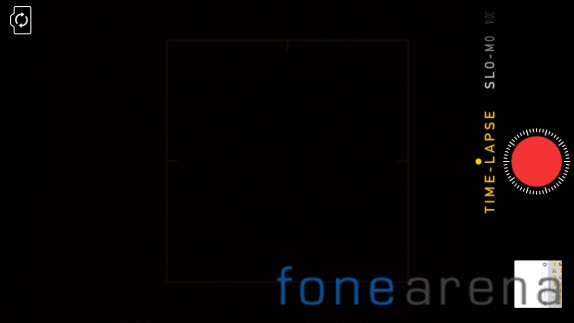
The good news is the camera API too is available for developers and this means that we can soon see third-party developers use the original camera features, algorithms and come up with some cool applications.
Apple introduced the new photos app at last year’s WWDC and the company has now updated it with new search option. You can now search for images by place, date or location and spotlight is integrated with photos app as well.
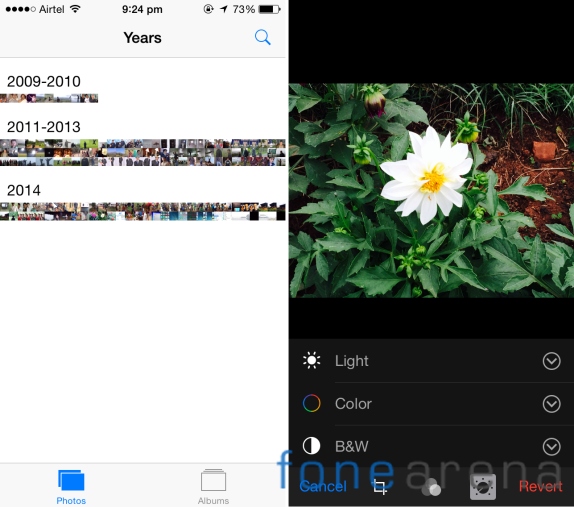
If you have one of those hands that accidentally delete images, well you don’t have to worry any longer. There’s a new album called recently deleted and it stores your trashed photos for up to 30 days.
iOS 8 also brings a new image editor that offers advanced options such as exposure, highlights, shadows, contrast, black point, saturation, black and white tone, grain among other options. If you are not more into edition images, you can use the auto enhance feature, which will do a lot of work automatically.
Safari
Apple’s home backed mobile web browser now supports extensions through its contextual menu. Safari can now auto-fill web forms, translate webpages and even use the TouchID features. The private browsing has been improved and it will no longer ask you to convert all your tabs into private.
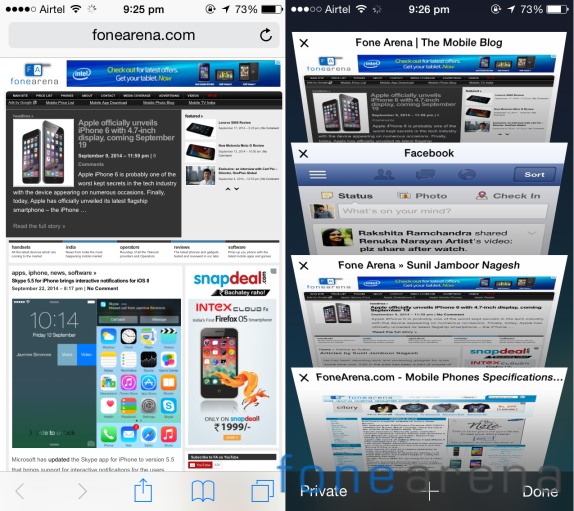
Since the API is now open for developers, we are quite excited to see what sort of creative features then can come up with in the next few weeks.
Siri
Siri on iOS 8 has improved a lot and it now comes with Shazam integration. You can now just open Siri and let her listen to a song, before she tells you the name of the song and provide you with an iTunes download link.
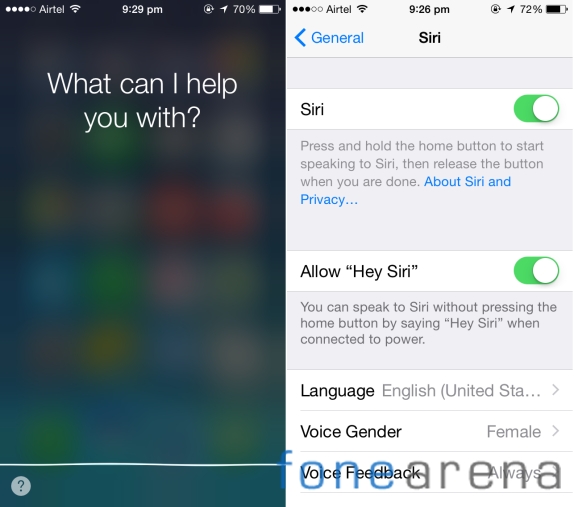
You can get Siri up and running by simply saying “Hey, Siri”. The virtual assistant now has the ability to dictate in 24 new languages and will help you save a lot of time typing on the keyboard.
App Store and Health Kit
Apple announced some cool new features for its App Store during the iOS 8 announcement. It comes with new interface and has an improved search. You can now get app bundles offered by developers and if you are a developer yourself, you can embed videos in your application description just like the ones on the Google Play Store. Developers can now invite users for beta testing.
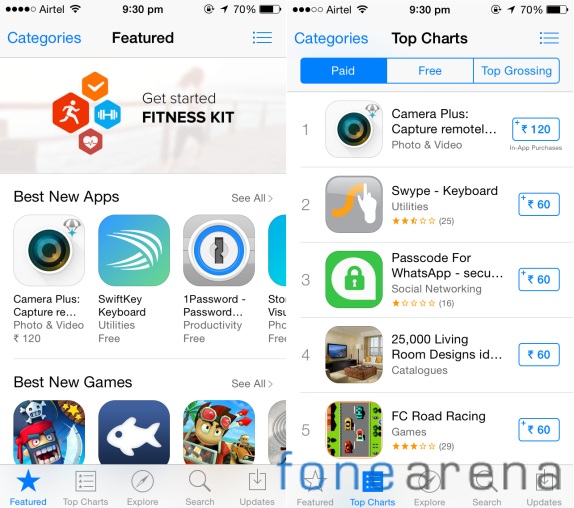
The Cupertino company now offers you to share purchases from iTunes, iBooks and App store among 6 members from your family. The credit card holder or the one who purchases will be the group admin and he can opt to authorize a request made by a family member.
HealthKit is another new feature that is a part of the iOS 8 buddle. This application gathers all the data from the tracking and third-party accessories. It offers a medical ID card, which contains all your health related data, medications, doctor’s contact and your emergency contact.
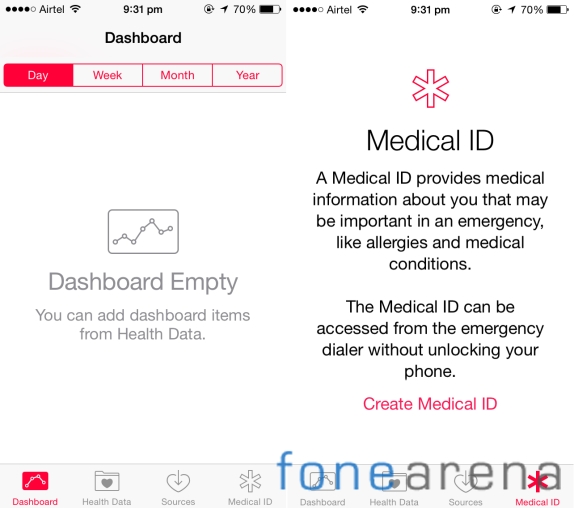
Apple has announced that it has partnered with Nike and Mayo clinic. And, we expect Apple to tie up with a few more brands and offer a lot more to its consumers.
Conclusion
Apple’s latest iOS update doesn’t focus a lot on the visual aspects, but brings a lot of changes under the hood, which in turn gives a lot to the developer community. It’s a direction that Apple wasn’t expected to go, but we don’t think anybody is going to complain about it.
With giving access to its APIs, the third-party developers will now unleash the true potential of Apple iOS platform – at least we are hoping so.
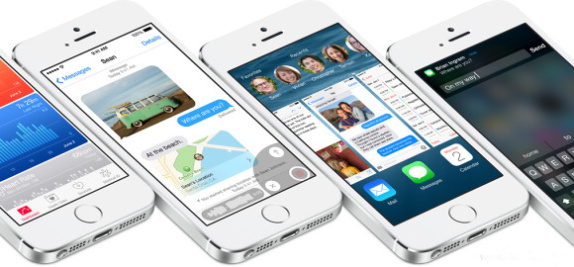
The handoff and continuity options are a great addition and will surely make a huge difference. We just can’t wait for Apple to start seeding OS X Yosemite, so that we can use this feature to its fullest potential. The notification area, keyboards, camera, gallery and safari have all got better.
From a user’s point of view iOS 8 is not a ground breaking update, but it is from a developer’s perspective. iOS 8 will help Apple stay in the competition and rub shoulders against its rivals.
Note: The review is based on the iOS 8 OS, which is installed on the iPhone 5s. And, it reflects only the features that are available on the device.