
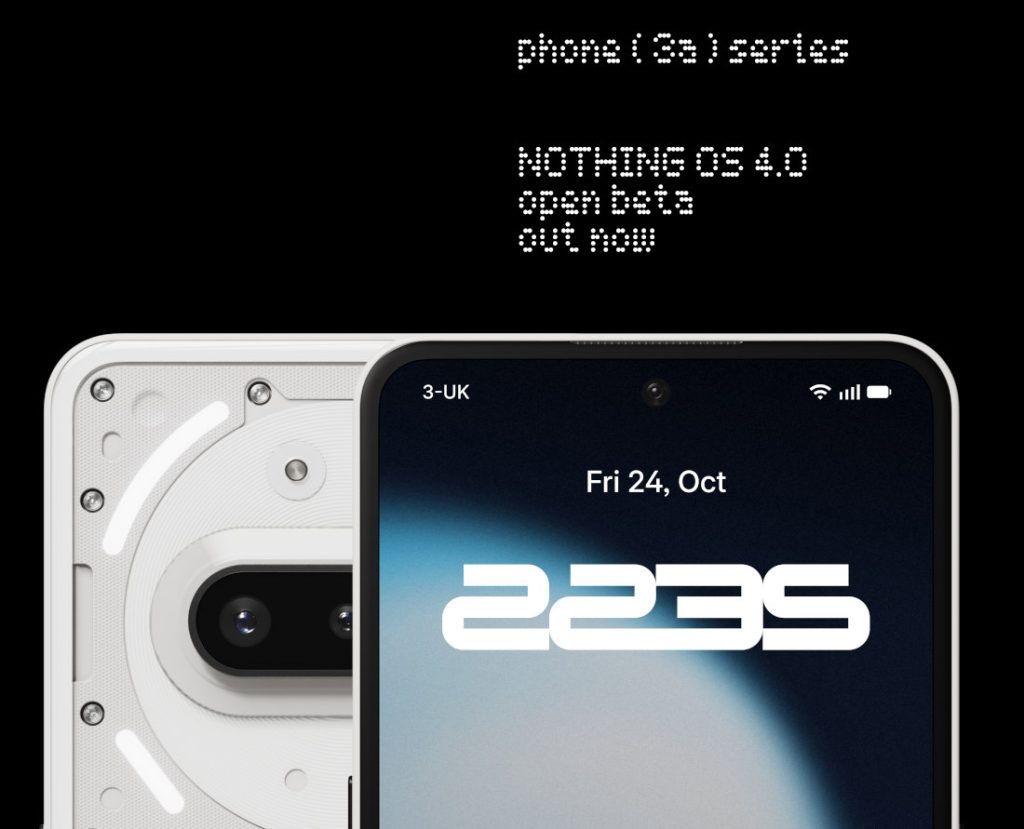
Nothing released the Nothing OS 4.0 open beta update based on Android 16 for the Nothing Phone (3), Phone (2), Phone (2a), and Phone (2a) Plus earlier this month. As promised, the company has now released the beta update for the Phone (3a) and Phone (3a) Pro models finally.
The update brings
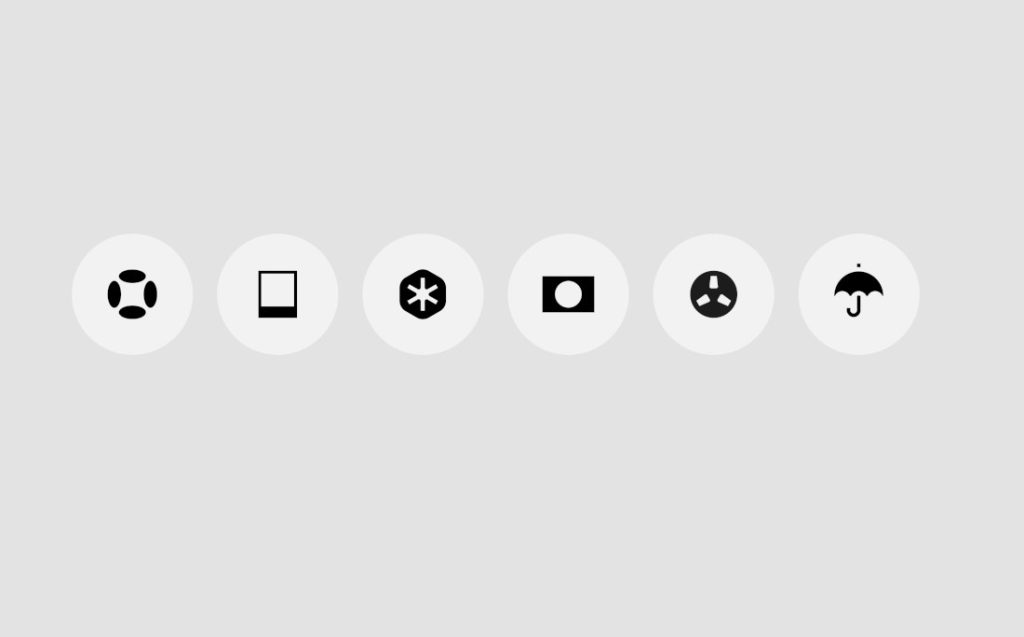
- All-new Nothing icon design: A refreshed visual language that’s lighter, more refined, and uniquely Nothing. Expect further improvements based on your feedback.
- Stretch Camera preset: Lock Glimpse brings fresh, high-quality wallpapers to your lock screen, curated to your taste across nine categories. It can also surface timely updates and useful content designed to enhance your experience. Lock Glimpse will soon let you display your own photos on the lock screen, replacing all other content and making every unlock uniquely yours.
Other Nothing OS 4.0 features are similar.
How to Join the Open Beta
Users interested in participating must first ensure their device is updated to the latest stable build. The required versions are:
- Phone (3a): Asteroids-V3.2-251013-1406
- Phone (3a) Pro: Asteroids-V3.2-251013-1406
It is strongly recommended to back up all personal data before proceeding. The deadline to join the beta program is November 7, 2025.
Installation Steps:
- Download and install the “Beta Updates Hub” .apk file from here.
- Navigate to
Settings > System > Nothing Beta Hub. - Tap “Join Beta” to register for the program.
- Once registered, tap “Go to Update” to begin the installation. If this fails, you can manually check for the update via
Settings > System > System updates.
After installation, users are encouraged to submit feedback through Settings > System > Feedback or the official Nothing community forum.
Rolling Back to the Stable Version
For users who wish to revert to Nothing OS 3.5, a rollback process is available. This process will perform a factory reset and erase all data from the device.
Rollback Steps:
-
- Download the appropriate rollback package for your device model.
- Go to
Settings > System > Nothing Beta Hub. - Tap “Import file” and select the downloaded package.
- Follow the on-screen instructions to complete the process.