
Earlier this year, Google introduced the Personal Intelligence feature for Gemini in the United States. The company has now officially expanded this personalized AI experience to users in India.
The feature is designed to securely integrate information across a user’s Google applications—such as Gmail, Google Photos, YouTube, and Google Search—to provide tailored responses and streamline digital tasks based on individual context.
Core Functionality and Integration
Personal Intelligence operates on two primary capabilities: reasoning across varied, complex information sources and retrieving specific details from linked applications. By synthesizing text, photos, and video data, the AI attempts to deliver highly contextualized answers.
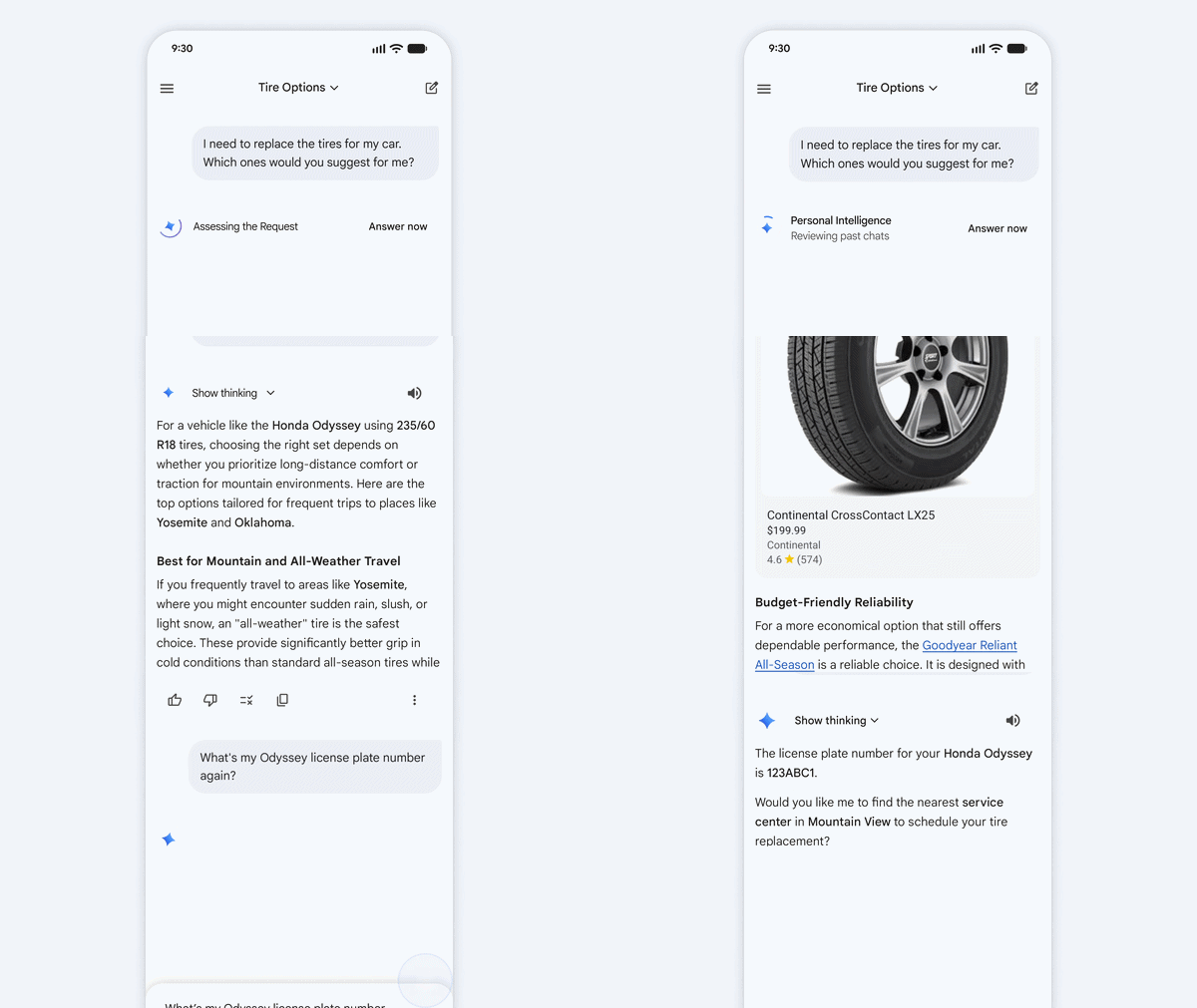
Practical Application: If a user asks, “What are my travel plans for Jaipur?”, the system can bypass a standard search and instead:
- Extract booking and accommodation timelines directly from Gmail.
- Retrieve relevant saved images, such as a local map screenshot or a saved gift idea, from Google Photos.
- Suggest dining options based on previously watched YouTube content regarding local food trends.
This integration is designed to reduce the need for users to manually search through multiple apps or their browsing history.
Privacy, Security, and Data Handling
Google emphasizes that Personal Intelligence was built with a central focus on user privacy and data control.
- Opt-In Design: The feature is disabled by default. Users must actively choose to turn it on, specify exactly which applications to connect, and retain the ability to disable it at any time.
- Data Ecosystem: Because the connected data already resides securely within Google’s infrastructure, sensitive information does not need to be transferred to third-party services to achieve personalization.
- Source Transparency: Gemini aims to cite or explain the sources it used to generate an answer, allowing users to verify the information. If sources are not cited, users can prompt the AI for more details.
- User Corrections and Guardrails: Users can correct the AI conversationally on the spot (e.g., “Remember, I prefer window seats”). The system also includes guardrails to prevent proactive assumptions about sensitive topics, such as health data, unless explicitly initiated by the user. Additionally, users can utilize temporary chats or regenerate specific responses without personalization applied.
Model Training Approach
Google clarifies that Gemini does not train directly on a user’s personal Gmail inbox or Google Photos library content. Instead, the model is trained on limited data, such as specific user prompts and the AI’s subsequent responses, only after personal information has been filtered or obfuscated. The system is trained to understand how to locate relevant details when requested, rather than “learning” the underlying personal data itself.
Current Limitations and User Feedback

As the feature is currently in a beta phase, Google notes that users may encounter inaccuracies. One noted issue is “over-personalization,” where the model draws incorrect connections between unrelated topics.
The AI may also struggle with context and nuance, particularly regarding changes in relationships or varied interests. For example, the system might incorrectly assume a user enjoys golf based on numerous photos taken at a golf course, missing the nuanced context that the user was actually there to spend time with a family member.
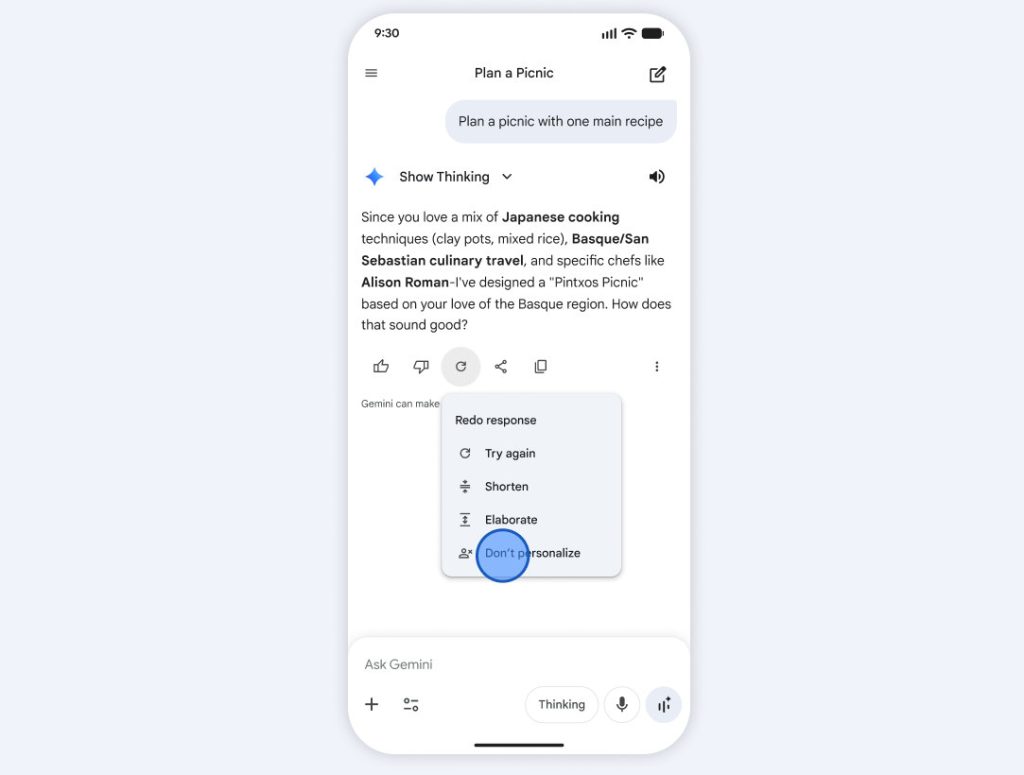
Addressing Errors:
- Users can directly correct the AI in the chat (e.g., “I don’t like golf”).
- Google encourages users to provide feedback on inaccurate or over-personalized responses using the “thumbs down” feature to assist in ongoing research and model improvement.
Availability and Setup Instructions
The Personal Intelligence feature with Connected Apps is currently rolling out to personal Google accounts in India for eligible Google AI Plus, Pro, and Ultra subscribers. Google plans to expand access to free tier users in the coming weeks.
Once enabled, the feature is accessible across Web, Android, and iOS platforms and functions across all models available in the Gemini model picker. Users retain full control to adjust settings, disconnect apps, or delete their chat history at any time.
How to Enable Personal Intelligence: If an invitation prompt does not appear automatically on the Gemini home screen, users can enable the feature manually by following these steps:
- Open Gemini and navigate to Settings.
- Tap on Personal Intelligence.
- Select Connected Apps and choose which services (e.g., Gmail, Photos) to link.