
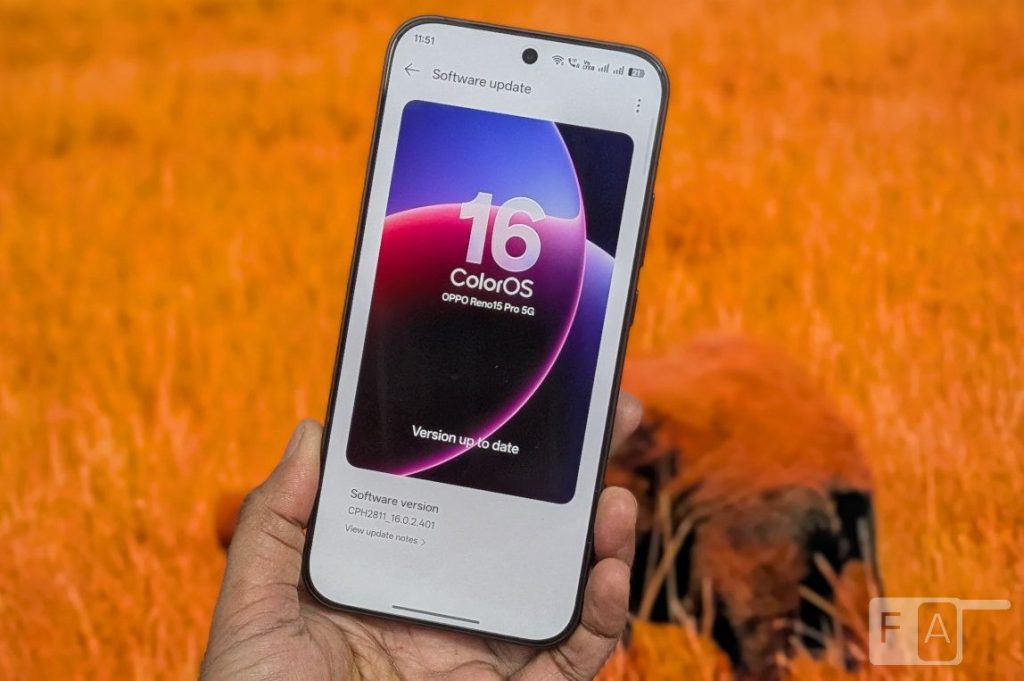
Following its debut on the Find X9 series, ColorOS 16 arrives on the OPPO Reno 15 series with a focus on system fluidity, artificial intelligence integration, and extended software support. Rather than solely introducing standalone features, the operating system aims to improve cohesive daily usability through enhanced animation engines and cross-device compatibility.
System Performance and Rendering
At the core of the ColorOS 16 experience are architectural changes designed to manage system resources and visuals. OPPO introduces two specific engines:
- Luminous Rendering Engine: This technology renders components in parallel to reduce visual interruptions. It is designed to ensure animations originate precisely from the point of touch and settle smoothly, maintaining consistency during app switching or widget navigation.
- Trinity Engine: Aimed at heavier workloads such as gaming or multitasking, this engine focuses on chip-level optimization and resource allocation to balance sustained performance with power efficiency.
Interface Design and Customization
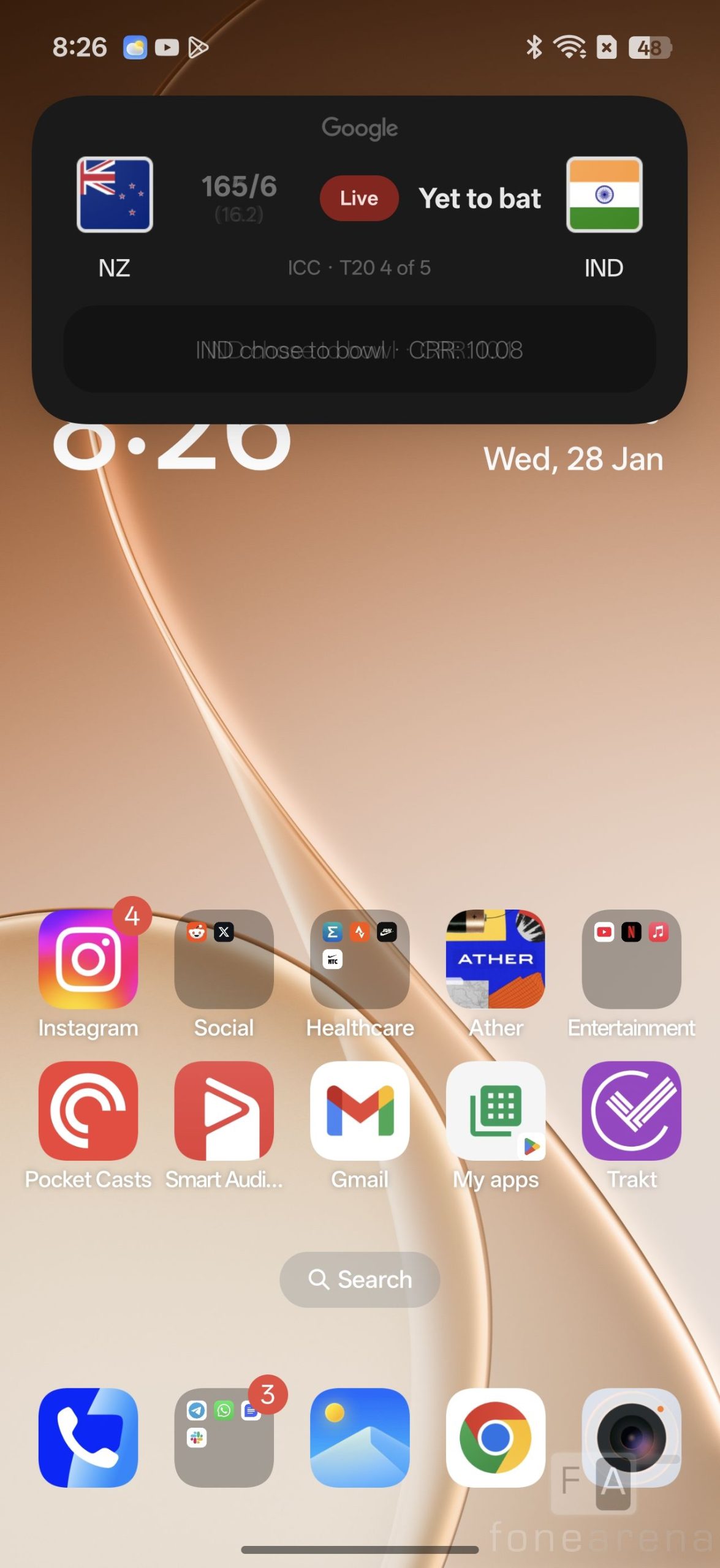
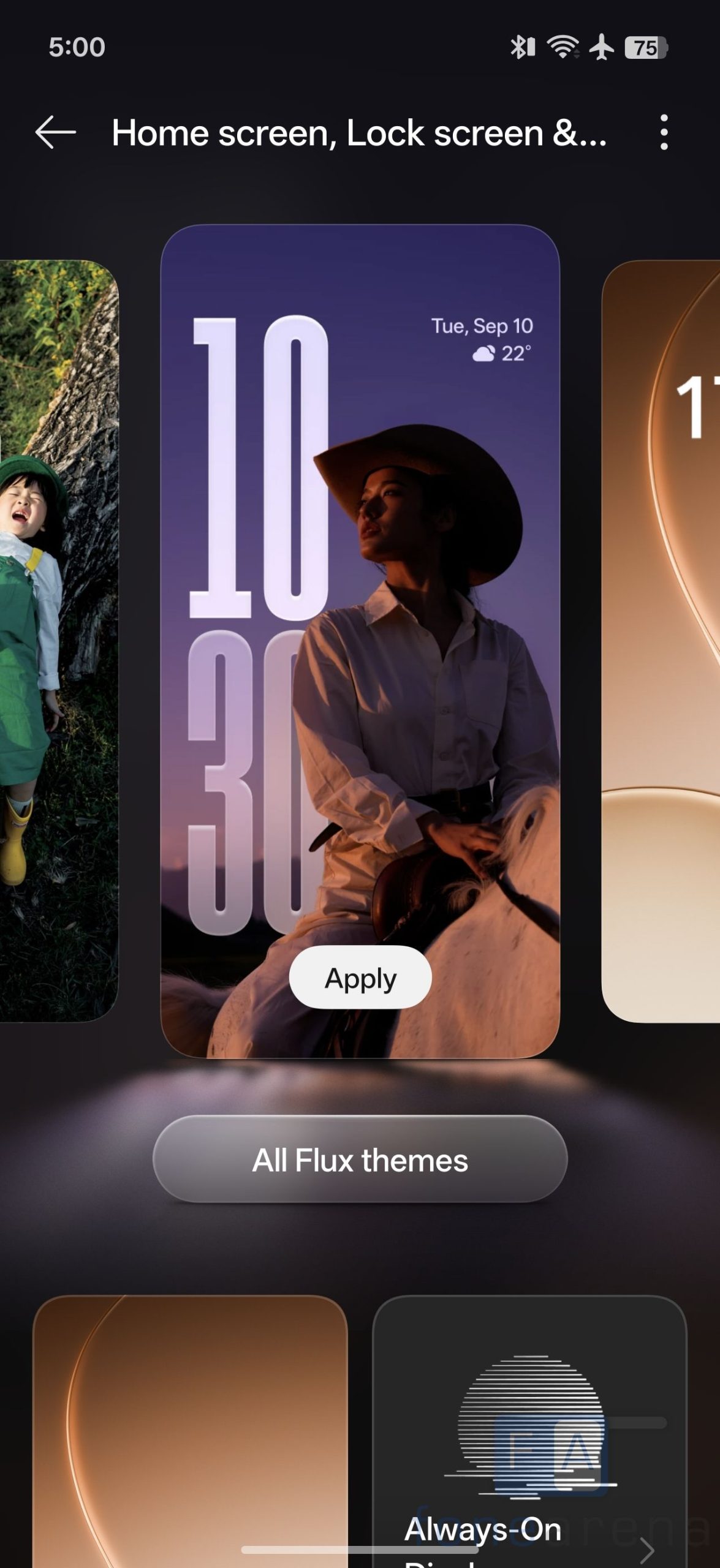
The visual interface has been refreshed with a design language inspired by natural light and shadow. A notable addition to the user interface is the Flux Home Screen. This feature provides users with increased flexibility in layout management, allowing folders and icons to be resized into various aspect ratios (tall, wide, or large). The system automatically adjusts the surrounding layout to accommodate these changes.
AI Integration and “Mind Space”
ColorOS 16 integrates Artificial Intelligence at the system level to assist with productivity and information management.
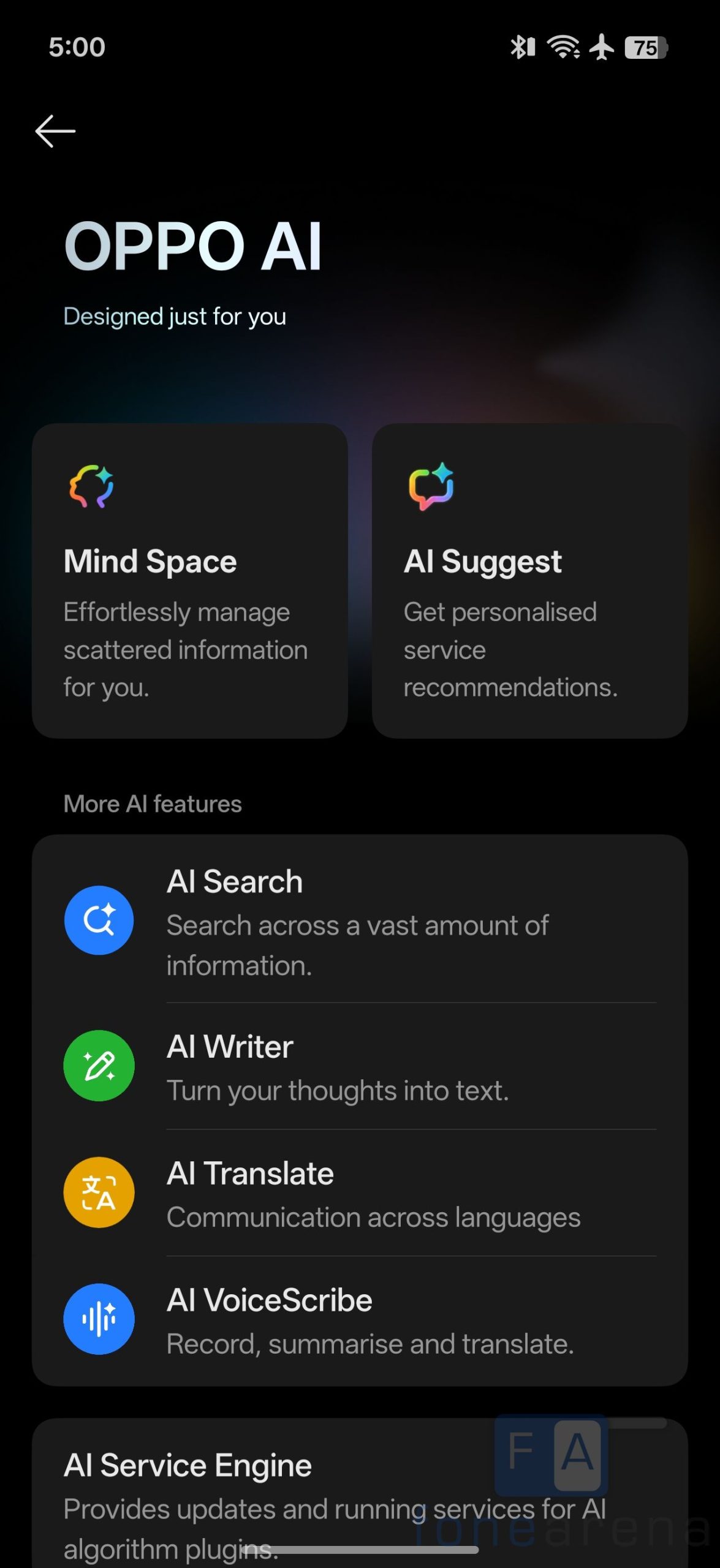
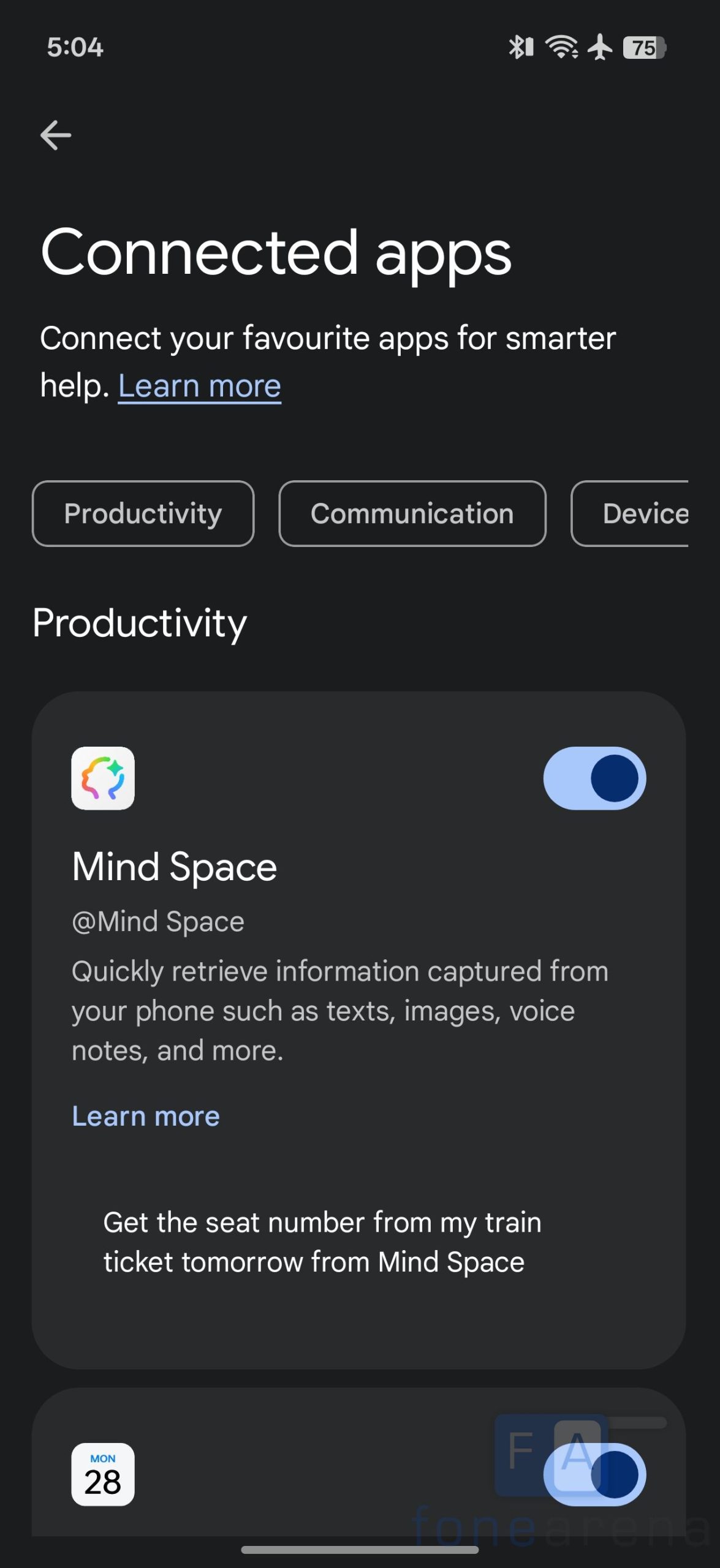
- AI Mind Space: This feature allows users to capture on-screen content via a three-finger swipe up. The system then stores, organizes, and groups this information for later access.
- Google Gemini Integration: Built directly into the OS, Google Gemini works within the AI Mind Space to assist with summarizing meetings, rewriting content, and answering queries based on on-device information.
- Productivity Tools: The update includes the AI Super Toolbox and Smart Sidebar, which offer quick access to features like AI Translate, Call Summary, and Voice Scribe. These tools are designed to transcribe and summarize calls and recordings across various scenarios.
Cross-Device Connectivity
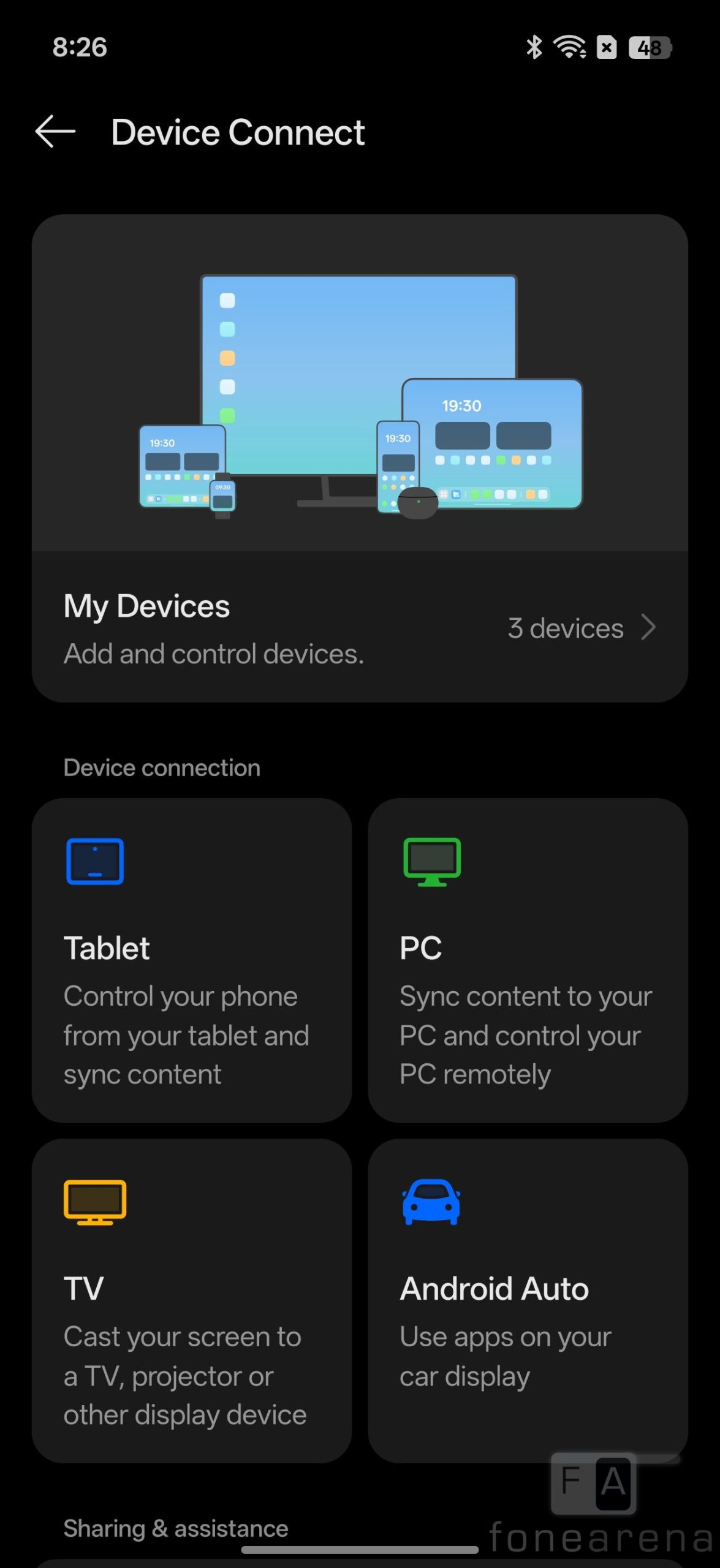
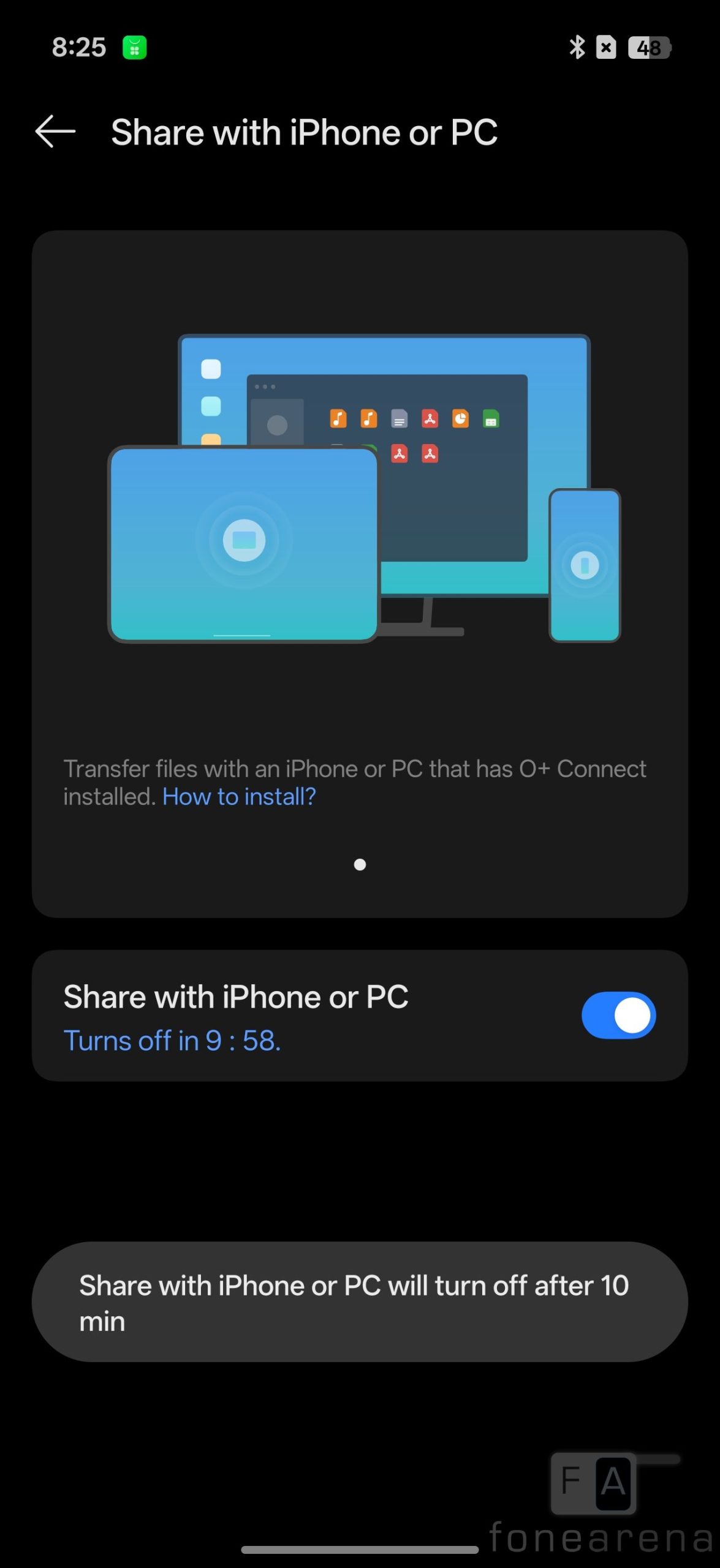
OPPO has expanded its ecosystem capabilities with O+ Connect. This feature is designed to break down barriers between devices, allowing for file transfer and content sharing between the Reno 15 series and other platforms, including Windows and Apple devices. The update also includes an upgraded Touch-to-Share function to speed up file movement.
Creative Tools

For image editing, ColorOS 16 adds AI Portrait Glow, a tool specifically targeted at improving portraits taken in low-light conditions by optimizing skin tones and balancing light. This joins the existing suite of AI editing features, such as AI Eraser, AI Unblur, and AI Reflection Remover.
Long-Term Support
A significant aspect of the Reno 15 series launch is the commitment to software longevity. OPPO has announced that the device will support five major OS updates and six years of security updates. Additionally, the company highlights “6-Year Fluency Protection,” a set of optimizations verified by internal aging tests intended to maintain app launch speeds and boot times over the device’s lifespan.