
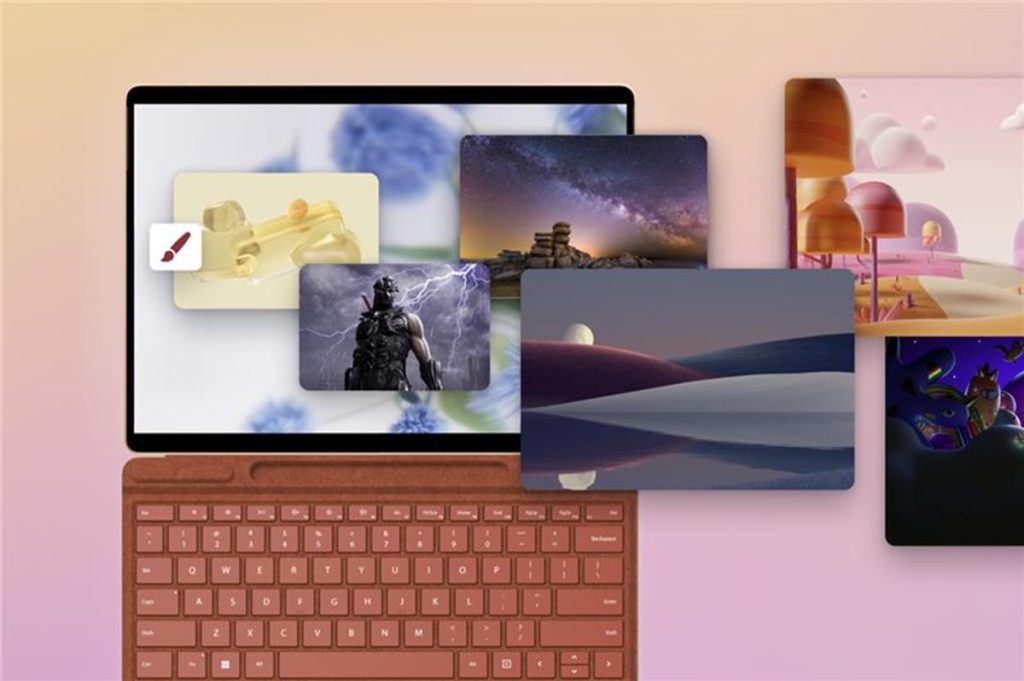
Microsoft has expanded Windows personalization options with the launch of a new Themes department in the Microsoft Store. Giorgio Sardo, Vice President of Microsoft Store, said the department allows users to quickly browse and apply curated or trending themes, making it easier to adjust the appearance of their devices.
Themes and Collections
The new Themes department in the Microsoft Store features over 400 themes, including more than 35 new collections. Each theme combines wallpapers and accent colors, some of which change over time. Users can apply these themes to create a consistent look across their device with a single click.
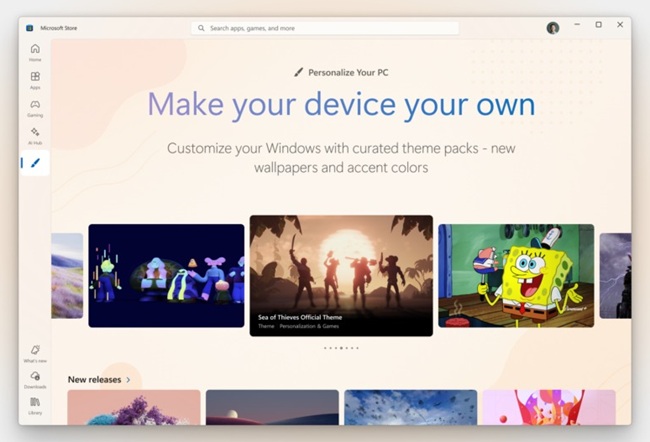
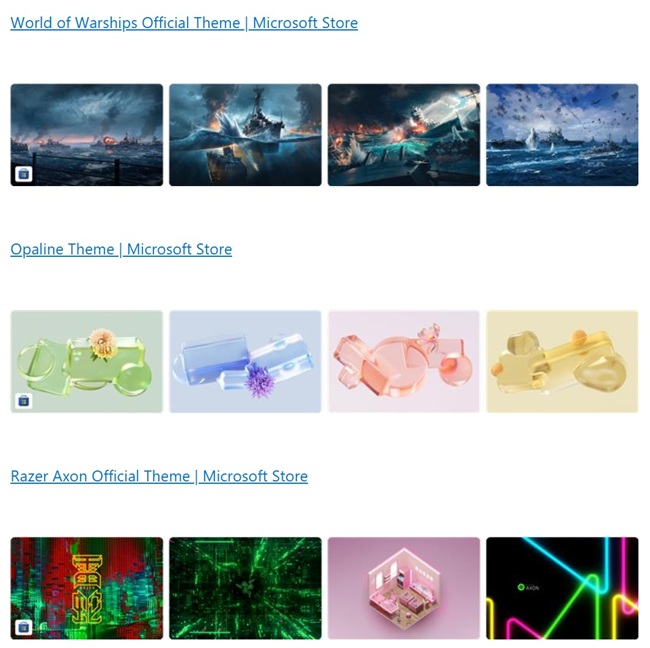
Themes are available for a range of interests and moods, including official titles like Sea of Thieves and World of Warships, nature-inspired collections such as World National Parks, art-focused options like Ethereal Escapes by PicsArt, and abstract or geometric designs such as Geometric Tales and Neon Dreams. Microsoft Design has contributed additional themes to cover diverse preferences.
Sample Themes Available:
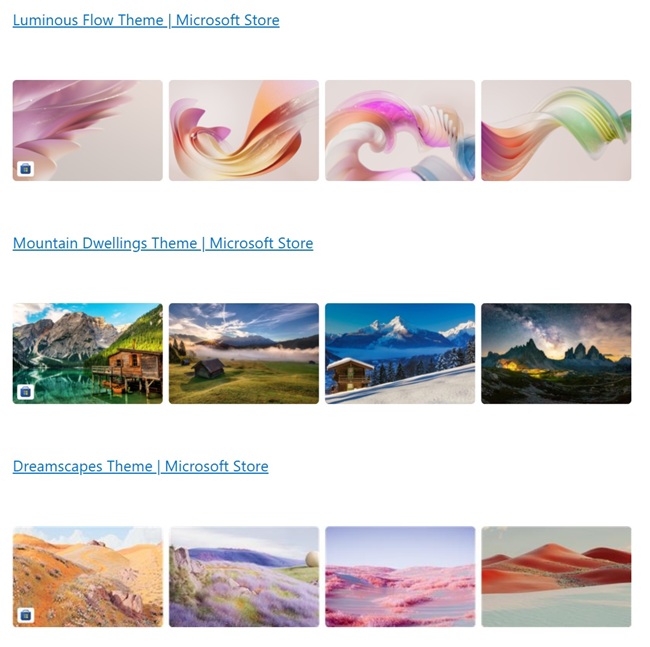
- Luminous Flow Theme
- Mountain Dwellings Theme
- Dreamscapes Theme
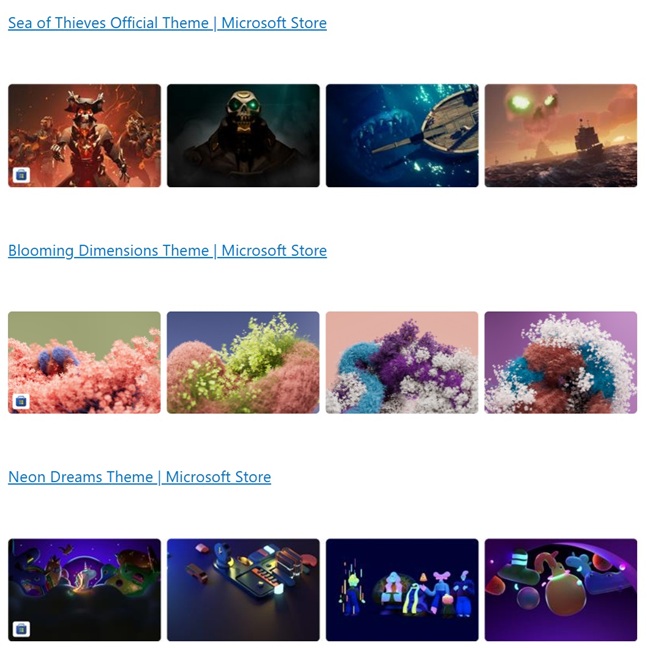
- Sea of Thieves Official Theme
- Blooming Dimensions Theme
- Neon Dreams Theme
- World of Warships Official Theme
- Opaline Theme
- Razer Axon Official Theme
Themes can be managed through Windows Settings, where users can view, switch, or organize their collection. The company, in its announcement, also suggested apps for desktop customization, including TranslucentTB, Lively Wallpaper, and Seelen UI.
Future Outlook
Microsoft aims to make personalization accessible to all Windows users. The new Themes department is a step toward providing structured options for users to reflect their preferences on their devices.
Availability
The new Themes department is rolling out in the Microsoft Store on Windows. Users can browse and apply themes directly through the store and manage them via Windows Settings. Feedback can be submitted through the Feedback Hub (WIN + F) under Microsoft Store.