
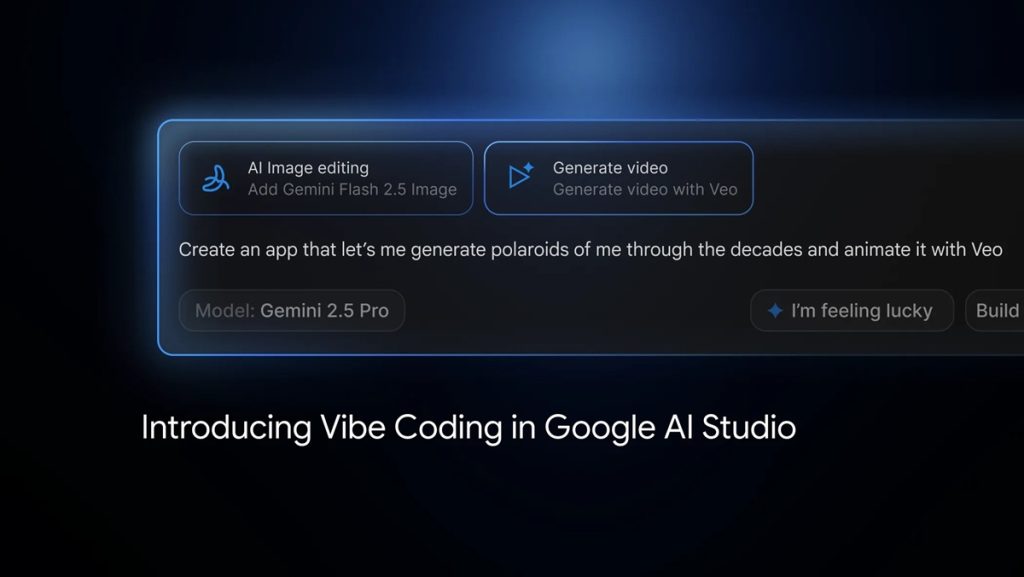
Google has rolled out a redesigned “Vibe Coding” experience in AI Studio, allowing users to go from a single prompt to a working AI-powered app within minutes. The update removes the need to manage API keys or manually link multiple models, simplifying the entire development process.
From idea to working AI app
With the new Vibe Coding workflow, users can describe any app concept — from generating videos with Veo, creating image-editing tools using Nano Banana, to building writing assistants that verify sources via Google Search.
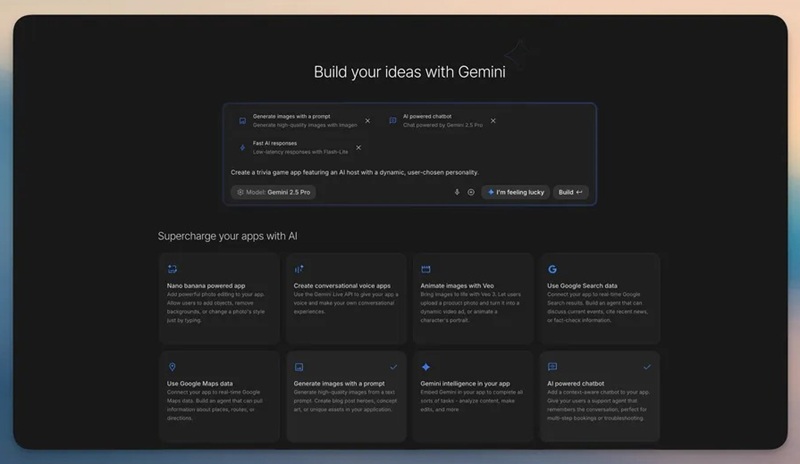
AI Studio, powered by the latest Gemini models, automatically connects the required models and APIs. Users can also tap the “I’m Feeling Lucky” button to instantly explore new app ideas and prototypes without starting from scratch.
Revamped App Gallery for creative inspiration
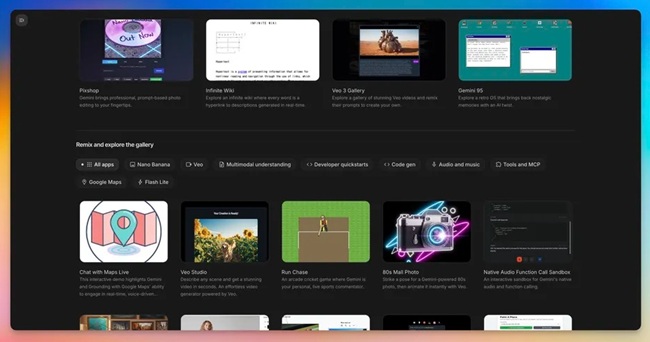
The App Gallery has been redesigned into a visual library showcasing what can be created using Gemini. Users can browse example projects, preview them instantly, access starter code, and remix existing apps into their own.
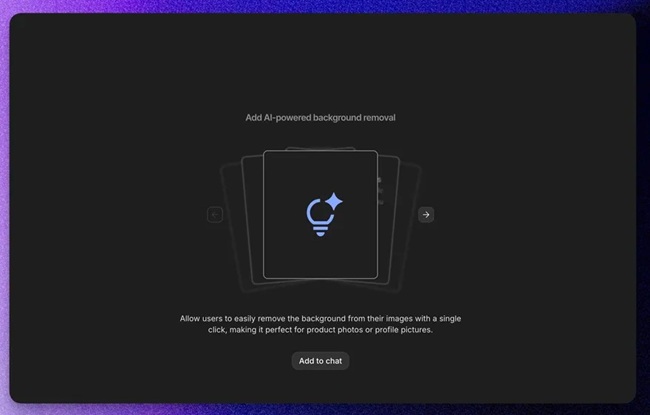
A new Brainstorming Loading Screen also appears while apps are building, cycling through context-aware ideas from Gemini to help spark new concepts during wait time.
Visual app editing with Annotation Mode
The update adds a new Annotation Mode, allowing users to make visual edits directly within the interface. Instead of modifying lines of code, they can highlight any element and instruct Gemini with natural language commands such as “Make this button blue,” “Change the style of these cards,” or “Animate this image from the left.”
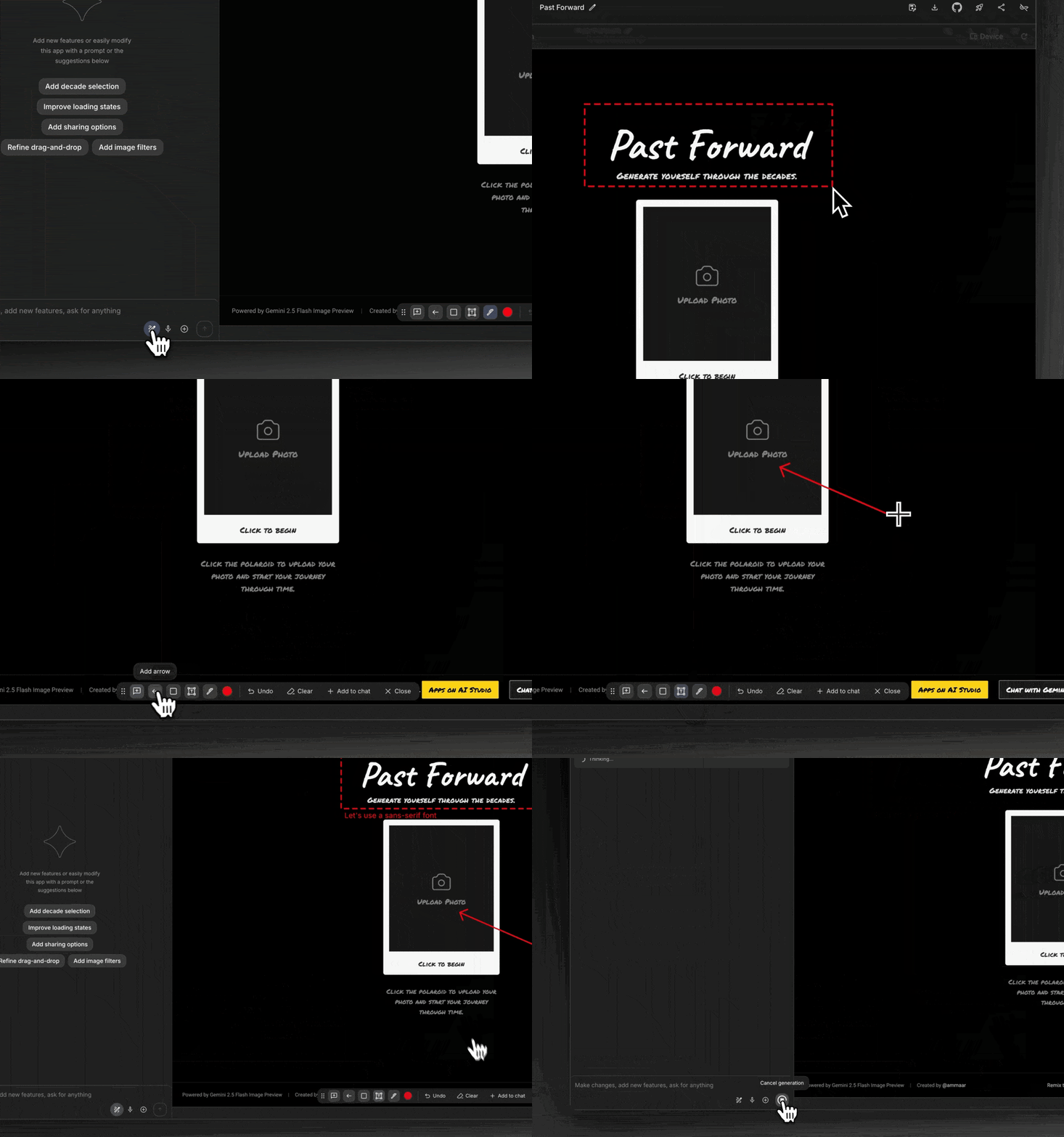
This visual editing method enables intuitive, conversational adjustments while maintaining creative flow.
Continuous development without interruptions
If users reach the free-tier limit, AI Studio now allows them to temporarily add their own API key to continue working seamlessly. Once the free quota renews, the platform automatically switches back, ensuring uninterrupted development.
Lowering the barrier to AI creation
Google says the goal behind these updates is to make AI app development more accessible. By integrating AI throughout the process—from ideation to iteration—the new Vibe Coding experience enables anyone, including non-developers, to build feature-rich applications using Gemini models.
Availability
All the new Vibe Coding features are available now in Google AI Studio. Google has also released a YouTube playlist featuring tutorials that demonstrate how to use the updated experience and start building with Gemini.