
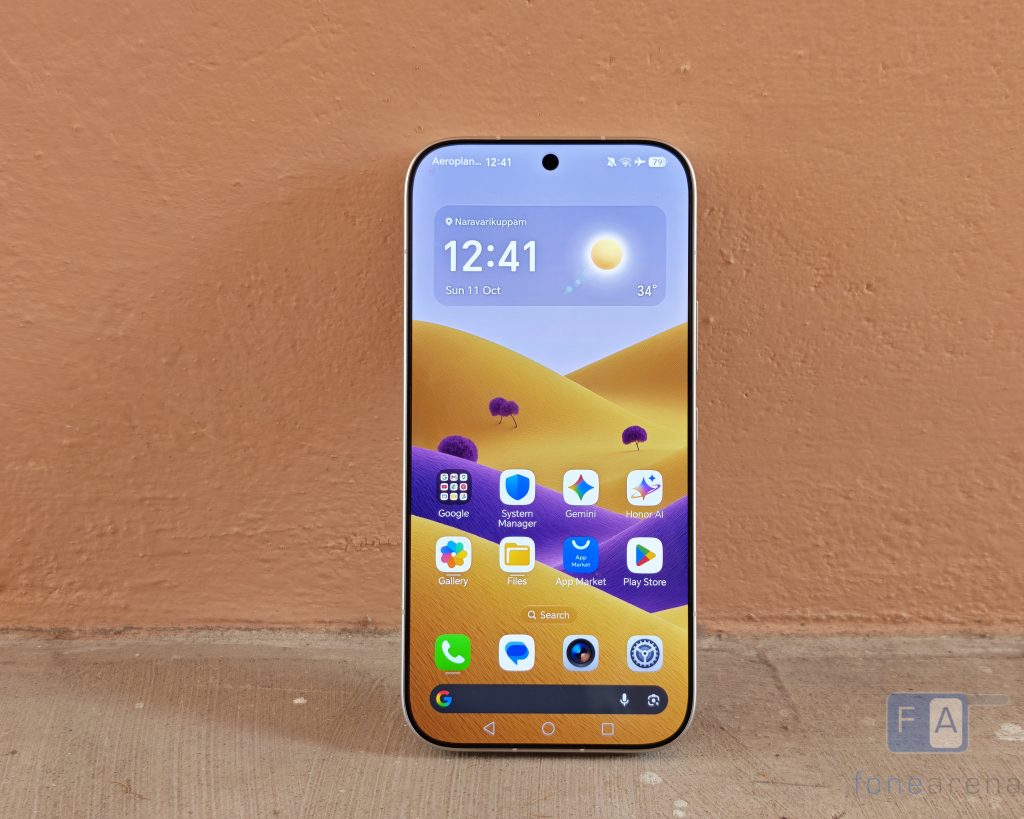
Every smartphone display promises the moon on paper, but daily life usually boils down to two simple hurdles: can you see WhatsApp while walking down a sunlit street at 1 PM, and will opening a browser in bed blind you? In this HONOR 600 display review, I spent the past week putting the screen through those everyday extremes. Between toggling Sunlight Mode under open skies, seeing how low that 1-nit floor actually feels when the bedroom lights are off, and sifting through the Eye Comfort suite inside MagicOS 10, here is what genuinely works and what feels more like spec-sheet padding.
HONOR 600: What’s on Paper?
On the hardware side, here is what the HONOR 600 brings to the table:
- Display: 6.57-inch AMOLED, 2728 × 1264 resolution (458 PPI)
- Refresh Rate & Color: 120Hz dynamic refresh rate, 10-bit color (1.07 billion colors)
- Color Gamut: 100% DCI-P3 wide color support
- HDR & Processing: Netflix HDR, Amazon HDR, AI HDR Display 2.0, and AI Vivid Display 2.0
- Dimming & Claims: 3,840Hz ultra-high frequency PWM dimming, plus an 8,000-nit lab peak claim
Mind you, that 8,000 nits figure lives strictly in a lab test under microscopic HDR windows. I don’t carry a lux meter around in my pocket, so my focus was strictly on whether the glass holds up when you’re simply trying to use it.
High Noon: Is Sunlight Mode Actually Worth Toggling?
To see how those lab figures translate to real life, I took the phone outside right in the middle of a clear day. Truthfully, the base panel has enough muscle that you don’t even need extra settings just to glance at a notification or navigate maps. Reading black text on white pages was effortless straight out of the pocket.
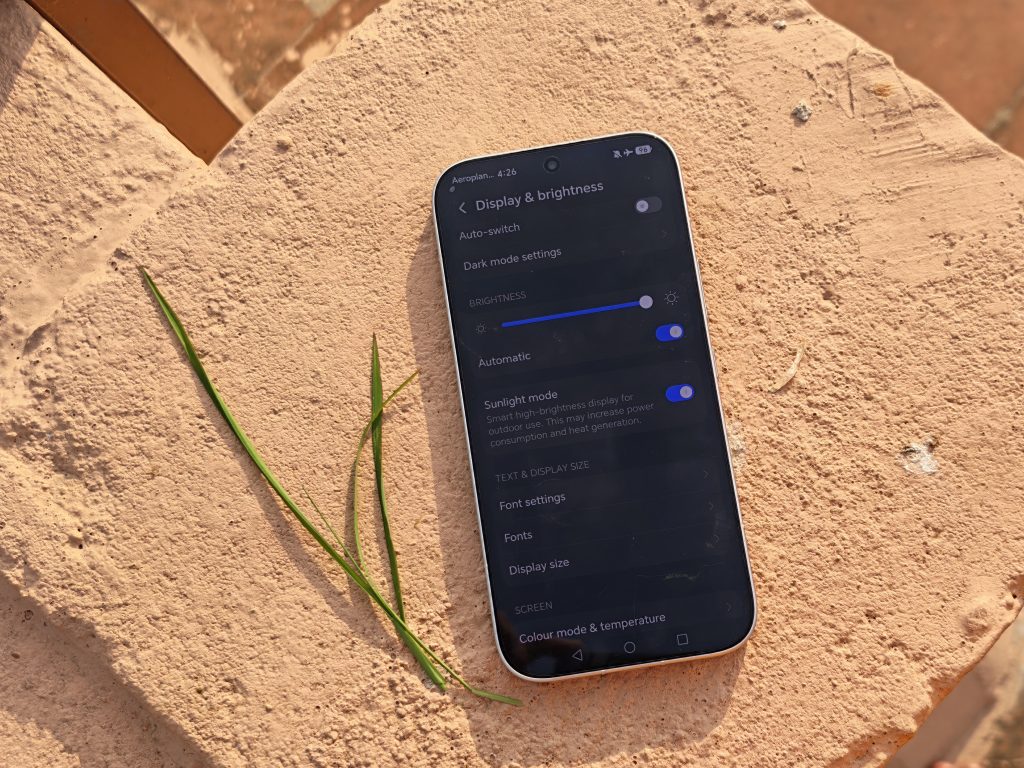
Flipping on Sunlight Mode didn’t just crank up the backlight until the battery started sweating. Instead, it pushed the contrast balance hard. Deep blacks and mid-tones separated sharply against pale backgrounds, giving images and app icons an extra edge of clarity. The colors stayed grounded—no weird fluorescent oversaturation.
Does it change the game? Not really, because the screen is already bright enough without it. You certainly don’t need to leave it running all day. Treat it more like an on-demand boost when the sun sits directly overhead and glare starts fighting back.
Midnight Reading: The 1-Nit Minimum
Surviving the sun is only half the battle, though. Where this screen really won me over was once the sun went down and the bedroom lights were killed. Typical phone screens never seem to dial down quite far enough in the dark, leaving you blinking through watery eyes.
The HONOR 600 dials all the way back to 1 nit, and that tiny floor makes an immediate impact. You can scroll through long articles in a pitch-black room and the screen feels gentle rather than abrasive.
Two specific low-light quirks stood out here:
Checking the “AI” in Auto-Brightness: It feels like every standard smartphone feature needs an “AI” badge slapped onto it now, so I was skeptical of MagicOS 10’s AI Brightness claim. To see if it was doing anything beyond an ordinary light sensor, I pulled down the quick settings to watch the slider, then started a screen recording while walking from a lit hallway straight into a pitch-black room. The slider didn’t stutter or crash downward in sudden steps; it eased down in a slow, steady glide that barely caught the eye. It’s quiet, but it tracks smoothly.
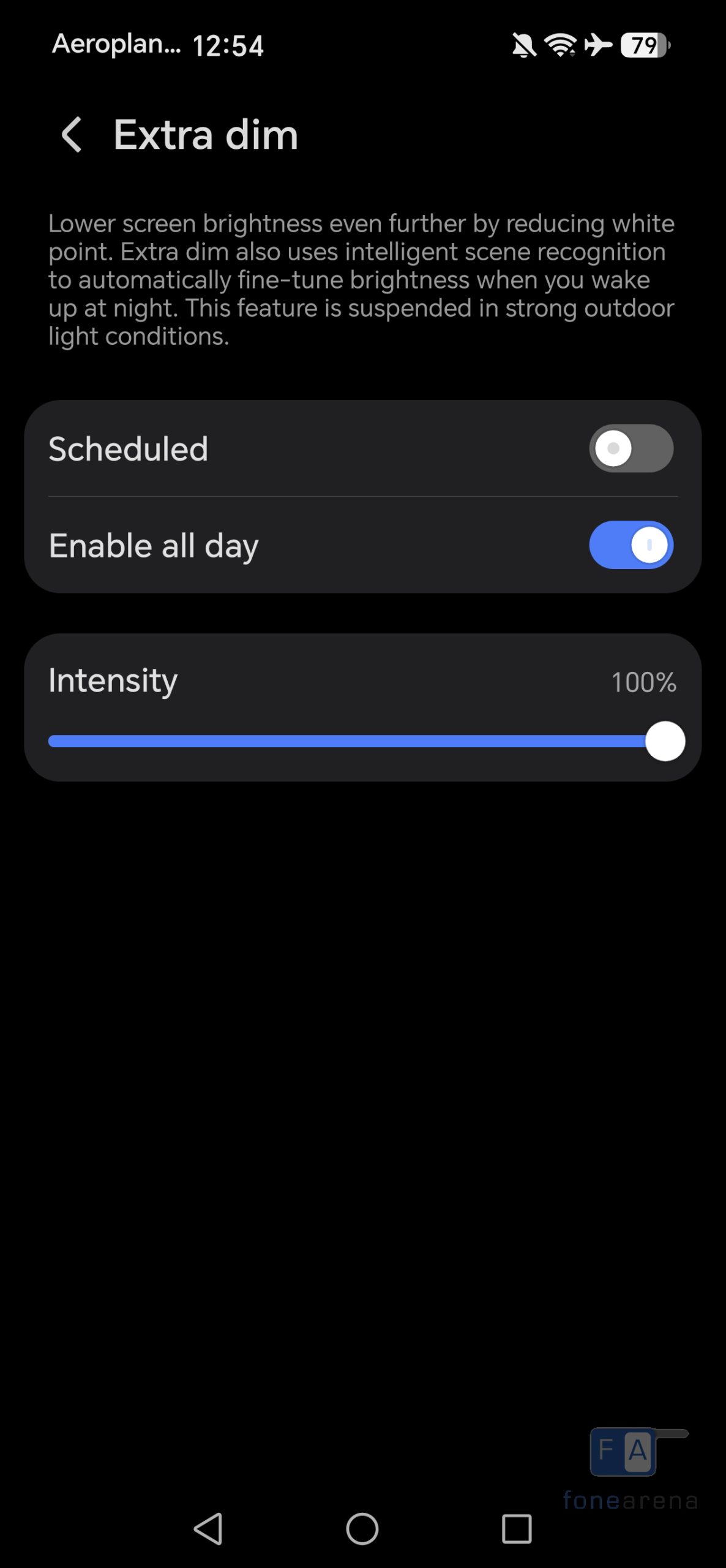
Extra Dim: If 1 nit still feels sharp to light-sensitive eyes, this Accessibility toggle pulls the white point down another notch. Handily, it shuts itself off if you step back outside into direct light.
The Eye Comfort Stack in MagicOS 10
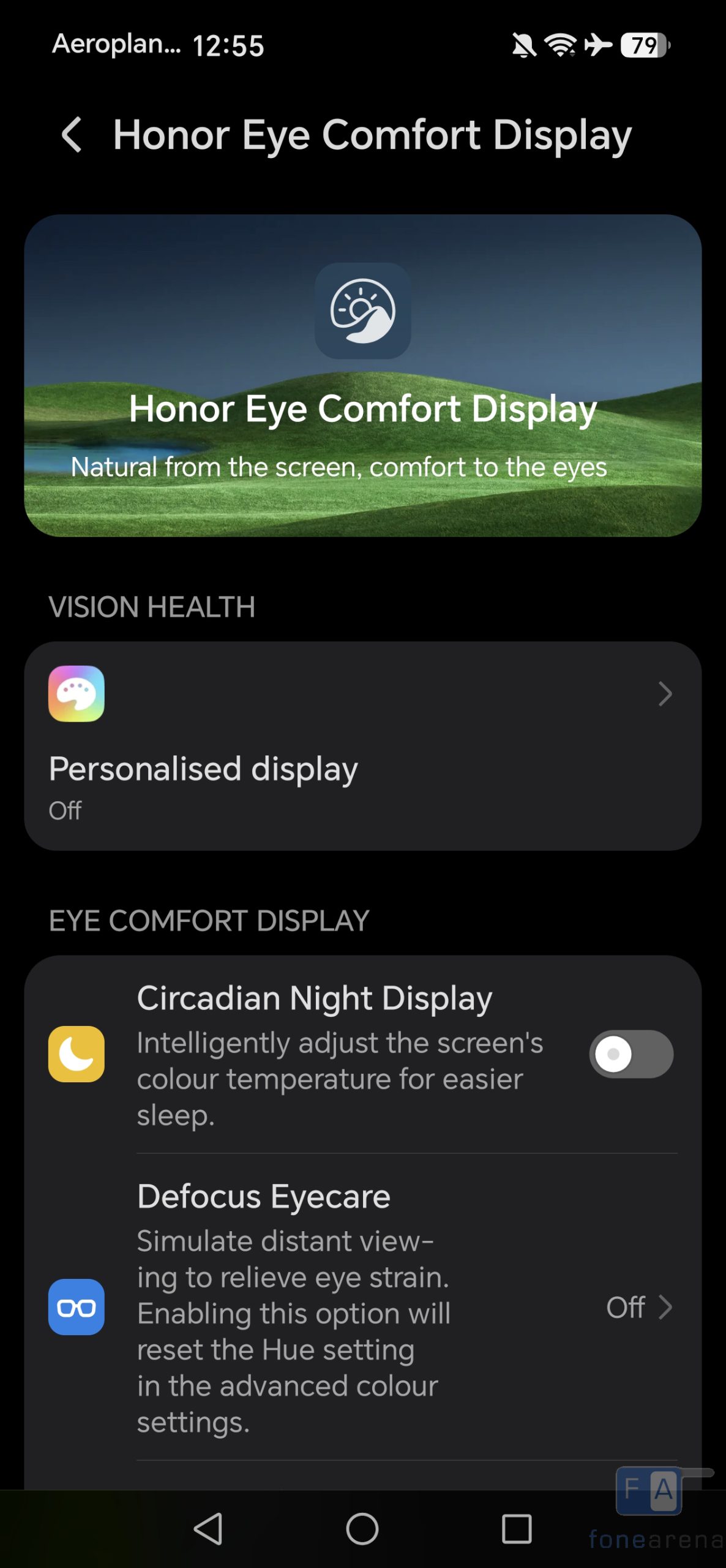
HONOR bundles a mountain of vision-protection tools into MagicOS 10. Going through them one by one in the dark showed a noticeable split between practical tweaks and features that are tough to spot:
Circadian Night Display: As bedtime nears, this gradually puts an amber wash over the interface. White web pages turn noticeably warm. It clearly cuts blue tones, even if tracking its actual effect on sleep quality is tough to prove without sleep monitors.
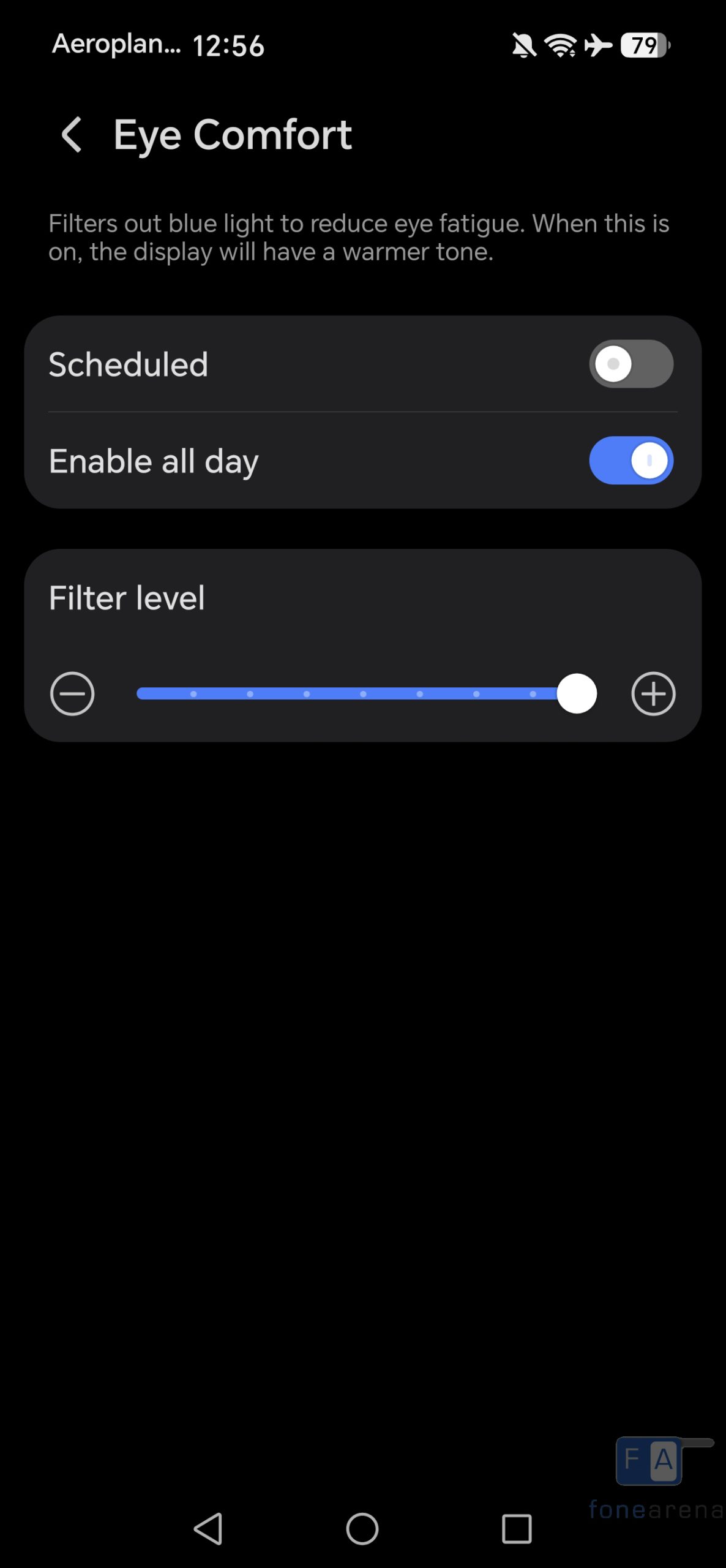
Eye Comfort Slider: The standard warmth dial. Kept at a low setting, it barely alters the image; cranked all the way up, it gives the entire panel a distinct sepia tint. It does what it says on the tin.
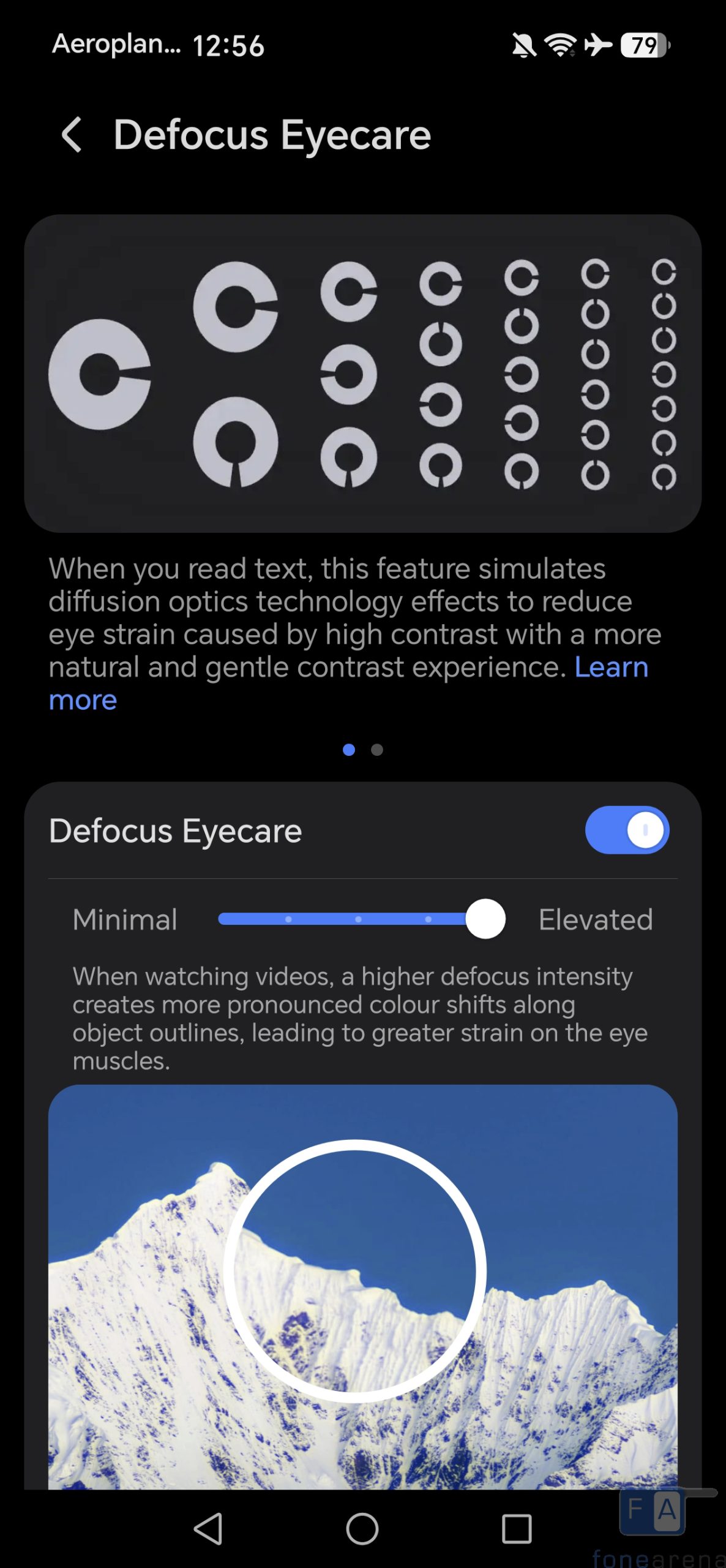
Defocus Eyecare: Pitching fatigue reduction across text and video with presets from Minimal to Elevated, this was the hardest one to pin down. Staring at the display during 1080p clips with Elevated on, I thought edge transitions seemed slightly altered, but it was so slight that I couldn’t tell if the screen had changed or if my eyes were just playing tricks.
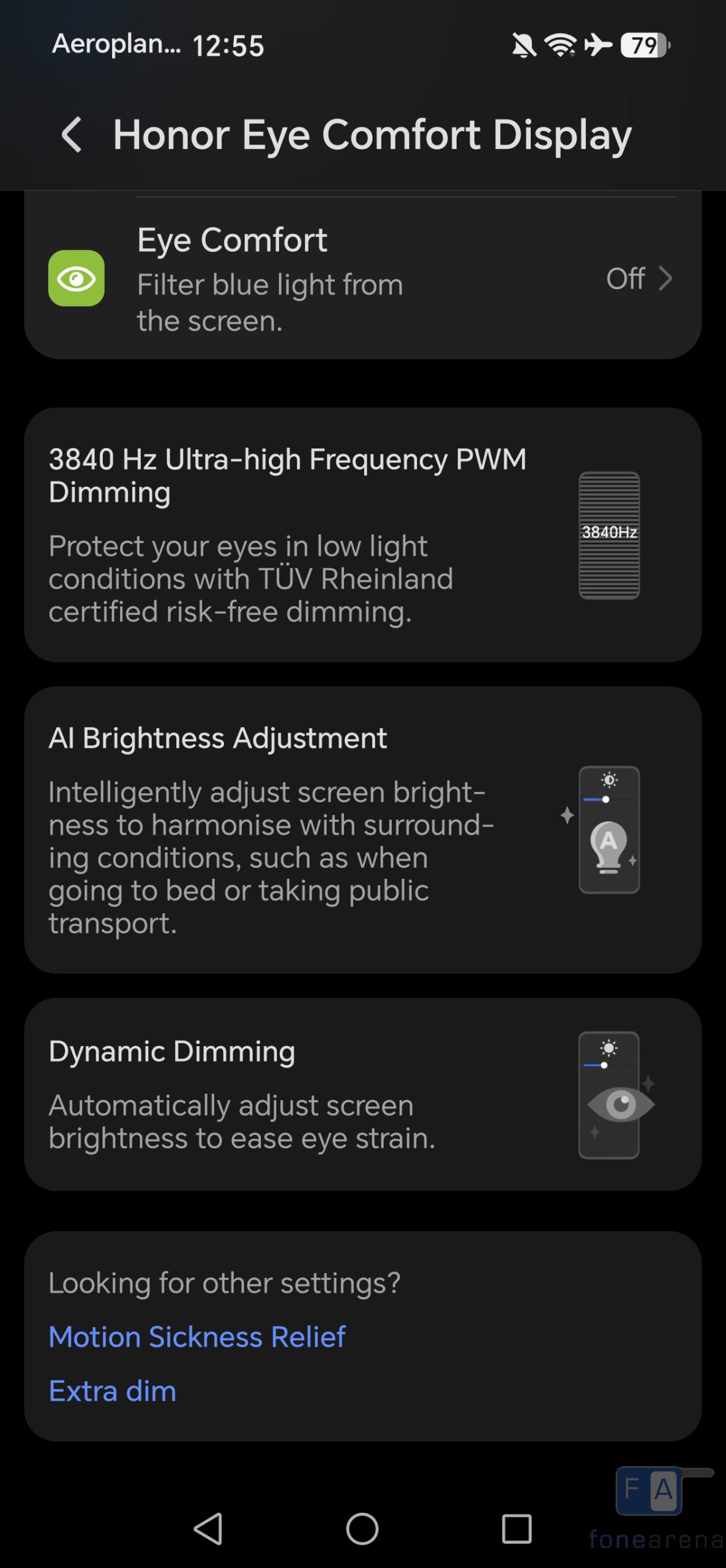
3,840Hz PWM Dimming: High-frequency dimming is designed to remove micro-flicker that triggers headaches during late-night reading. An hour of late-night reading didn’t leave my eyes feeling scratchy or strained, though verifying the exact frequency curve requires lab sensors rather than human eyesight.
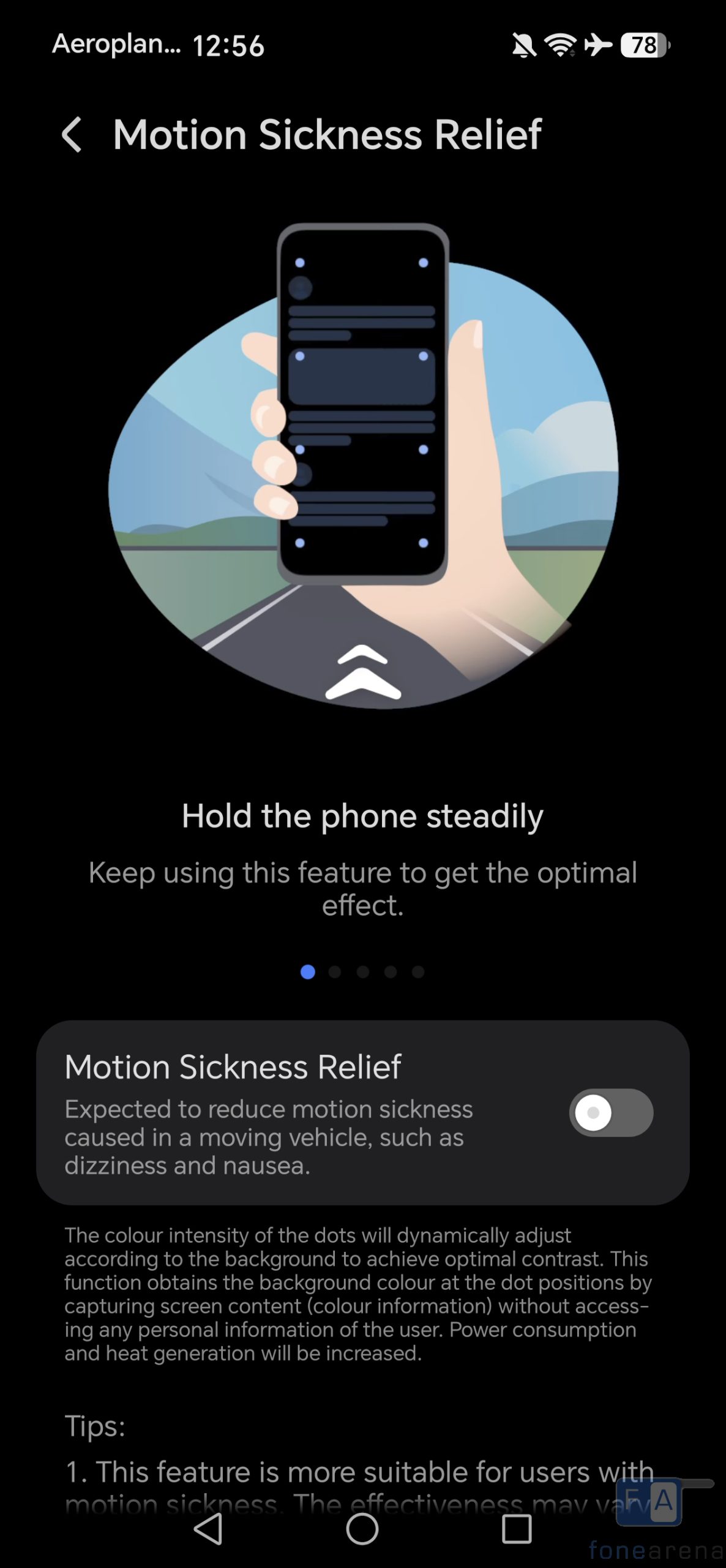
Motion Sickness Relief: Drops animated dot markers along the outer bezels to act as visual horizon anchors while you travel. If you don’t get nauseous glancing at a phone in a moving car, you’ll basically just be looking at floating dots hugging your screen edges.
Where It Works, and What Could Be Better
Wrapping up this HONOR 600 display review, the screen’s biggest strength isn’t whatever astronomical figure was printed on the spec sheet—it is how calmly the glass behaves when you actually use it. The hardware solves the two extremes that genuinely bother your eyes in daily life: text stays sharp without washing out under direct midday sun, and the screen drops dark enough at night that you never feel like you’re staring into a miniature flashlight in bed.
The software side gives you plenty of flexibility, though having so many separate tools means you’ll want to spend a few minutes upfront picking what works for your eyesight. Features like Circadian curves, warmth levels, and Defocus modes won’t appeal to everyone equally, so leaving them as dedicated options makes sense—you only turn on what your eyes actually need.
Pros:
- Slim-bezel screen that stays sharp in bright sun
- Never blinds you in the dark
- Smooth auto-brightness glide
- Zero late-night eye strain
- Plenty of custom display tweaks
Cons:
- Too many settings to toggle
- Defocus mode barely does anything
- Peak brightness is mostly marketing
- Warmth and dimming don’t sync up
What would make future HONOR Number Series phones even better is simply smoothing out how these options cooperate. If you choose to turn on eye-comfort features, having the warmth and brightness adapt together in a subtle, gradual curve based on ambient light would make an already capable display feel completely effortless.