
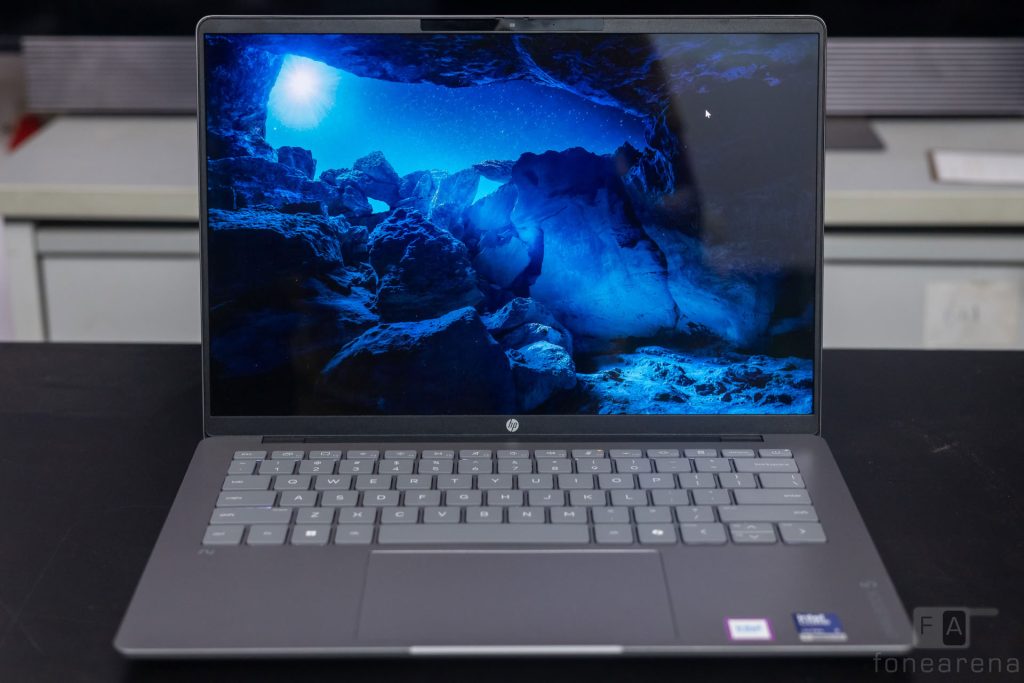
For years, HP’s Pavilion series has struck a good balance between price and features. The company has now rebranded the series as OmniBook, reviving a name it used for its laptops decades ago. The latest addition, the HP OmniBook 5, was launched in India this year. It features Intel’s Core Ultra Series 3 processors, a high resolution OLED display, and a battery HP claims will last through a full day of use. In this review, we test these claims and find out whether the OmniBook 5 justifies its price tag.
Design and Build Quality
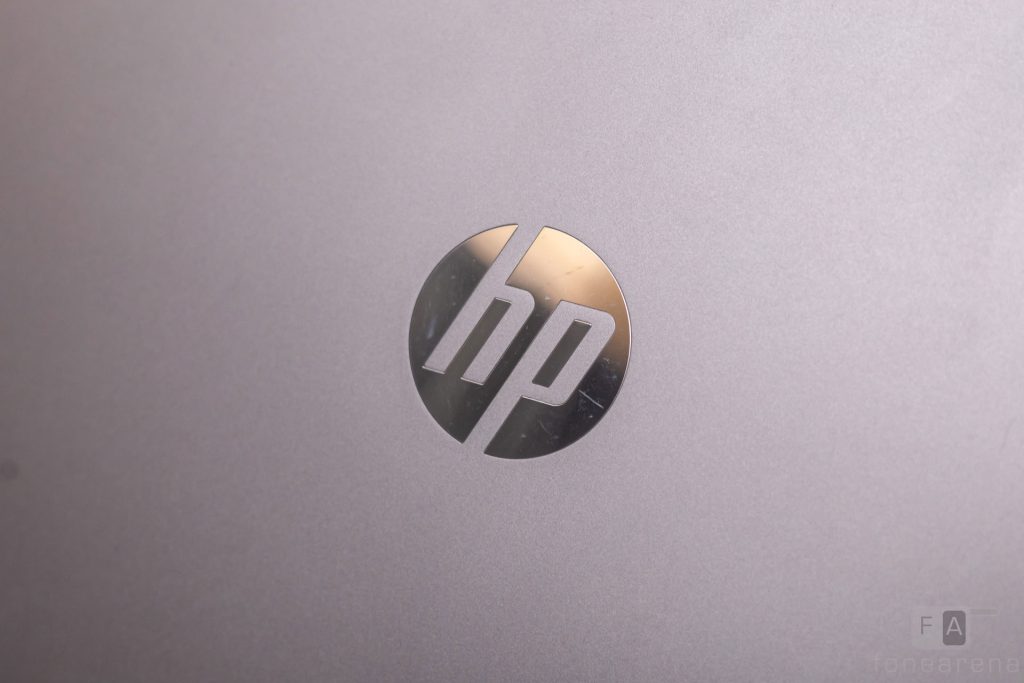
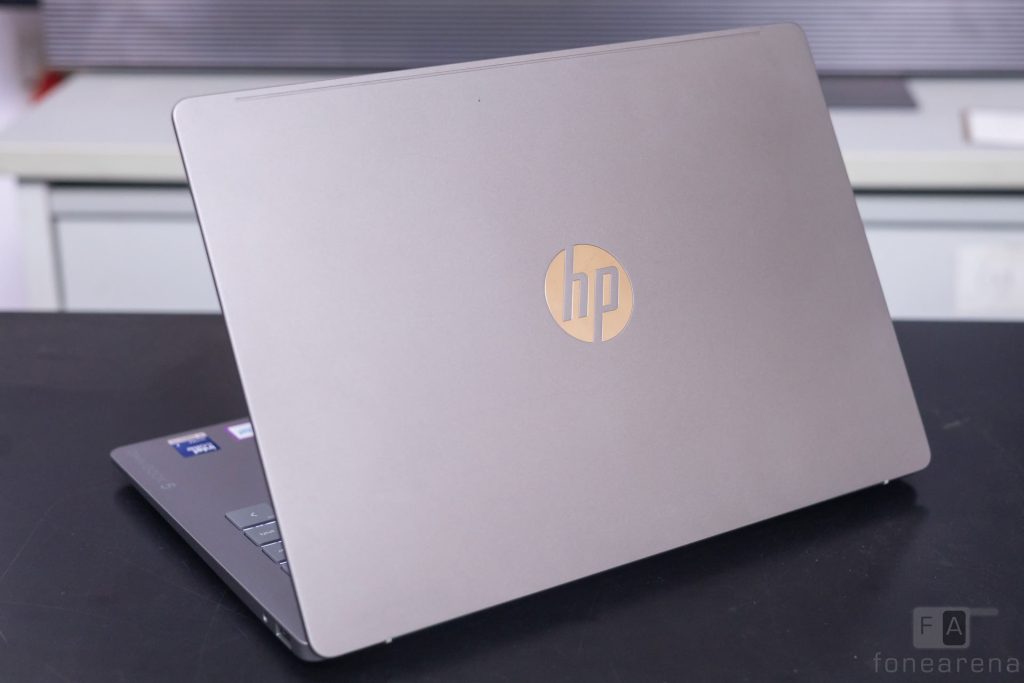
The OmniBook 5 sports a clean and simple design that feels characteristically HP. The silver exterior, which HP calls Meteor Silver, feels smooth to the touch and resists fingerprints reasonably well. The same cannot be said for the glossy HP logo at the center of the lid. It picked up fingerprints and scratches quickly during our review.
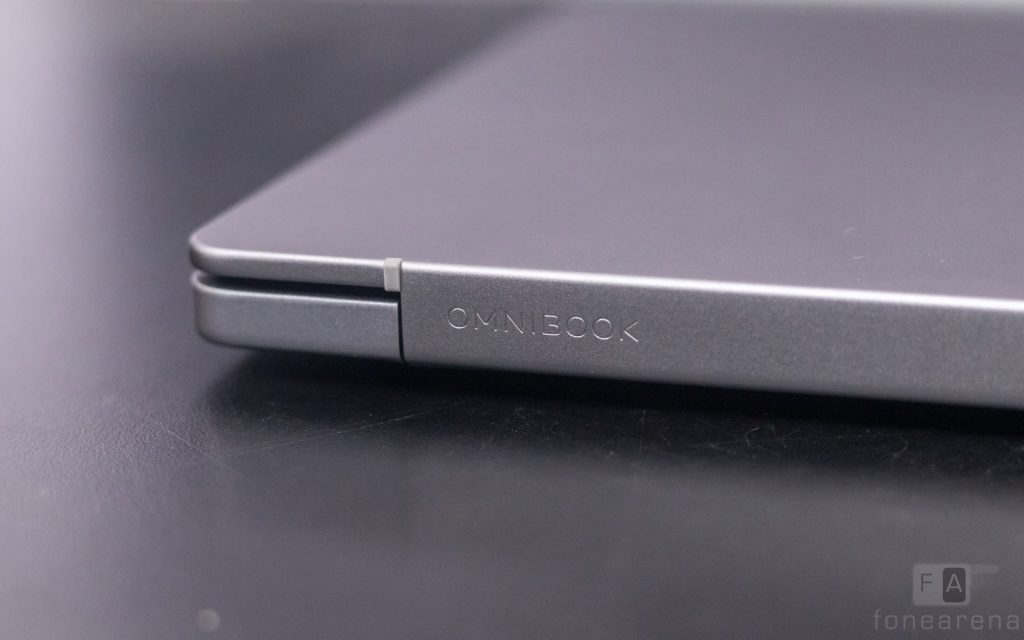
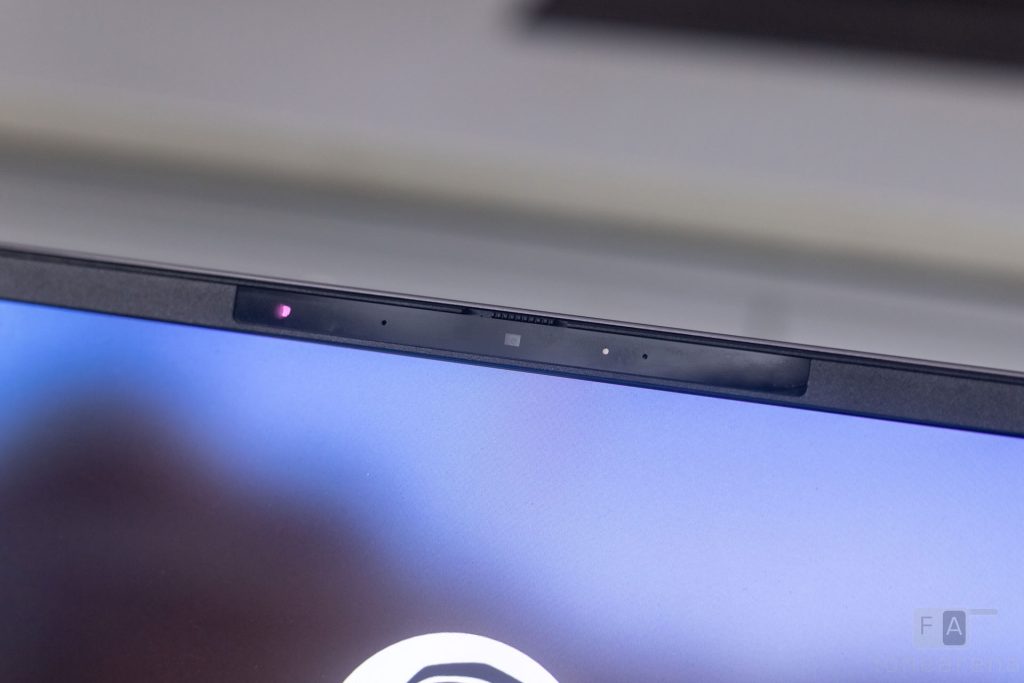
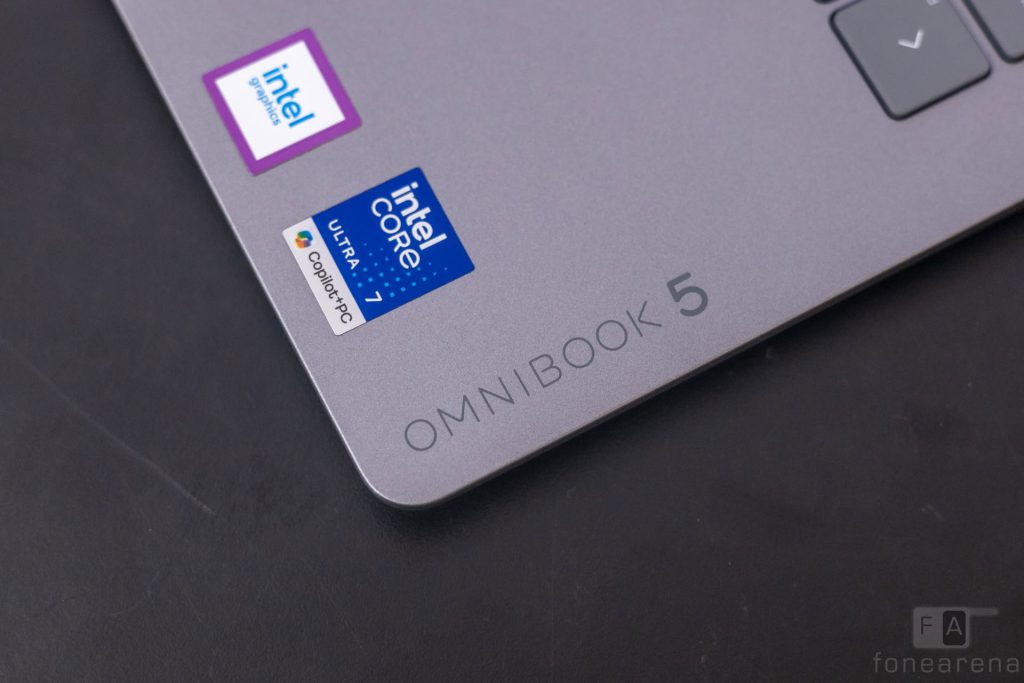
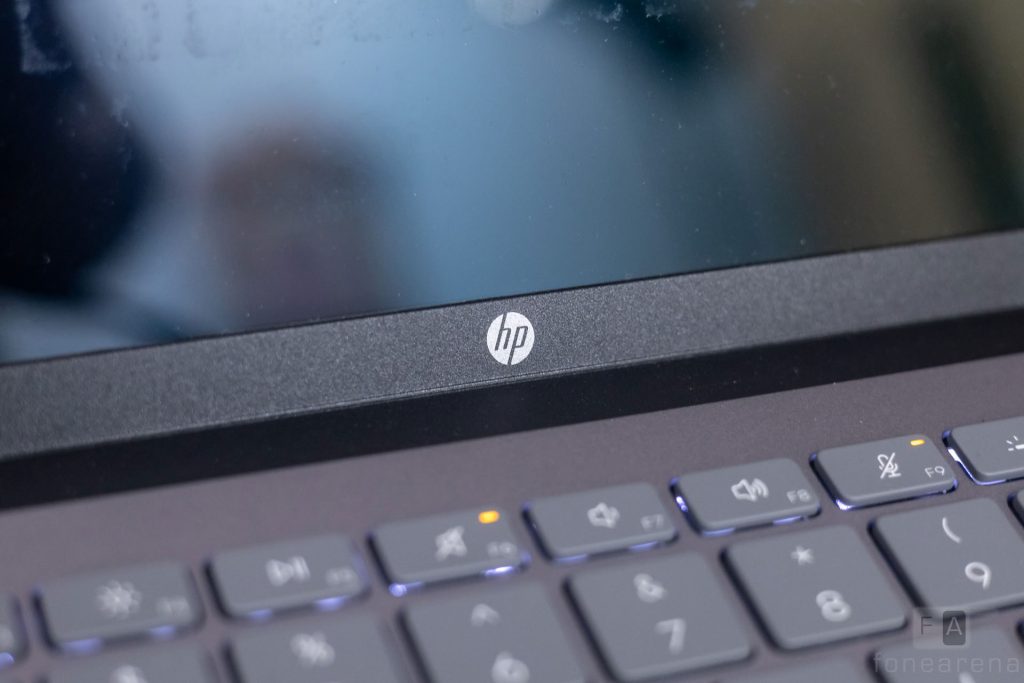
We found branding in three more places. An HP logo sits on the bottom bezel of the display. An OmniBook wordmark appears on the back edge, with another on the palm rest. The bezels around the display are thin on all sides, giving the laptop a modern look. The top bezel houses an IR camera for Windows Hello. A physical shutter for the webcam is also present, a welcome touch on a laptop at this price.
The top and bottom panels of the exterior are made of anodized Aluminium, while the internal panels are plastic. This combination keeps the chassis sturdy without adding much weight. There is a hint of deck flex, but it does not affect typing.
The hinge feels robust and is weighted well enough to allow one-finger opening. At 1.33 kg and 13.6 mm thick, the OmniBook 5 sits comfortably within the norms for its class.
Display and Audio
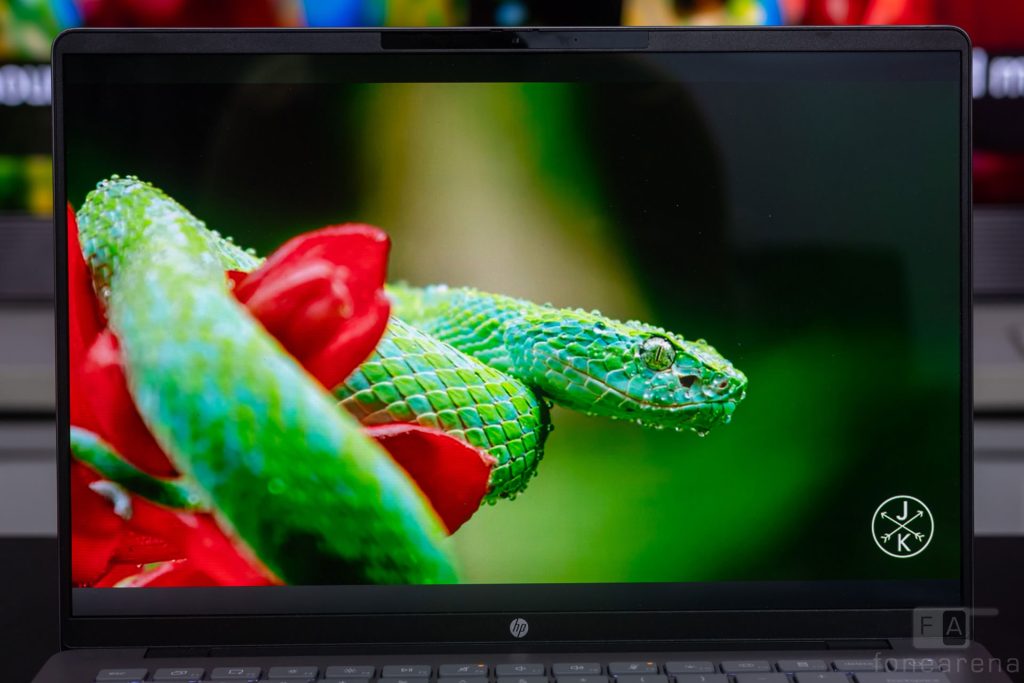
The HP OmniBook 5 comes with a 14-inch, 16:10 OLED panel. It offers a resolution of 1920 x 1200 and a 60Hz refresh rate. Peak brightness reaches 300 nits, which suffices for indoor use, but outdoor visibility suffers as a result. The panel offers full coverage of the DCI-P3 colour space, an impressive figure for a laptop in this segment. This makes the OmniBook 5 a capable choice for colour-accurate work.
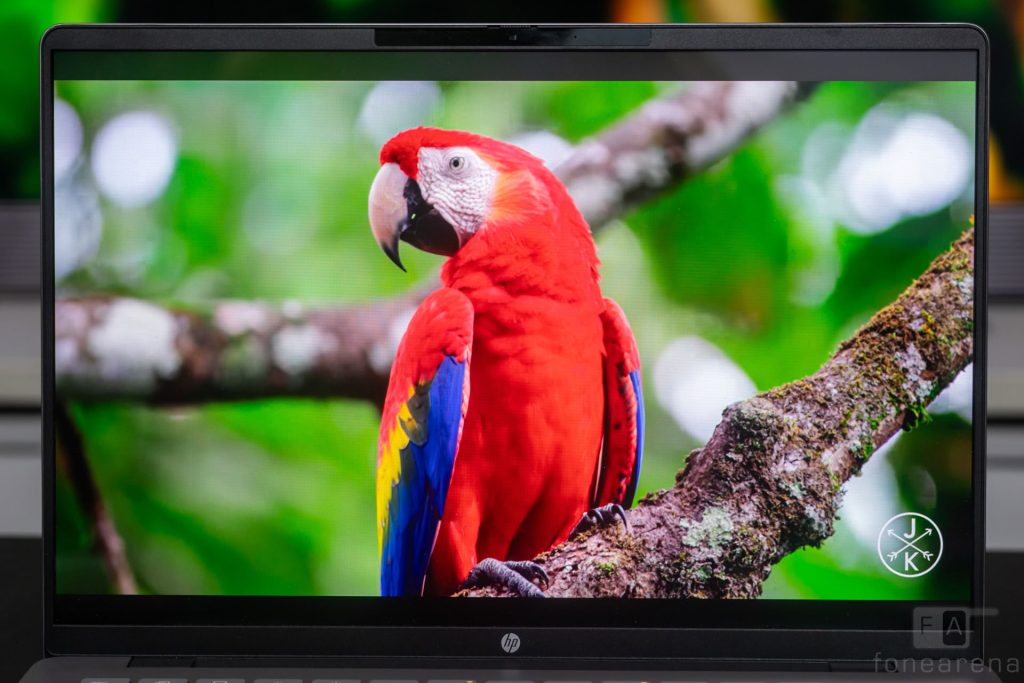
Being an OLED panel, colours appear vibrant and saturated throughout. The peak brightness may be modest, but the deep blacks lend the display strong contrast overall. An anti-glare coating cuts down reflections indoors, though it cannot compensate for the limited brightness outdoors. The 0.2ms pixel response time suits gaming well, but the 60Hz refresh rate holds back that potential.
The speakers consist of a pair of bottom firing units that get moderately loud. They maintain clarity up to about 80% volume and perform decently across the mids and highs. The low end remains noticeably weak, a common trait among Windows laptops in this class. DTS:X Ultra support, however, works well for spatial audio experiences.
Performance and Benchmarks
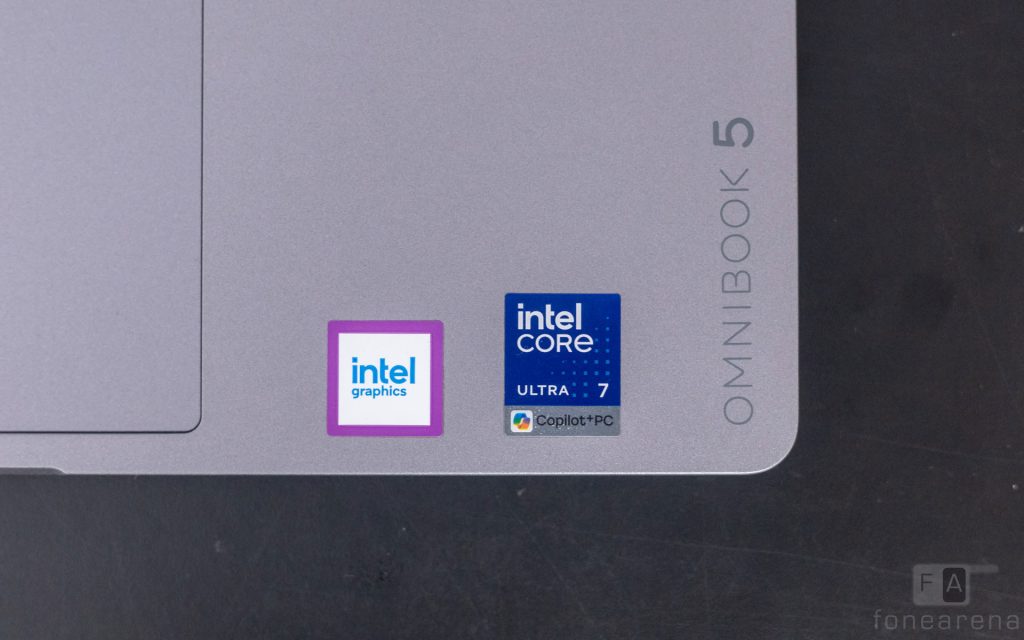
Under the hood, our review unit of the OmniBook 5 comes equipped with the Intel Core Ultra 7 355 processor. It pairs with 16 GB of LPDDR5x-6800 MT/s RAM and a 1 TB SSD. Integrated Intel Graphics handles graphics duties, while the Intel AI Boost engine takes care of NPU tasks.
The Intel Core Ultra 7 355 is a solid middle-of-the-road processor built for mid-range thin and light laptops. It consists of four Performance-cores, which can turbo up to 4.7 GHz, along with four Low Power Efficient-cores for background tasks. Together, these add up to eight cores in total. The laptop handles most everyday tasks such as browsing, word processing, and streaming content with ease. It also performs well in moderately heavier tasks such as photo editing and light video editing. In more demanding tasks, however, the processor tends to struggle, which is expected at this tier. Those whose workloads include 3D modelling, code compilation, or heavy video editing would be better served by other laptops.
The graphics situation follows a similar pattern. Intel Graphics handles simple, day-to-day tasks well, but struggles with heavier workloads such as gaming.
Here are some benchmarks:
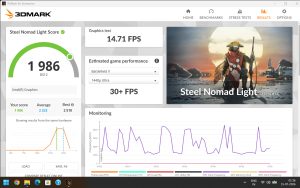
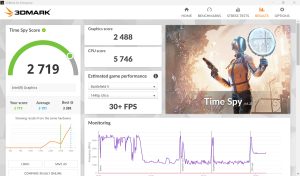
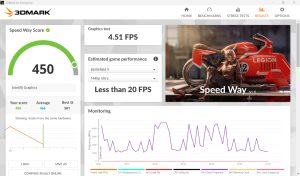
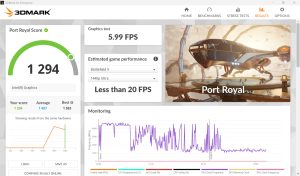
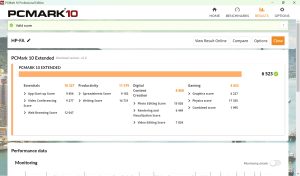
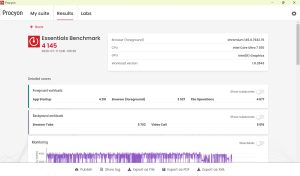
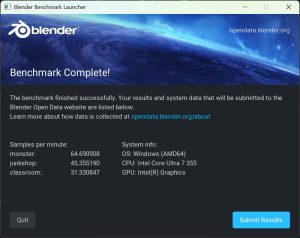
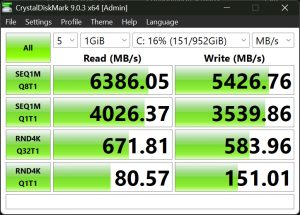
Thermal management is handled reasonably well overall. The fans become noticeable during long, heavy workloads, but the laptop stays mostly silent during day-to-day use. This owes credit to the efficiency of Intel’s Panther Lake architecture, which delivers more performance at lower power draw.
Keyboard and Trackpad
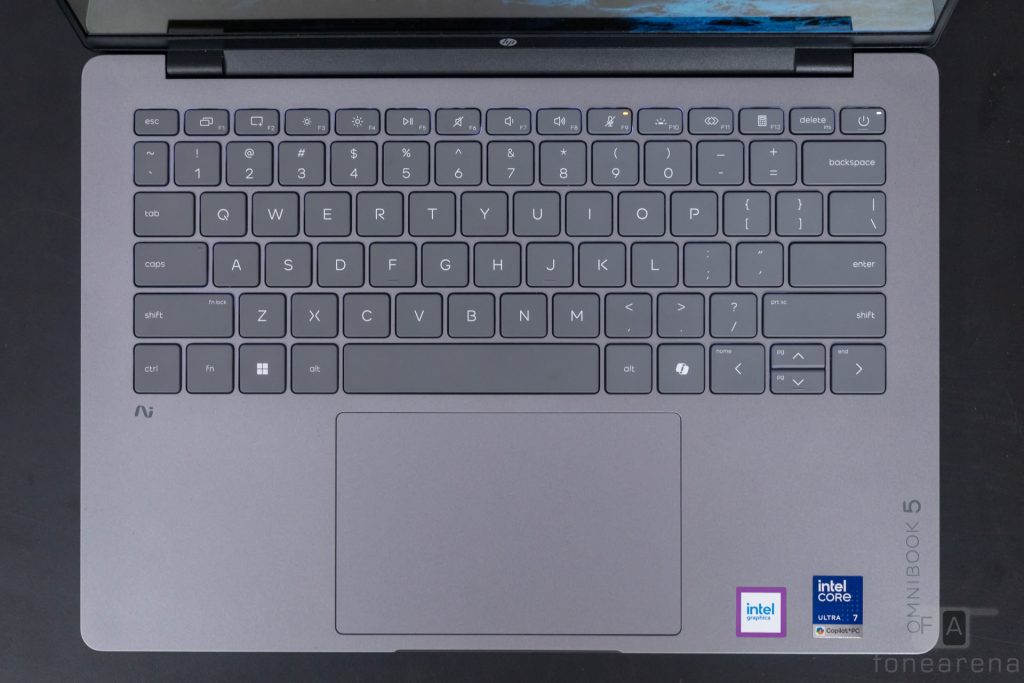
The keyboard on the Omnibook 5 has a sensible layout, with well spaced-out keys and white backlighting. The keys have 1.3mm of travel, which is lower than some of the competition, but still felt tactile to type on. The function row keys have shortcuts for commonly used controls with a focus on productivity, such as microphone mute, opening the calculator, and screen sharing. Typing on this keyboard felt easy and comfortable, with reasonably quiet clicks that would be non-intrusive in any office environment. Typing long documents didn’t result in any hand cramps and the productivity shortcuts would be appreciated by the target audience.
The trackpad is a similar story on the Omnibook 5. It is 16% larger than the previous generation and supports gestures for controlling volume and brightness. The tracking was smooth and accurate, although the click mechanism could be better.
Ports and Connectivity
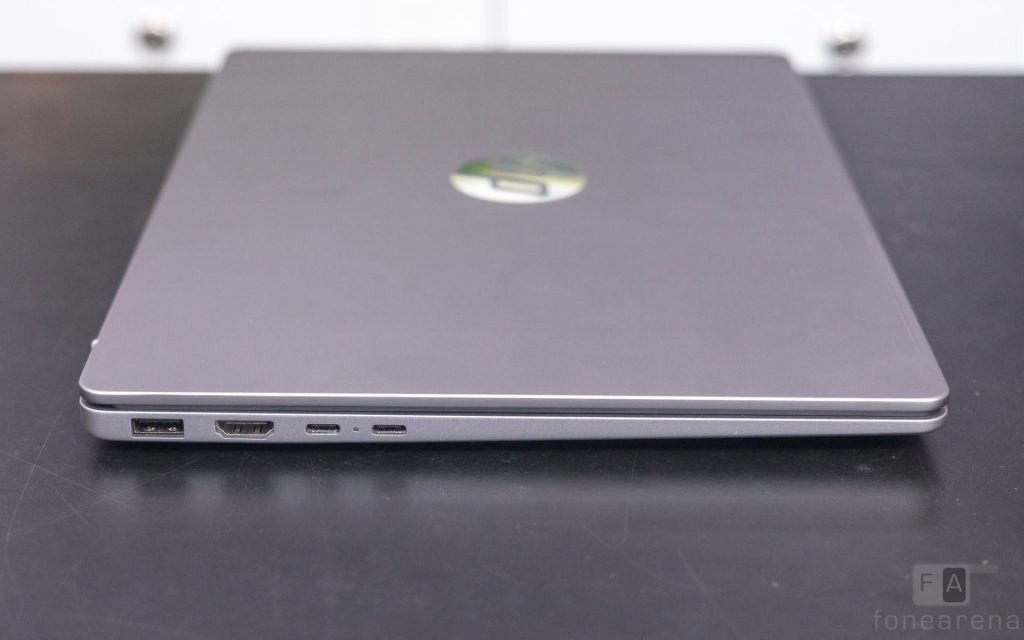
Ports are definitely a strength for the OmniBook 5. The left side houses two Thunderbolt 4 Type-C ports, both supporting USB Power Delivery 3.1 and DisplayPort 2.1, along with an HDMI 2.1 port and a USB Type-A port rated for 10 Gbps. The right side adds another USB-A port, this one rated for 5 Gbps, along with a 3.5mm headphone and microphone combo jack.
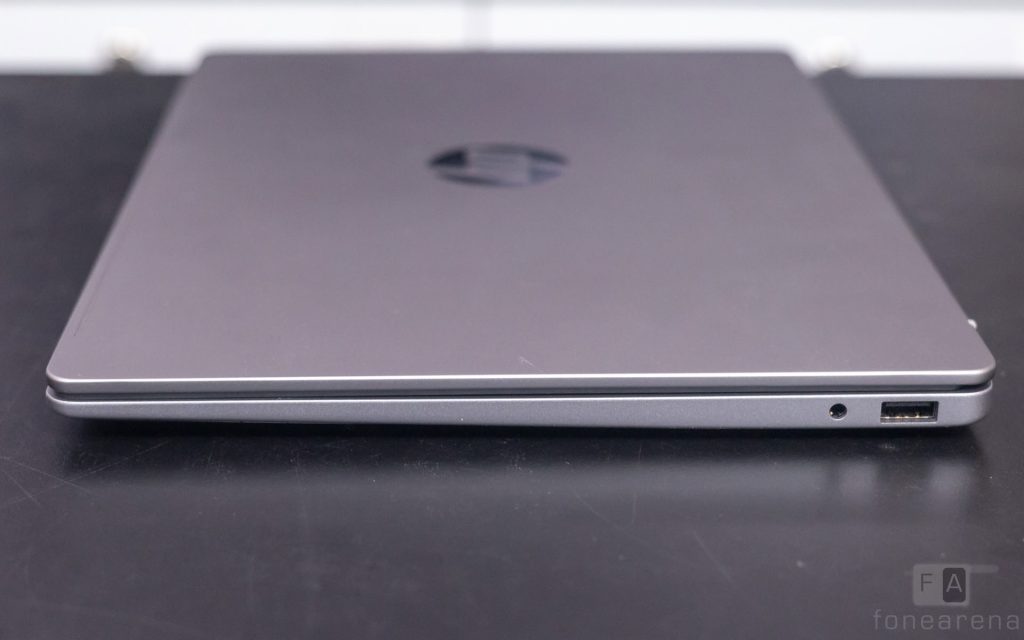
It is great to see such a healthy selection of ports on a laptop these days. The two USB Type-A ports and the HDMI port, in particular, add real convenience. Since charging runs through USB-C, plugging in a charger effectively takes up one of the two Thunderbolt 4 ports, leaving you with one less port available while the laptop charges.
For wireless connectivity, the laptop uses a Wi-Fi 7 and Bluetooth 6.0 chip from Realtek. It comes as a surprise that HP has not gone with an Intel Wi-Fi chip on a laptop running an Intel Core Ultra processor. That said, the chip performed perfectly fine during our review, with no connectivity issues and consistently fast speeds.
Battery
The battery is another area of strength for the OmniBook 5. Powering the laptop is a 3-cell, 59Wh Li-ion polymer battery, charged using the included 65W GaN charger. It supports quick charging, reaching zero to fifty percent in about half an hour, while a full charge takes about one and a half hours.
Battery life is strong for a laptop in its class. With typical day-to-day usage, including browsing, working on spreadsheets, and streaming content, the OmniBook 5 lasted about eleven hours on a single charge. This is more than enough to last an entire workday without reaching for a charger. Much of this comes down to the efficiency of Intel’s Panther Lake architecture, which suits thin and light productivity laptops well. On the days you do run low, support for fast charging lets you top up quickly and get through the rest of the day.
Verdict
The HP OmniBook 5 strikes a good balance between features, performance, and build quality. The design feels premium, the OLED display impresses indoors, the keyboard and trackpad are comfortable for daily use, and the port selection covers most needs. The Core Ultra 7 355 handles everyday and moderately demanding tasks well, and battery life comfortably carries the laptop through a full workday.
Our review unit, with 16 GB of RAM and a 1 TB SSD, is priced at Rs. 1,45,999, which is expensive for a laptop in this class. This reflects the wider laptop industry’s ongoing RAM shortage and rising component costs, rather than any shortfall specific to this laptop. Barring the pricing, we did not encounter any major faults with the OmniBook 5.
It is worth noting that HP also offers this laptop with lower-end processors at more accessible prices, so buyers who do not need this configuration’s full power have options within the same lineup. All things considered, the HP OmniBook 5 is certainly worth considering, provided it fits within your budget.
The HP OmniBook 5 is available for purchase in HP stores, both online and offline, and on Amazon.