
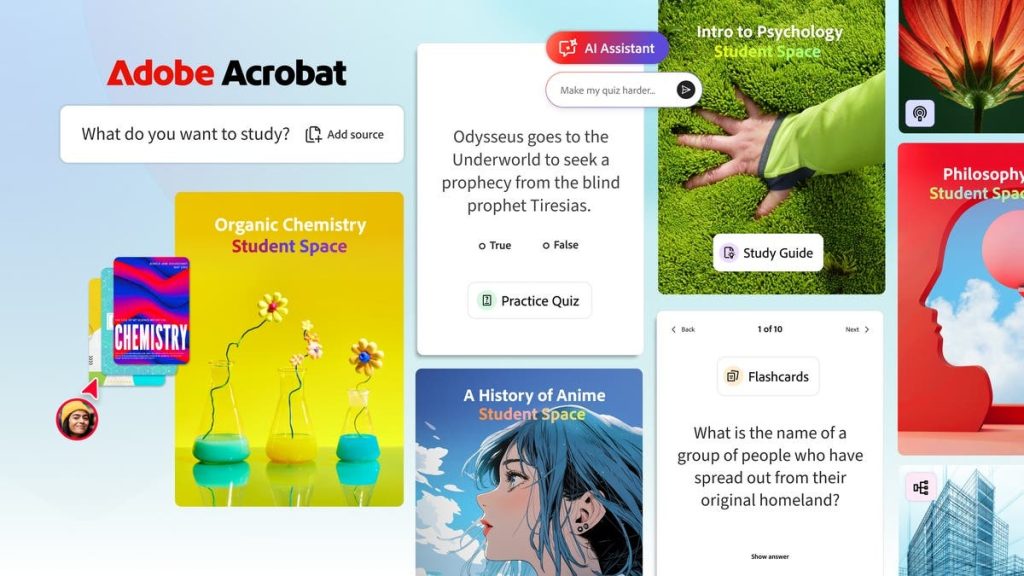
Adobe has introduced Student Spaces in Adobe Acrobat as a free feature currently available in beta, aimed at helping students manage coursework, organize study materials, and prepare for exams.
Student Spaces in Adobe Acrobat
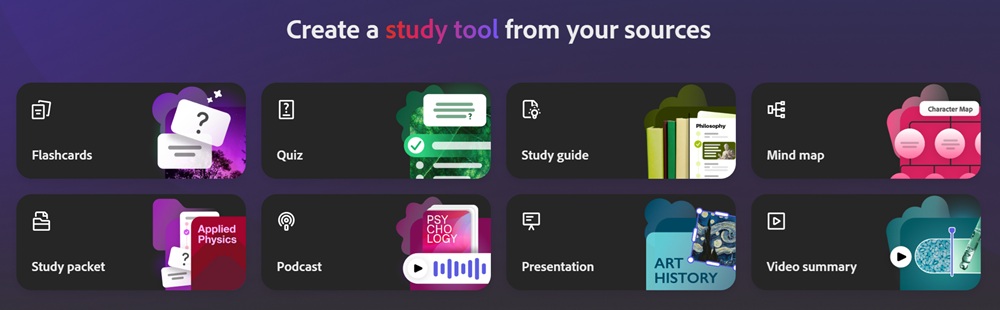
Student Spaces in Adobe Acrobat is designed to support academic tasks such as classes, assignments, group projects, internships, and career planning by bringing multiple tools into a single workspace. Users can upload class notes, documents, and links, and use built-in AI tools to generate study guides, summaries, mind maps, flashcards, and quizzes.
The workspace centralizes study materials and supports collaboration, allowing students to share content, ask questions, and work together on assignments and presentations within the same environment. It combines content organization, AI assistance, and collaboration to support studying, revision, and group work.
Key features
- Upload class notes, documents, and links to generate study guides and mind maps
- Interactive flashcards and quizzes for testing knowledge
- AI Assistant that explains complex topics as a 24/7 tutor
- AI responses include citations linked directly to source documents for verification
- Audio summaries and podcast-style outputs for learning on the go
- Collaboration tools for sharing notes, asking questions, and group project work
- Ability to create presentations using uploaded and shared study materials
- Visual learning support through mind maps and presentation outputs
- Auditory learning support through audio summaries and podcasts
- Collaborative mode for real-time shared workspaces
- Solo learning with AI tutor access and a focus mode to reduce distractions
- Learning modes supported: visual, auditory, collaborative, and solo
- Supports both academic workflows and early career preparation tasks
Availability
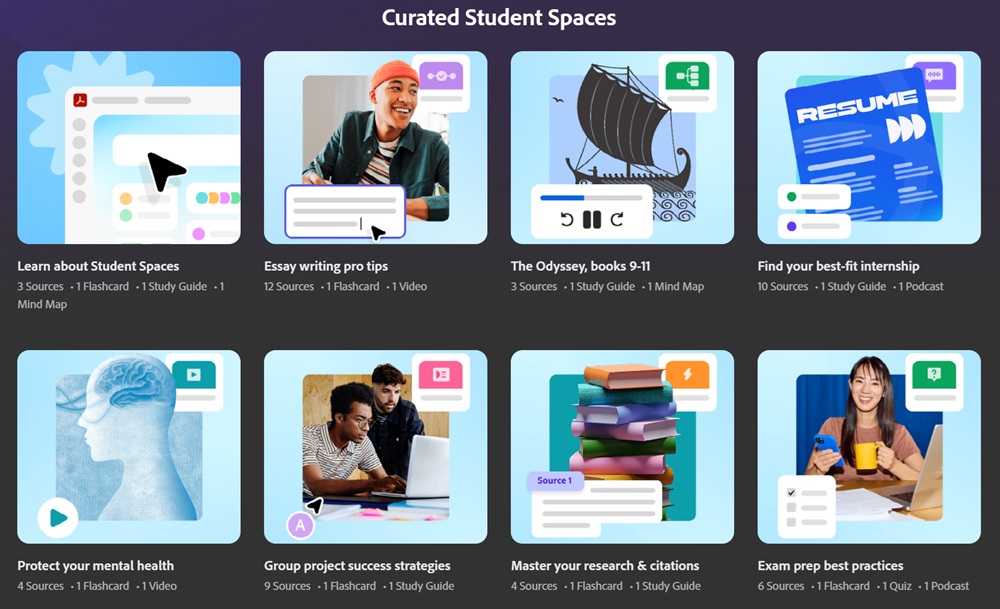
Student Spaces in Adobe Acrobat is available in beta as a free feature. Users can access it within Acrobat by uploading documents, organizing study materials, and inviting others to collaborate in shared spaces.