
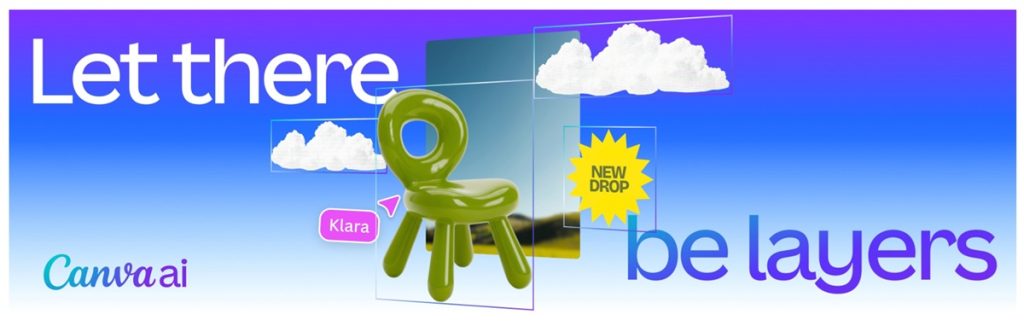
Canva has introduced Magic Layers, an AI-based feature designed to convert static images into structured, editable designs. The tool addresses a limitation of generative AI visuals, which are typically exported as flattened image files that cannot be easily modified, the company said.
Magic Layers
Magic Layers converts static visuals into editable layers inside the Canva editor by analyzing uploaded images and separating visual components into individual editable objects while preserving the original layout. This allows users to adjust text, move elements, and refine designs without recreating them.
Key capabilities include:
- Automatic separation of elements into individual movable objects
- Preservation of layout relationships between design components
- Restoration of text as live editable text boxes
- Ability to refine and iterate designs without restarting the process
Magic Layers currently supports single-page PNG and JPG files in the beta version.
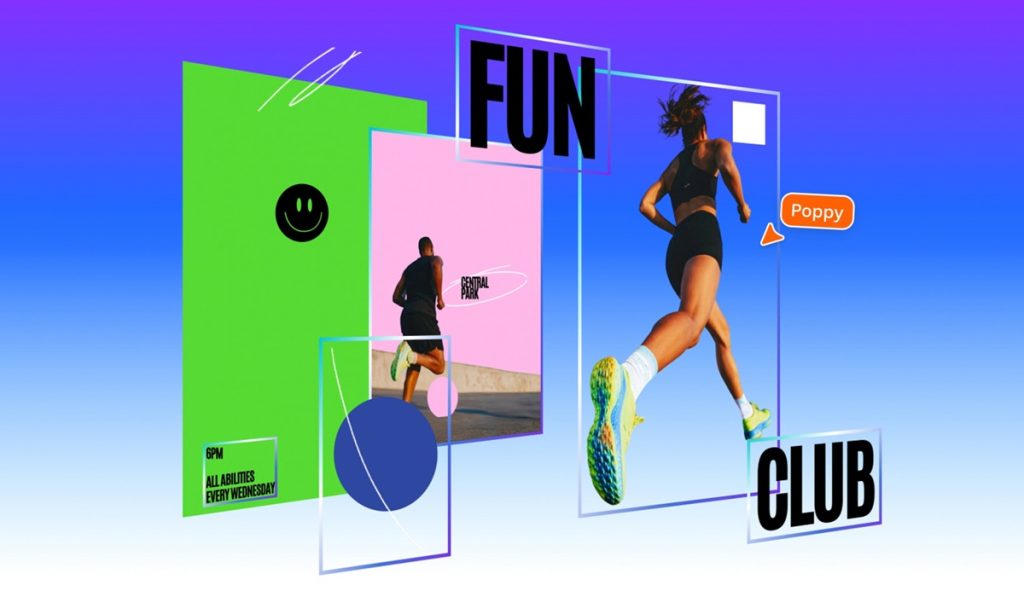
Editing AI-generated designs
Magic Layers also supports designs generated using Canva’s AI tools. Users can create a design from a prompt and then edit it directly in the Canva editor.
Users can:
- Generate a design using Canva AI
- Open the design in the editor for refinement
- Move elements, change fonts, or replace backgrounds
- Edit presentations, documents, and social media graphics
Technology behind Magic Layers
When images are exported or generated by AI, their design structure becomes flattened, turning text into pixels and merging objects so the original layout logic is lost. Traditional vector tools can trace shapes in images but cannot interpret what those shapes represent or how they relate to each other within a design.
Magic Layers analyzes the design structure to rebuild editable components by:
- Interpreting individual elements within the image
- Restoring text as live editable objects
- Reconstructing the original layout so the design can be edited again inside the Canva editor
Canva Design Model integration
Magic Layers is powered by the Canva Design Model, the company’s proprietary foundation model used to generate editable designs.
According to Canva, the model has generated hundreds of millions of editable presentations, documents, and social posts since its launch in October. The model also powers integrations between AI platforms including:
- OpenAI ChatGPT
- Anthropic Claude
- Microsoft Copilot
Availability
Magic Layers is rolling out in public beta in the following markets:
- United States
- United Kingdom
- Canada
- Australia
Global availability is expected to follow.
Speaking on the development, Cameron Adams, Co-founder and Chief Product Officer at Canva, said:
There’s been an explosion of AI-generated content that has, until now, been a dead end. You’d get a finished image you couldn’t edit, refine, or truly make your own. We think AI should spark creation, not stop it. After a breakthrough from our AI research team, we’re introducing Magic Layers so anyone can take a flat image and turn it into a fully editable design inside Canva. There’s no need to start over or figure out the right prompt. Generation is just the beginning — real creative freedom comes from being able to edit without losing momentum.