
Meta-owned Instagram has announced a new set of updates for its Edits app. The latest changes introduce Templates, Storyboards, and access to Instagram’s public Reels library, along with new customization options and iOS lock screen widgets.
New to Edits: Templates, Storyboards, and Reels Library
Templates
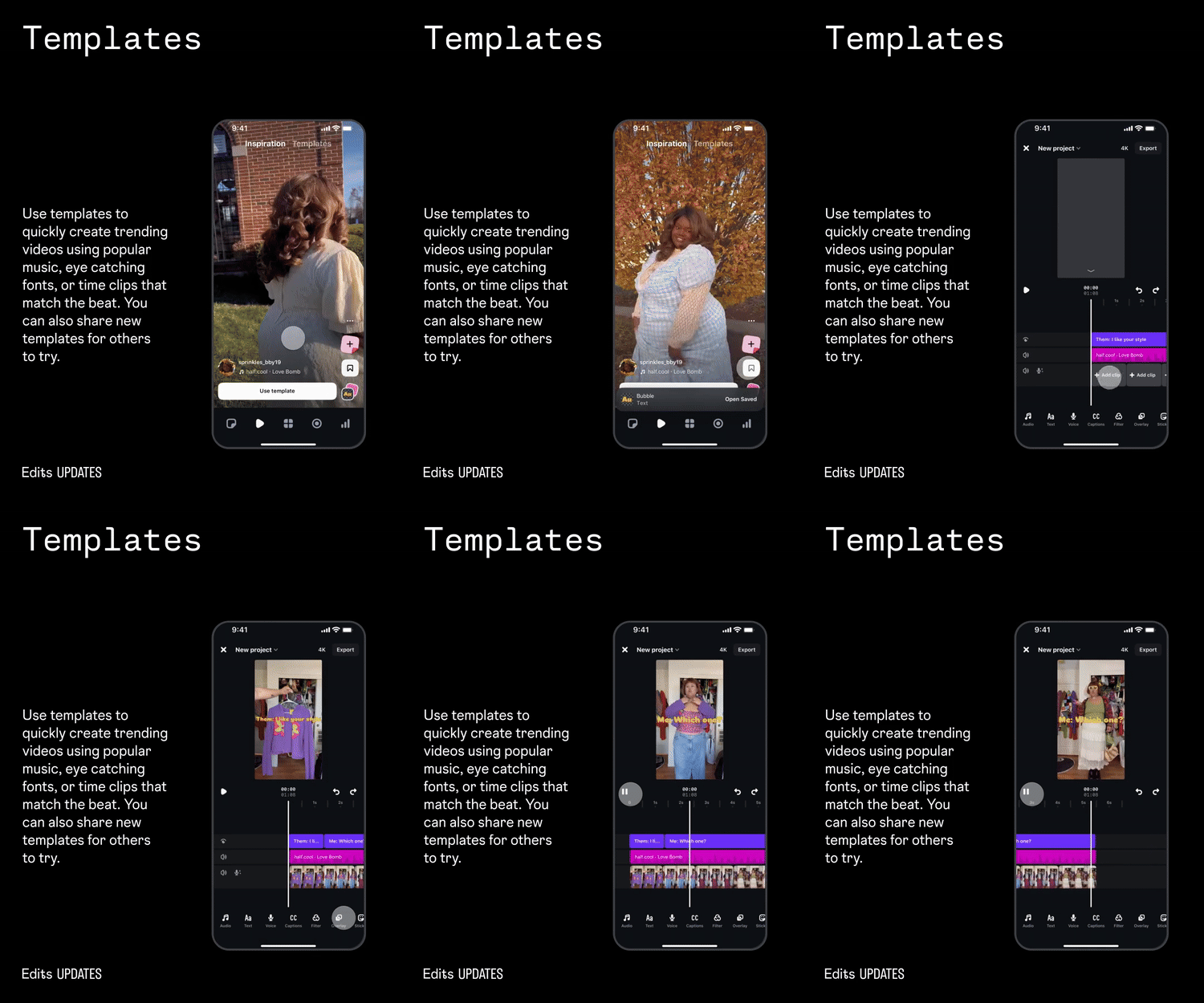
Creators can now build videos using Templates that include preset music, text styles, and timed clip layouts. The sections align with the beat of the audio, and users can also publish their own templates for others to use.
Storyboards
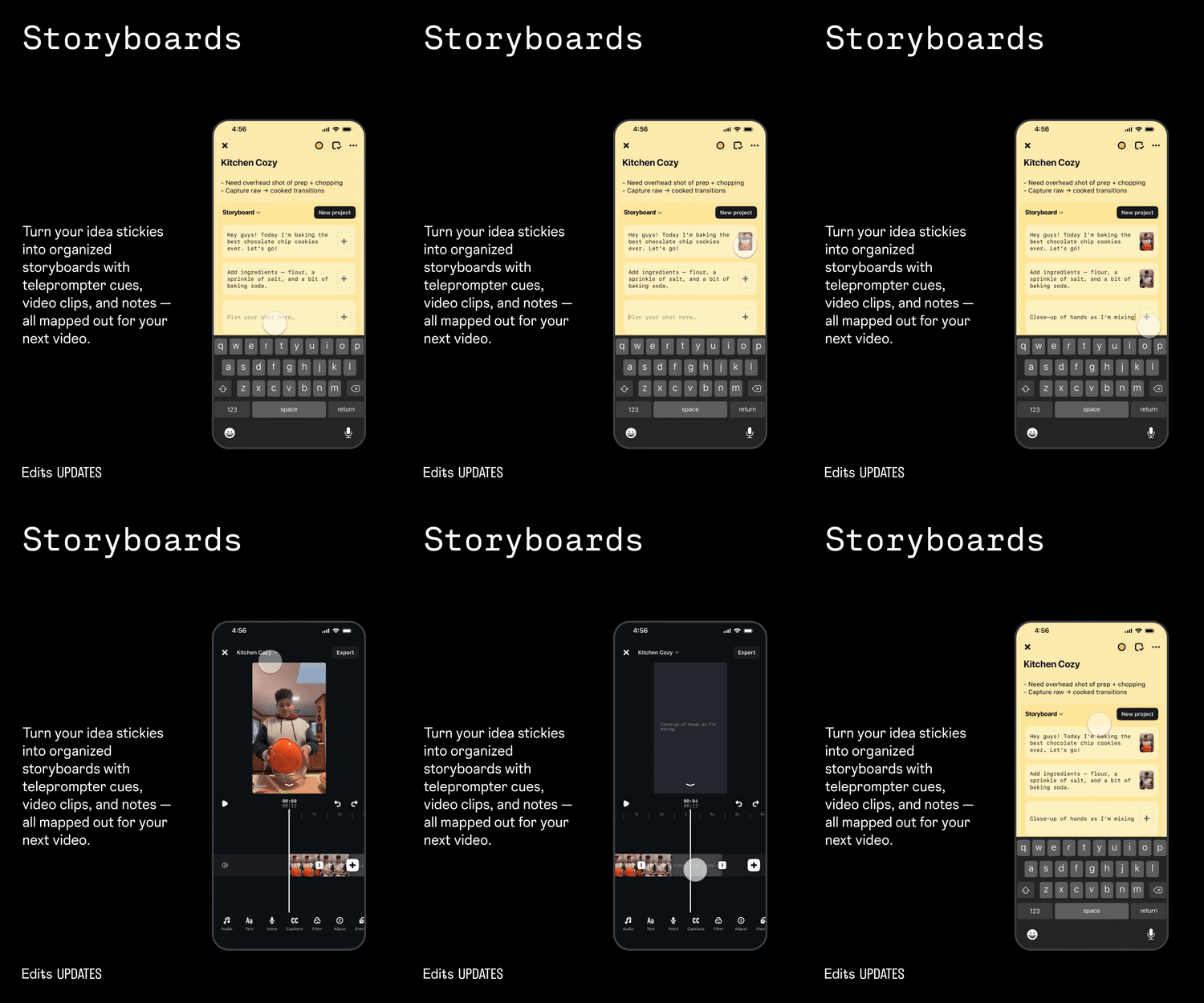
Storyboards convert idea stickies into structured layouts for upcoming videos. The tool supports teleprompter cues, video clip slots, and note fields to help creators plan their content before recording.
Add Reels
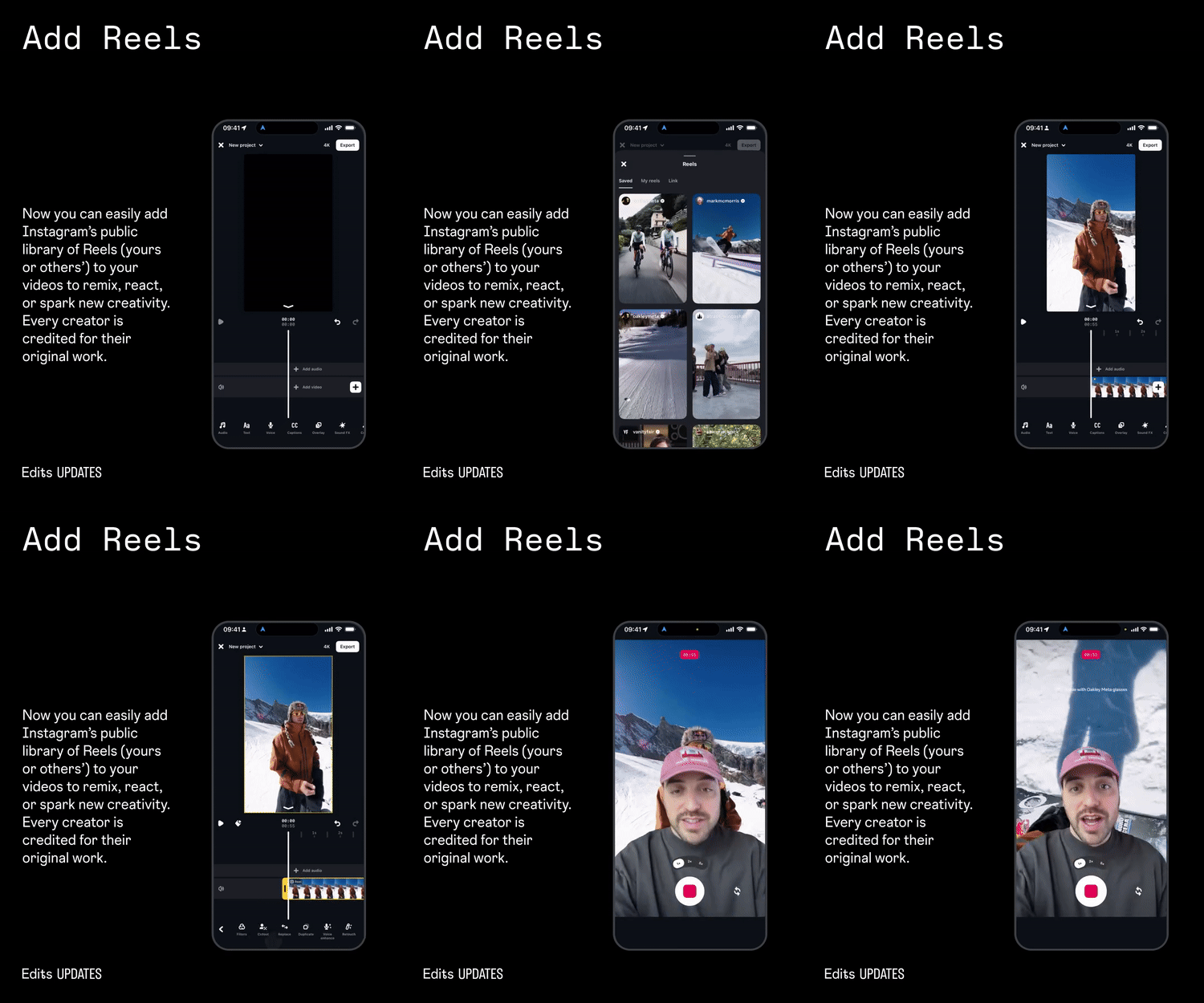
Edits now allows users to include Reels from Instagram’s public library, including their own or others’. These clips can be used for remixes, reactions, or new edits, and original creators are automatically credited.
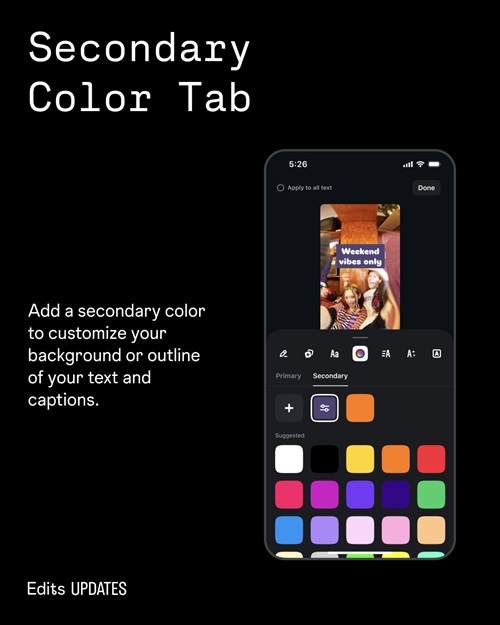
Secondary Color Tab
A Secondary Color tab lets users apply a second color to backgrounds or text outlines for more control over visual styling.
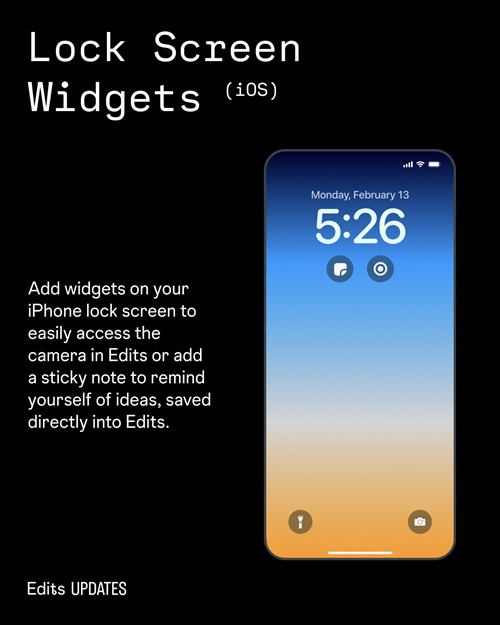
Lock Screen Widgets (iOS)
iPhone users can add Edits widgets to the lock screen for quick access to the camera or to create sticky notes. These notes are saved directly inside Edits.
Availability
Instagram says template support in Edits is rolling out this week, with more template types planned. A dedicated Templates section is also becoming available for some creators in select countries, including the United States, United Kingdom, Canada, Australia, New Zealand, and Ireland.