

Google has introduced Gemini AI to Android Auto for users who have switched from Google Assistant to Gemini on their phones. According to Guemmy Kim, Senior Director of Product & User Experience for Android for Cars, Gemini enables natural, back-and-forth interactions and handles more complex requests without requiring drivers to recall specific voice commands.
The update brings five major hands-free capabilities for navigation, communication, productivity, media, and continuous conversations.
Local stop suggestions and business insights in Maps
Gemini enhances Google Maps with location-based intelligence and review-driven answers. Drivers can ask for stops along their route, check operating hours, and get details about nearby places using natural language.
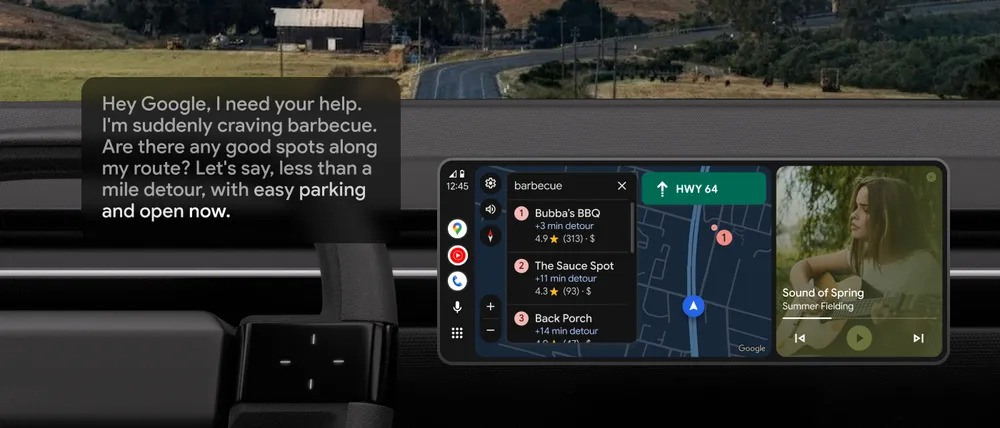
Gemini can surface information such as:
- Restaurants currently open along the route
- Popular dishes at a selected place
- Whether a business is dog-friendly
- General insights derived from reviews
These details help identify suitable stops without manual searching.
Hands-free messaging with edits, summaries, and translations
Gemini allows drivers to adjust text messages without restarting the dictation. It can include ETA information, insert emojis, and translate outgoing messages into more than 40 languages.
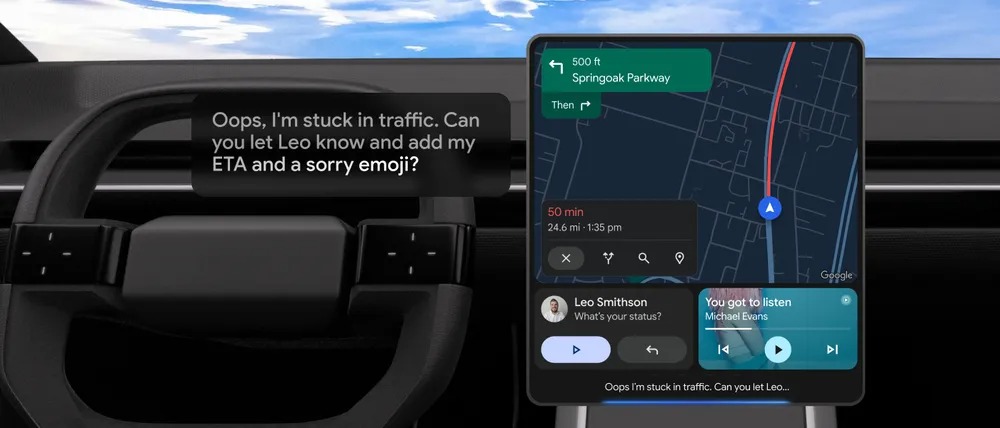
When several messages arrive together, Gemini can generate a summary and help prepare a response, making ongoing communication easier while driving.
In-car access to Gmail and supported productivity apps
Gemini now supports Gmail in Android Auto, allowing drivers to retrieve information stored in emails, such as hotel addresses or booking details, and start navigation based on that information.
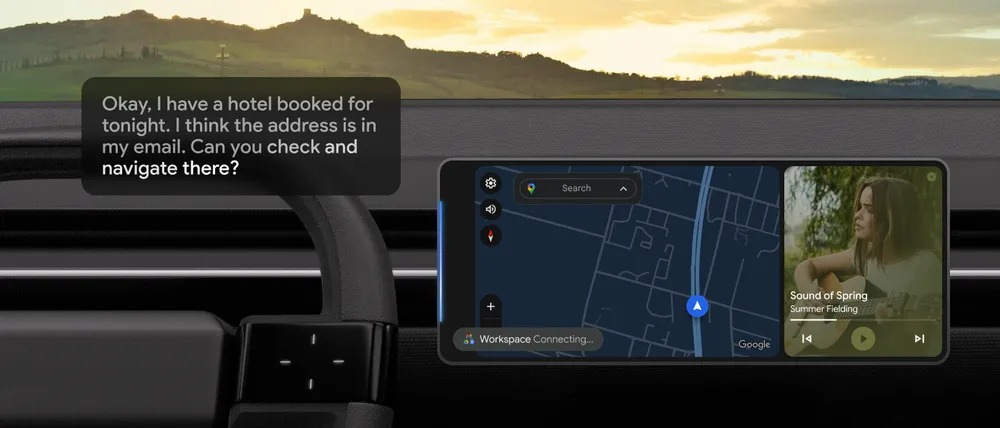
Drivers can also:
- Request summaries of unread emails
- Access calendar entries
- Create to-dos
- Take notes
Supported apps include Google Calendar, Google Tasks, Google Keep, Samsung Calendar, Samsung Reminder, and Samsung Notes. Additional third-party integrations are planned.
Media suggestions and mood-based playlists
Gemini helps drivers select audio content without needing specific song or playlist names. It can generate playlists based on trip duration, weather conditions, or general preferences across platforms like YouTube Music and Spotify.
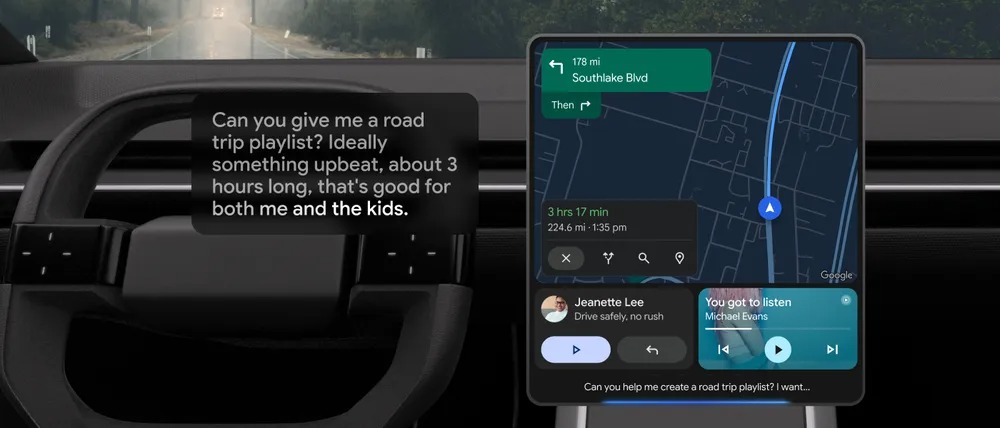
Requests may include:
- Road-trip playlists
- Tracks suitable for children
- Music matching weather conditions, such as rainy-day driving
Live with Gemini (beta) for learning and rehearsal
A new conversational mode, Live with Gemini, is available in beta. Saying “Hey Google, let’s talk live” initiates a continuous discussion that stays within the same context.
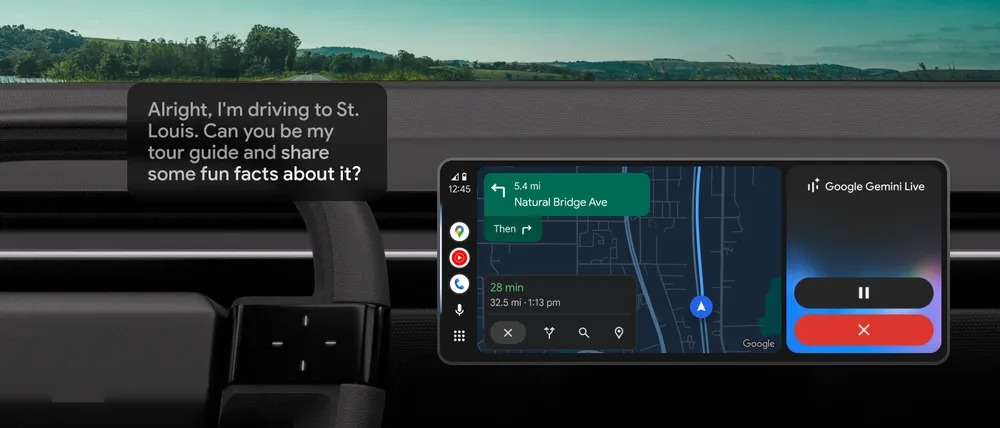
Drivers can use Live mode to:
- Learn facts about destinations
- Explore gift ideas
- Practice for speeches or events
This mode allows extended, uninterrupted conversations while driving.
Availability
The Gemini AI assistant begins rolling out on Android Auto globally starting today, with support for 45 languages. A tooltip will appear on the car’s display when the feature becomes available. Gemini can be activated using “Hey Google,” the microphone button on the screen, or a long press of the steering-wheel voice control button.