
OPPO recently rolled out the July 2025 ColorOS 15 update, introducing smarter AI-powered photo features, improved widget management, and various UI refinements.
ColorOS 15: July 2025 Update
The update brings features like AI group photo editing, memory organization, and more customization options for supported OPPO smartphones. In a community blog post, OPPO described these features as “clever,” “creative,” and “quietly game-changing.”
The new features include:
Fluency: Instant Widget Stacking
Users can stack widgets of the same size by dragging one widget onto another to save space and organize their home screen.
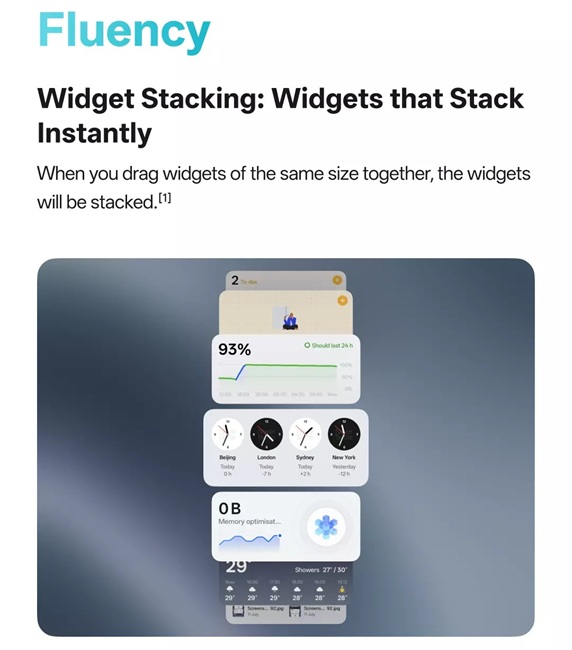
- Supported on: OPPO Find X8 Series, Find N3 Flip, Reno13, Reno12, and Reno11 Series.
AI Features: Smarter Photography and Planning
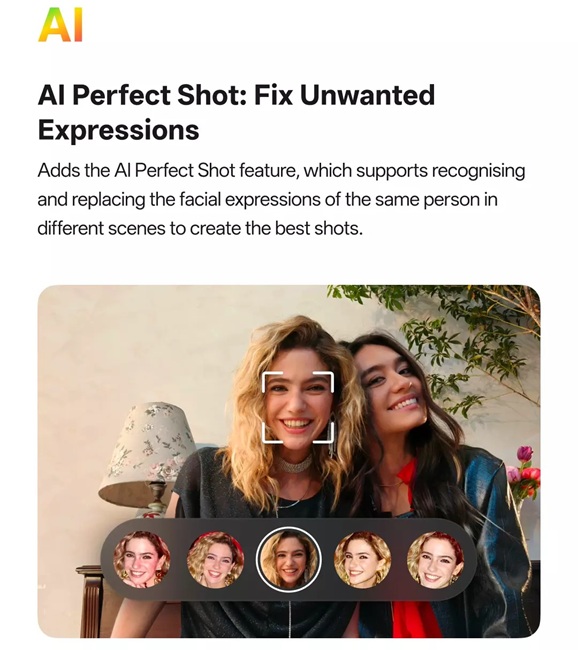
- AI Perfect Shot: Automatically selects and replaces facial expressions from multiple images to create the best group photo.
- AI Studio – Group Photo Composer: Allows adding missing people to an existing group photo using AI.

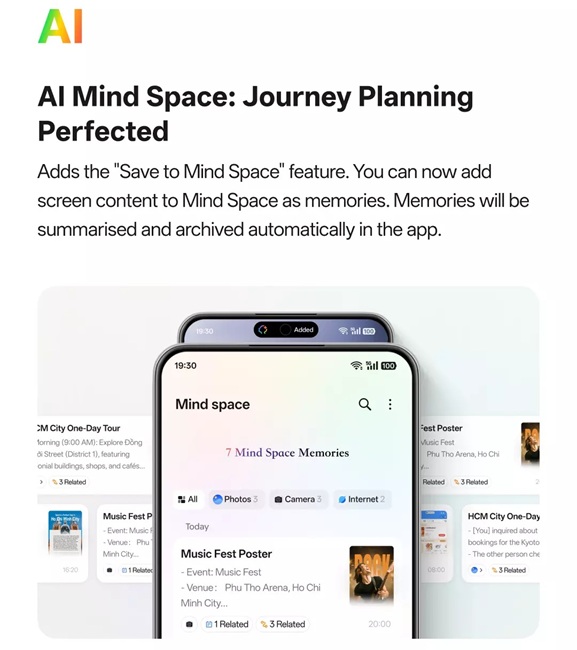
- AI Mind Space: Lets users save screen content as memories that are automatically summarized and archived.
Efficiency: Organized Recordings and Mini Window Improvements
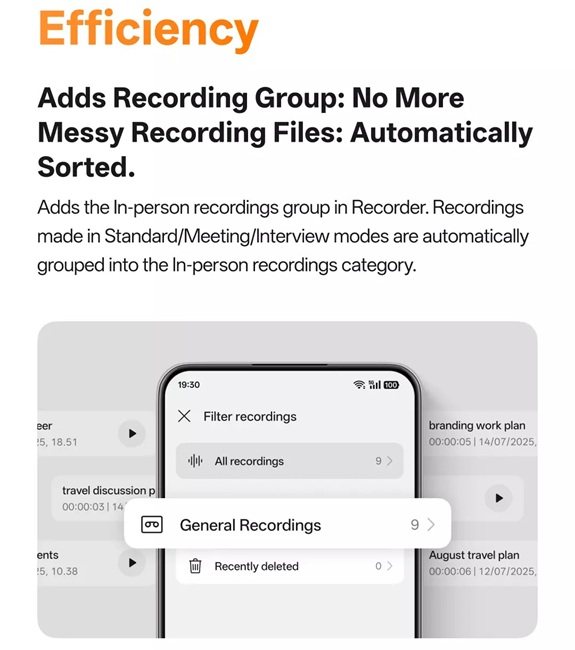
- Recording Grouping: Recordings done in Standard, Meeting, or Interview modes are now grouped automatically as “In-person recordings.”
- Mini Windows: Enhanced movement controls now let users drag mini windows to the bottom of the screen.
- Bug Fixes: Resolved display location issues affecting mini windows in some cases.
Camera and Editing Enhancements
- Soft Light Filter: Added to Camera’s Portrait and Photo modes for a softer, dreamy look.
- AI Recompose: Automatically adjusts composition, aspect ratio, and color tones, with suggested filters for easier photo enhancement.
-
Additional Editing Options: Export videos as live photos; Export videos and live photos as high-resolution still images.
User Experience Improvements
- Gradual Alarm Volume: Alarm volume gradually increases from low to high, easing wake-up. (Settings > Clock > Alarm > Gradual alarm volume)
- Temporarily Block Banner Notifications: Swipe up on banner notifications to temporarily block notifications from that app while gaming or watching videos. (Settings > Notifications & Quick Settings > Banners > Temporarily block)
- Expanded Font Options: OPPO Sans and One Sans fonts are now available in more languages. (Settings > Display & brightness > Font)
- Photos App Customization: Users can hide specific albums from the overall photo list on the Photos homepage.
Eligible Devices and Rollout Timeline
The ColorOS 15 July 2025 update started rolling out in phases to several OPPO devices in July.
- OPPO Find Series: Find X8, Find X8 Pro, Find N5, Find N3, Find N3 Flip
- OPPO Reno Series: Reno13, Reno13 Pro, Reno12, Reno12 Pro, Reno11, Reno11 Pro
Note: The company noted that the rollout is phased and might not be immediate for all users, while the features could vary depending on the device and its hardware.