
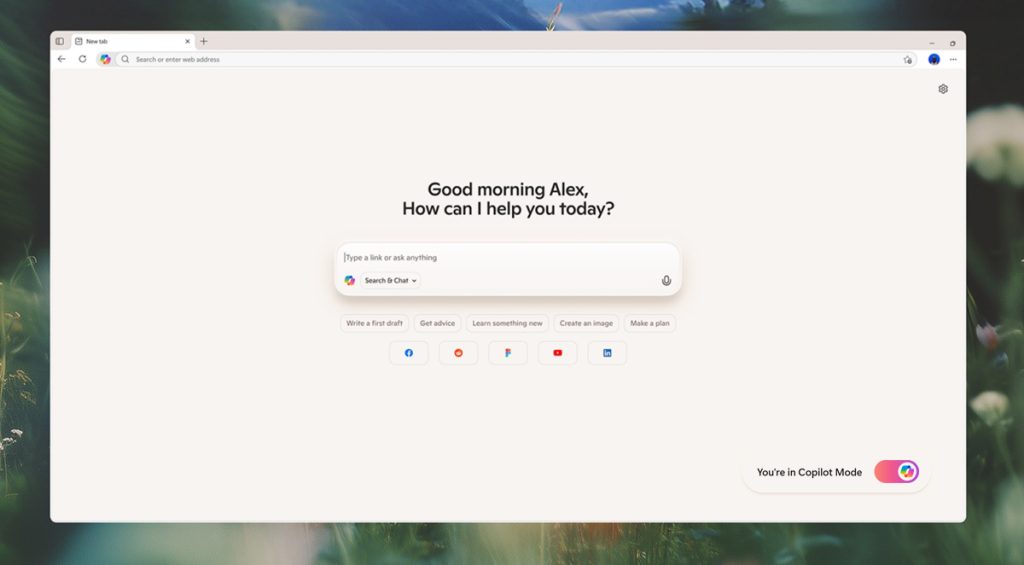
On Monday, Microsoft introduced Copilot Mode, an experimental AI-powered feature in Microsoft Edge designed to enhance how users navigate the web. Sean Lyndersay, Partner General Manager of Microsoft Edge, described the update as “the next step towards building a more powerful way to pilot the web.”
What is Copilot Mode?
Copilot Mode enables advanced AI capabilities in Edge that anticipate user needs rather than waiting for input. It functions as an assistant that helps manage browsing, tab organization, and task completion while prioritizing user privacy and security.
When activated, opening a new tab presents a streamlined interface featuring a single input box combining chat, search, and web navigation. Copilot interprets user intent to provide faster access and coordinates tasks across open tabs.
Key Features of Copilot Mode
Smarter Browsing with Multi-Tab Context
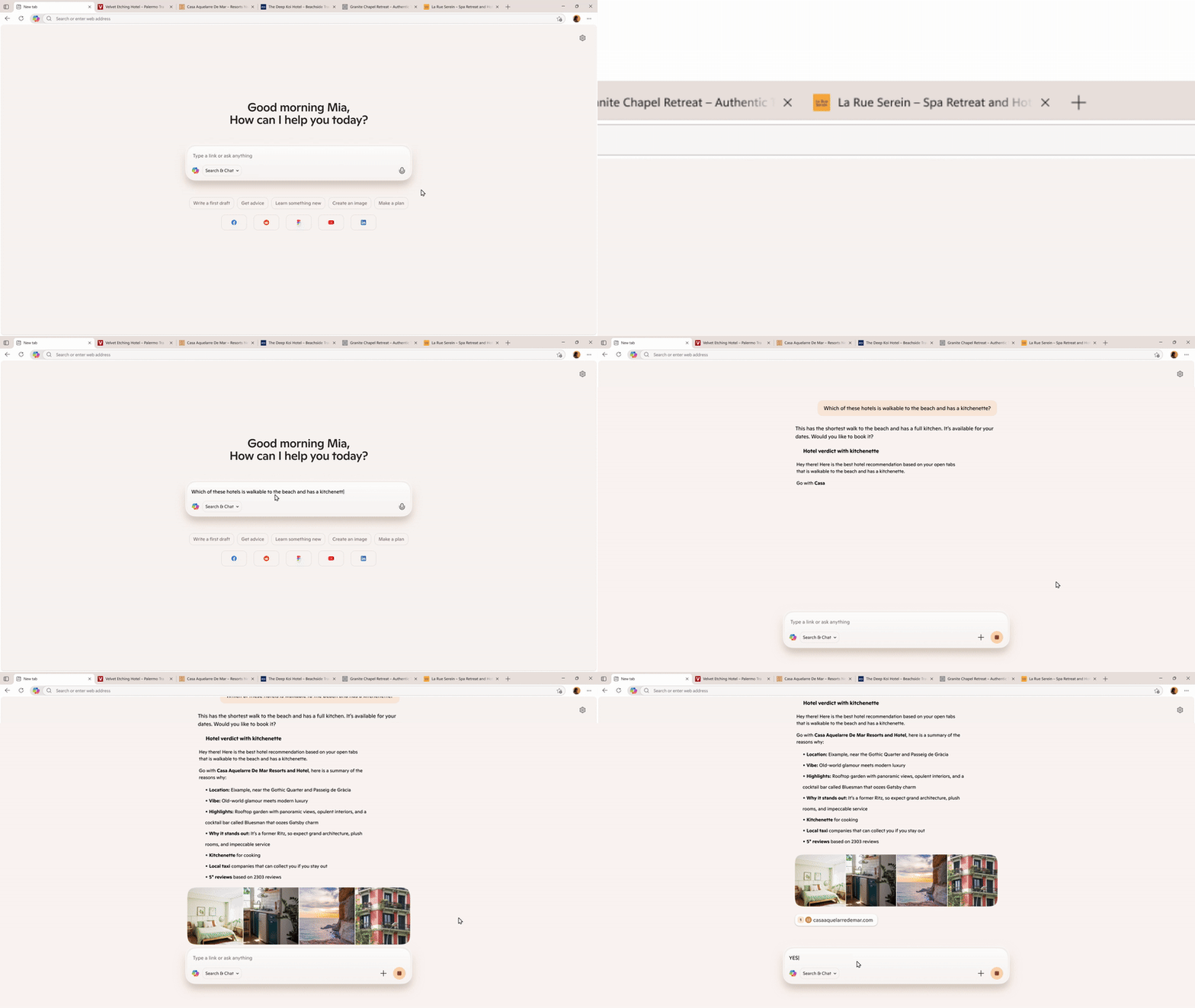
With user permission, Copilot accesses all open tabs to provide a comprehensive overview. This allows more efficient comparisons and decisions. For example, when researching vacation rentals, Copilot can identify listings closest to the beach with full kitchens.
Accelerated Tasks with Natural Voice Actions
Users can interact with Copilot via voice commands to locate information, open tabs, or compare products. Future updates will allow Copilot to perform more complex actions, such as booking rentals or managing errands, by accessing browsing history and credentials with consent.
Stay Focused with Dynamic Pane Assistance
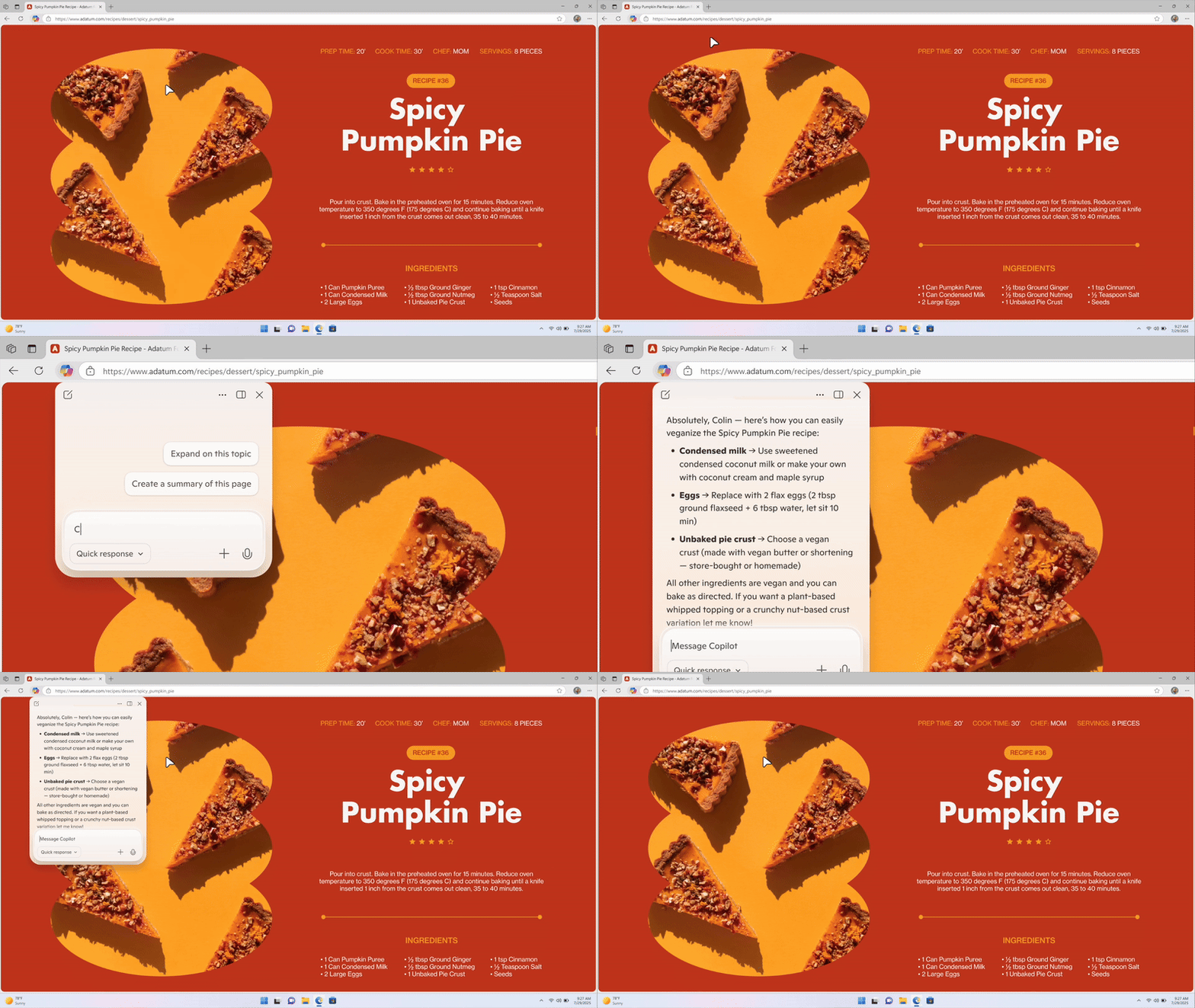
Copilot offers on-page support without disrupting the current view, suitable for tasks like unit conversions, translations, or minimizing distractions from ads and lengthy text.
Pick Up Where You Left Off with Topic-Based Journeys
Upcoming functionality will organize browsing history into topic-focused journeys. This feature provides suggestions to help maintain progress on projects—for instance, offering resources when researching how to start an online business.
Customizable Copilot-Inspired Themes
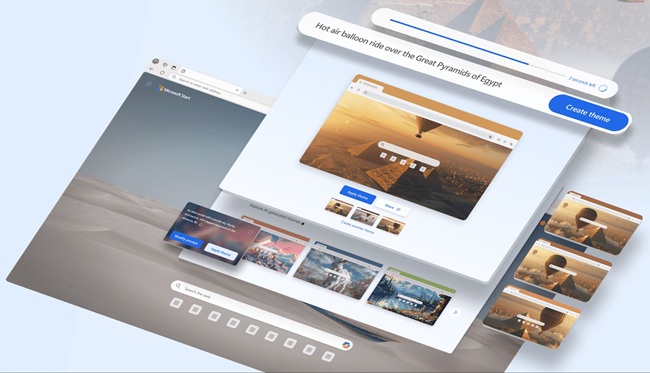
Edge users can apply updated theme colors inspired by Copilot and generate personalized AI-based browser themes.
Privacy and Security
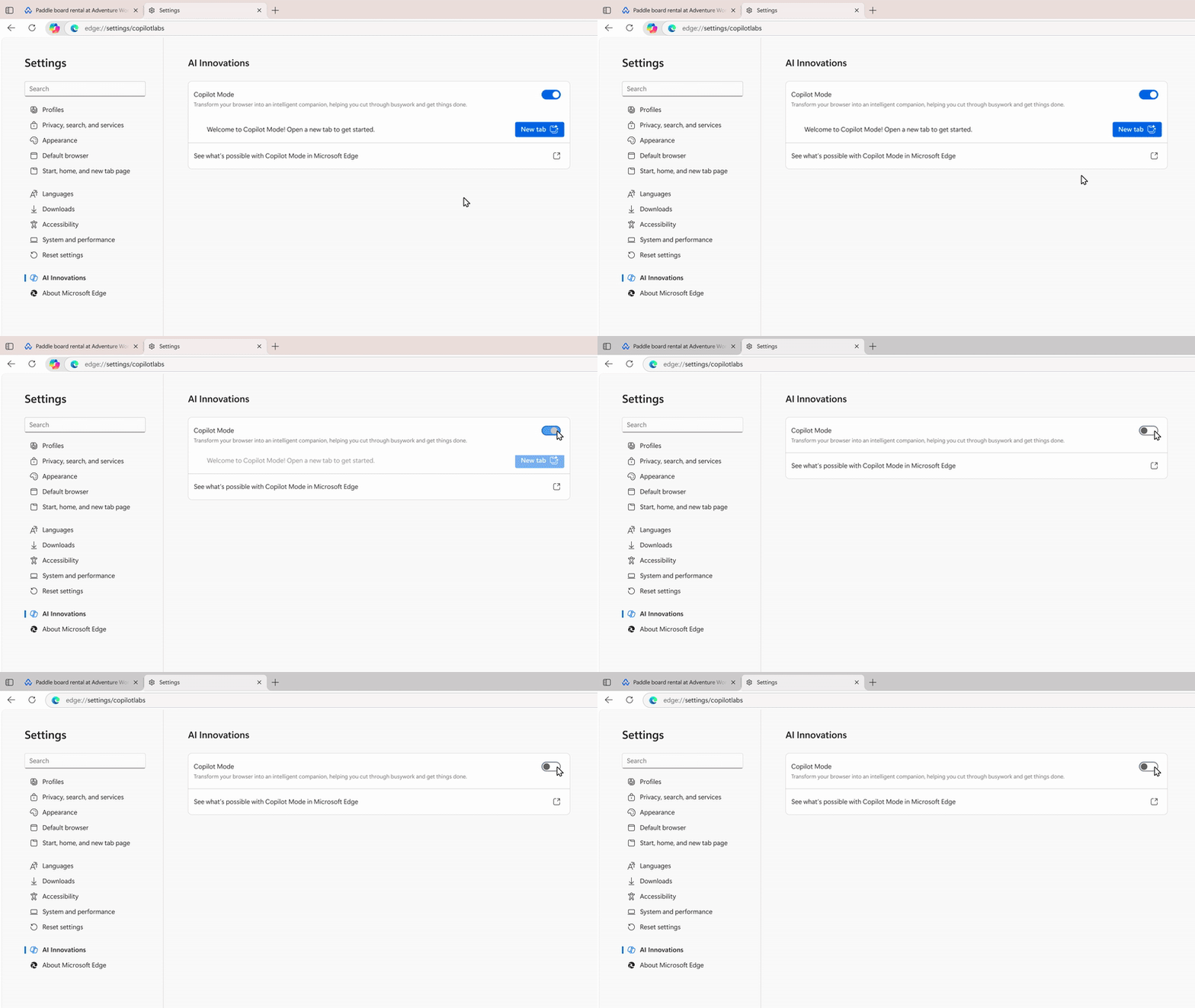
Microsoft maintains a strong emphasis on privacy. Data collection is limited to what users authorize, with clear indicators when Copilot is active. User data is handled according to Microsoft’s privacy standards and is not shared without permission. Users retain full control over enabling or disabling Copilot Mode.
Availability and How to Try
Copilot Mode is available free of charge for a limited period in all supported regions on Microsoft Edge for Windows and Mac. This feature is entirely opt-in and subject to usage limits on certain functions. Interested users can access it at aka.ms/copilot-mode.
Sean Lyndersay invites users to explore Copilot Mode and submit feedback as the feature continues to develop.