
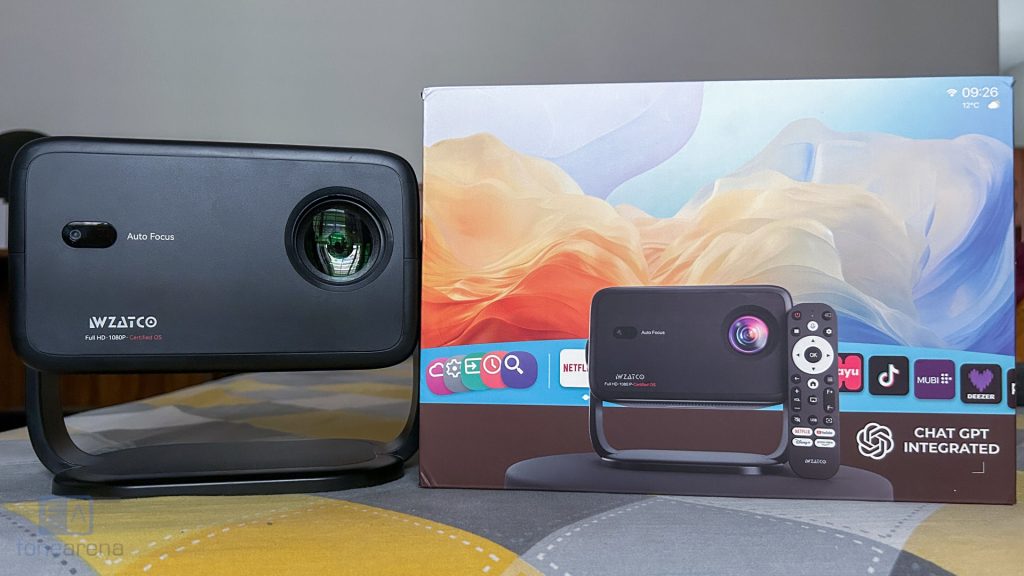
With OTT platforms and console gaming gaining popularity, a good home theatre setup has become important in many households. Viewing experience plays a key role in this setup, and for greater immersion, a bigger screen makes a real difference. Projectors offer an effective way to achieve this, and budget-friendly options have grown considerably in recent years. The WZATCO Yuva Vibe is one such projector, offering 1080p resolution, 14,000 lumens brightness, and built-in Android OS functionality. Priced at Rs. 15,990, the Yuva Vibe promises strong value for its feature set. We review it in detail to find out whether it delivers on that promise.
Design and Ports
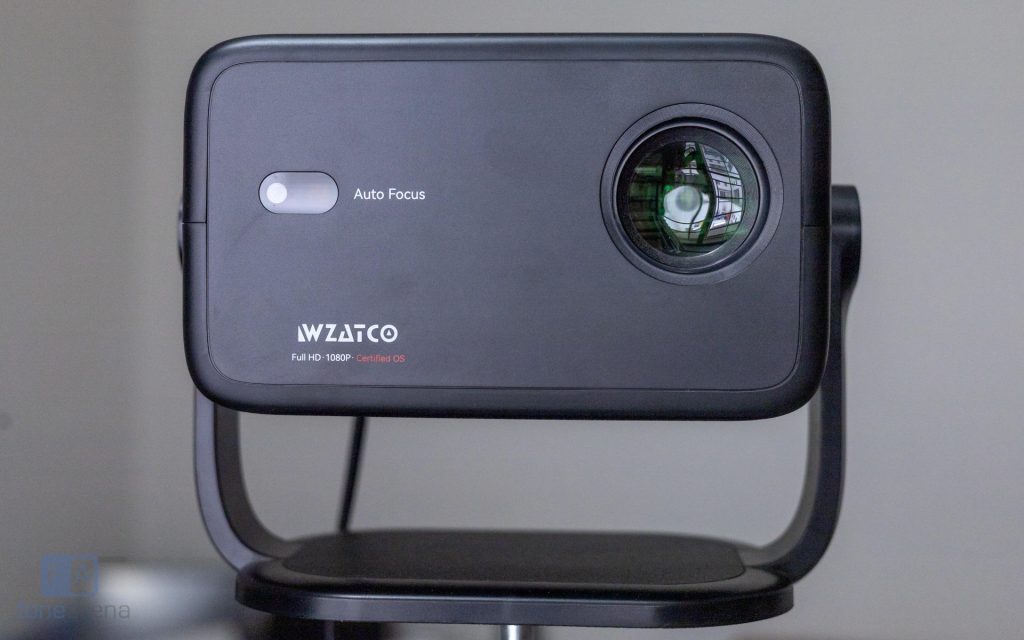
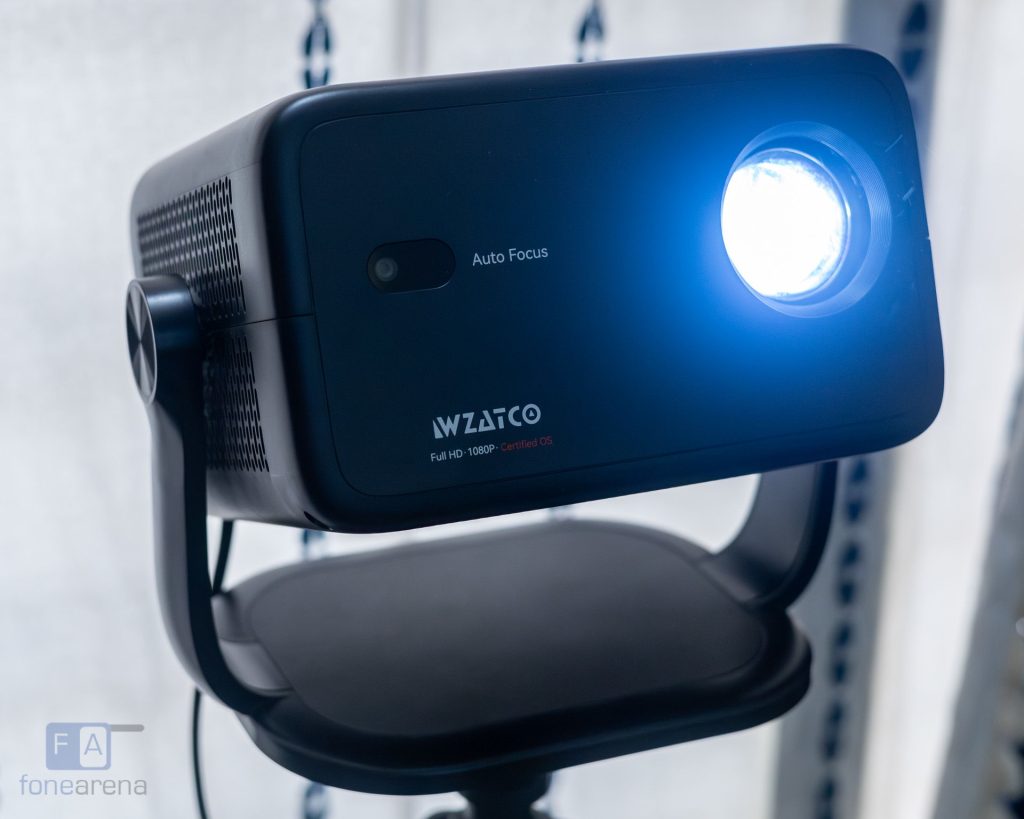
The WZATCO Yuva Vibe is a compact projector, built around a convenient adjustable stand. WZATCO uses plastic for the entire body, though it feels solid enough for the price. The front houses the lens and an IR receiver, while the rear carries USB and HDMI inputs along with a 3.5mm audio-out port. A simple power button with a status LED sits on top. At an overall weight of 1.5 kg, the Yuva Vibe is portable enough to move between rooms with ease.
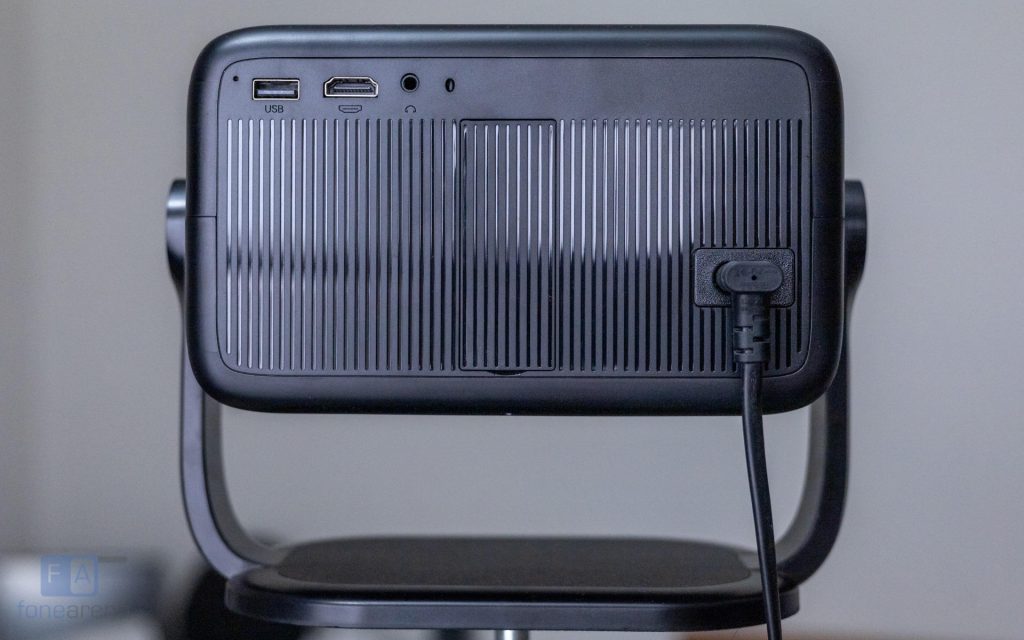
The Yuva Vibe does not include a lens cover, making extra care necessary while carrying the unit. The box also skips a carry bag, another minor gap for those who often move the projector between rooms. Neither omission is a deal-breaker, but both are worth keeping in mind.
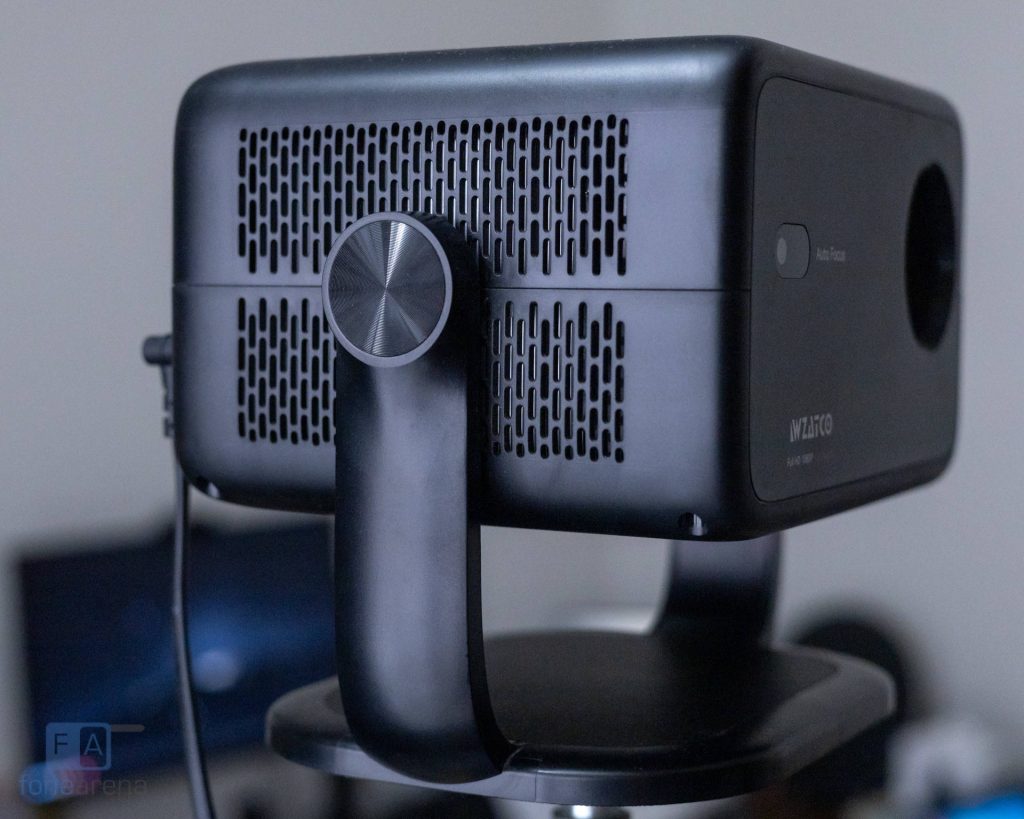
The standout design feature is the adjustable stand, which allows the projector to rotate up to 270°. The rotation is notched, allowing quick adjustment to the desired position while holding firmly in place. This flexibility also makes table, wall, or ceiling mounting straightforward.
Performance

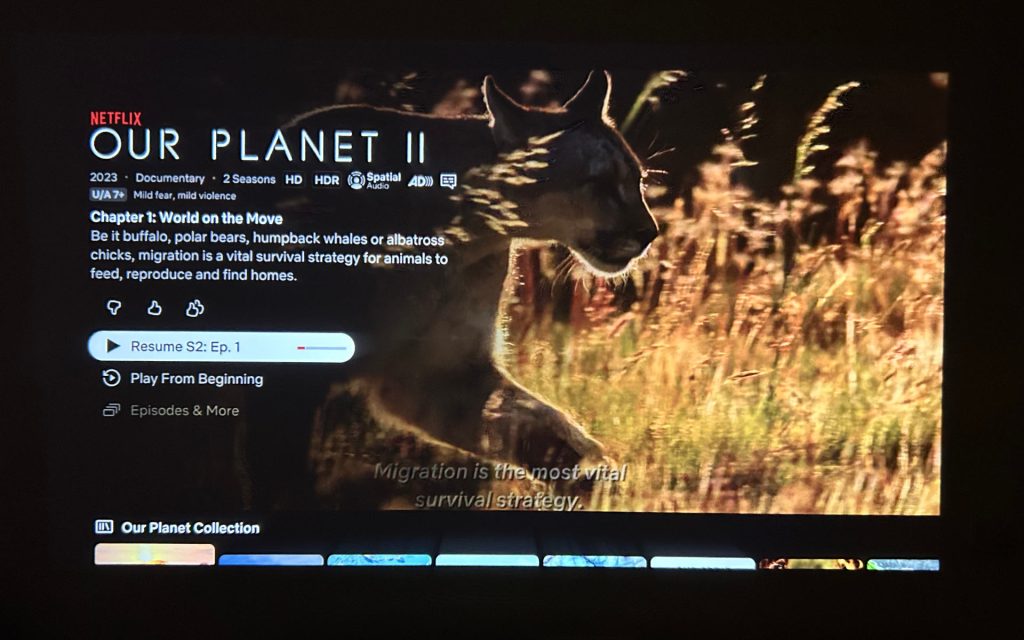
The Yuva Vibe natively outputs Full HD video, with the ability to play back 4K HDR content. We tested the projector with a 100-inch projection, and from a comfortable viewing distance, the 1080p resolution appeared sharp. We also tested streaming video across YouTube, Netflix, Zee5, and Amazon Prime, and the content looked good across the board. WZATCO claims the projector can display at sizes up to 300 inches, though we would not recommend going beyond 120 inches.
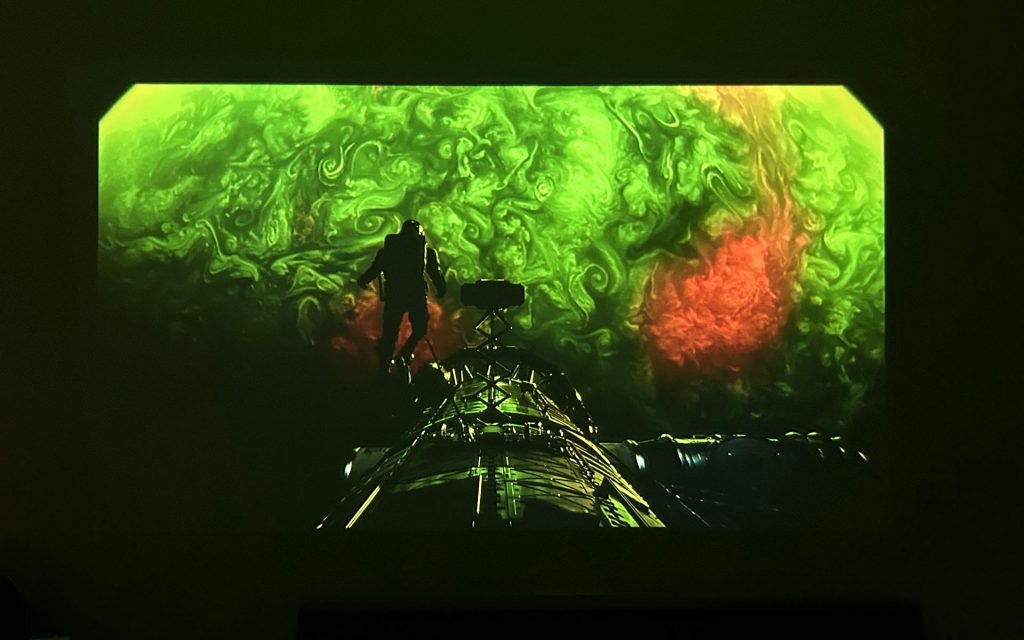
To get a 100-inch projection, we placed the projector at a distance of about 8.5 m from the wall. Based on this testing, we believe 80 to 120 inches is the sweet spot for image sharpness.
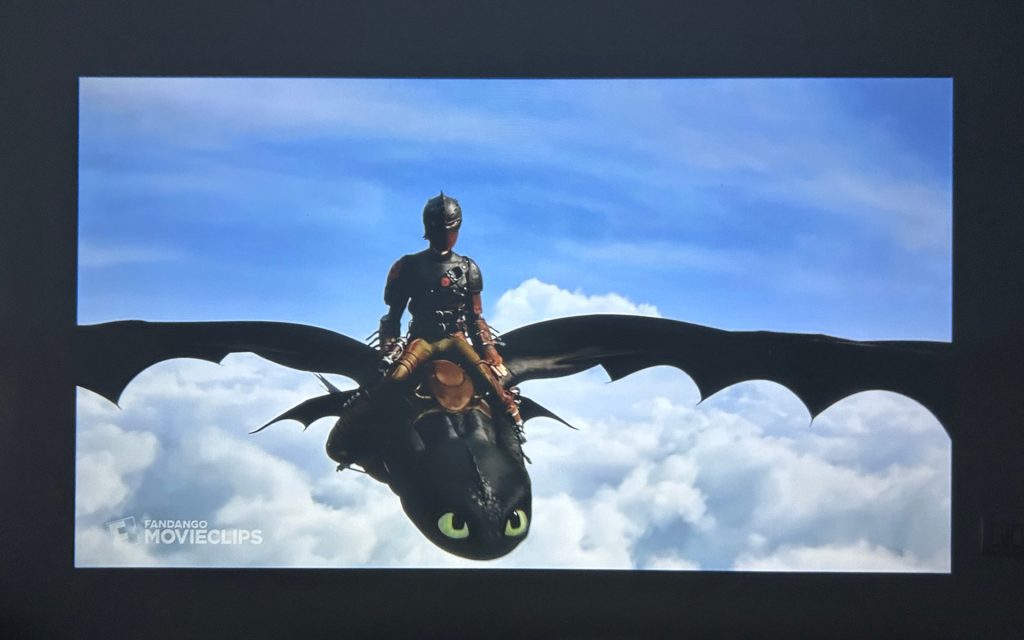
One of the highlights of the Yuva Vibe is its lamp, which WZATCO rates at 14,000 lumens of brightness. This proves useful in rooms that are not perfectly light-controlled, a common challenge for projectors in general. We tested it during an afternoon with the curtains partially drawn, and the brightness was passable. In a fully dark room, however, the brightness is more than sufficient for any type of content.
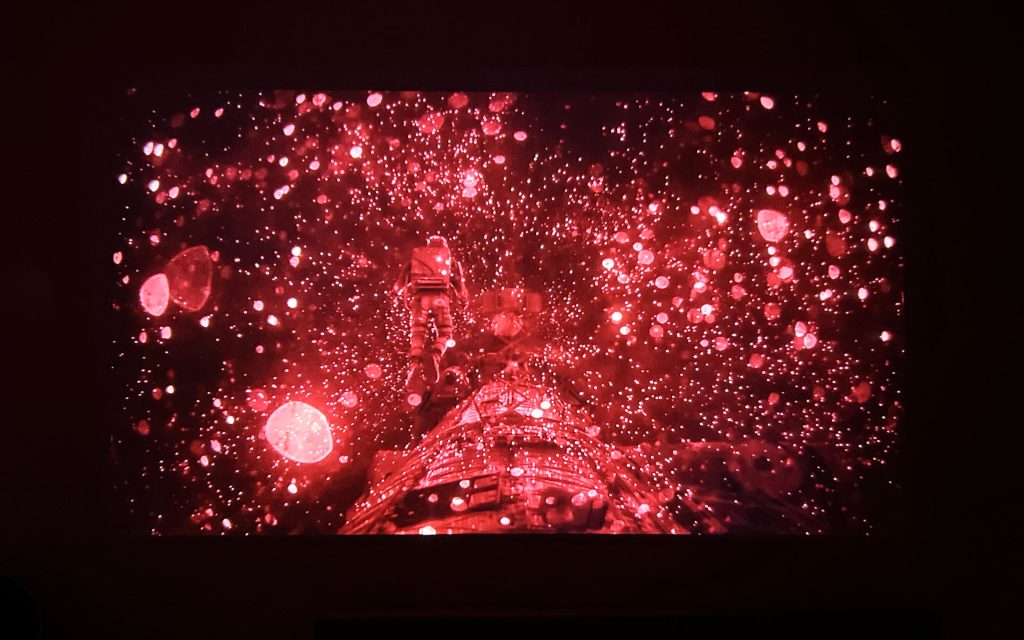
Gaming proved to be a good experience as well. Even though the refresh rate is only 60Hz, racing and RPG titles felt immersive and enjoyable thanks to the large-screen experience.
According to WZATCO, the Yuva Vibe has 5W built-in speakers, which are useful for those without a dedicated audio setup. The speakers get moderately loud and handle dialogue and speech clearly enough. However, we would recommend against relying on them for movies or other content with rich audio. Pairing the projector with an external speaker, such as a simple soundbar, would improve the audio experience by a wide margin.
One area where the Yuva Vibe struggled with performance is the software itself. We encountered several hitches and stutters when navigating the OS. Content playback itself was never an issue, but a lag often appeared when we tried to bring up the playback menu or the options. While this is not a deal-breaker, it is a limitation worth keeping in mind. Connecting a streaming stick, such as an Amazon Fire Stick, offered a quick, easy fix if the lag becomes an issue.
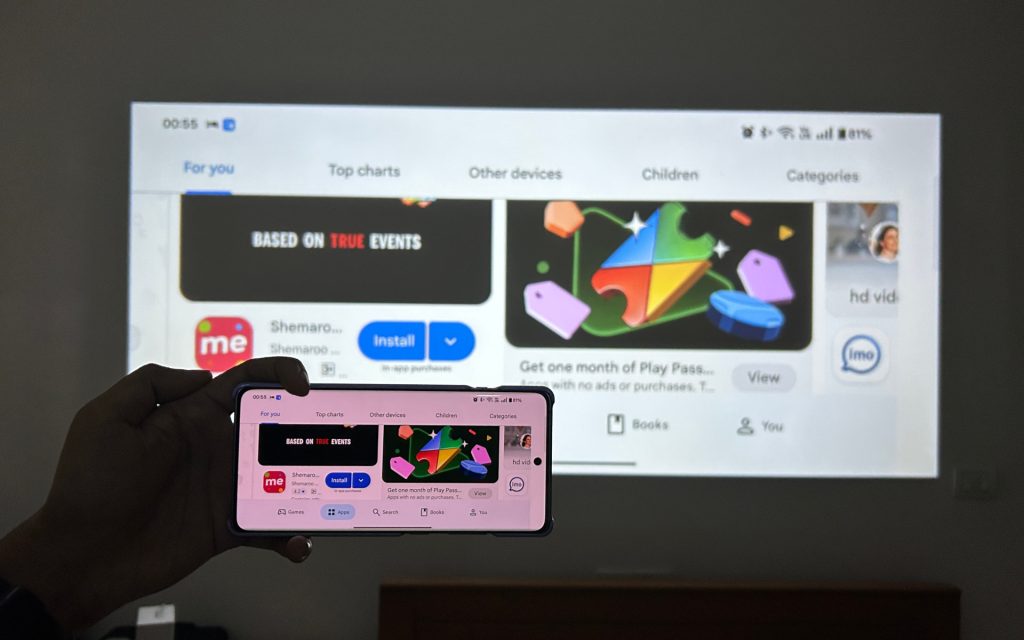
Screen mirroring, on the other hand, worked smoothly. The companion app supports both iOS and Android devices, letting the Yuva Vibe mirror a smartphone display and cast photos and media. The connection worked seamlessly over Wi-Fi, and the casting was high-quality with little-to-no jitter.
Software and Smart Features
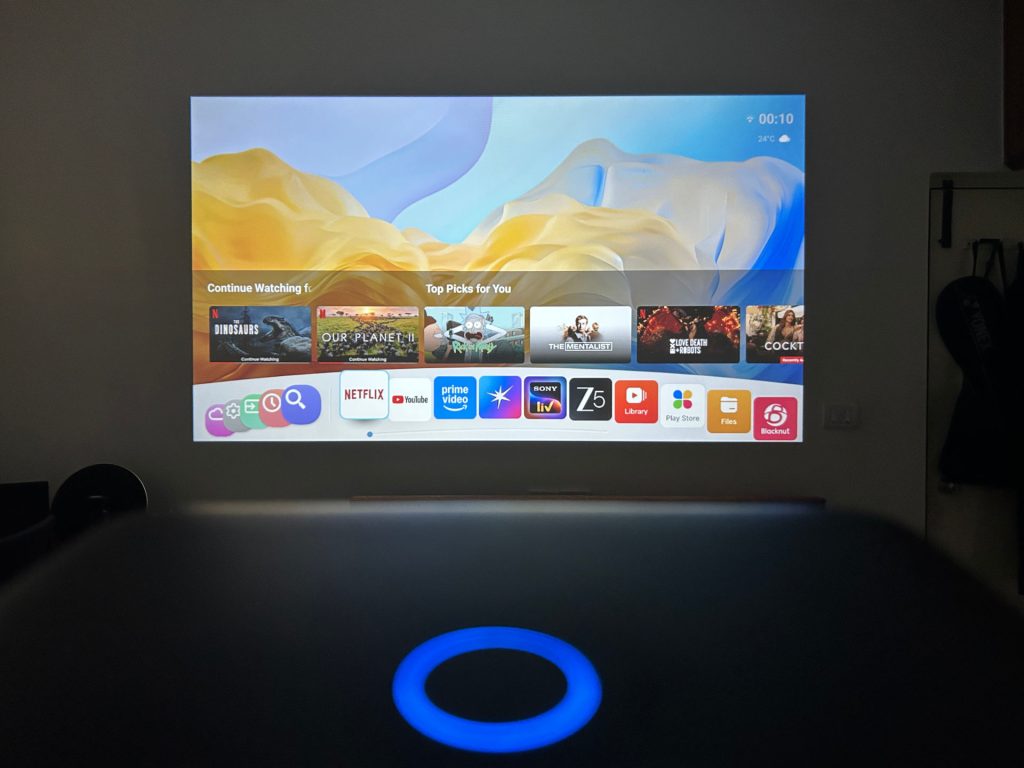
The Yuva Vibe runs a custom operating system called Whale OS, built on Android TV OS 13. The OS offers the basic functionality expected from a projector, including auto-keystone correction and auto-focus.
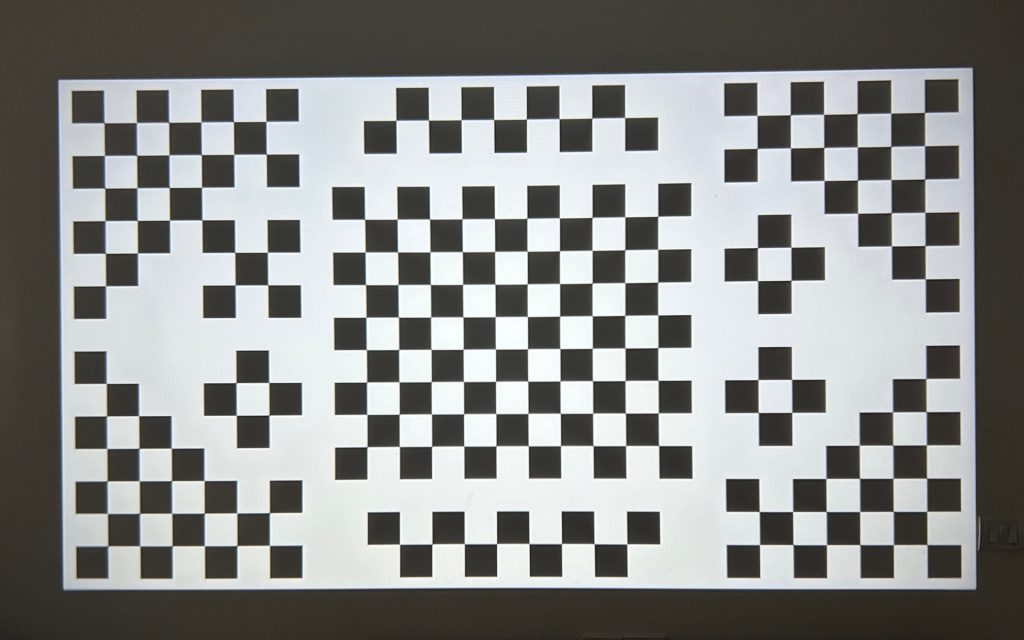
During our testing, both features worked reliably, activating automatically whenever the projector was moved or shifted, while still allowing manual adjustment when needed.
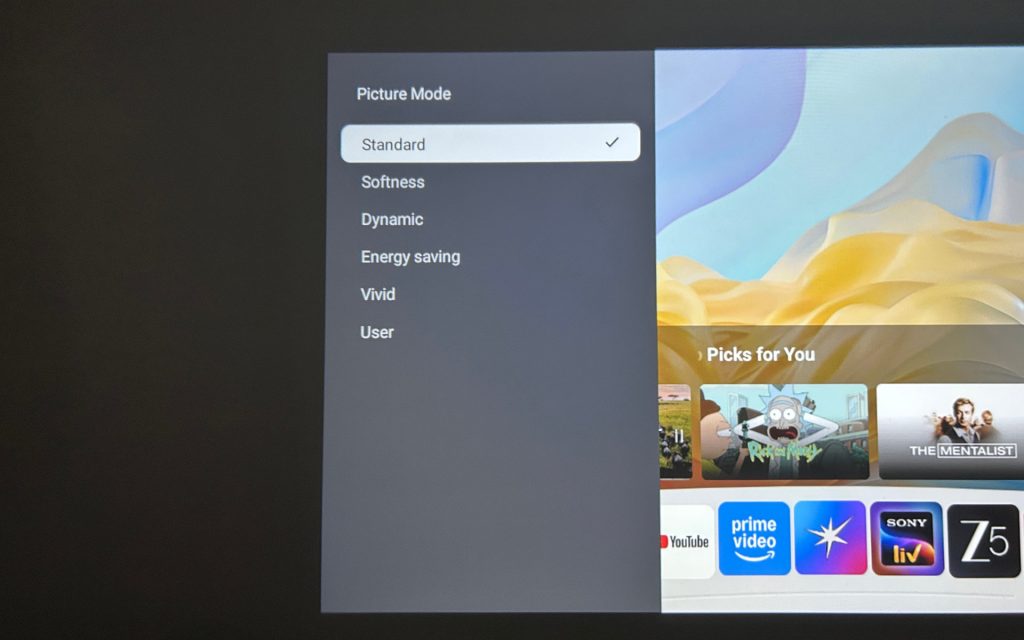
Alongside this, the standard picture and sound options are all present. Users can select preset picture modes, connect Bluetooth speakers, and set an auto time-out, among other settings.
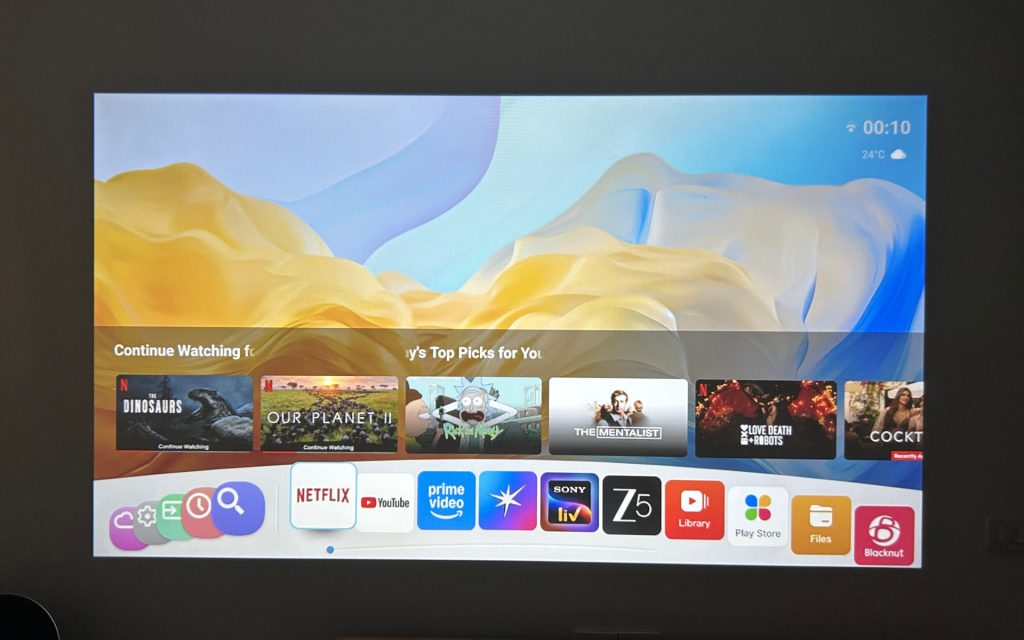
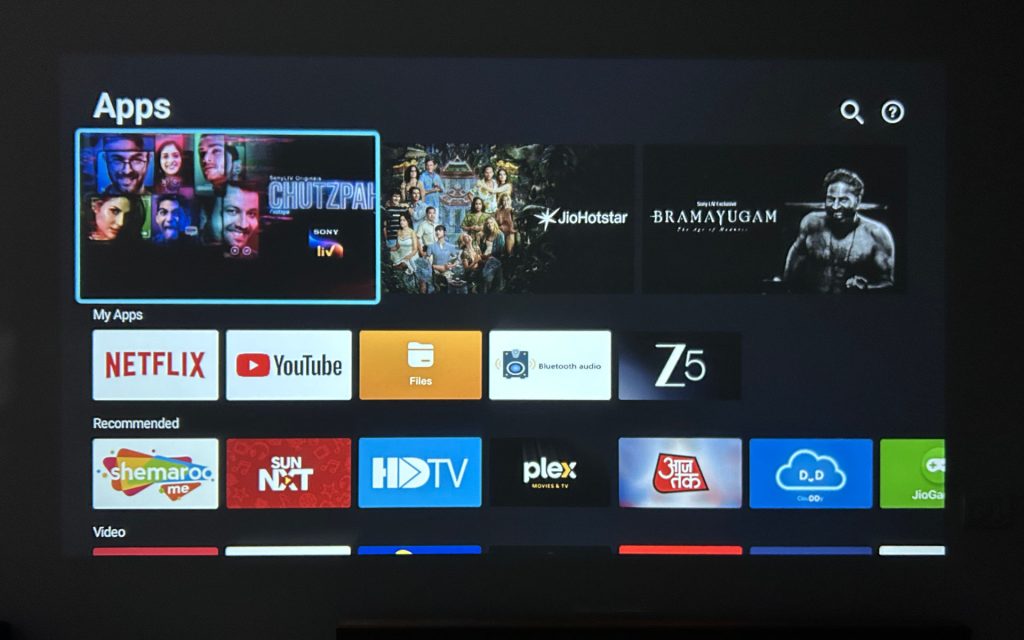
Since it runs on Android TV OS, users can install Android apps from the App Store. The home screen surfaces content recommendations and plays back local media. It also supports casting and mirroring from a smartphone, alongside a simple weather display.
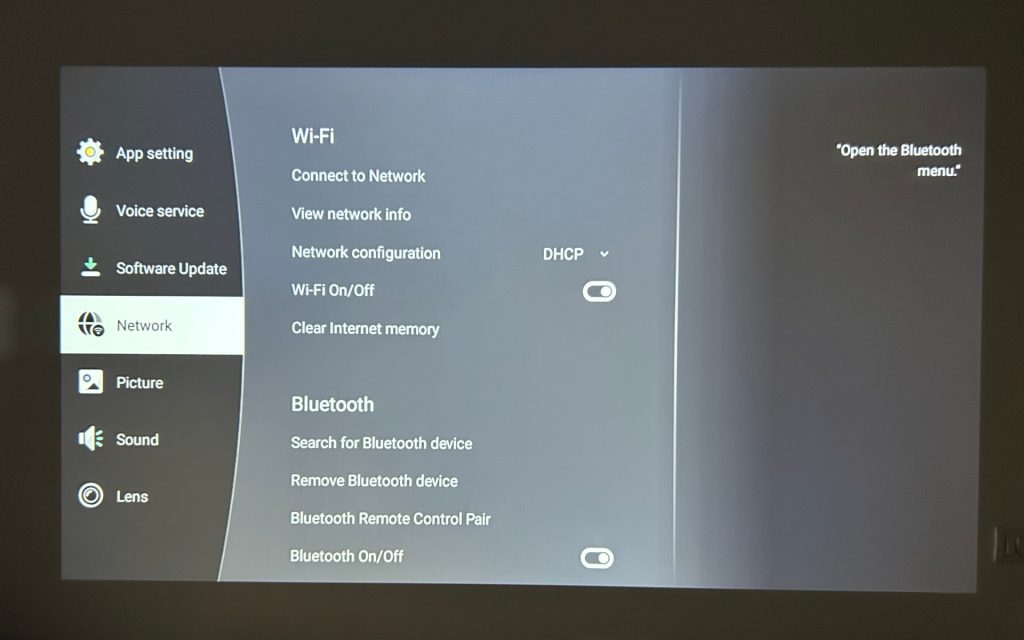
One of the more distinctive features of the Yuva Vibe is its ChatGPT integration. It can be triggered from any screen using the microphone button on the remote, bringing up an overlay to interact with. From here, users can speak into the microphone to perform tasks, play content, or ask general queries. The feature can suggest content and handle simple actions, such as bringing up the Wi-Fi menu. Since it relies on ChatGPT’s underlying models, its answers are not always the most accurate. Overall, it still feels somewhat gimmicky, but it does not detract from the projector’s experience.
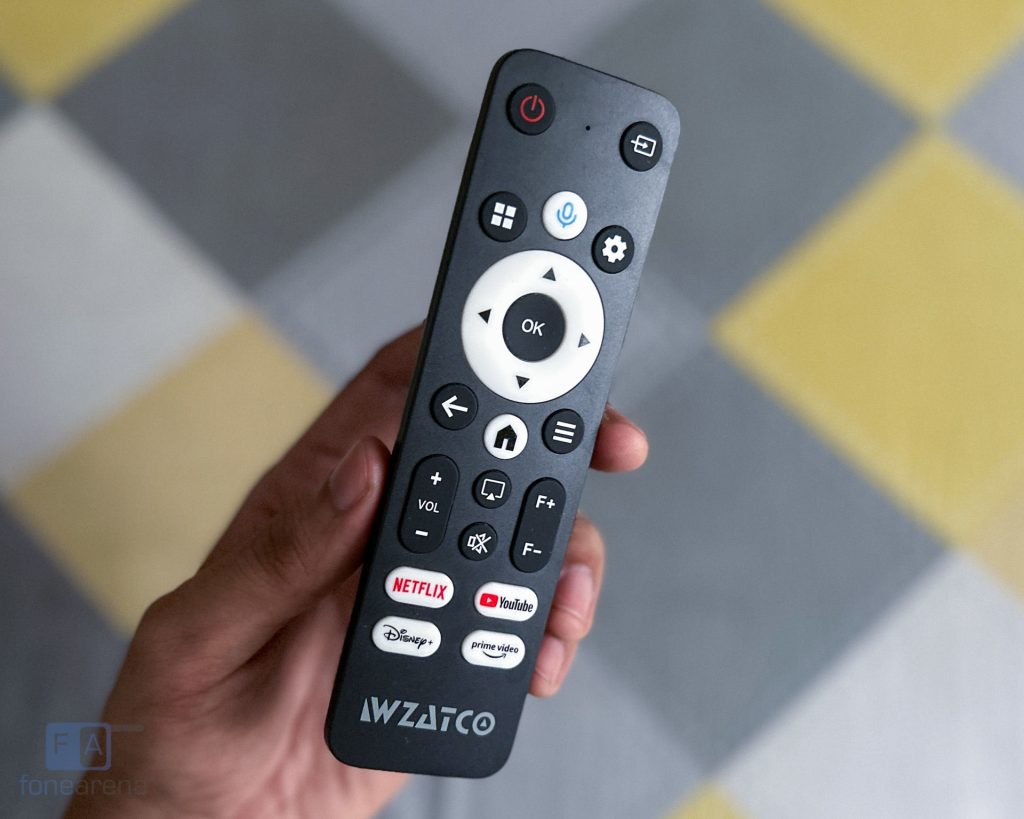
The remote itself is compact and sensibly laid out, with dedicated buttons for the input selector, settings, and the microphone. Shortcuts for popular streaming platforms, including Netflix, YouTube, Disney+, and Prime Video, are also included. The remote supports both IR and Bluetooth connectivity with the projector, adding a useful layer of convenience.
Verdict
The WZATCO Yuva Vibe is a capable budget projector that delivers on most of its promises. Sharp 1080p output, ample brightness, and reliable auto-keystone and auto-focus make it easy to set up and enjoy on a large screen. The built-in speakers and sluggish interface are its weak points, though a soundbar and a streaming stick address both at modest additional cost. The missing lens cover and carry bag are minor omissions. At Rs. 15,990, the Yuva Vibe offers good value for those seeking an affordable entry into home theatre projection.
The WZATCO Yuva Vibe is available for purchase on WZATCO’s Online Store, and on online marketplaces such as Flipkart