
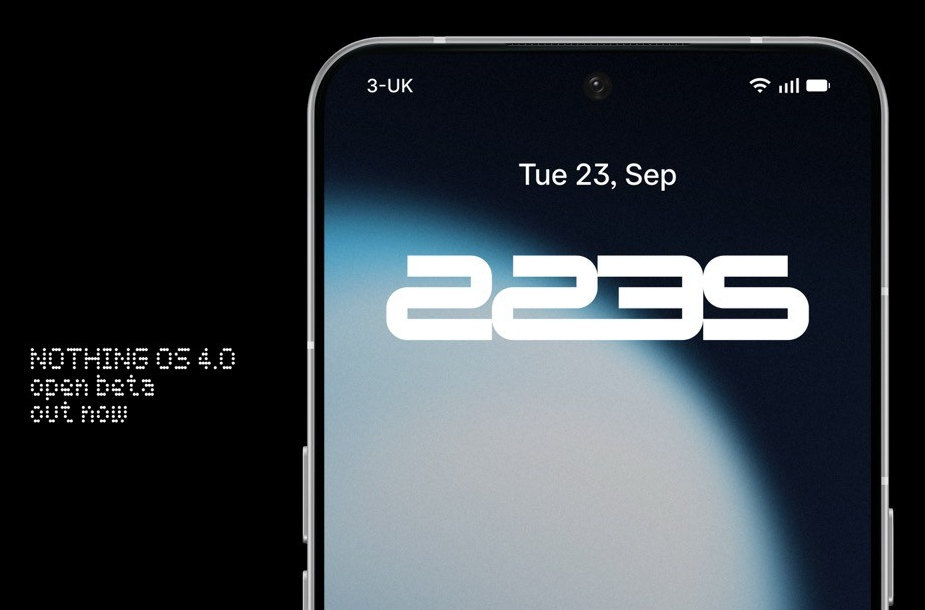
After the announcement a few weeks back, Nothing has released the Nothing OS 4.0 open beta update based on Android 16 ahead of the official stable release later this year. The beta program is initially available for the Nothing Phone (3), Phone (2), Phone (2a), and Phone (2a) Plus.
Key Features in Nothing OS 4.0 Beta
For Phone (3) Users: The update introduces an AI usage dashboard within the “Essential Space,” designed to provide users with greater transparency over large model activity on the device. Additionally, the beta brings several general improvements, including:
- Optimized lock screen and Always-on-Display (AOD) performance.
- Improved auto-brightness behavior.
- Enhanced camera, Bluetooth, and Wi-Fi stability.
- Overall system stability enhancements and bug fixes.
For Phone (2), (2a), and (2a) Plus Users: These models receive the “Stretch” Camera preset, a new filter created with photographer Jordan Hemingway that adds rich shadows and extended highlights to photos directly within the Camera app.
A new system-level app optimization feature has also been added under Settings > Apps > App optimisation to improve application startup speeds.
Other New Features: Several new functionalities are available across the supported devices:
- Pop-up View: Allows for faster switching between two floating app icons.
- New Clock Faces: Two new designs for the lock screen.
- Quick Settings: Support for 2×2 tiles.
- Extra Dark Mode: A darker theme option available via
Settings > Display > Dark theme > Extra dark mode.
Essential Apps & Playground
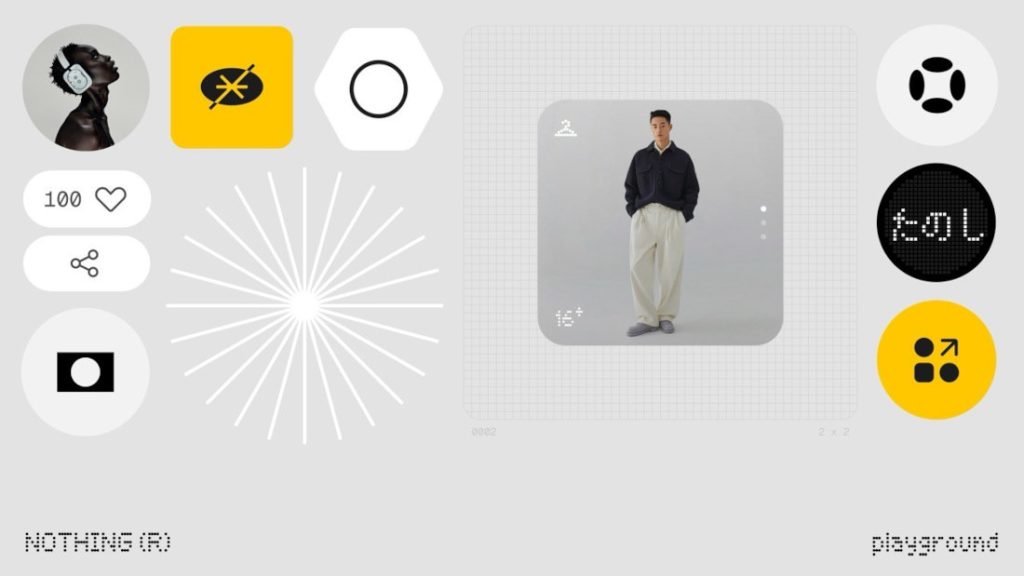
The beta marks the launch of Essential Apps, which enables users to create widgets with AI. These widgets, along with Camera Presets and EQ Profiles, can be shared in the Playground. During the beta phase, Phone (3) will support up to six widgets, while other models will be limited to two to ensure system performance.
How to Join the Open Beta
Users interested in participating must first ensure their device is updated to the latest stable build. The required versions are:
- Phone (3): Metroid-V3.5-250911-2112
- Phone (2): Pong-V3.2-250917-1451
- Phone (2a): Pacman-V3.2-250904-1648
- Phone (2a) Plus: PacmanPro-V3.2-250904-1704
It is strongly recommended to back up all personal data before proceeding. The deadline to join the beta program is October 14, 2025.
Installation Steps:
- Download and install the “Beta Updates Hub” .apk file from here.
- Navigate to
Settings > System > Nothing Beta Hub. - Tap “Join Beta” to register for the program.
- Once registered, tap “Go to Update” to begin the installation. If this fails, you can manually check for the update via
Settings > System > System updates.
After installation, users are encouraged to submit feedback through Settings > System > Feedback or the official Nothing community forum.
Rolling Back to the Stable Version
For users who wish to revert to Nothing OS 3.5, a rollback process is available. This process will perform a factory reset and erase all data from the device.
Rollback Steps:
- Download the appropriate rollback package for your device model.
- Go to
Settings > System > Nothing Beta Hub. - Tap “Import file” and select the downloaded package.
- Follow the on-screen instructions to complete the process.
Future Availability
The Open Beta for the Phone (3a) Series is scheduled to arrive later in October.