
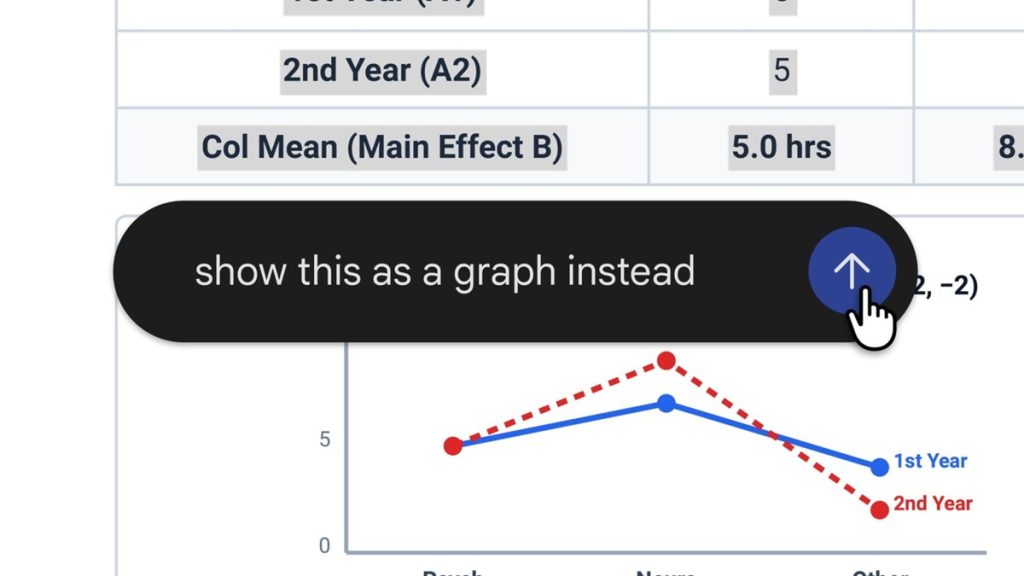
Google has introduced file creation and editing capabilities in the Gemini app, allowing users to generate, preview, and edit different file formats directly within a chat.
Create and edit files in Gemini
Users can perform the following actions within a Gemini chat:
- Generate and preview files, including documents, PDFs, presentations, spreadsheets, and code.
- Expand files to full screen and type edits directly.
- Highlight text to ask questions.
- Ask Gemini to refine files or make changes to text and visuals.
Supported file formats include Google Docs, Google Sheets, slide decks, Markdown files, TXT files, PDFs, and code.
Google has also demonstrated how users can upload handwritten lecture notes and ask Gemini to create a PDF study guide. They can then manually edit the generated file, highlight specific sections to request changes to text or visuals, and ask follow-up questions.
Availability
PDF preview and editing are supported on both the web and mobile, while Google Docs, Google Sheets, slide decks, Markdown files, TXT files, and code are supported on the web only.
The new capabilities are now available to all users in every language in which the Gemini app is available.