
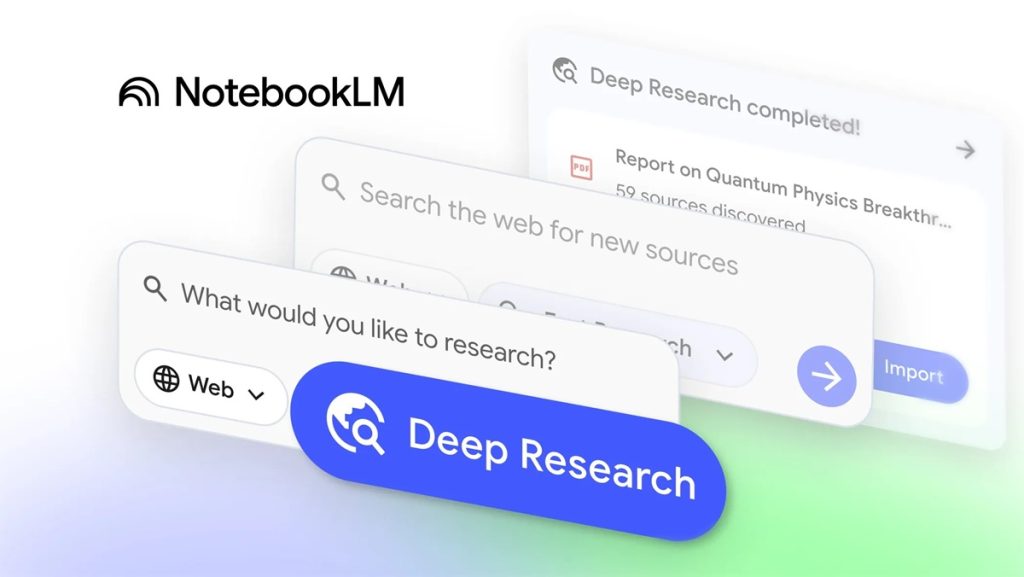
Google has announced a new update for NotebookLM, introducing tools to enhance research capabilities. The update adds Deep Research agents to streamline complex research tasks and expands support for multiple file types commonly used in academic and professional work.
Deep Research: automated research agent
The Deep Research feature automates and simplifies online research. It can generate a detailed, source-based report or suggest relevant articles, papers, and websites. Users can guide the agent to search specific locations online.
Deep Research creates a research plan, browses hundreds of sites, and refines its results based on ongoing analysis. The resulting report can be added directly to the notebook. Additional sources can be included while the agent continues running in the background, allowing users to build a comprehensive knowledge base.
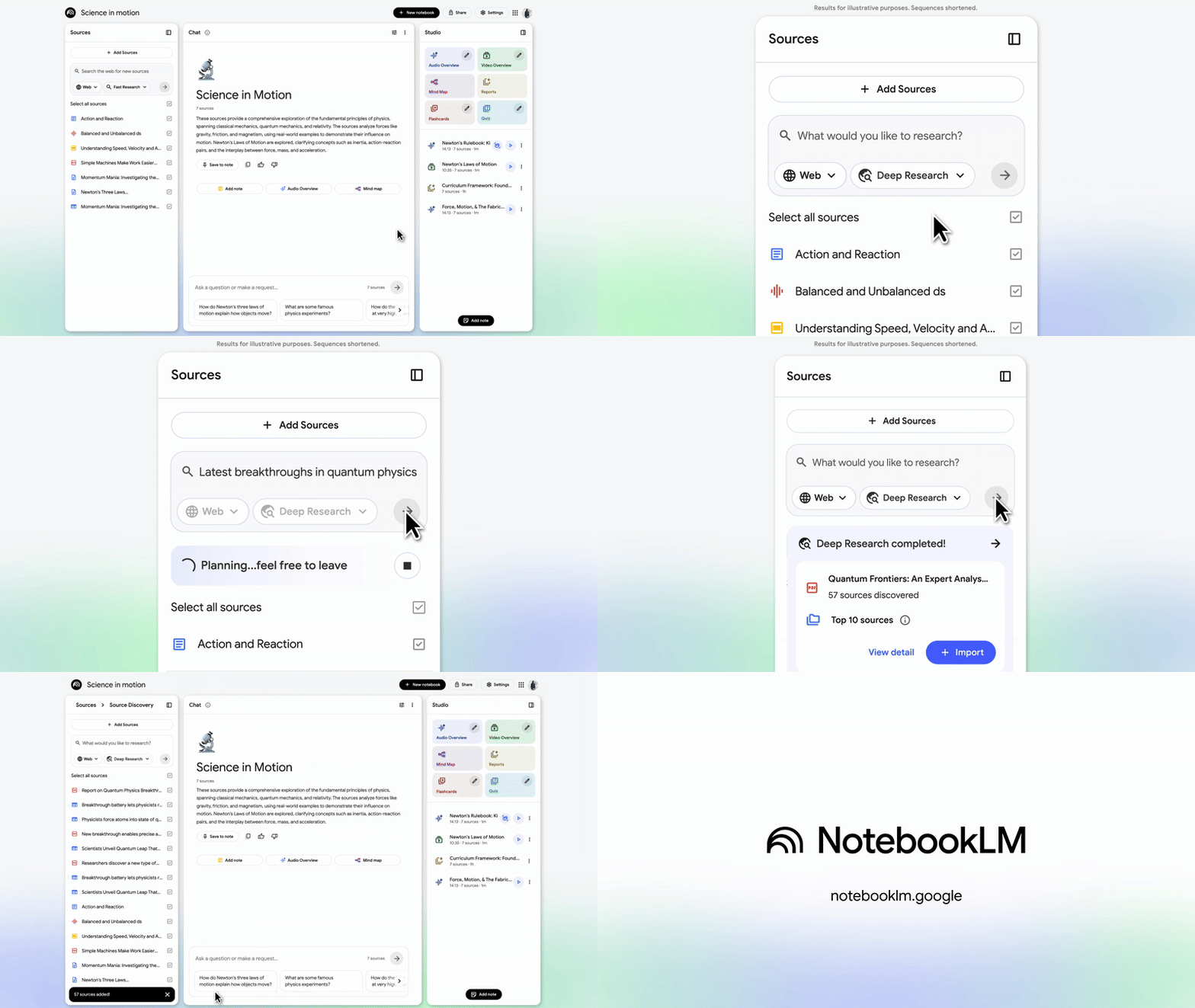
NotebookLM tools such as Audio and Video overviews can then be used to extract insights or transform content for easier understanding.
Using Deep Research
- Open the source panel and select Web as a source.
- Choose a research style: Fast Research scans information quickly for immediate review and source import.
Expanded file support
NotebookLM now supports additional file types to improve workflow:
- Google Sheets: Analyze structured data, generate summaries, or extract key statistics.
- Drive files as URLs: Add files directly via copy-paste, including multiple links separated by commas.
- Images: Upload photos of handwritten notes or printed materials.
- PDFs from Google Drive: Import research papers, reports, or ebooks without downloading.
- Microsoft Word (.docx): Upload documents for analysis of notes, drafts, or other text-based content.
Availability
These features will be available to all users over the next week. Support for image uploads will be introduced in the following weeks.