
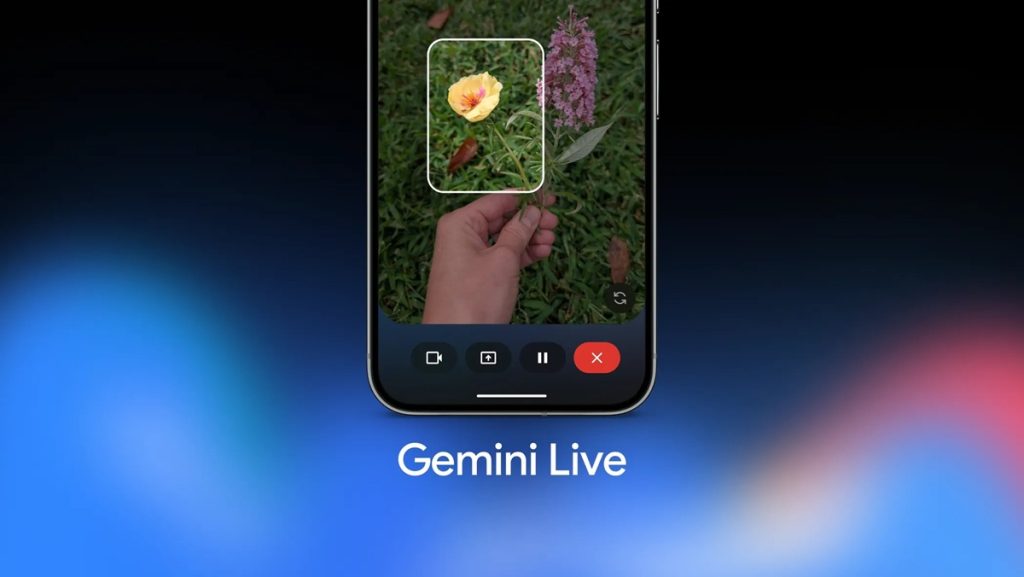
Google has announced major upgrades to Gemini Live, making the assistant more visually aware, conversational, and connected with Google apps. The update introduces on-screen visual guidance, deeper app integrations, expressive speech capabilities, conversational photo editing, and new transparency features in Google Photos.
On-screen Visual Guidance in Gemini Live
Gemini Live now offers real-time visual guidance when users share their camera. The assistant can highlight items directly on the screen to help with decision-making and problem-solving.
- Compare two pairs of sneakers and get suggestions on which pair suits an outfit.
- Point the camera at a toolbox, and Gemini can identify the correct tool.
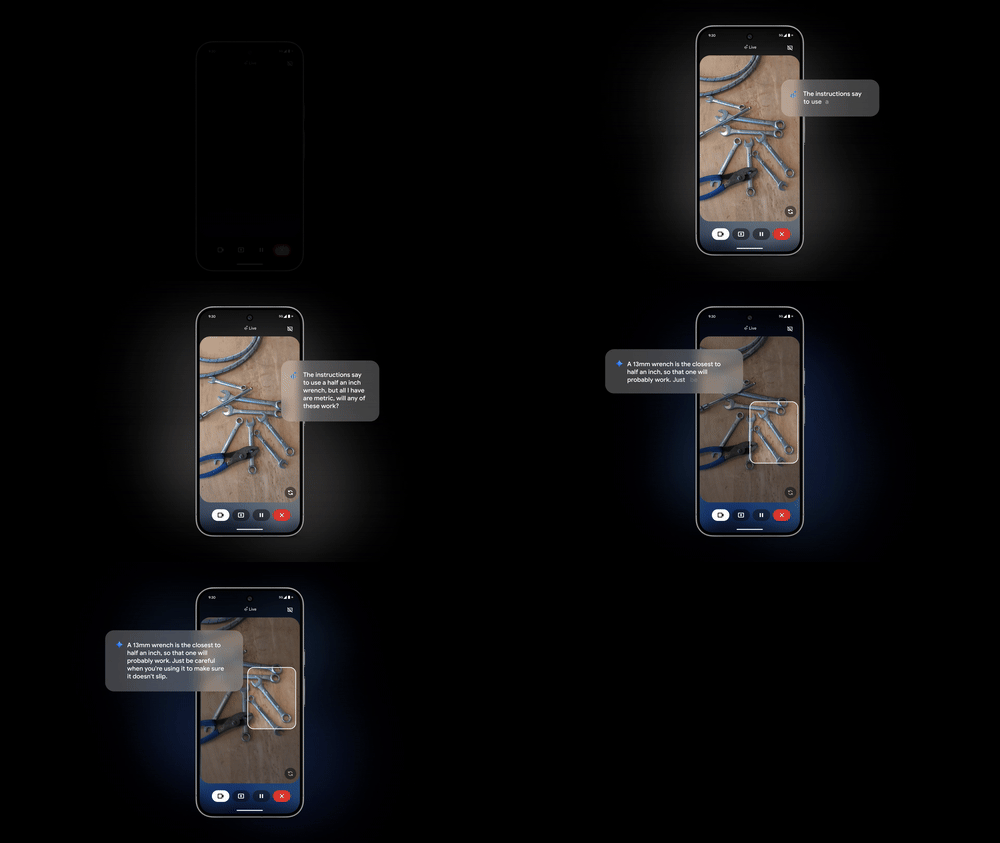
This feature creates a more interactive way to learn and act in real-world scenarios.
Integration With More Google Apps
Gemini Live is expanding support for additional Google apps to help manage everyday activities.
- Current integrations include Google Calendar, Tasks, and Keep, enabling reminders, schedule management, and shopping list creation.
- Support for Messages, Phone, Clock, and Maps is coming soon, allowing seamless communication and navigation.
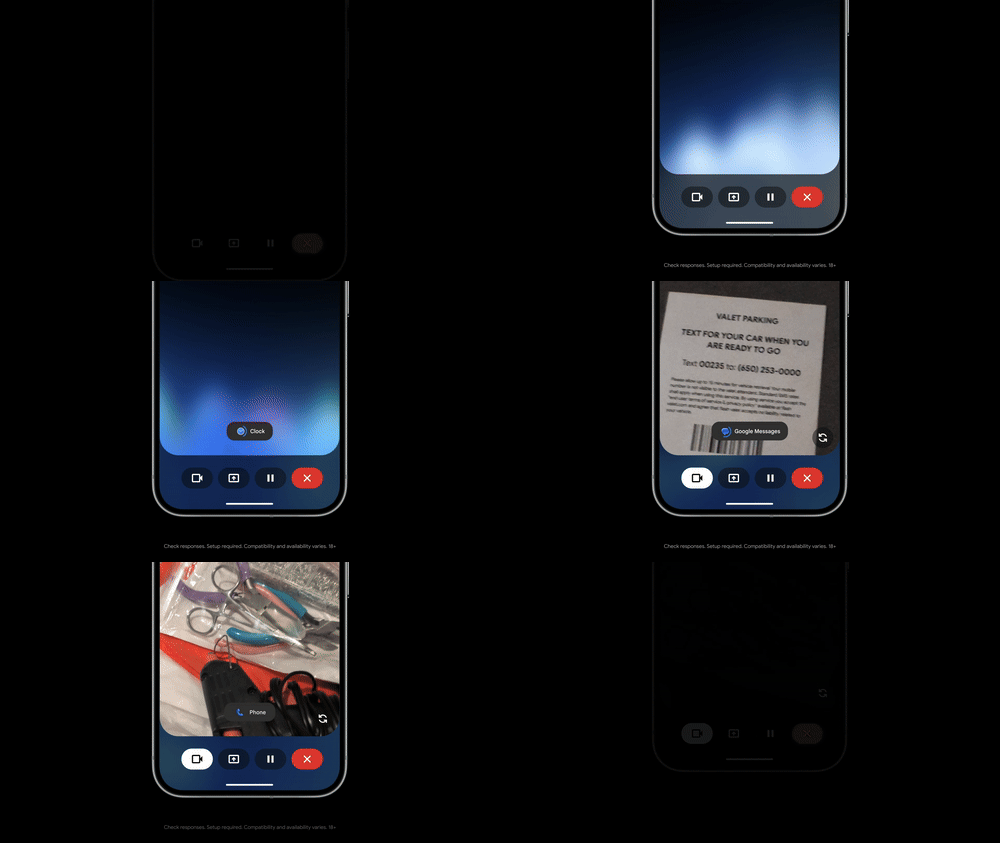
For example, while planning a subway route with Gemini, users can quickly ask it to send a message about running late without leaving navigation.
More Expressive and Natural Speech
Gemini Live will soon deliver more natural and responsive conversations through model updates.
Angela Sun, Director of Product Management for the Gemini app, said the new speech model enhances intonation, rhythm, and pitch to create more human-like interactions.
Users will be able to:
- Adjust the speed of Gemini’s voice, from slow for careful listening to fast for quick responses.
- Request calmer tones when discussing stressful topics.
- Experience storytelling with character voices, such as narrations in the style of Julius Caesar.
Conversational Photo Editing in Google Photos
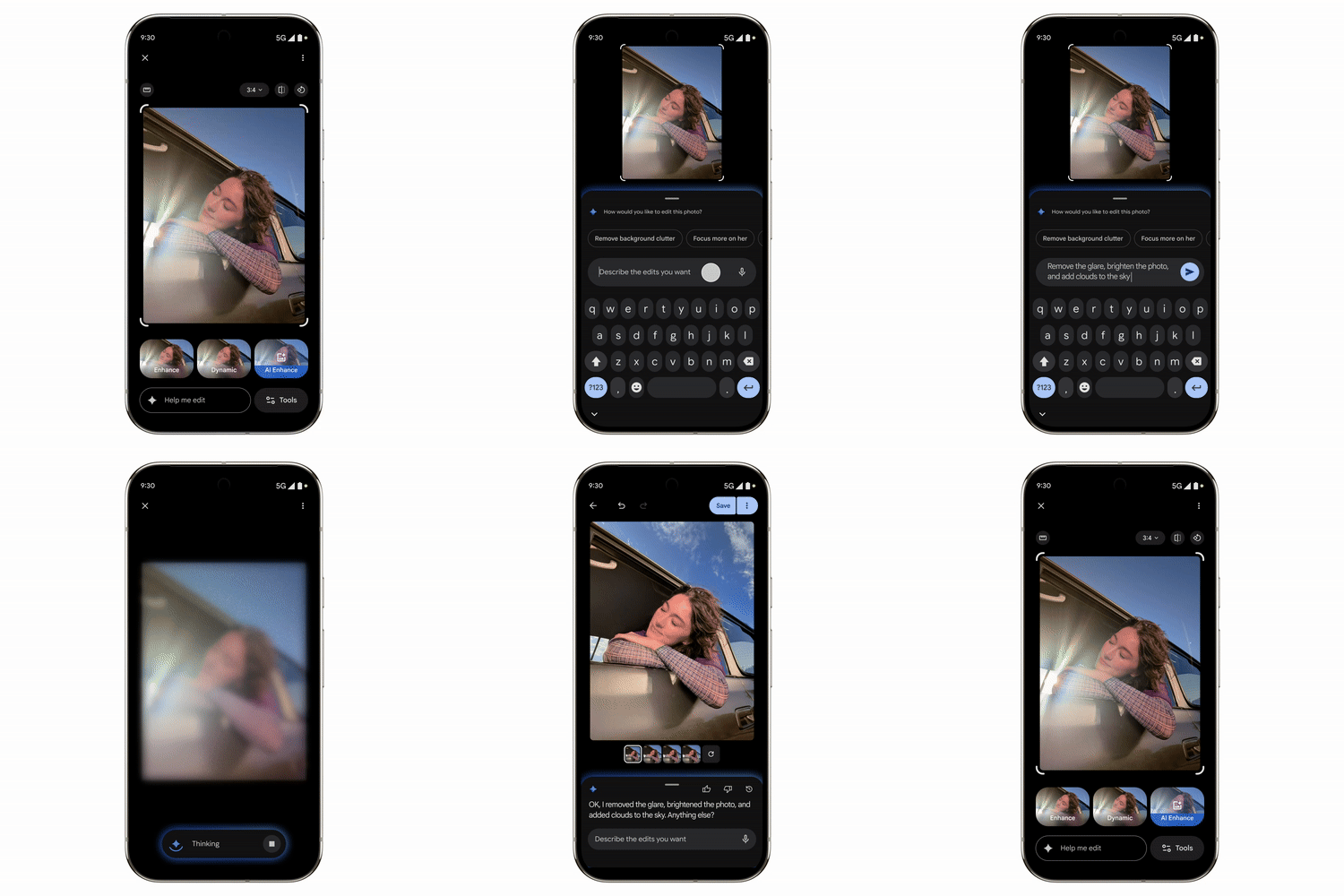
Google Photos is gaining a redesigned editor with conversational editing tools powered by Gemini. Users can describe edits naturally without selecting tools or sliders.
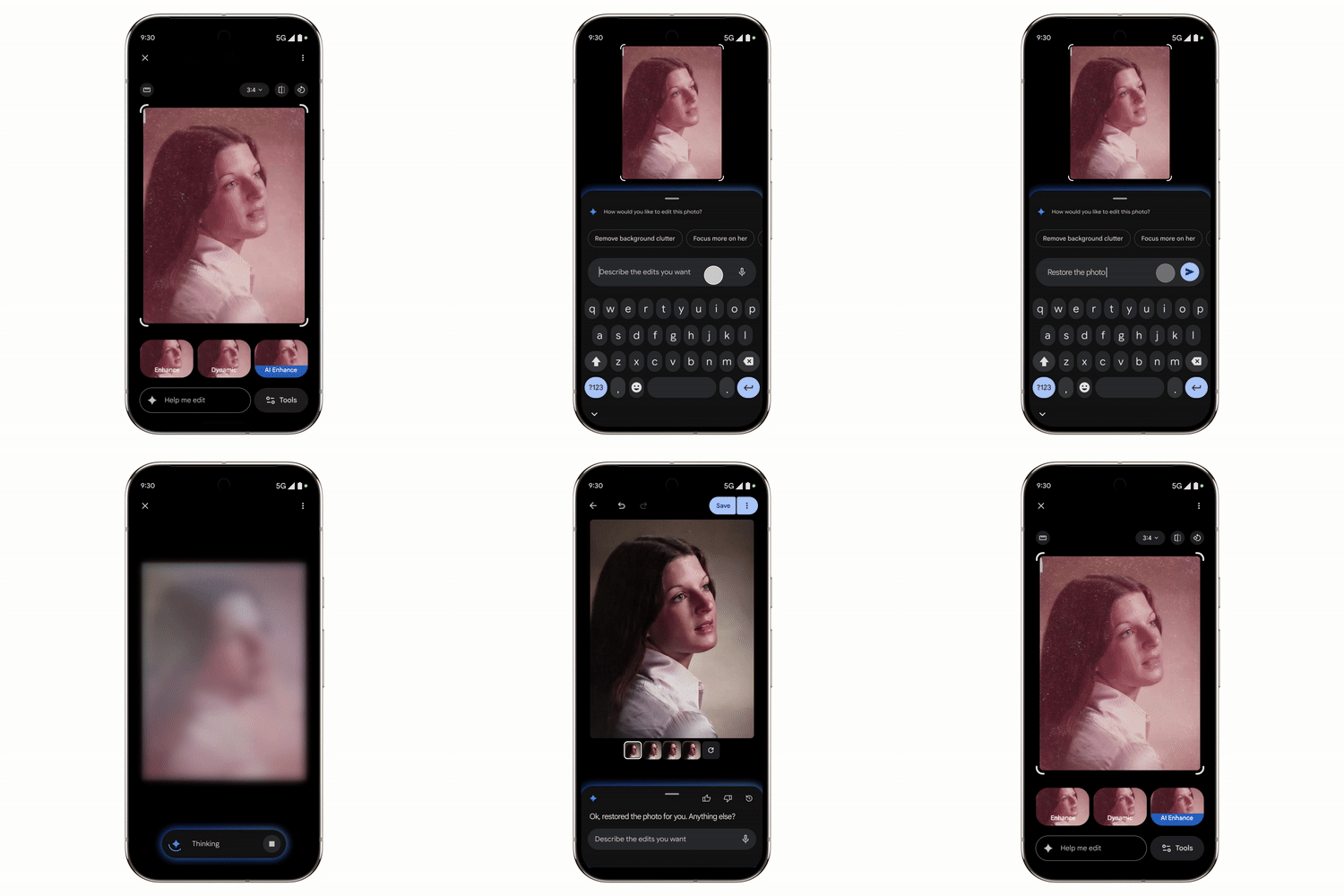
- Corrective edits: Remove the cars in the background or restore the old photo.
- Creative edits: change backgrounds, add items like sunglasses or party hats.
- Quick fixes: say “make it better” and refine with follow-up requests.
Selena Shang, Senior Product Manager at Google Photos, said users no longer need to worry about which tools to use, as Gemini can handle both simple tweaks and complex edits through natural language.
Transparency With C2PA Content Credentials
Google is adding C2PA Content Credentials in the Pixel 10 camera app, covering images taken with or without AI. Within Google Photos, users will be able to view details on how an image was captured or edited.
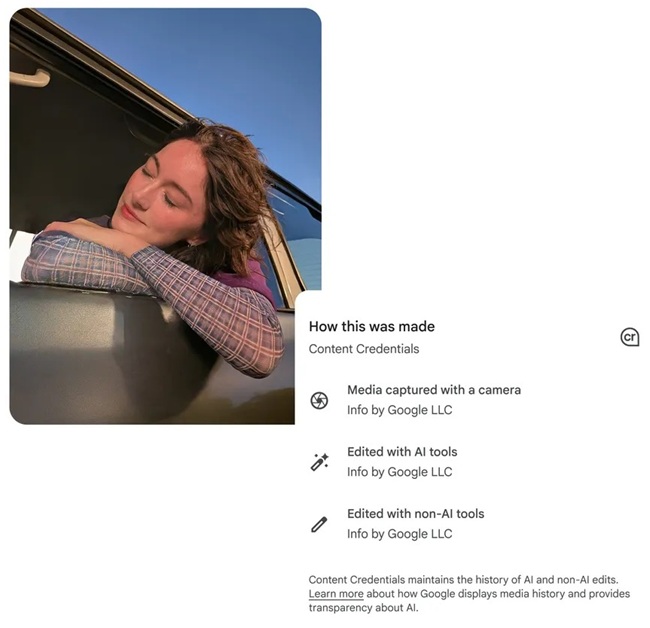
This builds on Google’s existing support for IPTC metadata for AI edits and SynthID for Reimagine-generated images, improving transparency around digital content creation.
Availability
- Visual Guidance in Gemini Live: Goes live August 28 on Pixel 10 devices, with other Android devices that week and iOS devices following.
- C2PA Content Credentials in Google Photos: Available first on Pixel 10 devices, gradually rolling out to Android and iOS devices.