
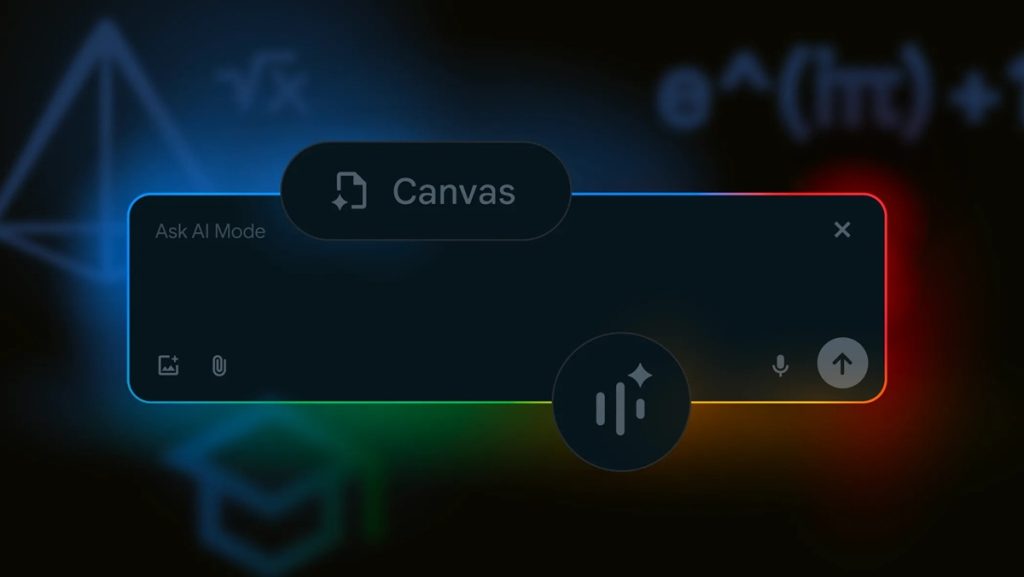
Google has rolled out new AI Mode features in Search aimed at improving learning and research, especially as students head back to school. These additions—like PDF queries, live video interaction, and a Canvas planning tool—are built to help users break down complex topics and manage study material with ease.
Robby Stein, VP of Product at Google Search, says AI Mode is designed to help people “explore complex questions and discover high-quality information” across formats and platforms.
New Features in AI Mode in Search
Ask Questions About Images and PDFs
AI Mode now supports querying images on desktop browsers, complementing existing mobile app functionality. Soon, users will be able to upload PDF documents on desktop to ask specific questions related to the document’s content.
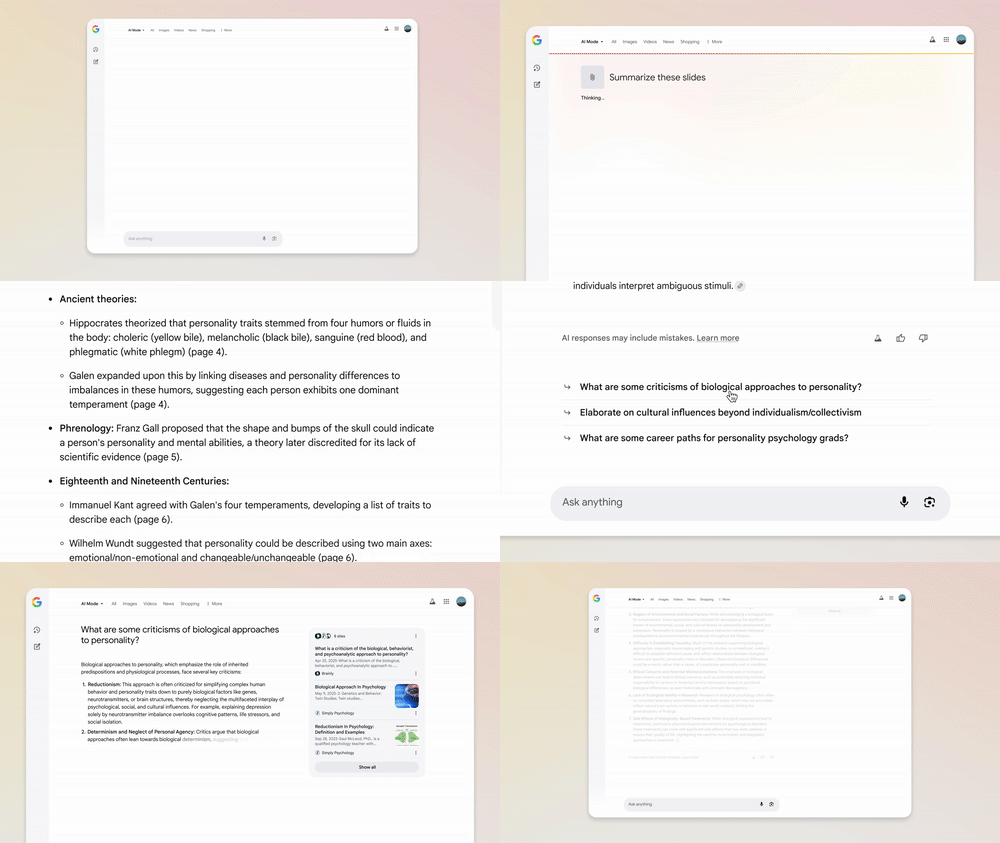
For instance, uploading lecture slides allows the AI to analyze the material and offer responses that combine the document context with related web information. He also noted that support for additional file types and Google Drive integration is planned.
Create Study Plans with Canvas
Canvas is a new AI Mode feature that helps users organize information and build plans through a dynamic side panel. By requesting assistance, such as creating a study plan, users can activate Canvas, which compiles relevant data and refines the plan through follow-up queries.
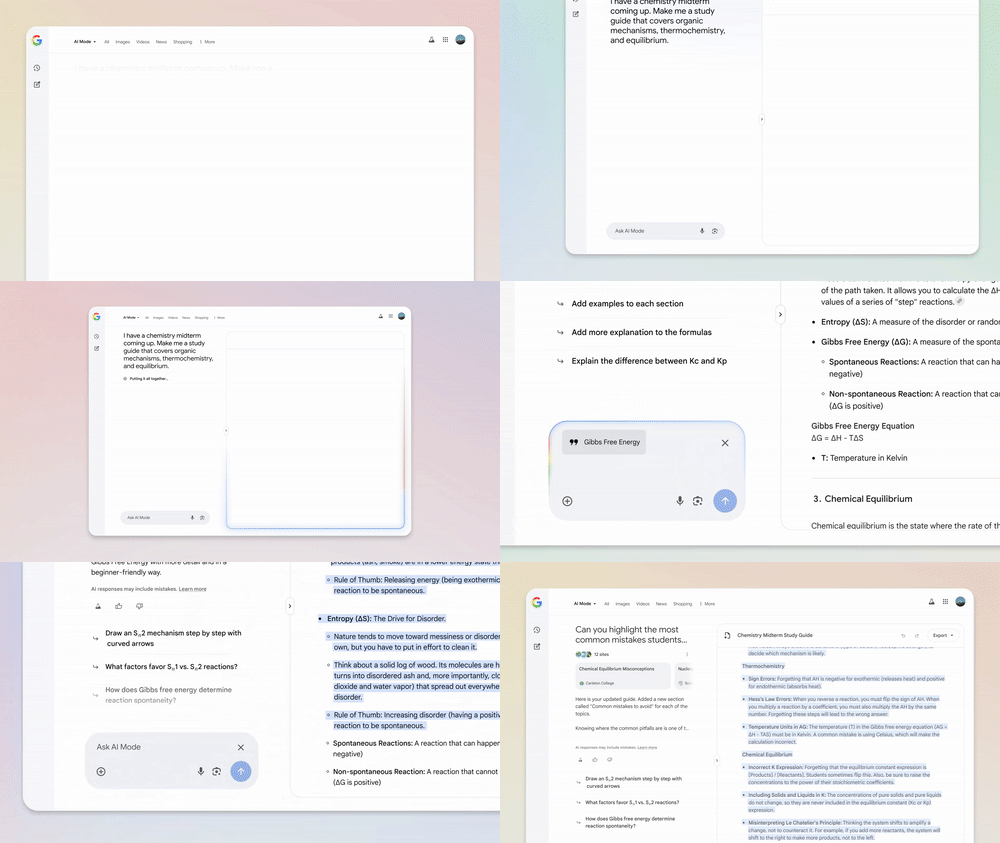
The feature will also allow uploads of files such as class notes or syllabi to customize outputs. Canvas saves progress across sessions, allowing users to return to their projects as needed.
Get Real-Time Help with Search Live
Search Live integrates video input into AI Mode, enabling real-time interaction with the AI through a live camera feed. Using Google Lens in the Google app, users can point their camera at objects or text and ask questions that the AI answers instantly, supported by relevant links. This feature leverages technology from Project Astra and is designed to provide expert-level assistance on demand.
Ask Google About What You See in Chrome
A new Lens integration within Chrome allows users to select “Ask Google about this page” from the address bar dropdown while browsing. This enables highlighting of page elements—such as images or diagrams—and receiving an AI-generated overview in a side panel.
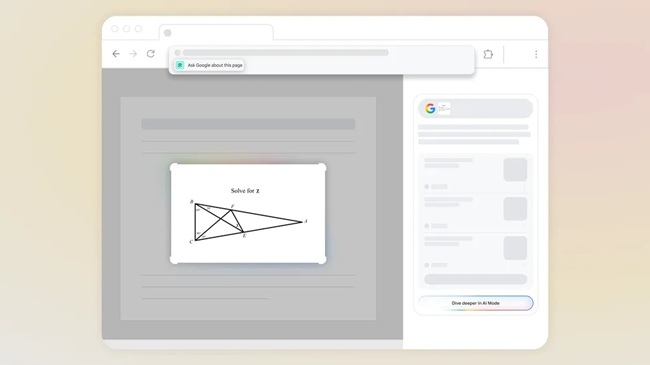
Users can further engage with AI Mode to explore topics in greater detail, facilitating contextual learning directly from browser content.
Availability
- Image question support on desktop: Now available
- PDF upload support on desktop: Coming soon
- Canvas study planner on desktop: Rolling out soon for AI Mode Labs users in the U.S.
- Search Live with video input on mobile: Available starting this week to AI Mode Labs participants in the U.S.
- “Ask Google about this page” in Chrome: Launching soon