
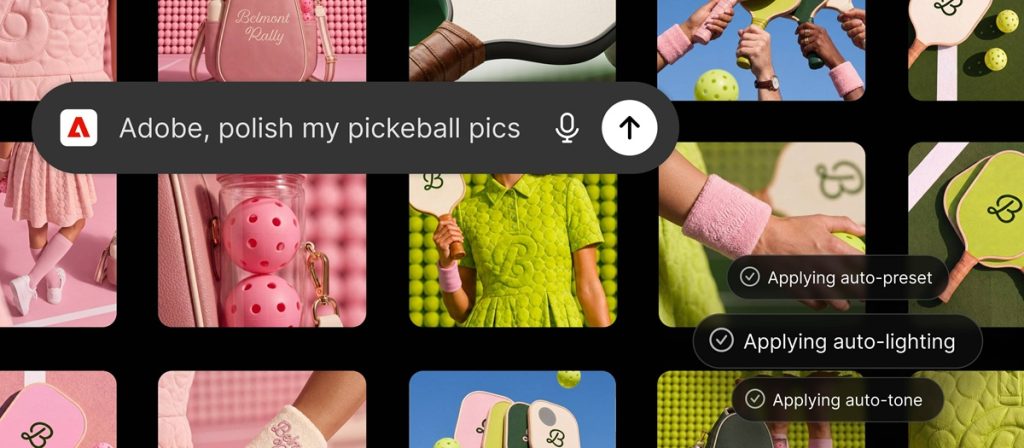
Adobe has introduced a new plugin for ChatGPT that brings its creative and productivity tools into AI conversations. The plugin allows users to create images, videos, designs and documents by describing what they want to create directly within ChatGPT.
The Adobe plugin works across ChatGPT Work and Codex and combines more than 70 tools from Adobe’s creative and productivity suites. It brings together tools from Adobe Express, Photoshop, Firefly, Premiere, Acrobat, Lightroom, Illustrator, InDesign, Adobe Stock and other Adobe services into a single plugin.
Users can activate the Adobe plugin, describe their requirements, and it automatically selects the relevant Adobe tools in the background. The plugin supports workflows such as editing photos, creating campaign videos, designing marketing assets and generating PDFs. Users can continue their work in Adobe apps when they need advanced editing features, creative control or more detailed adjustments.
What the Adobe plugin can do
The Adobe plugin supports multiple creative and document workflows, including:
- Campaign assets: Users can upload campaign photos and describe the desired look. The plugin applies a consistent style across the entire set, saves finished assets to Creative Cloud and transforms selected images into product or packaging mockups.
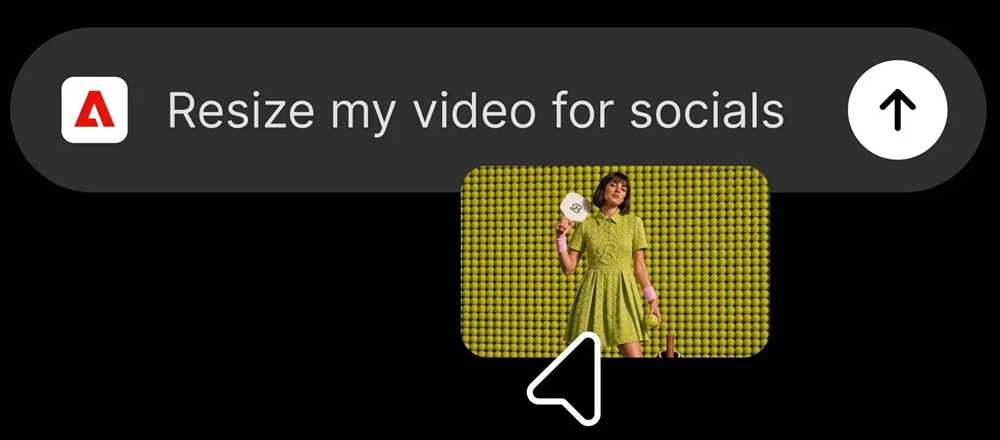
- Video creation: Users can turn long-form videos into highlight reels and adapt them for YouTube Shorts, Instagram Reels and other social media platforms.
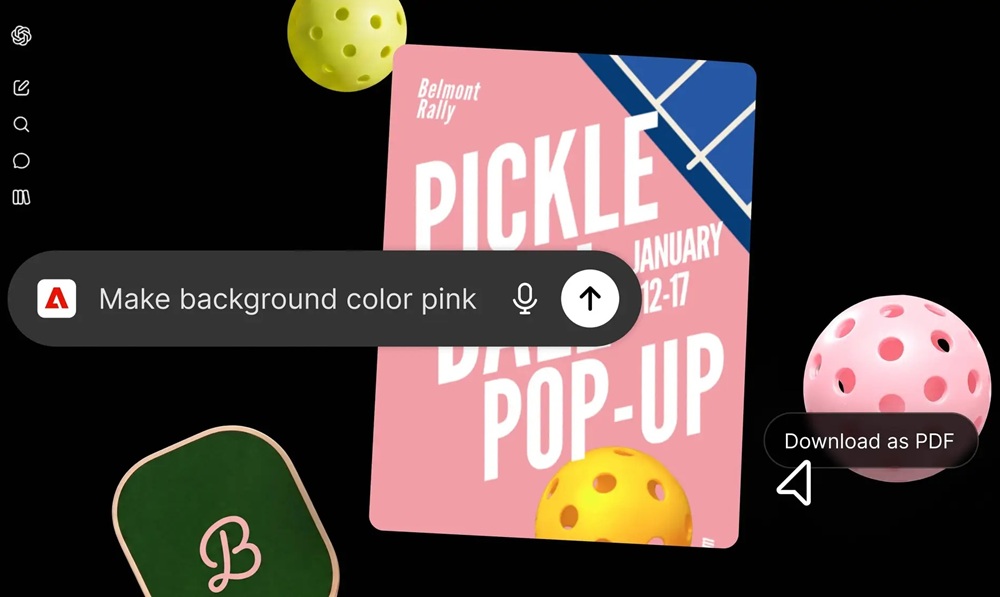
- Design creation: Users can browse thousands of design templates with interactive previews, select a template, customize copy and colours, animate designs for social media and convert them into PDFs ready for sharing or printing.
- Document creation: Users can upload a spreadsheet or dataset and describe the required result. The plugin transforms the information into formatted PDFs, including event badges, catalogs, infographics and other documents.
Adobe tools in ChatGPT
The Adobe plugin combines tools from Adobe’s previously released ChatGPT apps with additional capabilities across Adobe Express, Photoshop, Firefly, Premiere, Acrobat, Lightroom, Illustrator, InDesign, Adobe Stock and more.
Adobe said the plugin uses the same tools and capabilities that power its AI agents within Adobe apps. Users can start projects in ChatGPT and move to Adobe applications when they need advanced editing workflows.
Adobe has expanded access to its tools across AI chatbot platforms, including ChatGPT, Claude and Copilot, with Slack and Gemini integrations planned for the future.
For example, users can batch edit product photos in ChatGPT using the Adobe plugin and then open the main image in Photoshop to explore different creative directions, combine multiple assets, refine details using layers and masks, and complete further edits.
How to use it
Users can add the Adobe plugin in ChatGPT by following these steps:
- Open ChatGPT and go to Plugins.
- Add the Adobe plugin.
- Start a new chat, type “@Adobe” and select Adobe from the menu, or use the “+” button to choose it from installed plugins.
Users can start creating as a guest using a broad set of Adobe tools. Signing in with an Adobe account enables additional features, including access to Creative Cloud files, generative capabilities and the ability to save work across sessions.
Availability
The Adobe plugin for ChatGPT is available globally on ChatGPT web and the ChatGPT app starting today. Adobe said it will continue updating the plugin with new creative and productivity tools and capabilities based on how users interact with the experience.
Speaking on the launch, Vibhor Chhabra, Product Lead for ChatGPT Ecosystem at OpenAI, said,
We’re building ChatGPT to connect users with the best capabilities for the task at hand. Adobe’s category-leading creative and productivity tools help people express their creativity, communicate and be more productive, and we’re excited to expand our partnership with Adobe to bring these capabilities into ChatGPT through the Adobe plugin.