

Apple has released the first public betas of iOS 27, iPadOS 27, macOS 27 Golden Gate, and watchOS 27, giving users early access to the software updates announced at WWDC 2026 ahead of their stable release later this fall.
Siri AI and Apple Intelligence
The new Siri AI supports natural conversations, follow-up questions, on-screen awareness, and multi-step actions across apps. Users on Apple Intelligence-compatible devices can also customize Siri’s voice expressiveness, while a dedicated Siri app stores conversation history. Siri AI is currently available in English on Apple Intelligence-compatible devices and is not initially available in the European Union.
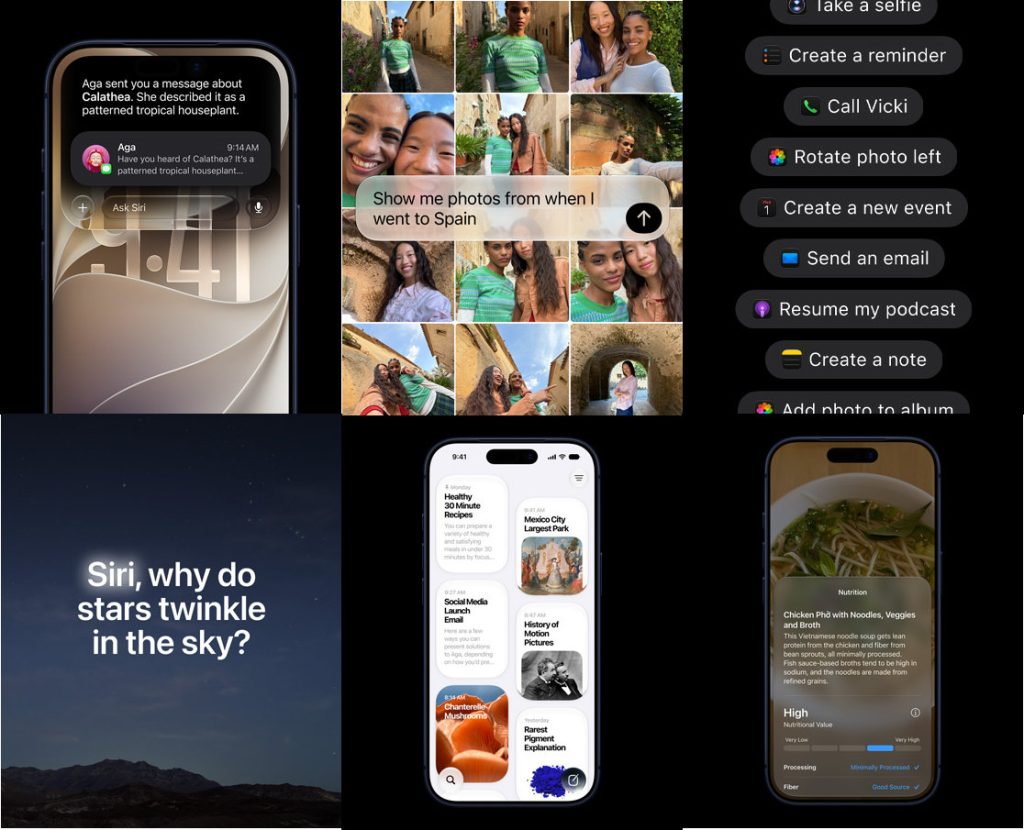
Apple Intelligence also expands to other apps. The Photos app introduces:
- Spatial Reframing to adjust image composition after capture
- Extend to expand image boundaries
- An improved Clean Up tool for removing unwanted objects
- Enhanced image generation in Image Playground, including photorealistic styles
Performance improvements and new features
Apple says iOS 27 delivers performance improvements across the system, including:
- Apps launching up to 30% faster
- Newly captured photos appearing in the Photos app up to 70% faster
- AirDrop transfers up to 80% faster
Safari can automatically organize tabs into groups and includes a new Notify Me feature that tracks price changes and product restocks on supported webpages. The Passwords app can detect weak passwords and automatically update them, while the Shortcuts app lets users create automations using natural language.
Apple has also refined the Liquid Glass interface with improved readability and added a slider to adjust the visual effect. Users running the iOS 27 public beta can also install the latest AirPods beta firmware, which adds a custom equalizer, an adaptive audio slider, and a redesigned settings menu.
watchOS 27
watchOS 27 brings Siri AI to the Apple Watch, allowing users to ask questions and complete tasks while on the move. The update also introduces a Dynamic App Grid, a new single-tap gesture for interacting with Smart Stack widgets while the existing double-tap gesture remains available for scrolling, and menopause and perimenopause support in the menstrual health features.
Workout Buddy gains additional workout insights, support for use without a nearby iPhone, and Spanish language support.
macOS 27 Golden Gate
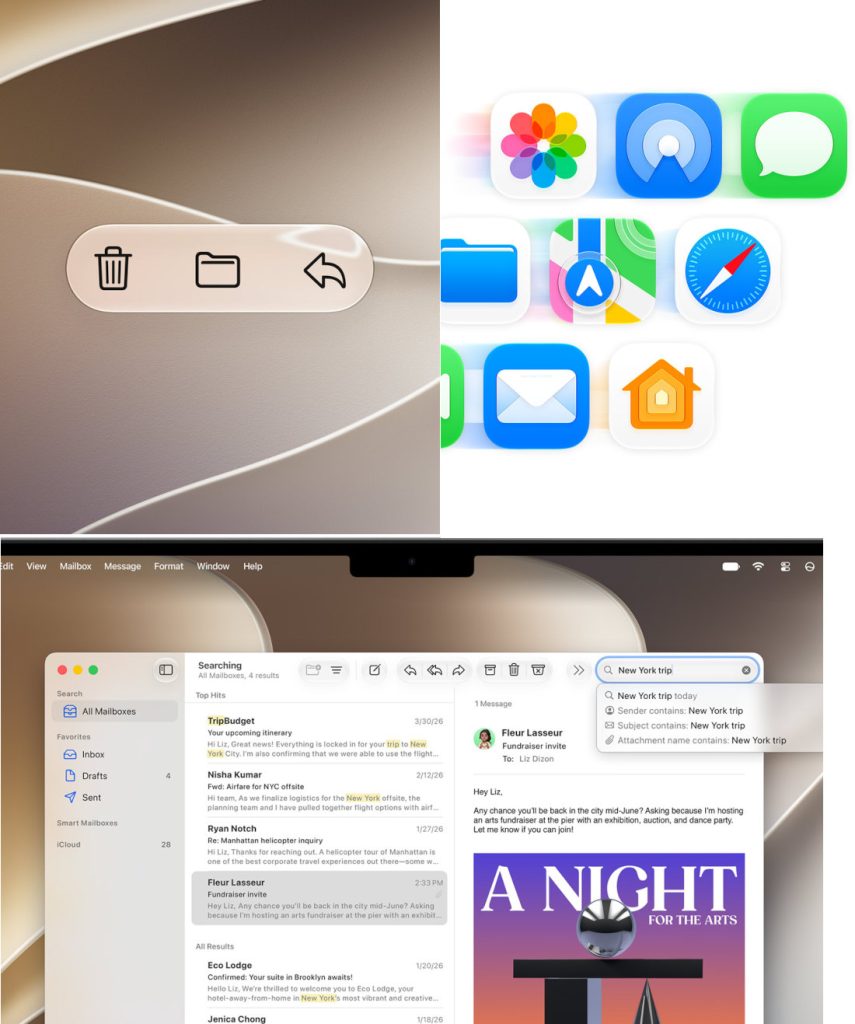
macOS 27 Golden Gate integrates Siri AI into Spotlight for writing assistance, on-screen analysis, and productivity tasks. The update also includes design refinements such as uniform toolbars, edge-to-edge sidebars, refined window shapes, and updated menu bar icons.
iPadOS 27
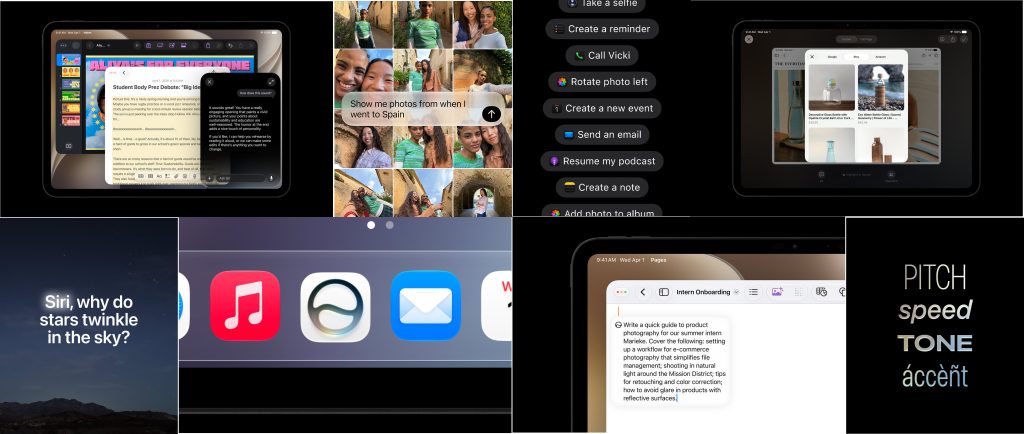
iPadOS 27 includes all of the features introduced in iOS 27. Visual Intelligence can analyze content in screenshots and also works with Apple Pencil, allowing users to circle on-screen content to learn more about it. Apple also says file transfers between iPads and external SSDs are now up to five times faster.
How to install the public beta
Users can enroll in Apple’s Beta Software Program and download the public beta by going to Settings > General > Software Update > Beta Updates, then selecting the appropriate 27 Public Beta for their device.
As these are pre-release builds, users may encounter bugs, performance issues, or increased battery drain. Users who prefer a more stable experience can wait for a later public beta or the final release later this year.