
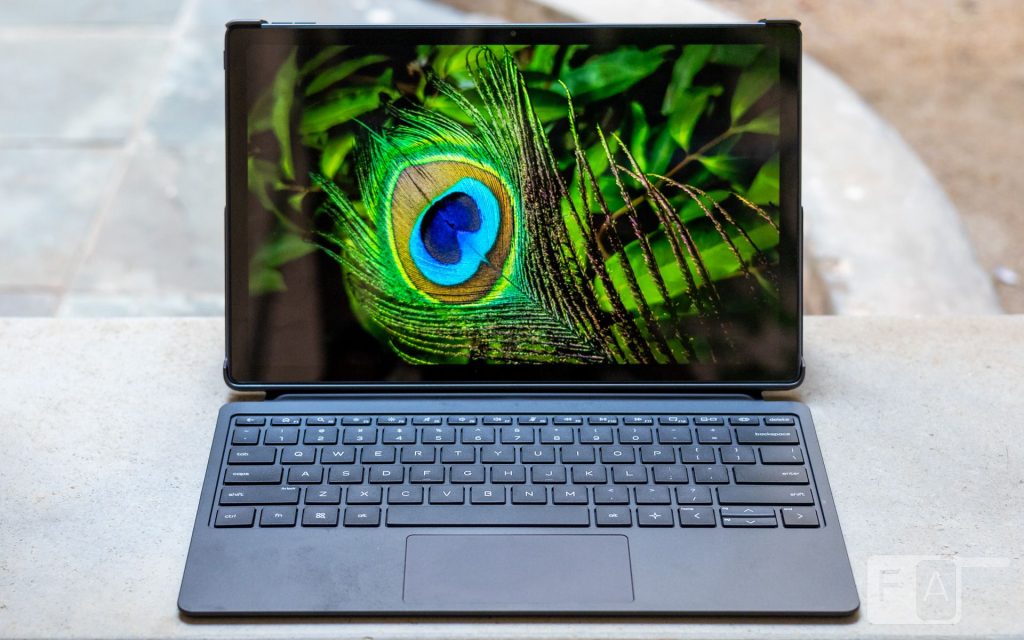
For more than a decade, Android tablets have struggled to be the perfect hybrid between the laptop and the smartphone. Manufacturers have tried many ways to overcome the limitations that kept Android from being the best of both worlds. The OmniPad 12 is HP’s latest attempt, a tablet that offers a Windows-styled UX within an Android interface. To enhance the experience, HP has even included a keyboard carrying case with the tablet. In this review, we look at whether the OmniPad 12 can be a real laptop replacement or if it falls short.
Design and Build Quality
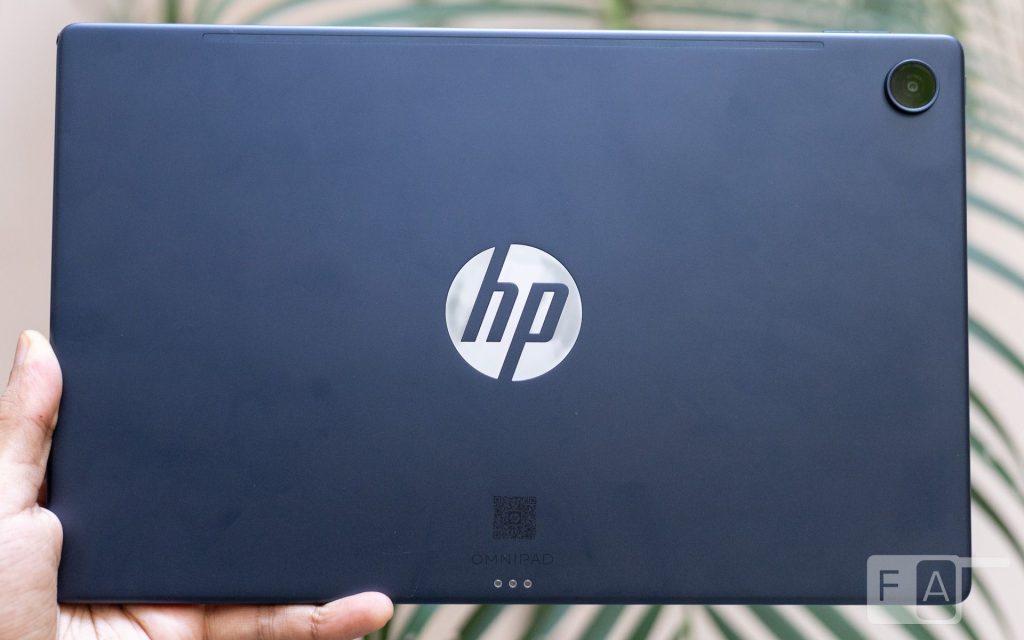
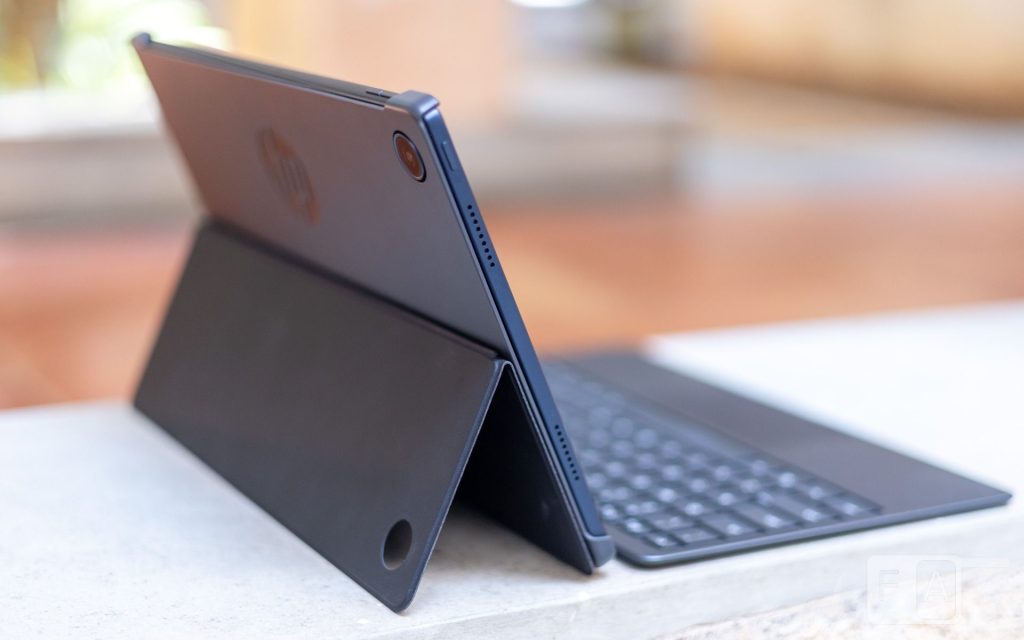
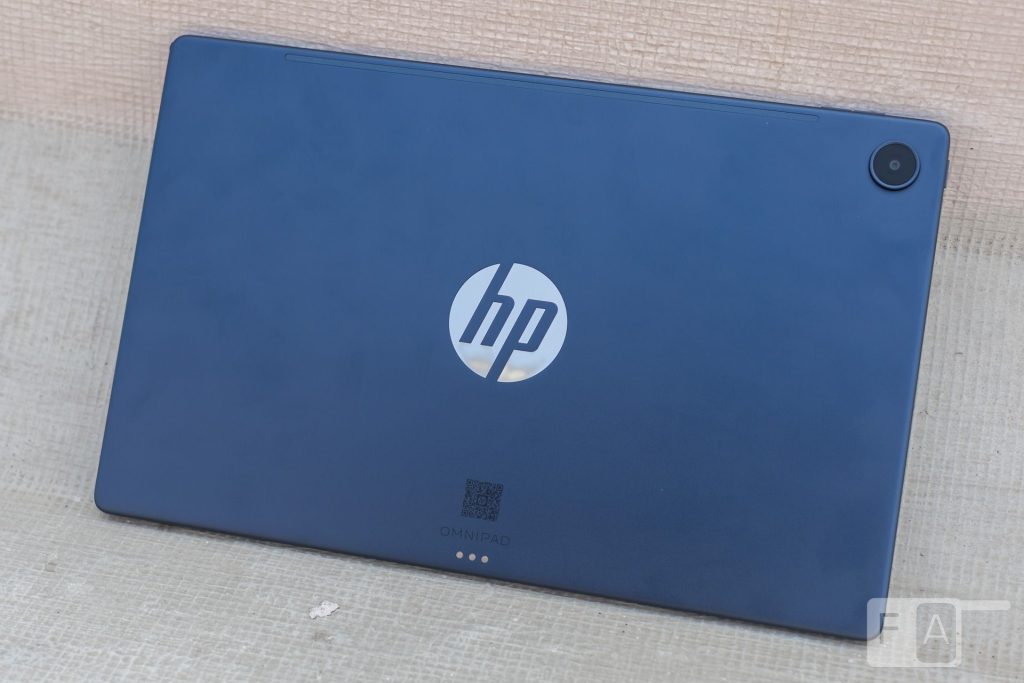
The OmniPad 12 has a standard slate form factor with a minimalist, utilitarian design. There are no flashy or distinctive design elements, save for the large silver “HP” logo in the center of its back. The rear panel and sides are made of aluminium, giving it a durable feel, and HP offers two colour options: Denim Blue and Meteor Silver.
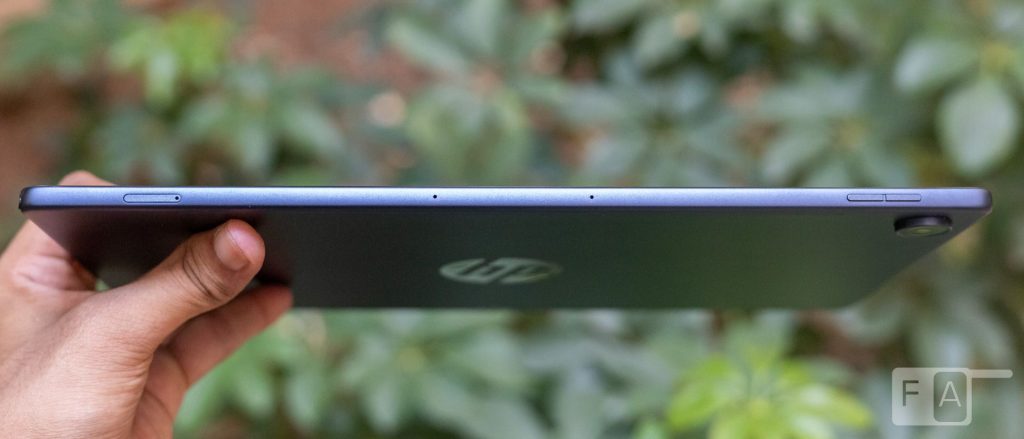
The tablet is reasonably lightweight at 600 grams, with good weight distribution. It measures about 7.3mm thick, which is about average for an Android tablet.
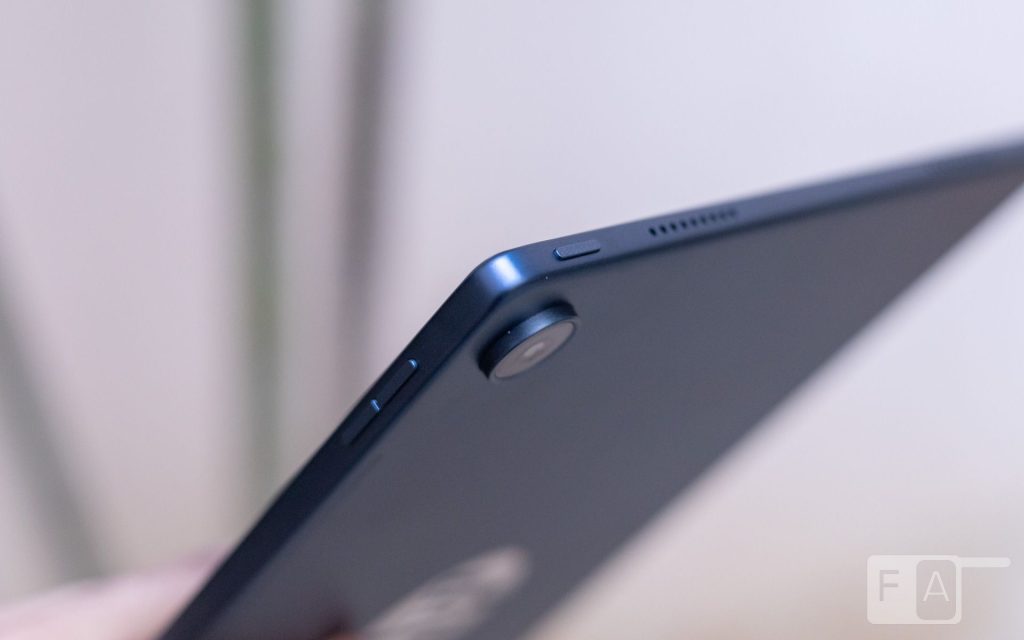
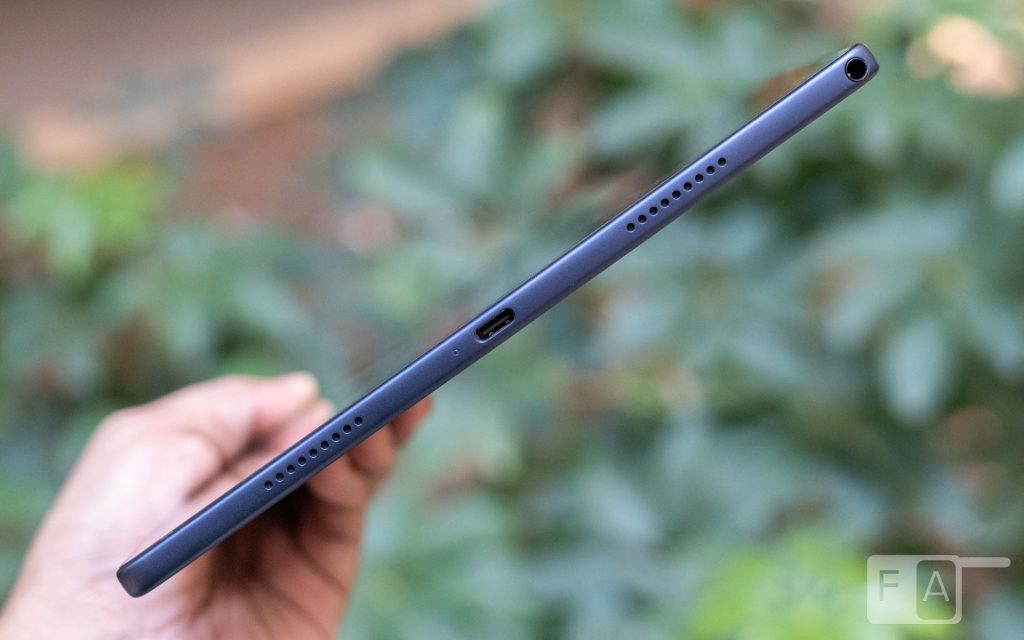
In landscape orientation, the power button is on the left edge, while the volume rocker is on top. The same edge also houses a microSD card slot. There is no SIM slot, which is worth keeping in mind. Refreshingly, HP has included a headphone jack, which is uncommon in Android tablets these days. The audio setup is rounded out by quad speakers, two on each side of the tablet.
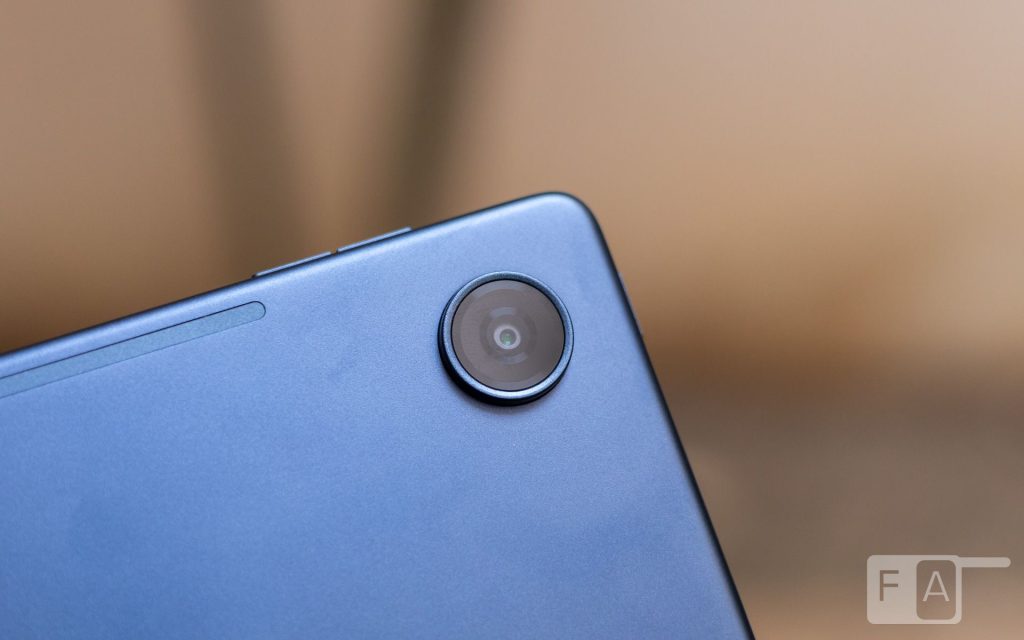
On the back, HP has added pogo pins that connect to the included keyboard case. A camera bump in the top corner houses the 13MP rear camera. On the front, the bezels are even on all sides, with an 8MP camera in the center of the top bezel.
Display and Audio
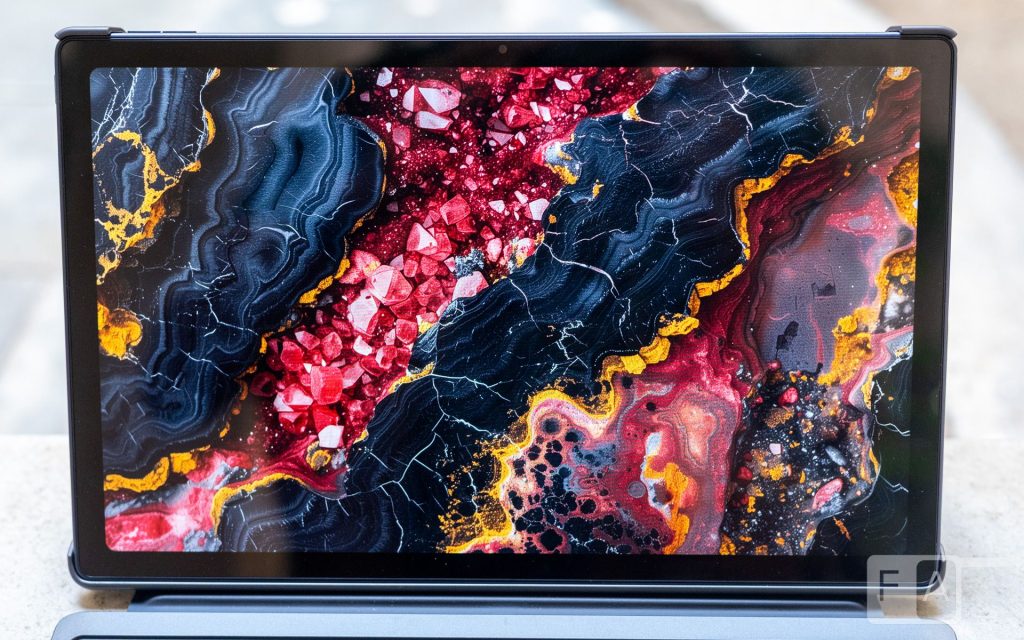
The OmniPad 12 is equipped with a 12-inch 2K LCD display with a 90Hz peak refresh rate and 400 nits of peak brightness. It has a resolution of 2000×1200, which results in an aspect ratio of 5:3. As for colour accuracy, HP claims the panel can reproduce 100% of the sRGB colour space.
During our review, we found the display to be perfectly adequate. The 2K resolution is plenty sharp for a display this size, and the 90Hz refresh rate keeps scrolling and animations smooth. The 400 nits is good enough for outdoor use. In strong sunlight, though, reflections from the glossy screen can be a hindrance.
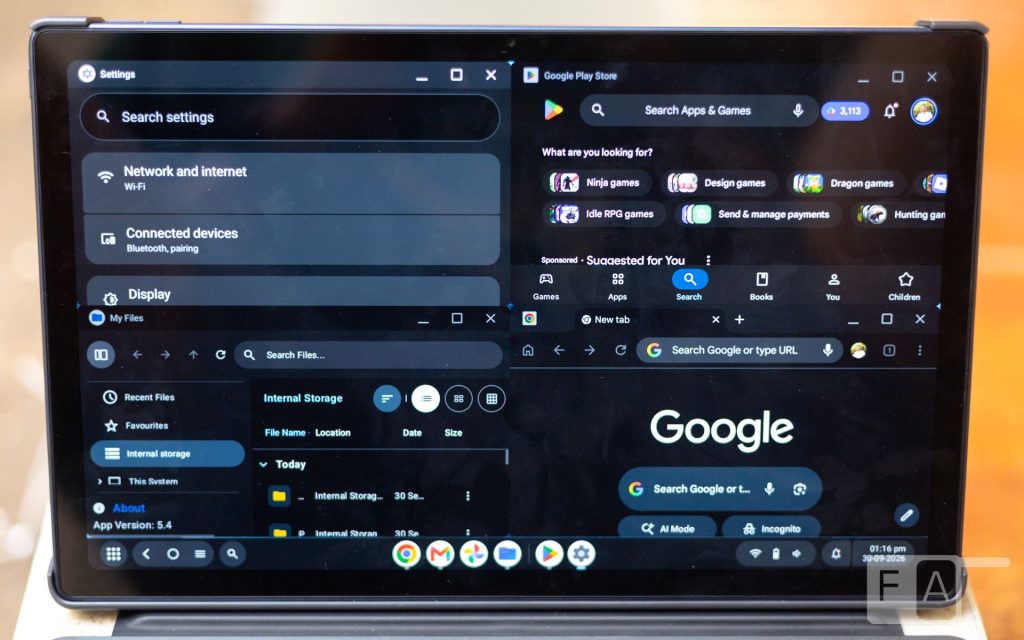
The 5:3 aspect ratio is good for productivity, especially when using two apps side by side in Desk mode. A few tablets among the competition offer a squarer 7:5 aspect ratio, which can be nicer for reading. However, they require a narrower keyboard, so for anyone who types a lot, the OmniPad 12 offers a better experience.
With no OLED panel or Dolby Vision support, the OmniPad 12 isn’t aimed at media enthusiasts. Even so, the display is good for casually watching TV shows and streaming content. For an LCD, it performs well in contrast and colour vibrancy.
Audio is handled by the quad speakers, with support for DTS:X Ultra. Up to about 50% volume, the speakers have good clarity in the mids and highs, albeit with a noticeable lack of bass. Stereo separation is also decent at this volume. Beyond 50%, however, we observed a sharp drop in audio quality. The speakers are adequate for video calls and meetings, but if media consumption is your primary use case, there are better options on the market.
Performance and Connectivity
Under the hood, the OmniPad 12 is powered by the Qualcomm Snapdragon 6 Gen 3 processor. It is paired with 8GB of LPDDR5 memory and up to 256GB of internal storage. The Snapdragon 6 Gen 3 is a custom hexa-core processor built on Qualcomm’s Kryo cores. Graphics are handled by the integrated Adreno GPU.
The performance of the OmniPad 12 leaves a lot to be desired. While it is good enough for simple tasks, it struggles a bit when running and switching between multiple applications, especially in Desk mode. During our review, the OS would hitch or lag noticeably when performing gestures or resizing windowed applications. In Desk mode, the OmniPad 12 supports up to four windowed applications at a time, and it does manage to run them, just not very well. It isn’t a dealbreaker, but compared to the competition, the OmniPad 12’s performance falls short. For a tablet that aims to offer a laptop-like experience, it deserves a more powerful processor.
For connectivity, the tablet supports Wi-Fi 6E and Bluetooth 5.2. During our review, the Wi-Fi functioned as expected, with fast, stable speeds throughout. The USB port is limited to USB 2.0 speeds, and storage can be expanded via the microSD card, which is uncommon among devices these days.
Software
The OmniPad 12 runs HP’s version of Android 16, with the July Android security update at the time of this review. Unfortunately, HP has not committed to any future Android version updates.
The headline feature of the OmniPad 12 is the ability to run the tablet in either classic Android mode or a new “Desk Mode”. This is a Windows-like interface developed by HP that offers various features you would find on a laptop.
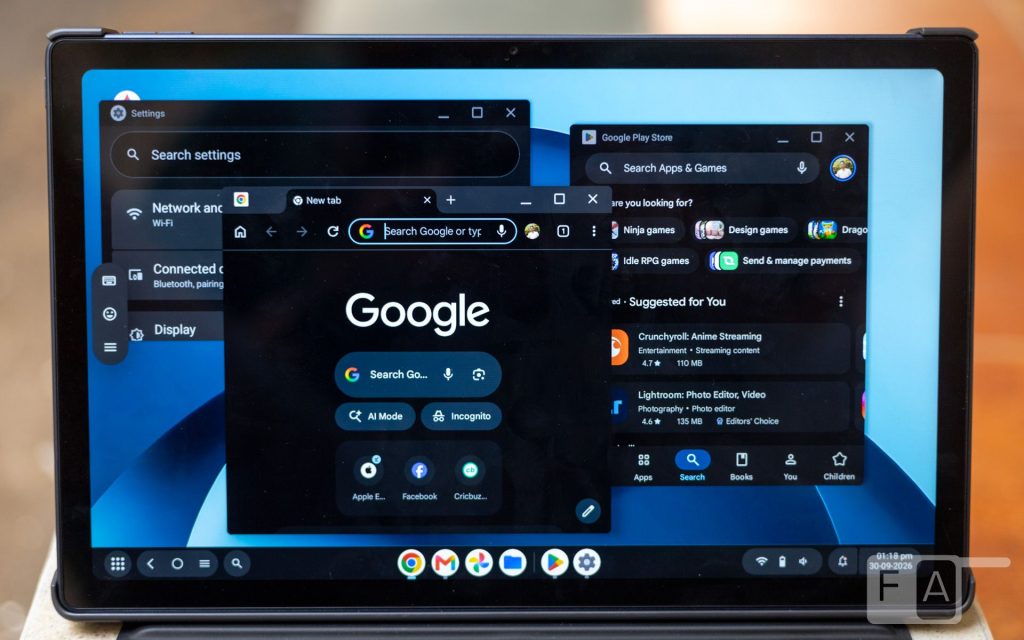
In Desk Mode, a persistent taskbar shows pinned apps along with apps that are currently open. As in Windows, a system tray in the bottom right corner gives access to Quick Settings and notifications. Apps run in their own windows, which can be moved around and resized freely. HP has also added the ability to snap windows to preset positions, and all of the basic shortcuts and gestures work as expected.
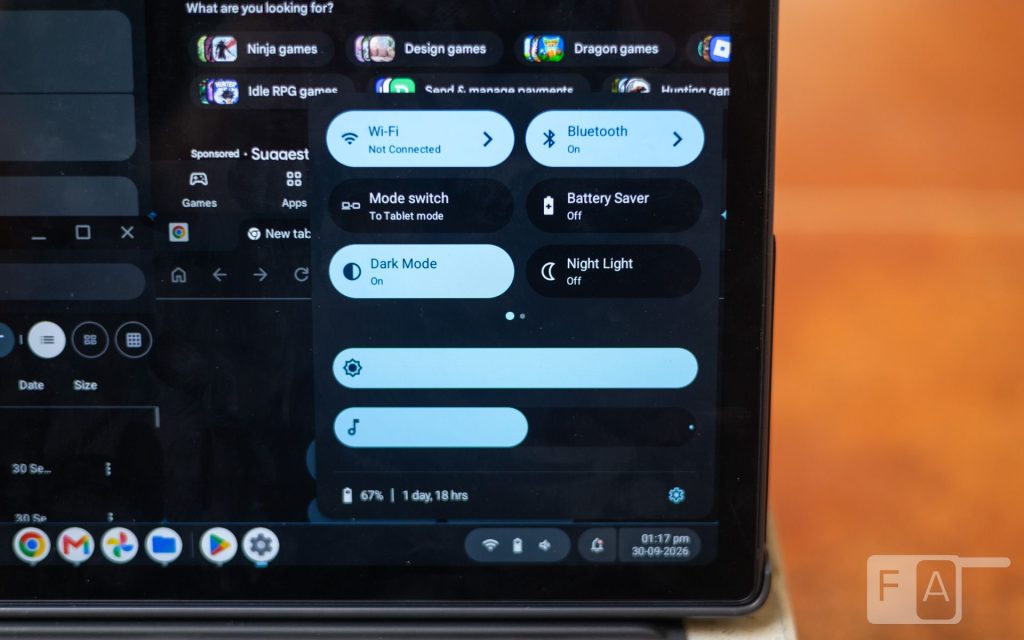
All of these features worked as advertised and made the OmniPad 12 feel closer to a laptop than most other Android tablets. However, we feel there is still a lot of polishing left to do. For example, switching between apps needs to be more visually intuitive, and the animations overall need work. Android apps also aren’t designed to be freely resizable, which is a limitation HP can’t fully solve unless the ecosystem changes. Overall, it is a good first attempt at enhancing Android for a laptop-like experience, but there is still a long way to go.
Keyboard Accessory
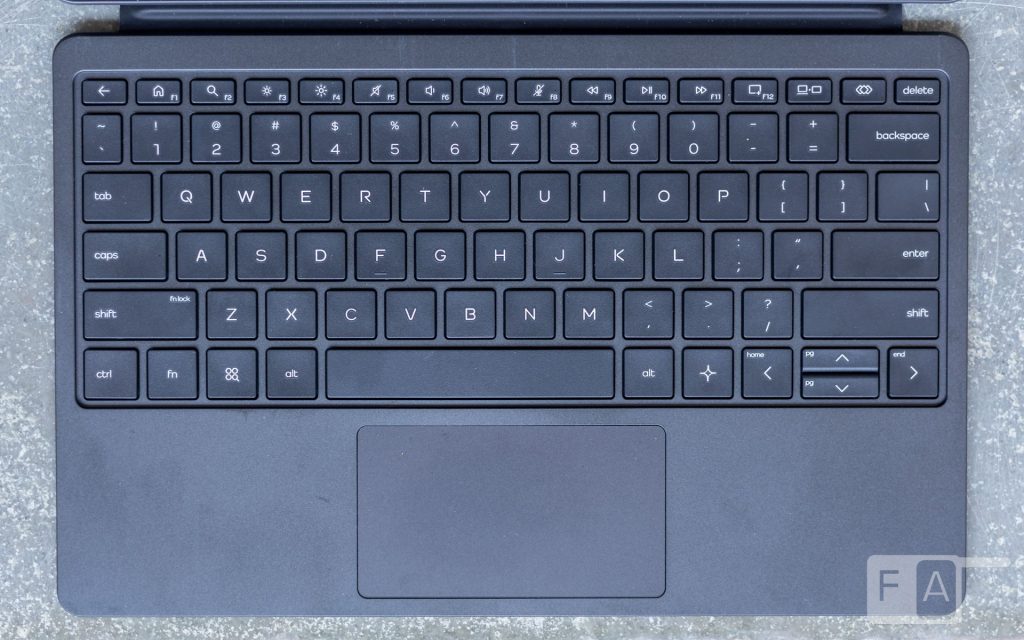
Included with the OmniPad 12 is a keyboard case with a built-in kickstand that can be set to multiple angles. The keyboard connects via the pogo pins on the back of the tablet, and it can be set to trigger Desk Mode automatically when connected.
The keys have a decent amount of travel and do not feel as cramped as those on other tablet keyboards from the competition. The key presses are a bit soft, but overall the typing experience feels quite close to a regular HP laptop keyboard.
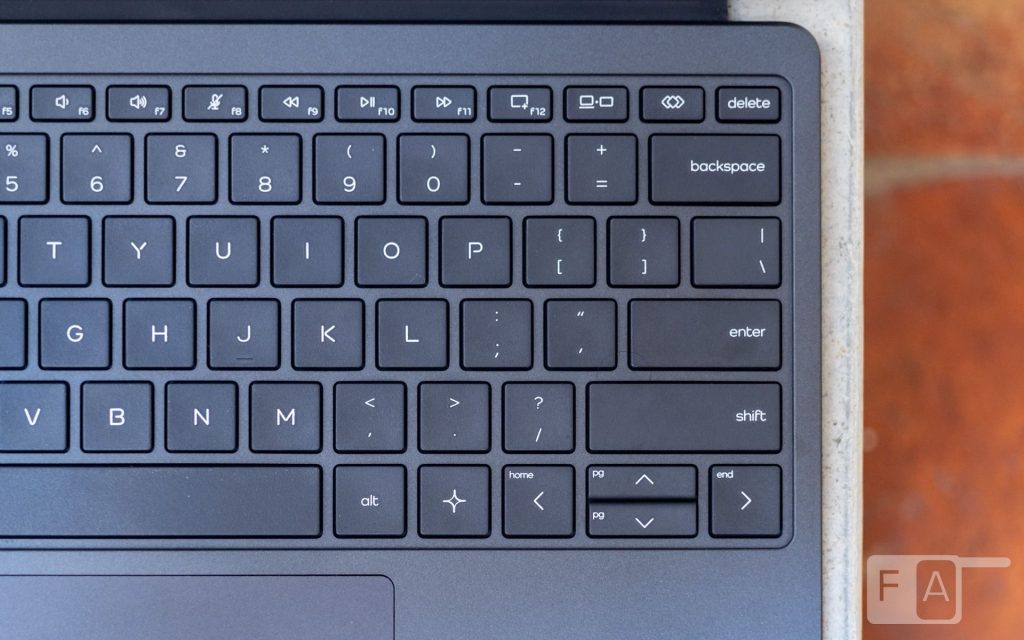
HP has also added useful shortcuts for toggling Desk Mode, launching Gemini, and taking screenshots, along with a fully programmable custom key.
The trackpad is understandably small. Tracking is fine and the click mechanism is acceptable, so it can be used in a pinch, but it is nowhere close to the full-size trackpads found on laptops.
Battery Life
The battery inside the OmniPad 12 is an 8133mAh cell that supports fast charging. According to HP, it can charge from 0 to 90% in about 90 minutes. In our testing, this claim proved mostly accurate with the included 33W charging adapter.
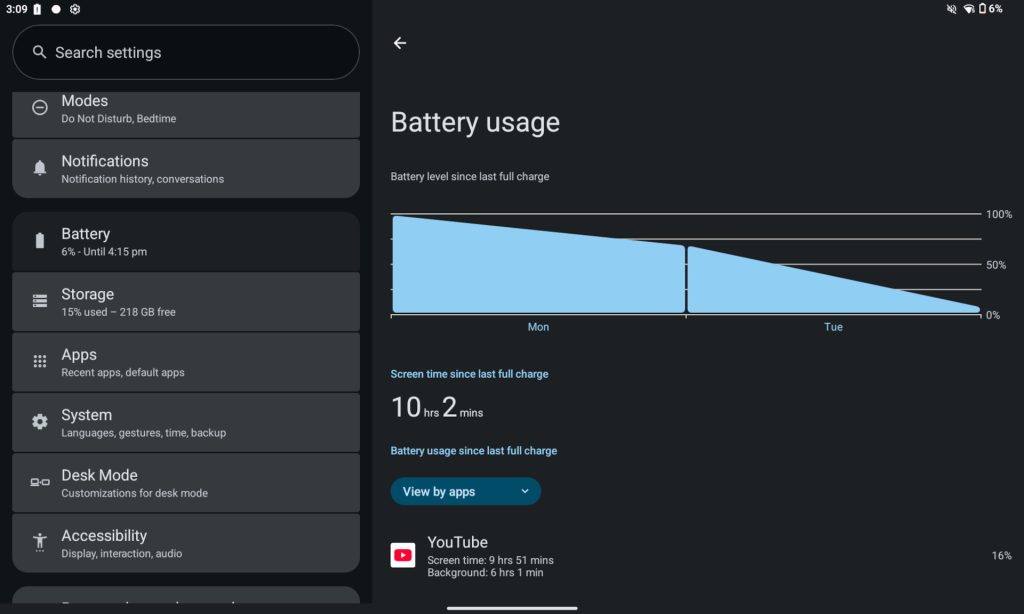
HP promises a full day of battery life, and that largely holds up. We tested the tablet primarily in Desk Mode, running multiple apps simultaneously, including Chrome, Gmail, YouTube, and Google Docs. The tablet consistently lasted about 10 hours, with the caveat that no heavy applications such as 3D games were run. Considering that the display was set to 90Hz throughout, this is definitely a strength of the OmniPad 12.
Verdict
The HP OmniPad 12 is a promising but unfinished attempt to make Android work like a laptop. Its headline feature, Desk Mode, brings a taskbar, resizable windows, and window snapping, making it feel closer to a laptop than most Android tablets. The included keyboard case makes it usable for typing-heavy work from day one. A 90Hz 2K display, about 10 hours of battery life, a headphone jack, and microSD expansion round out a solid set of basics.
The Snapdragon 6 Gen 3 is the weak link. Lag when resizing windows and switching between apps undermines the laptop pitch. The lack of a SIM slot, a small trackpad, and speakers that struggle at high volume add to the compromises.
For students and first-time buyers, the HP OmniPad 12 makes a compelling case as a hybrid of tablet and laptop. Can it replace a laptop for every use case? Not yet, especially for heavy multitasking. If the compromises mentioned above aren’t a real issue for you, it is definitely worth considering.
The OmniPad 12 has a starting price of Rs. 48,990 for the 128GB version. It is available for purchase on Amazon, HP’s Online store and in offline stores.