
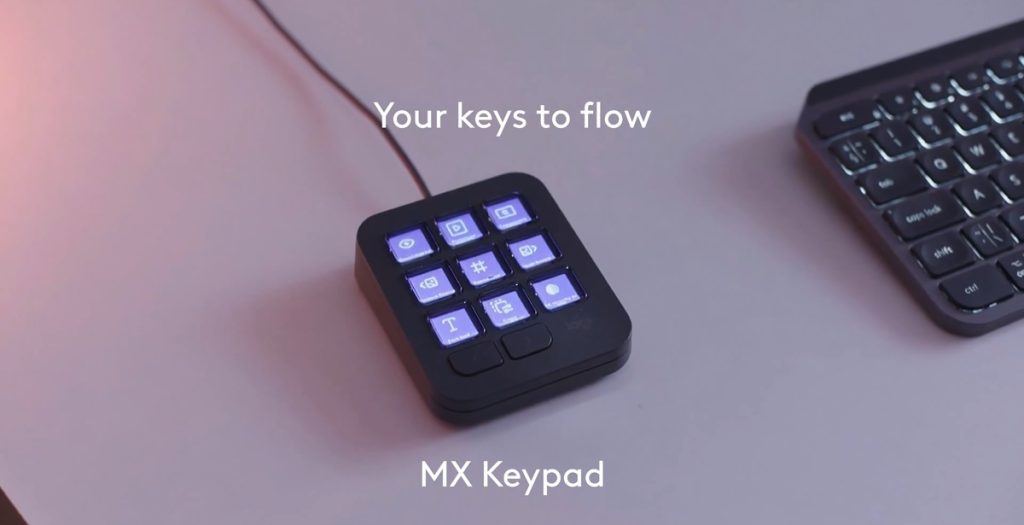
Logitech has announced the MX Keypad, its first MX AI control center designed for developers. It was developed in close collaboration with GitHub.
Logitech MX Keypad
The MX Keypad is designed for multi-app, multi-agent coding, with dynamic LCD keys that provide visual feedback and adapt to the active application. It lets users trigger AI agents, automate tasks, launch apps, and control tools with a single tap.
Key developer and AI functions include:
- Trigger custom agents for code generation, refactoring and commenting
- Map prompts to physical keys and use voice prompting
- Launch development environments and execute workflows such as Git scripts and debugging sequences
- Navigate code, launch agents, manage debuggers and toggle terminals through native VS Code and IntelliJ IDEA integrations
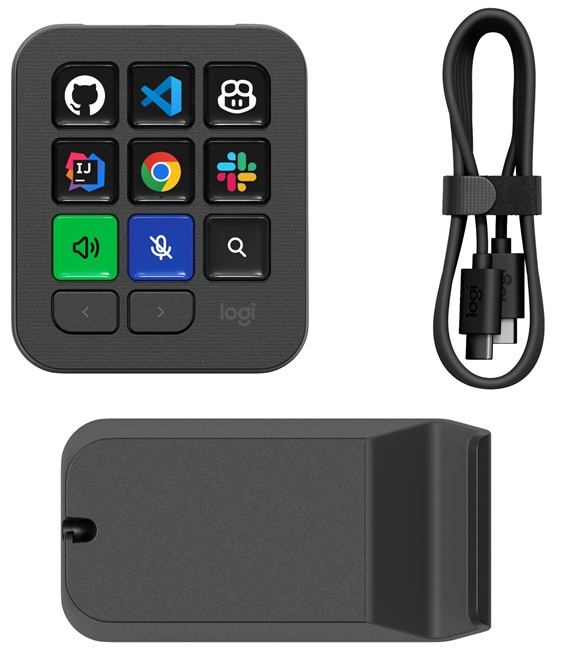
It supports GitHub Copilot, Claude Code and OpenAI Codex, along with productivity, communication and creative applications. The full list includes apps such as Zoom, Microsoft Teams, Slack, Figma, Spotify, Notion, PowerPoint, Excel, Adobe Creative Cloud, Final Cut Pro, DaVinci Resolve and OBS Studio.
MX Keypad detects the active application and automatically switches its controls. Users can assign shortcuts, macros and toggles to individual keys, organize actions across multiple pages, and create custom icons. Ready-to-use profiles are available through plugins, with further customization handled through the Logi Options+ app.
Developers can create custom tools and integrations using the Logi Actions SDK, which includes AI-friendly documentation that allows coding agents to generate integrations. Plugins and actions can also be managed directly from VS Code. The Logi Marketplace includes community-created plugins for Claude Code and OpenAI Codex, offering:
- Real-time agent status tracking
- CLI control through physical keys
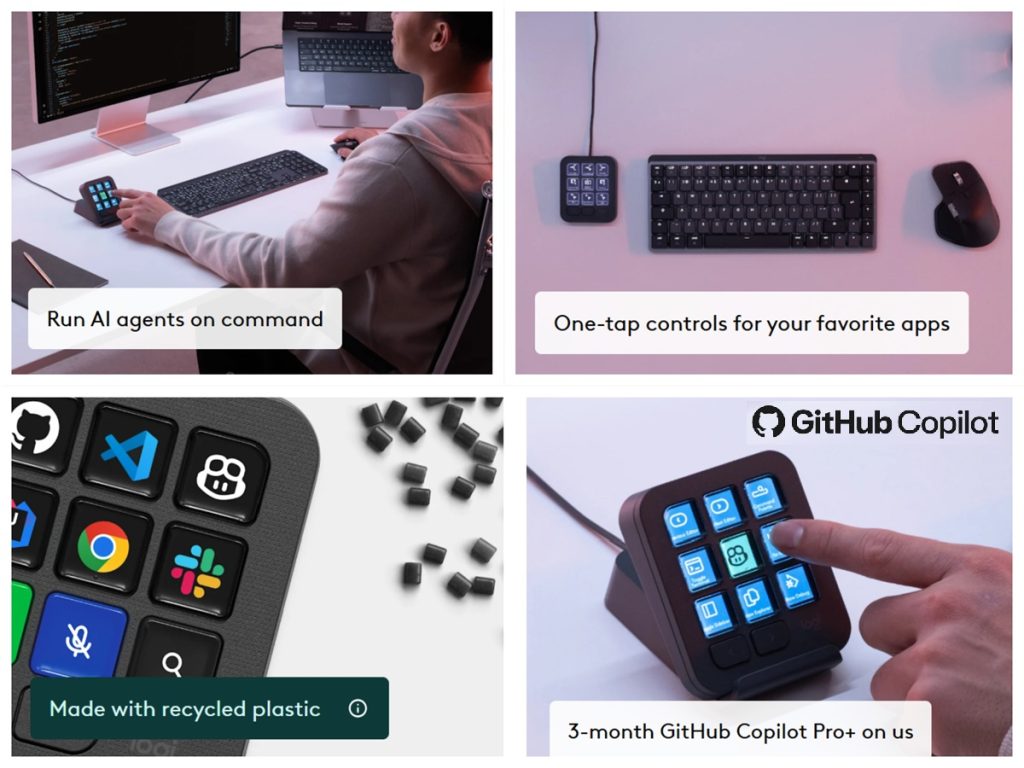
The MX Keypad also includes native GitHub integration with VS Code and the GitHub Copilot app. Each keypad comes with three months of GitHub Copilot Pro+, redeemable through Logi Options+ for new and existing users. Logitech says the integrations reach more than 100 million compatible Logitech devices.
AI features and voice prompting require an active internet connection and an account with the respective third-party AI provider.
Sustainability
The Graphite model uses 64% certified post-consumer recycled plastic, excluding packaging, printed wiring assembly, cables, membrane, LCD and EMI gasket. The packaging uses paper from FSC-certified forests and other controlled sources.
Quick specs
- Dimensions: 91.7 × 77.9 × 25.5mm
- Weight: 96g
- Stand: 112.7 × 58.5 × 20.5mm, 61g
- Cable: USB-C 2.0, 1.5m, 27g
- Software: Logi Options+
- Compatibility: Windows 10 or later, macOS 13 or later
- Windows ARM64: Not supported
- Requirements: USB-C port; internet connection for Logi Options+ installation
- Warranty: 1-year limited hardware warranty
- Colour: Graphite
- In the box: MX Keypad, stand, USB-C 2.0 Type-C cable and user documentation
Pricing and availability
The Logitech MX Keypad is available in Graphite at Rs. 15,999.
Speaking on the launch, Anatoliy Polyanker, VP and GM at Logitech, said:
Today, coding mastery depends on how easily developers can switch between an ever-increasing range of AI tools. MX Keypad puts a physical control center at your fingertips, allowing you to orchestrate your AI workflows faster and more intuitively.