
Google is rolling out new productivity features to Gemini Live, allowing users to handle complex tasks through voice conversations. The update adds Spark integration, Daily Brief, hands-free Gmail management and Personal Intelligence.
Google says 63% of users talk to Gemini out loud. Users can now use voice commands to delegate multi-step tasks, access a spoken summary of their day, manage Gmail and retrieve information from connected Google services.
Spark integration
Gemini Live now integrates with Spark, allowing users to set up complex, multi-step tasks using natural voice commands.
Spark works across:
- Google Docs
- Google Sheets
- Google Drive
- The web
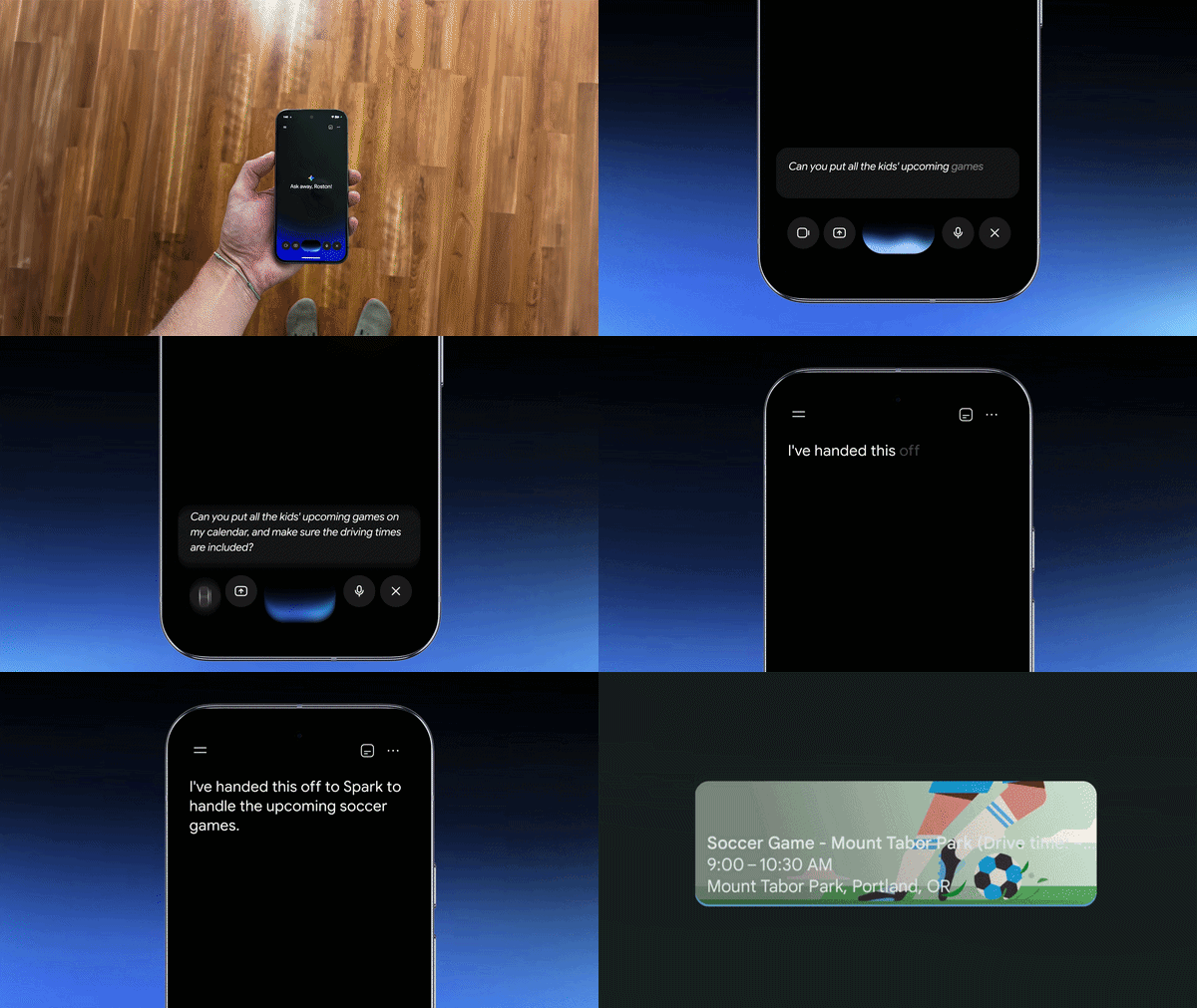
It remembers users’ goals as it works and can handle long-running, scheduled jobs across days or weeks, including when users are not actively using the app.
Users can share unstructured thoughts, ideas and plans with Gemini while on the go. Spark can organize the key themes and turn them into a structured outline in Google Docs.
For meal planning, users can ask Gemini to maintain a weekly meal plan for their family. Spark can plan a high-protein vegetarian menu and create a grocery list based on recipes saved in Google Docs.
Daily Brief
Gemini Live now provides access to Daily Brief, which gives users a spoken summary of everything on their to-do list for the day.
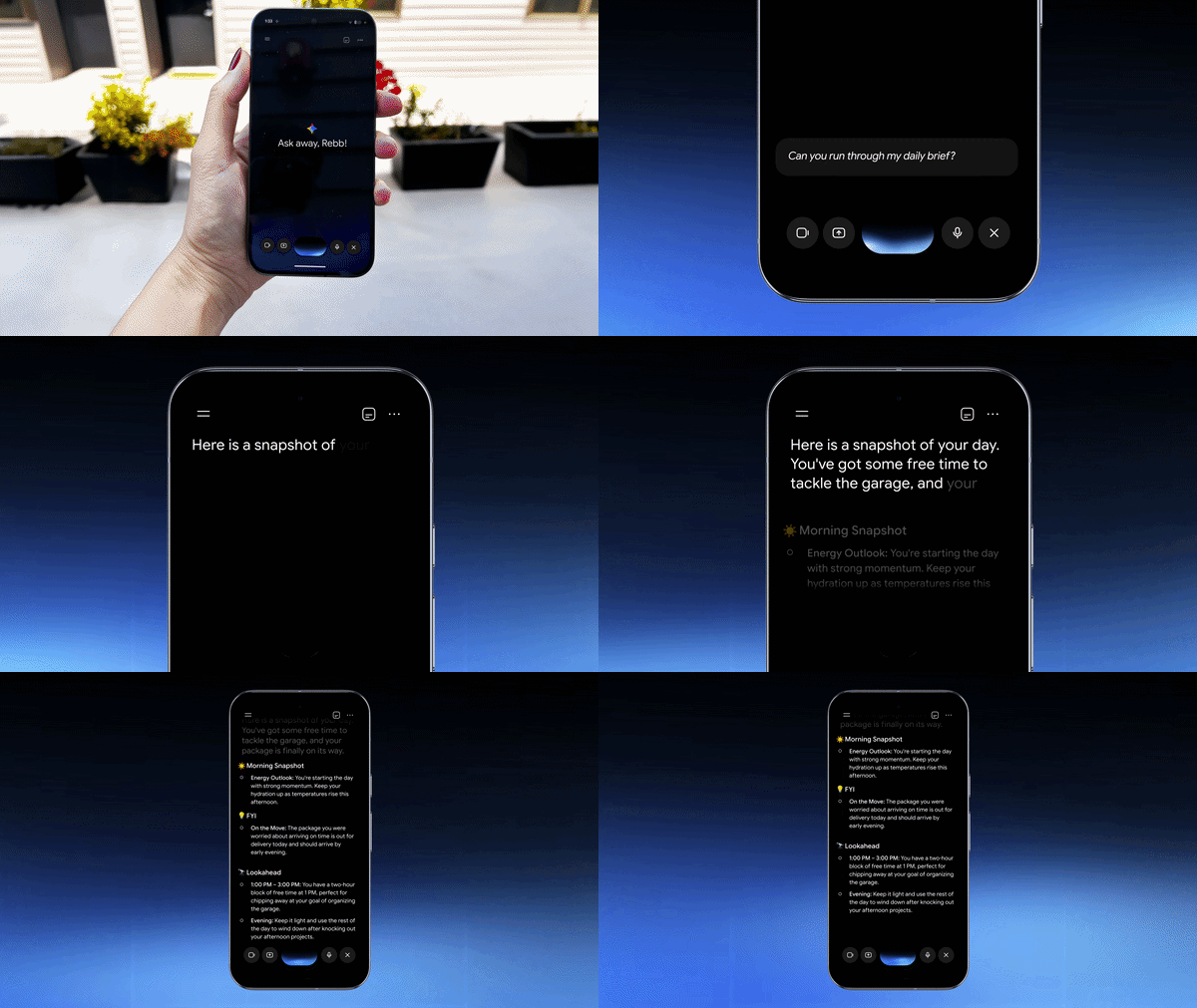
Users can ask, “What’s my daily brief?”, and Gemini will combine the most important updates from:
- Gmail
- Calendar
The information is presented as one concise digest.
Hands-free Gmail management
Gemini Live can also manage Gmail through voice commands. Users can ask:
- “Any new emails?”
- “Are there any urgent emails from the kids’ school today?”
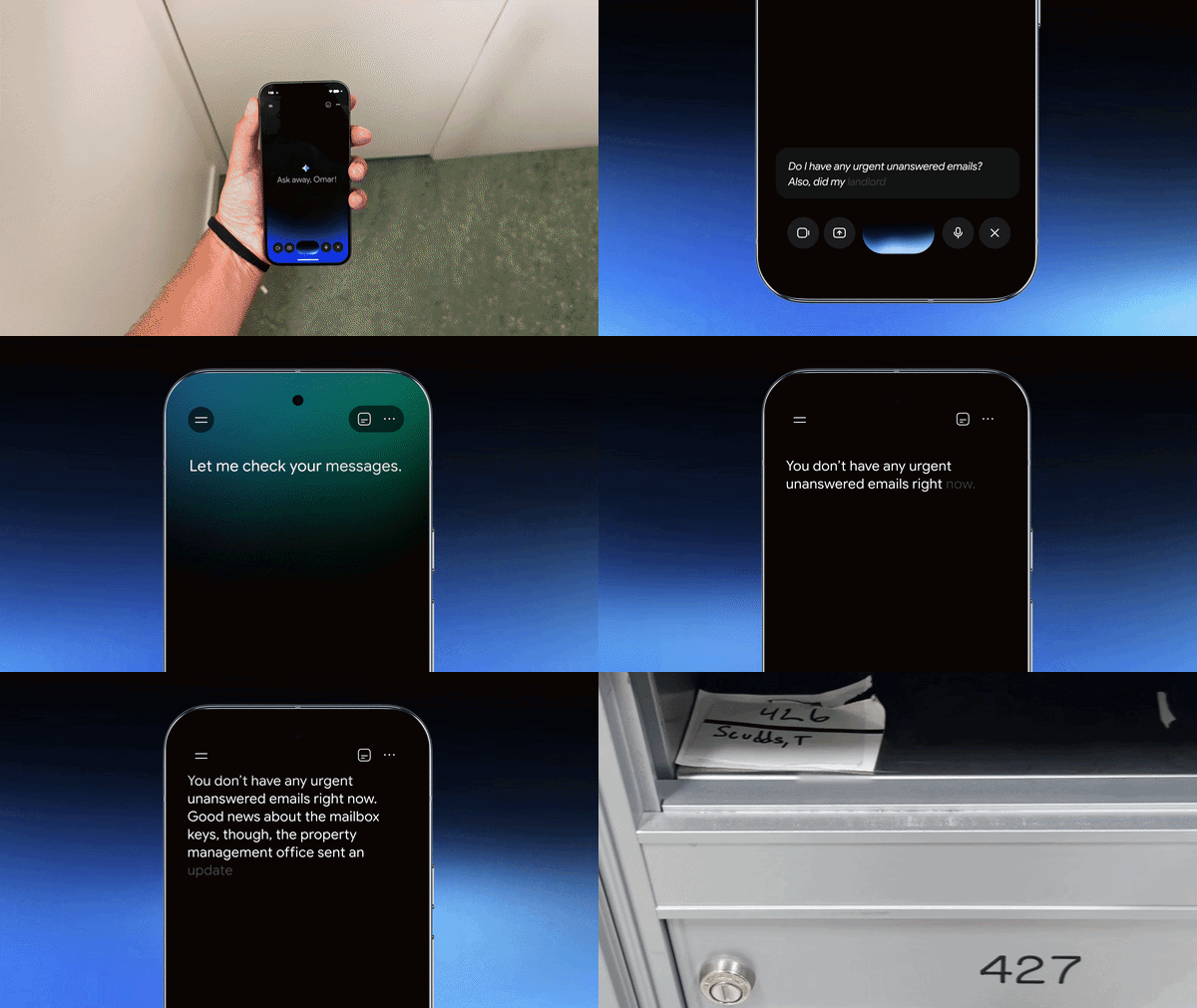
Available Gmail actions include:
- Searching for emails
- Summarizing messages
- Starring messages
- Archiving messages
- Deleting messages
Personal Intelligence
Personal Intelligence connects Gemini Live with information from past conversations and connected Google apps.
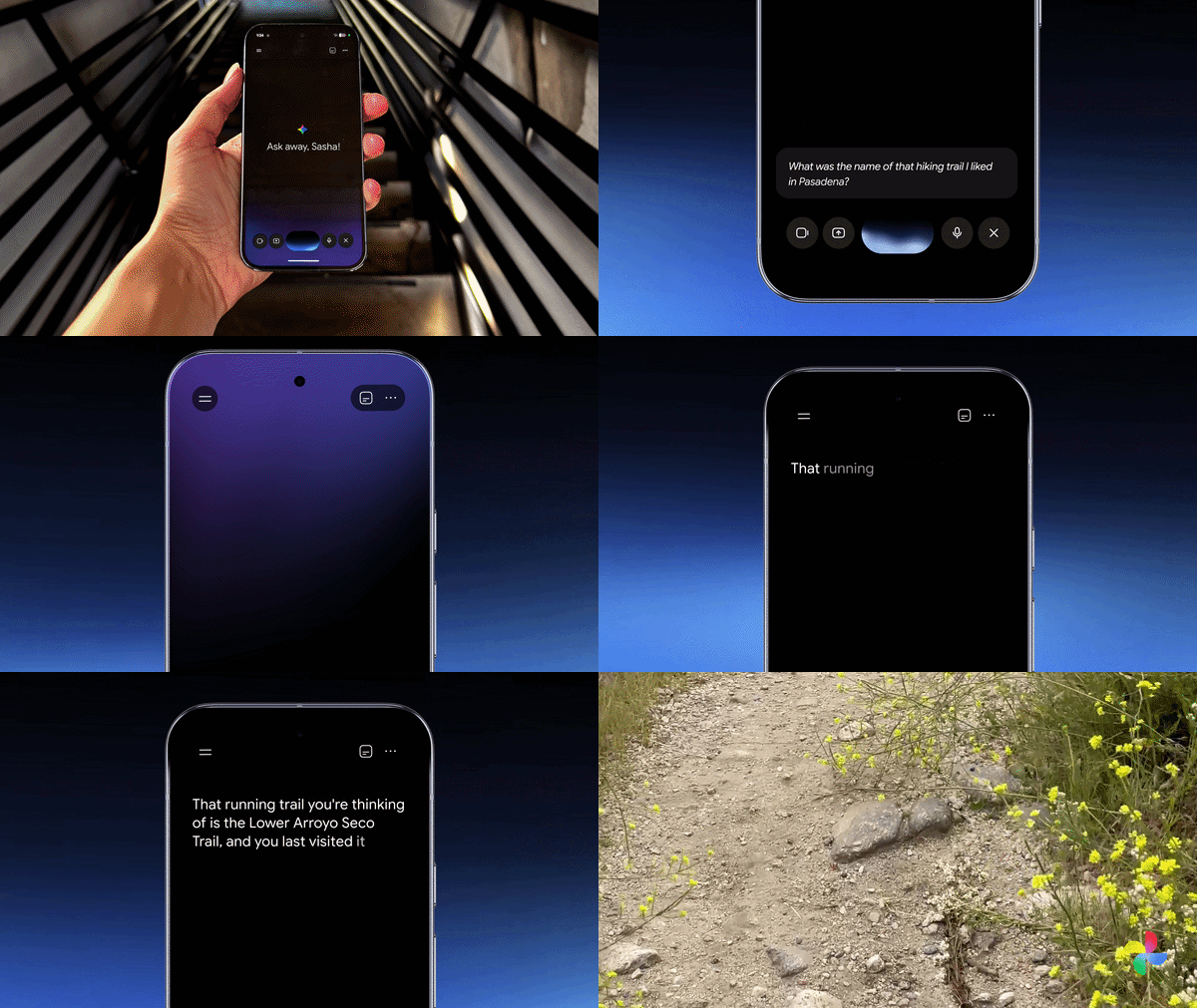
The connected services include:
- Gmail
- Photos
- Search
- YouTube
Gemini can use information from past chats and connected apps to respond to requests.
For example, users can ask:
“What was the name of that restaurant we went to when we visited New York last summer?”
They can also ask:
“Can you pull up the recipe we talked about yesterday?”
Multiple tasks in one conversation
Gemini Live can connect capabilities such as Spark, Daily Brief and inbox search within the same conversation.
For example, users can ask, “What does my day look like?” while making coffee. Gemini can summarize the morning schedule and mention school newsletters and sports schedules in the inbox.
Users can then ask Gemini to:
- Retrieve the event invitations from email.
- Create family calendar events for them.
- Include driving times.
Gemini can hand the multi-step task to Spark, which handles it in the background while the user continues getting ready.
Availability
To get started, users need to choose to connect their apps in Gemini’s Personal Intelligence settings. They can then tap the Live icon in the Gemini app and start talking.