
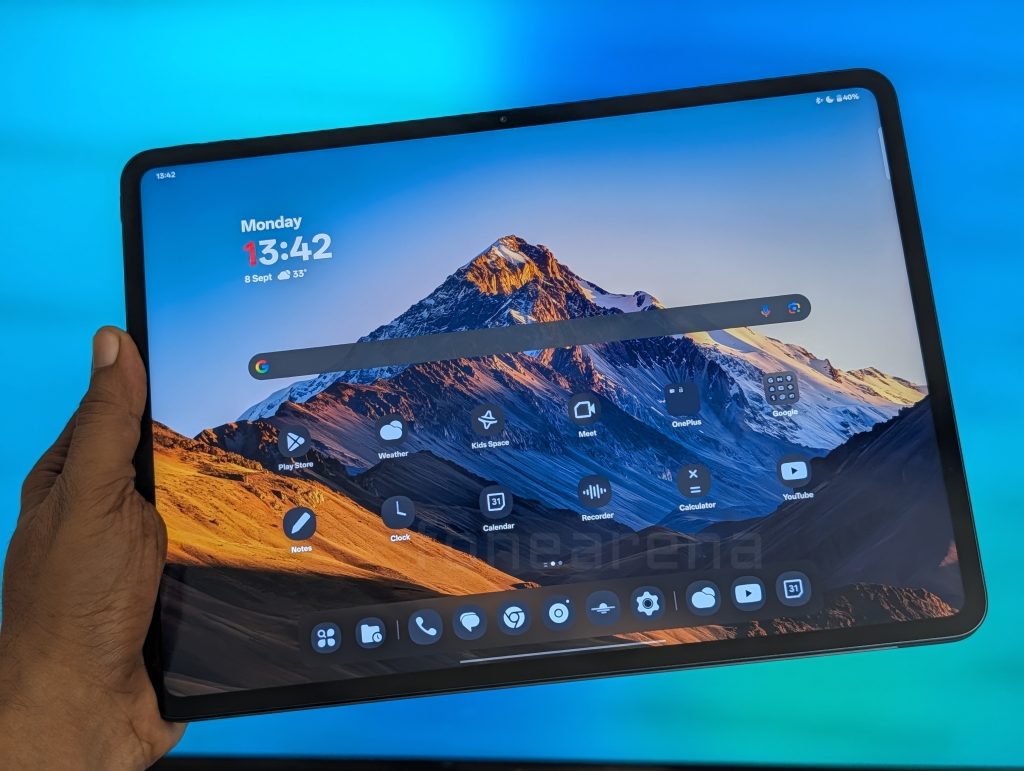
In the ever-evolving landscape of tablets, the lines between media consumption, gaming, and professional productivity are constantly blurring. Into this competitive arena steps the OnePlus Pad 3, a device that arrives with a spec sheet seemingly built to dominate. It boasts a colossal, buttery-smooth screen, a flagship-tier processor capable of chewing through any task, and an audio system that rivals dedicated speakers. On paper, it is an enthusiast’s dream. However, a device is more than the sum of its parts. After an extensive period of use, it’s clear that the OnePlus Pad 3 is a product of profound contradictions. It is, without a doubt, one of the most magnificent portable entertainment devices on the market. But for anyone looking for a versatile tool to get work done, it is a frustrating, deeply flawed, and ultimately disappointing experience and that’s no fault of OnePlus, it’s the droid. This is the full story of a tablet that reaches for the stars but is held back by its own terrestrial limitations.
Design and Build Quality
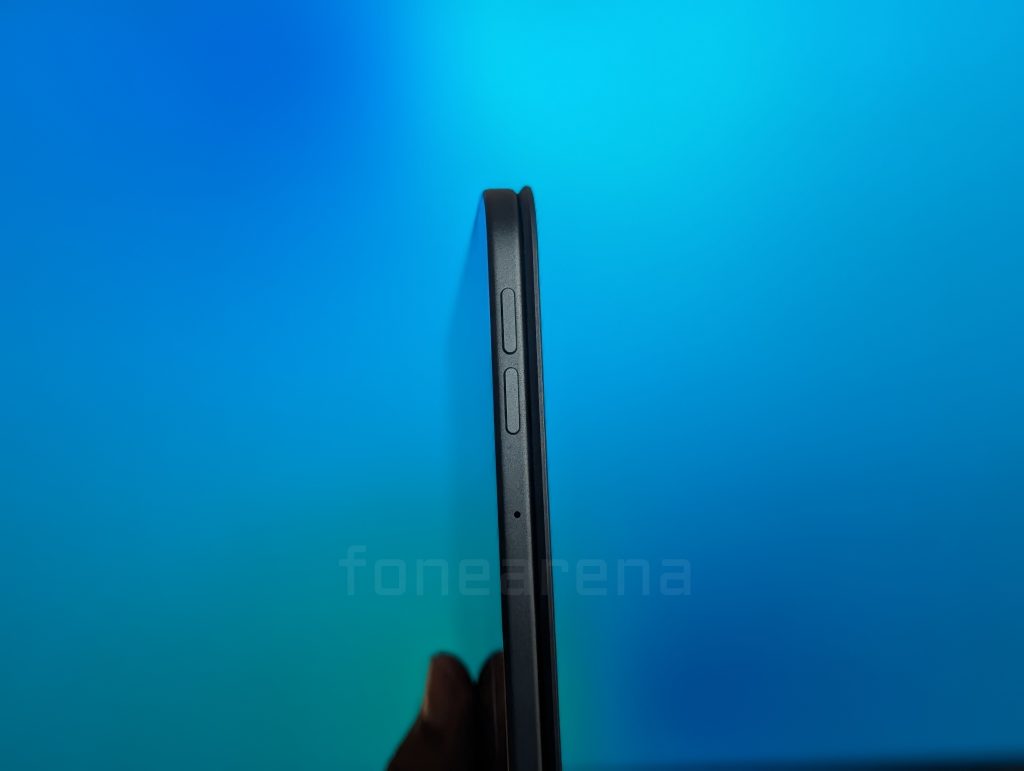
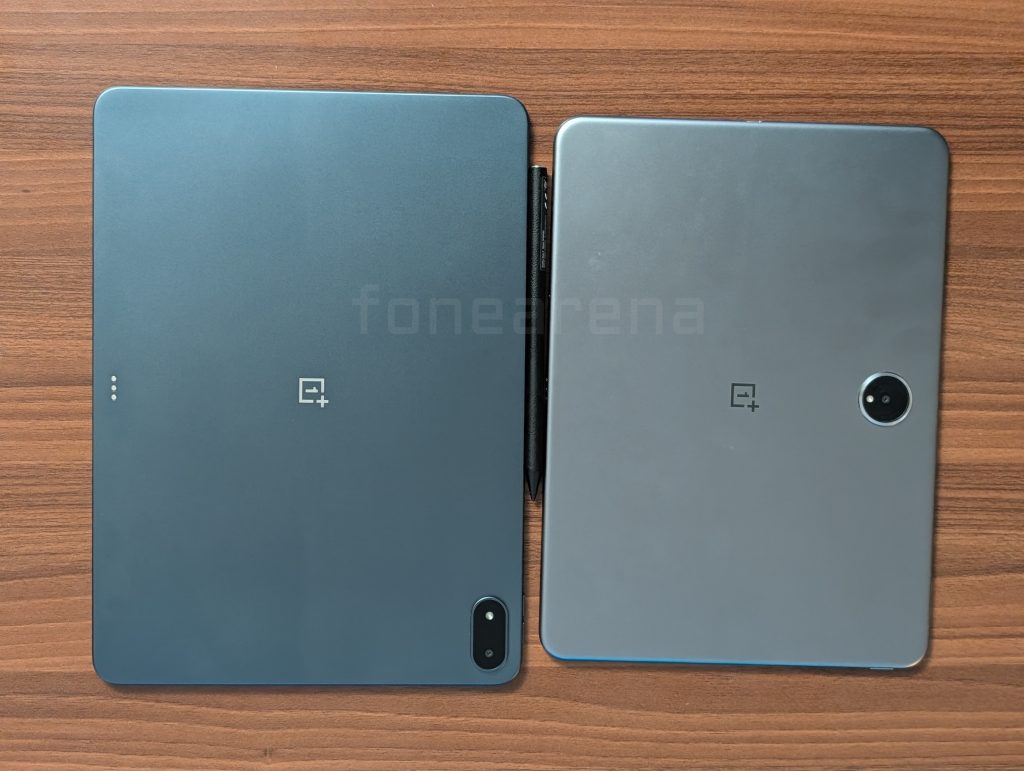
The initial impression of the OnePlus Pad 3 is one of understated competence. Our Storm Blue review unit features an all-metal unibody chassis that feels solid, rigid, and well-constructed. At an impressively slim 5.97mm and weighing 675g, it feels substantial without being overly cumbersome. However, the design language is generic. It doesn’t possess the iconic silhouette of an iPad or the distinctive flair of other competitors. It’s clean, it’s simple, just another well-made Android tablet.
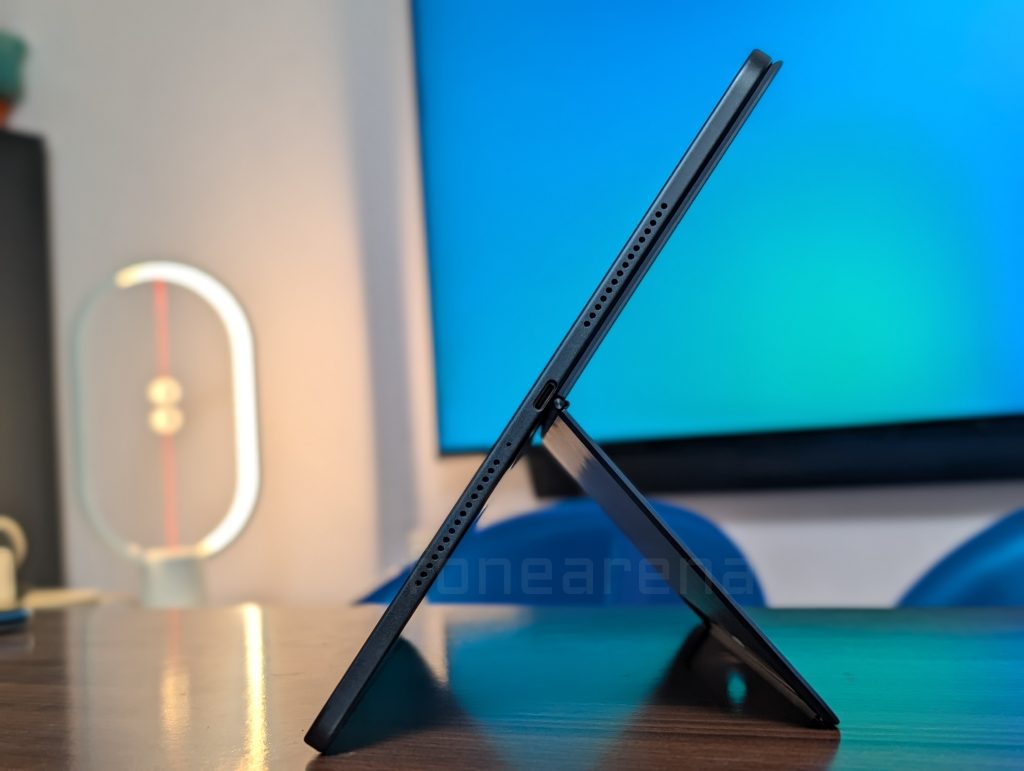
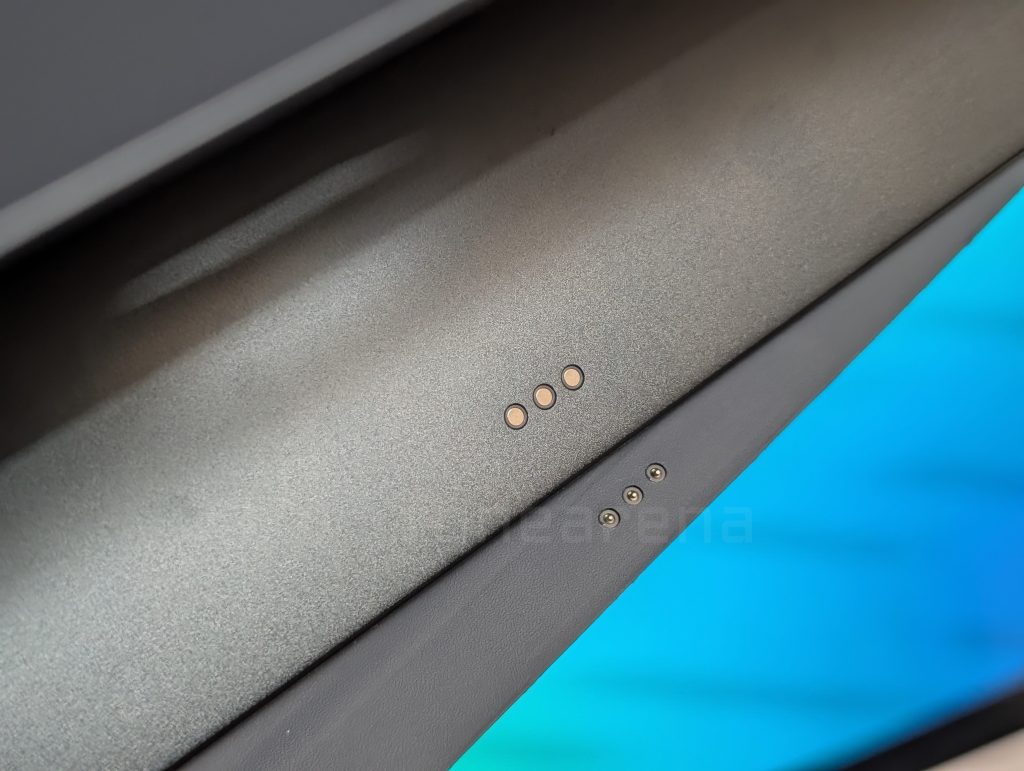
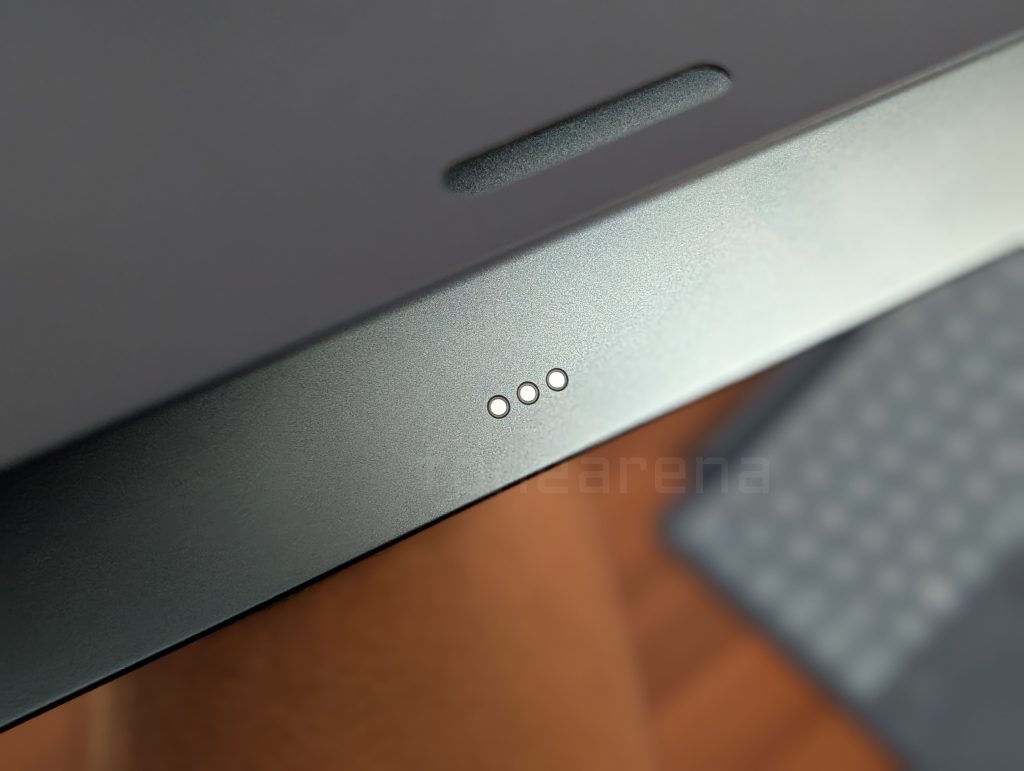
The real story, and the first major point of failure, is an accessory that is a default requirement because of the screen size and that is with the optional OnePlus Smart Keyboard. The mechanism designed to connect the tablet, keyboard, and kickstand is an exercise in frustration. The system is comprised of two separate magnetic pieces: one that incorporates the kickstand and attaches to the top half of the tablet’s back, and another that houses the keyboard and connects to the bottom via a pogo pin connector. This idea itself is a design frustration for me, because I wanted only one piece to work with, but that’s not the case.
The magnets too, are worryingly weak to make me imagine drops and falls when I am using the accessory. It’s because of the weight. The heavy keyboard section is prone to detaching with the slightest jostle, and the kickstand piece fails to hold its ground. Attempting to use the device as a laptop on your lap is a precarious balancing act, filled with the constant anxiety that your expensive tablet is about to come crashing down. This is not a minor inconvenience; it’s a fundamental design flaw that makes a core use-case of the accessory nearly impossible. It’s a baffling decision that one has to wonder how it ever received a green light for production. Nevertheless, the detached keyboard is definitely a much needed accessory, and because there are two parts, we can prop up the tablet alone somewhere and use the accessory as a wireless keyboard and mouse and that’s how we can remedy ourselves from this situation.
Display
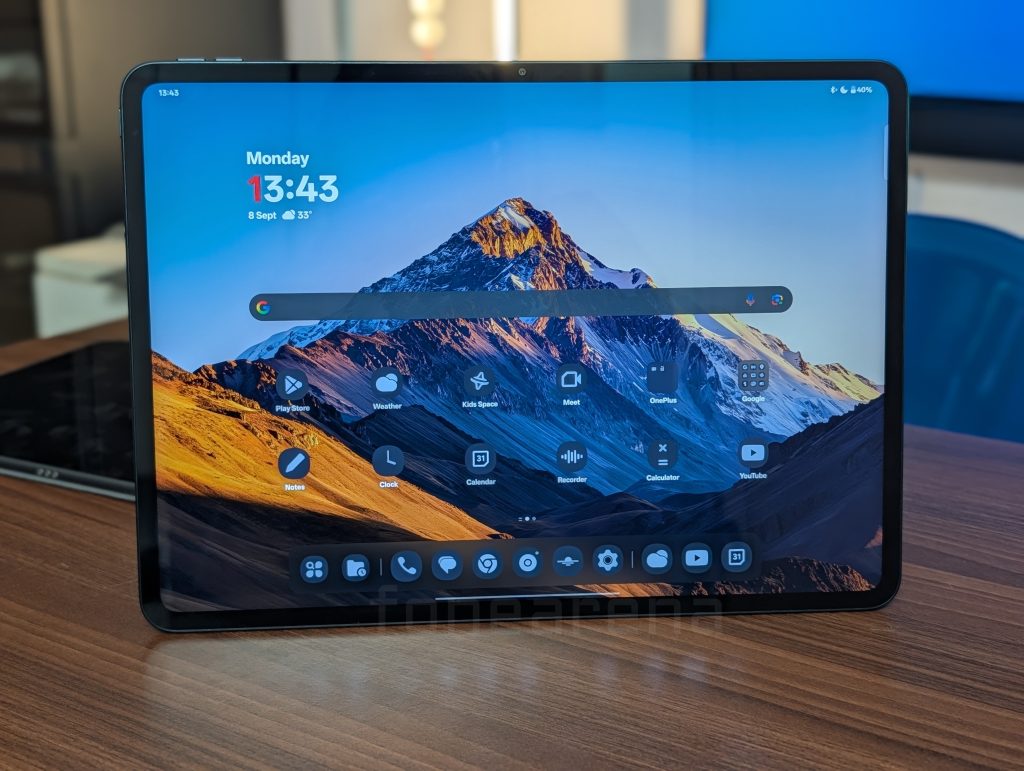
This is where the OnePlus Pad 3 makes its most compelling argument. The 13.2-inch 3.4K (3392 x 2400) LTPS LCD screen is simply stunning. The key feature is the 144Hz adaptive refresh rate, which, paired with the powerful processor, provides an incredibly fluid and responsive experience. Scrolling through feeds, navigating the UI, and, most importantly, gaming, all feel exceptionally smooth. It’s a massive display that is like the IMAX of tablet screens, although Samsung has done much bigger and that too, in OLED. But at this cost, this is easily one of the best.
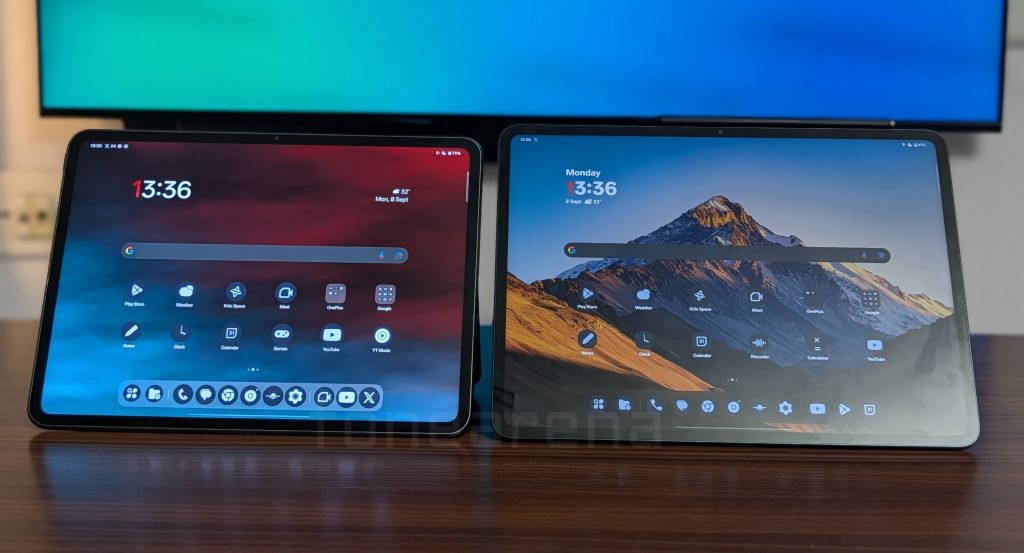
With a peak brightness of 900 nits and support for Dolby Vision HDR, content looks vibrant and immersive. This is a screen built for media. Movie and web series addicts will be in heaven, as the sheer size and quality of the display make for a cinematic experience that few other tablets can match. For gamers, the combination of high refresh rate and low latency makes it a competitive powerhouse. Of course, the experience in media is never complete without audio.
Audio
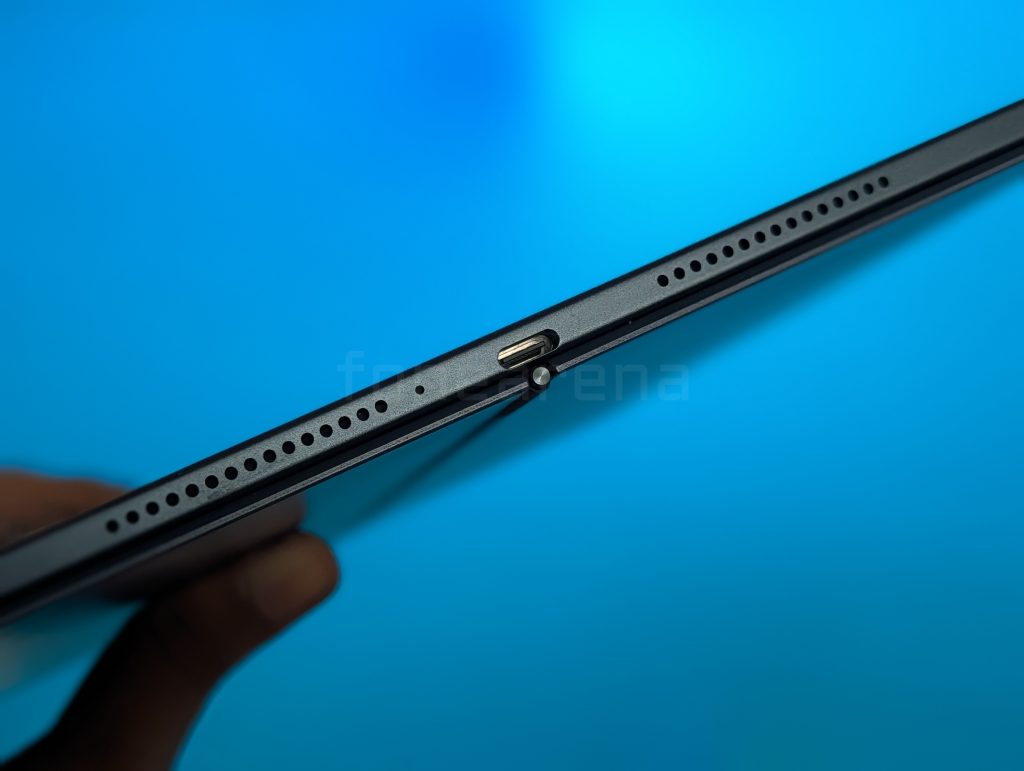
Complementing the spectacular display is a truly phenomenal audio system. OnePlus has equipped the Pad 3 with an eight-speaker setup, featuring four dedicated woofers and four tweeters. The result is a sound that is not just loud, but also rich, detailed, and full of depth. The bass units provide a satisfying punch without overwhelming the clear highs from the tweeters.
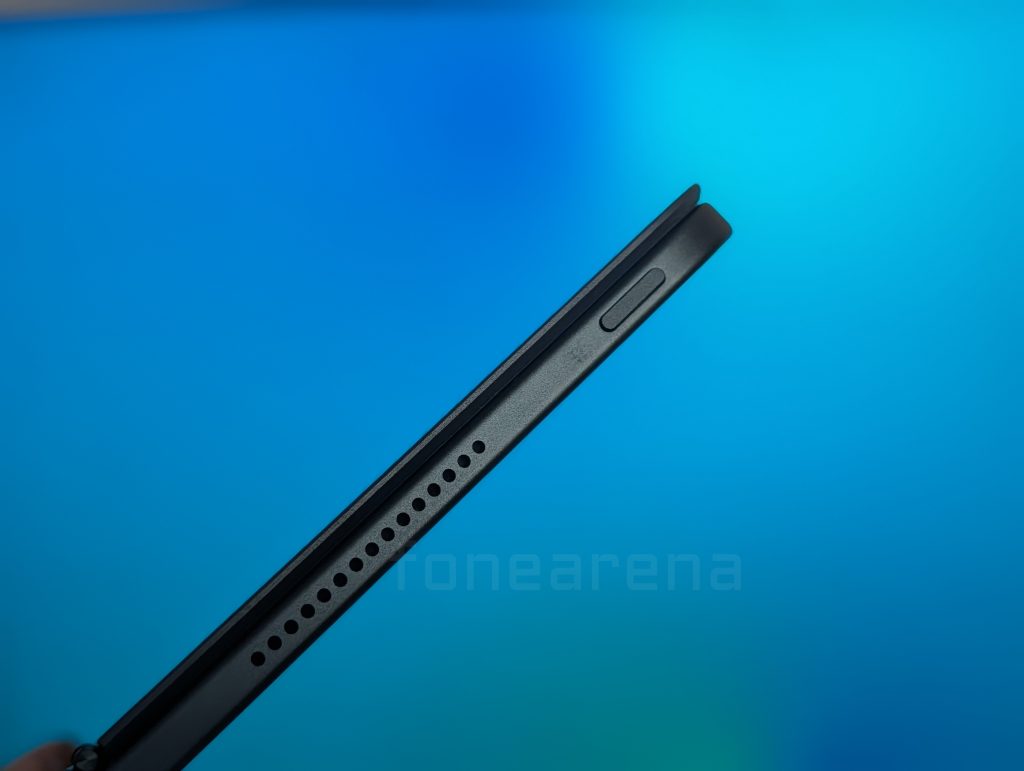
Whether you’re gaming, where positional audio can be crucial, or watching an action movie with a bombastic soundtrack, the speakers deliver an immersive experience. They are a significant upgrade from the previous generation and easily powerful enough to fill a room, making the Pad 3 an excellent device for sharing content with friends during a trip.
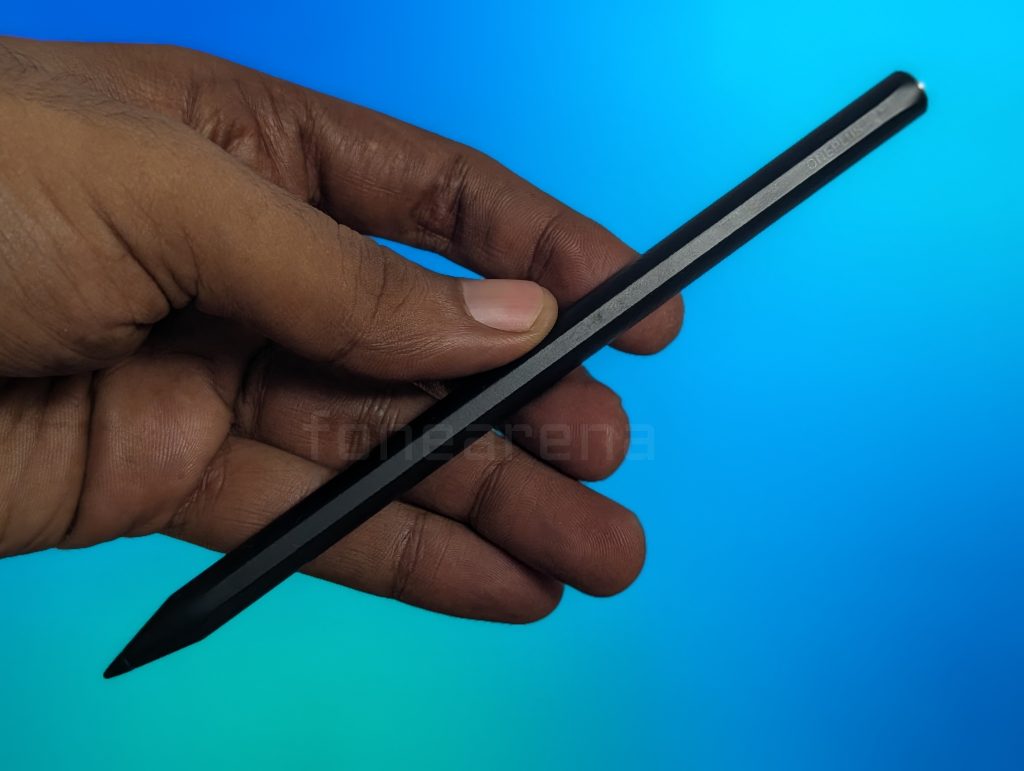
Accessories – OnePlus Stylo 2
If the keyboard is the villain of this story, the OnePlus Stylo 2 is the unequivocal hero. It is, simply put, one of the best styluses available for any tablet. With 16,000 levels of pressure sensitivity, it offers incredible precision and control. For artists, the responsiveness is a dream, translating every nuance of a stroke onto the digital canvas with virtually no lag. The built-in haptic feedback provides subtle, tactile confirmation as you write and draw, making the experience feel more natural and engaging. It’s a standout accessory that genuinely elevates the device. If you are into making art on digital slabs and you don’t care whether this is android or iOS, then the stylus will really help enhance the experience of using this tablet.
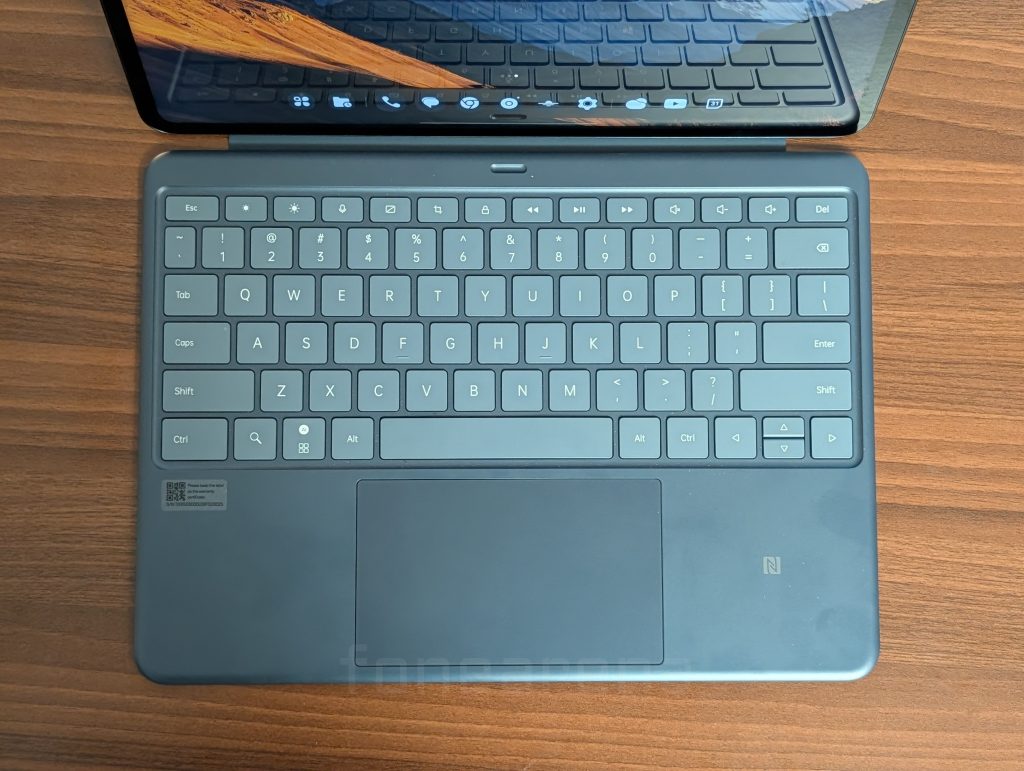
OnePlus Smart Keyboard
As detailed earlier, while the keyboard itself offers a comfortable typing experience with a full 6-row layout and the trackpad is a notable improvement, its usability is crippled by the flawed connection mechanism. It’s a shame that such a good input device is attached to such a terrible design. Like I said earlier, standalone it checks out, connected, it fumbles.
Performance
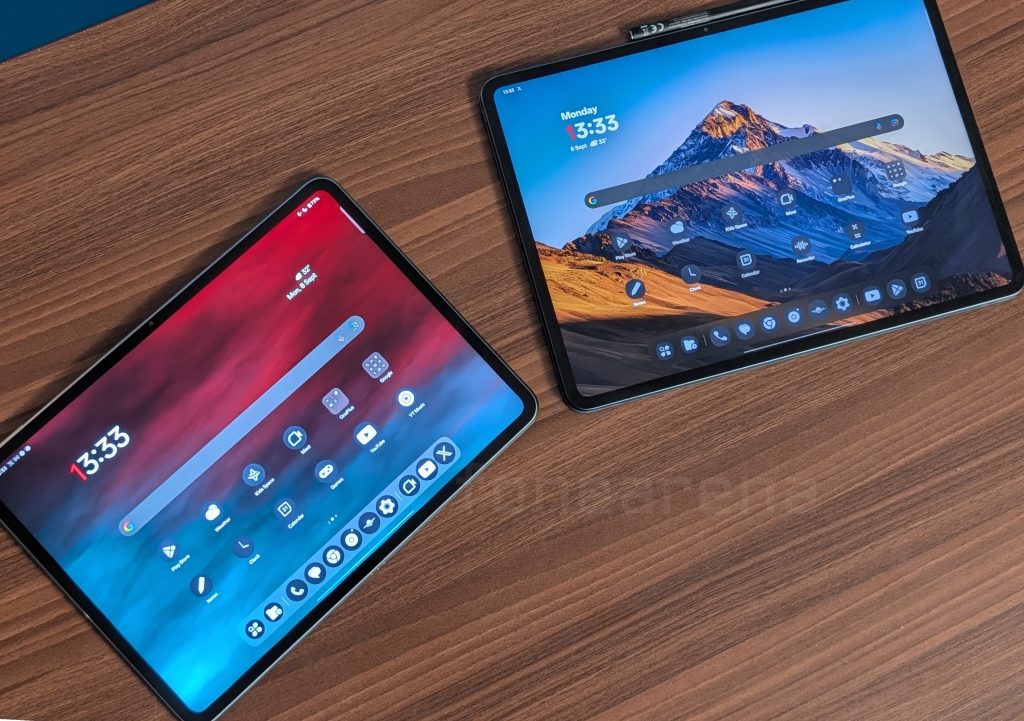
Under the hood, the OnePlus Pad 3 is powered by the flagship Snapdragon® 8 Elite Mobile Platform, paired with up to 16GB of LPDDR5T RAM and up to 512GB of UFS 4.0 storage. As these specifications suggest, the tablet is an absolute beast. In day-to-day use and during intense gaming sessions, there was no noticeable lag or stutter. The device performs as expected, handling everything thrown at it with ease. For gamers who prefer the Android ecosystem, this tablet is a worthy contender, offering the raw power needed for high-fidelity, high-framerate gaming. Connect a gamepad and you are almost ready to play GTA V on this tablet when in the future it can may be run it with some hacks. You know, 8 elite is really that powerful. If you are into emulation, GameHub PC emulator is where you would go, and enjoy it on this tablet.
Software
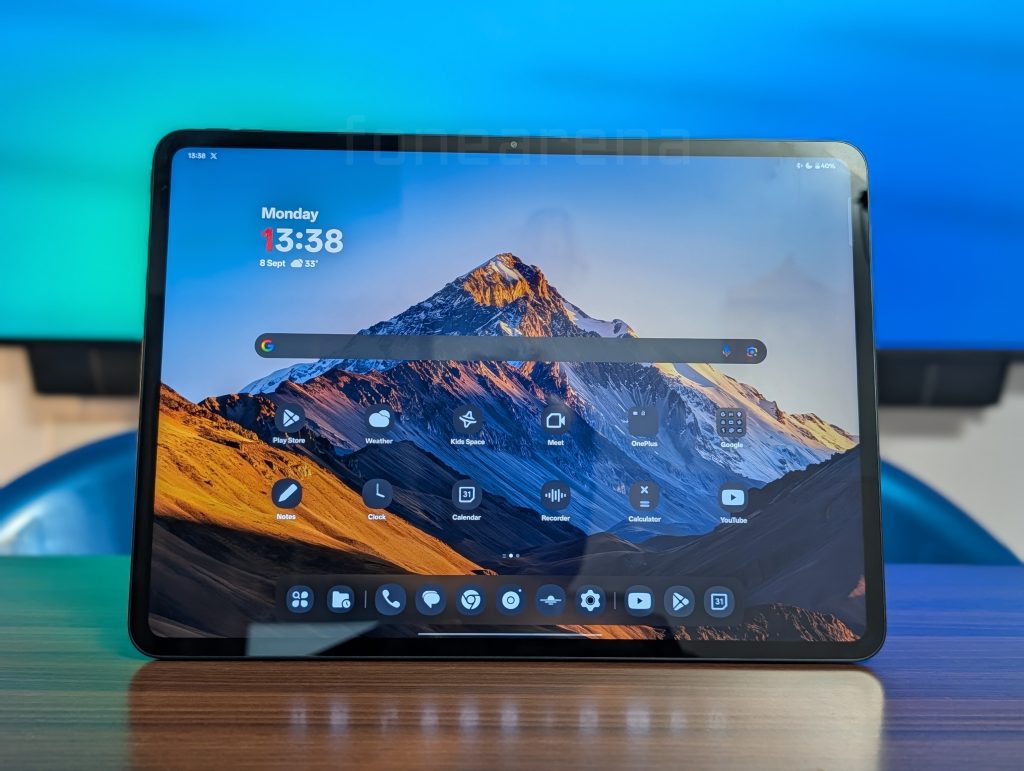
For all its hardware prowess, the OnePlus Pad 3 is tragically hamstrung by its software. It runs on OxygenOS 15, based on Android 15, which remains, at its core, a smartphone operating system stretched onto a 13.2-inch screen. This is the device’s single greatest failing. And Google needs to start doing something like Apple did with iOS 26 with floating windows.
The lack of a true productivity interface is staggering. There is no equivalent to Samsung’s DeX mode, which provides a familiar desktop-like environment with a taskbar and floating app windows, although they are still mostly mobile-optimized apps. On the Pad 3, you are limited to a basic two-app split-screen, maximum three apps with a tight format. On such a massive display, the inability to have multiple floating windows is a colossal waste of real estate and a productivity killer. The maximum floating windows you can have is only one.
This limitation is not a minor quirk; it fundamentally defines and restricts what you can do with the tablet. The UI design is archaic for a large screen, and many third-party apps are poorly optimized, appearing as massively scaled-up phone apps with vast, empty spaces. This is also the fault of the developers ignoring the tablet form factor. Using this device for any serious work is a deeply frustrating experience. The new dock at the bottom of the screen helps with app switching, but it’s a small bandage on a gaping wound. This tablet is not a laptop replacement. It is not even a good productivity device. So, it’s better if some remote desktop app like Parsec is used to control another PC via this tablet and gain the maximum portability of a powerful PC. Android has a long way to go, to be comfortable on laptop sized screens.
Camera and Battery Life
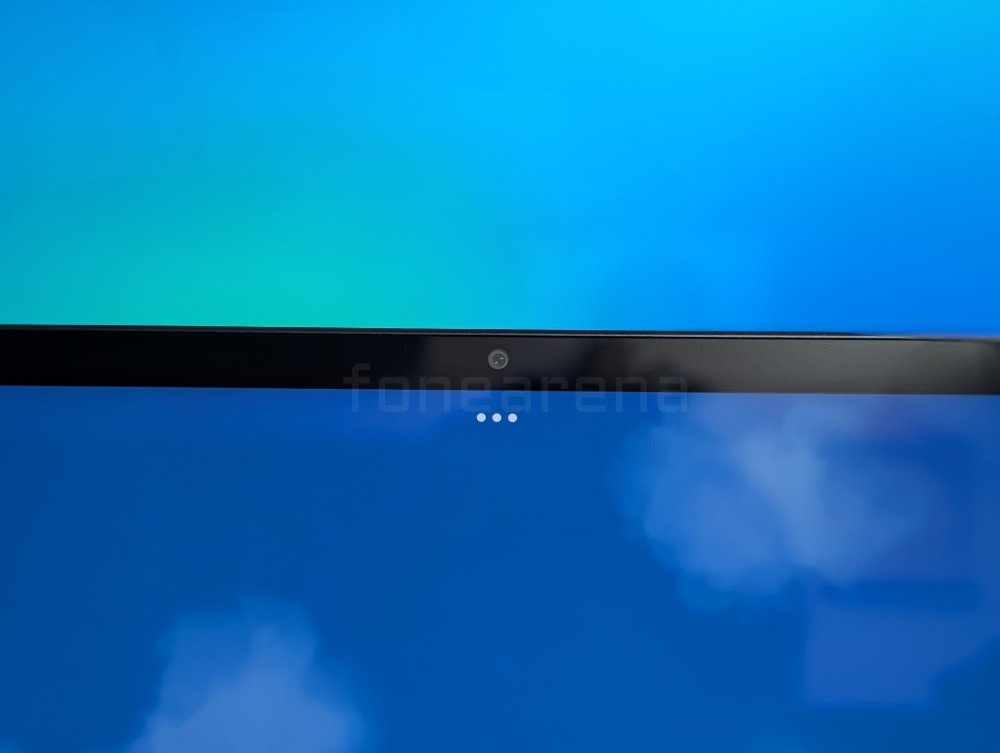
Camera: The camera system—a 13MP rear and 8MP front sensor—is adequate for a tablet. The front camera performs well for video calls, even in lower light, though the image can be noisy. The rear camera is functional for quick document scans or basic photos but won’t be replacing your phone’s camera. A welcome surprise is the excellent compatibility with external USB-C microphones, a great feature for those who want better audio in their video calls.

Battery: Battery life is another of the tablet’s core strengths. The enormous 12,140 mAh battery, combined with the efficiency of the chipset, delivers incredible endurance. It comfortably outlasts its predecessor and can sustain hours upon hours of continuous video playback, even at high volume. During testing, it rarely needed to be charged. This longevity makes it an exceptionally reliable companion for travel and media binges. And when it finally runs low, the 80W SUPERVOOC charging gets it back to full in no time.
Final Verdict and Recommendation
The OnePlus Pad 3 is a product that excels in its chosen niche – it is a heaven multi media enthusiasts and gamers but fails spectacularly outside of it. And it’s the fault of the entire category itself because laptops at this price range offer all the productivity boost that is needed. So, a tablet ends up being a luxurious purchase. However, for people who are looking for a solid display that is able to open desktop websites and even let you run some remote desktop and let you use it as a thin client, then it sounds like a great option. For productivity, a laptop/desktop environment in the same device will work out. For those who are actually just looking for a luxurious tablet with just multi media and gaming expectations, this is such a heavenly option that cannot be beat at this price range and budget.
Pricing
The OnePlus Pad 3 comes in Storm Blue and Frosted Silver colours and is priced at Rs. 47,999 for the 12GB + 256GB model and the 16GB + 512GB model costs Rs. 52,999.
It is available from Amazon.in, Flipkart, OnePlus.in, and offline stores.
Who should buy it?
Media Addicts: If you want a personal cinema with a breathtaking screen and room-filling sound, this is one of the best devices you can buy.
Hardcore Mobile Gamers: The combination of raw power, a high-refresh-rate screen, and immersive audio makes it a top-tier gaming tablet. Emulation is cherry on top.
Digital Artists: The superb OnePlus Stylo 2 makes this a compelling, if expensive, digital sketchbook.
Who should avoid it?
Students and Professionals: Anyone who needs to multitask, write documents, manage spreadsheets, or do any form of serious work should look elsewhere. The software limitations are a deal-breaker.
Potential Laptop Replacers: This device cannot and will not replace your laptop. The flawed keyboard and productivity-hostile OS make it a poor choice for this purpose.
Ultimately, the OnePlus Pad 3 is a luxury entertainment device. The significant flaws in its core software experience and accessory design prevent it from being the all-rounder it could have been. That would have made it a stellar recommendation this year. While competitors, particularly Samsung, offer a far more versatile and productive user interface, OnePlus seems content to focus on media consumption. Leaving it to Google which too has not worked much on its tablet interface. Before this tablet can be wholeheartedly recommended to a broader audience, these fundamental issues must be addressed. As it stands, it is a powerful but deeply compromised device that you should only consider if your needs align perfectly with its limited strengths. As always, stay aware.