
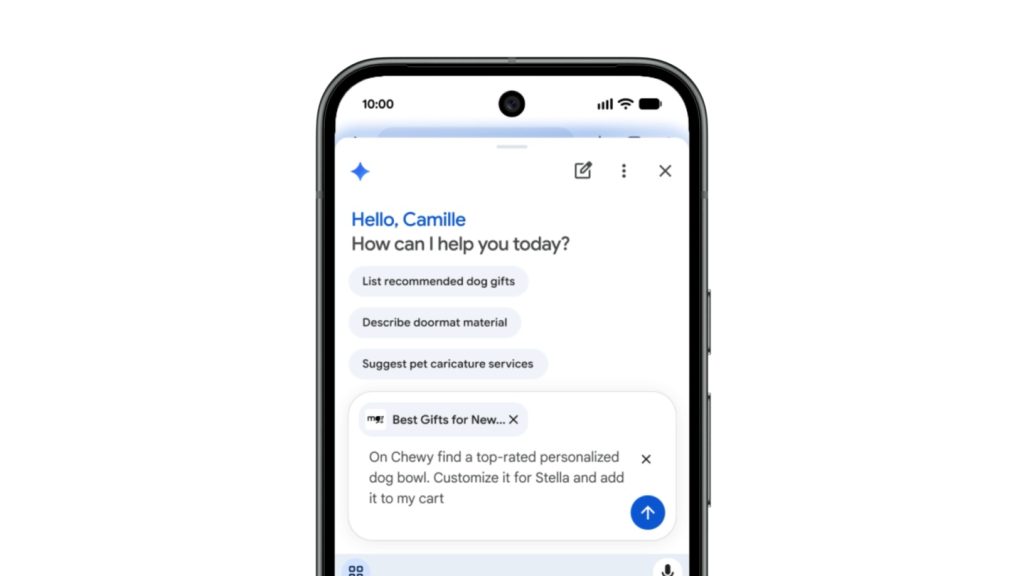
Google has made Gemini in Chrome available to all Android users in the U.S., adding features that can summarize webpages, answer questions about web content, connect with Google apps, and complete multi-step tasks on the web.
Gemini in Chrome can summarize long articles and answer questions about webpages without requiring users to switch between tabs. It can also connect with Google apps including Calendar and Keep, and lets users customize and generate images using Nano Banana.
Auto Browse
AI Pro and AI Ultra subscribers on Android in the U.S. can use Gemini in Chrome’s Auto Browse capabilities. Auto Browse allows users to ask Gemini in Chrome to complete multi-step tasks on the web. The feature reviews users’ preferences, instructions, and previously shared details when carrying out these requests.
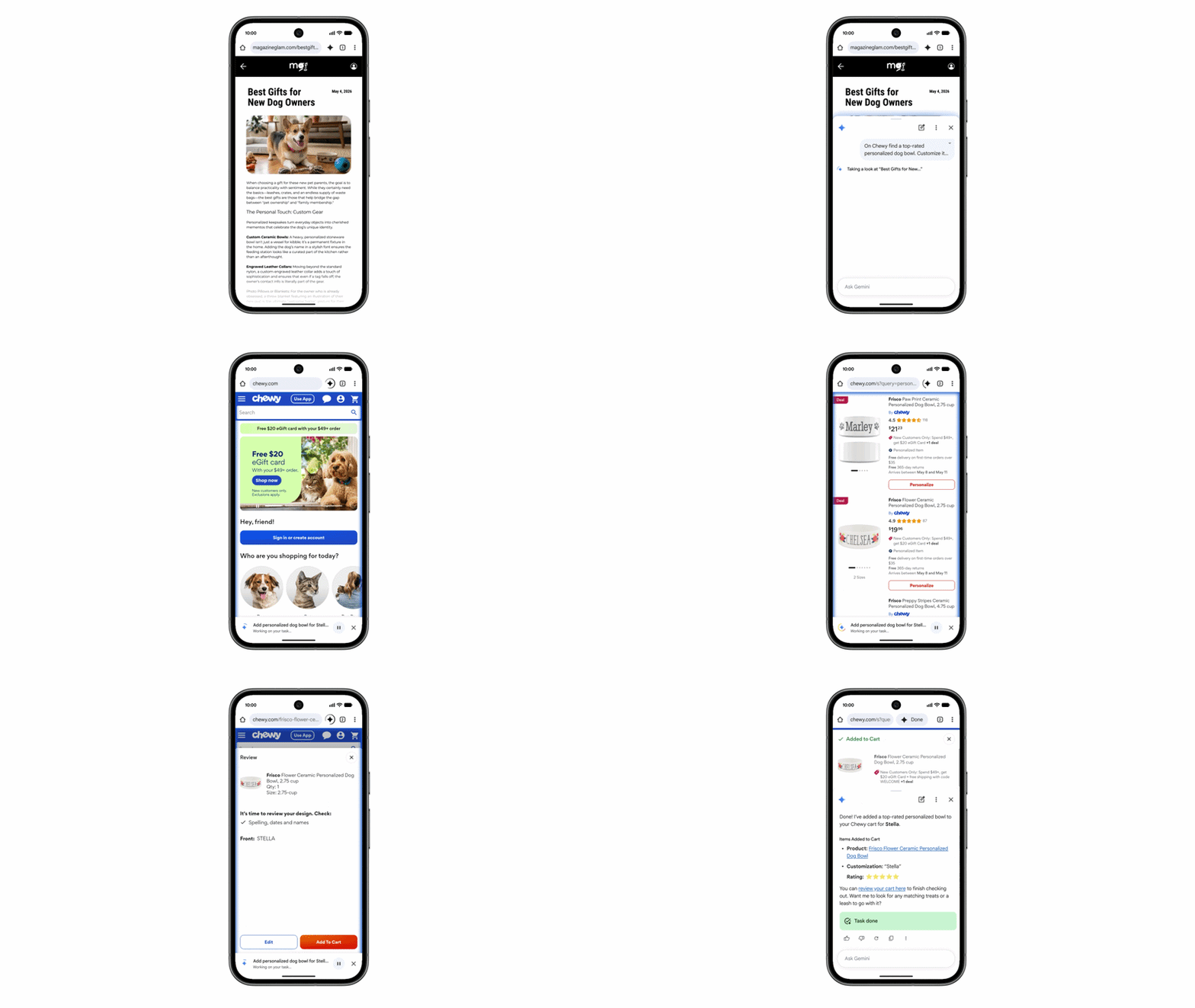
Auto Browse can help users with tasks such as:
- Comparing products, searching for deals, and adding items to a cart
- Finding and booking travel accommodations based on specific criteria
- Making restaurant reservations and scheduling appointments
- Booking parking for an event
- Updating a recurring online order
- Organizing travel plans
Security
Google says its models are trained to detect known threats such as prompt injection. Auto Browse is also designed to ask for confirmation before completing some sensitive tasks.
Users can access Gemini in Chrome by tapping the Gemini icon or the three-dot menu on the top bar of their Android device.
Availability
Gemini in Chrome is now available to all Android users in the U.S. Auto Browse is available to AI Pro and AI Ultra subscribers on Android in the U.S.