

Google is bringing Gemini in Chrome to Android, introducing a new agentic browsing experience powered by Gemini 3.1. The update turns Chrome into an AI-assisted browser that can understand webpages, answer questions, complete tasks, and automate actions directly on mobile devices.
AI browsing assistant inside Chrome
Gemini in Chrome acts as a personal browsing assistant that understands the content of the webpage you are viewing. Users can access it by tapping the Gemini icon in the Chrome toolbar, which opens a bottom panel for quick interaction.

It can help users:
- Ask questions about the current webpage
- Summarize long articles
- Explain complex topics in simple terms
- Stay within the browser without switching apps
This makes browsing more contextual and interactive on Android.
Productivity with Google app integration
The assistant connects with Google apps to help users complete everyday tasks based on what they are browsing.
It can:
- Add events to Google Calendar
- Save recipe ingredients or notes to Google Keep
- Find specific information in Gmail
Users who opt into Personal Intelligence can receive more tailored responses based on their interests, hobbies, family, and pets, while still maintaining control and privacy.
Nano Banana for image customization
Chrome also introduces Nano Banana, a built-in image tool that allows users to create and modify visuals directly while browsing.
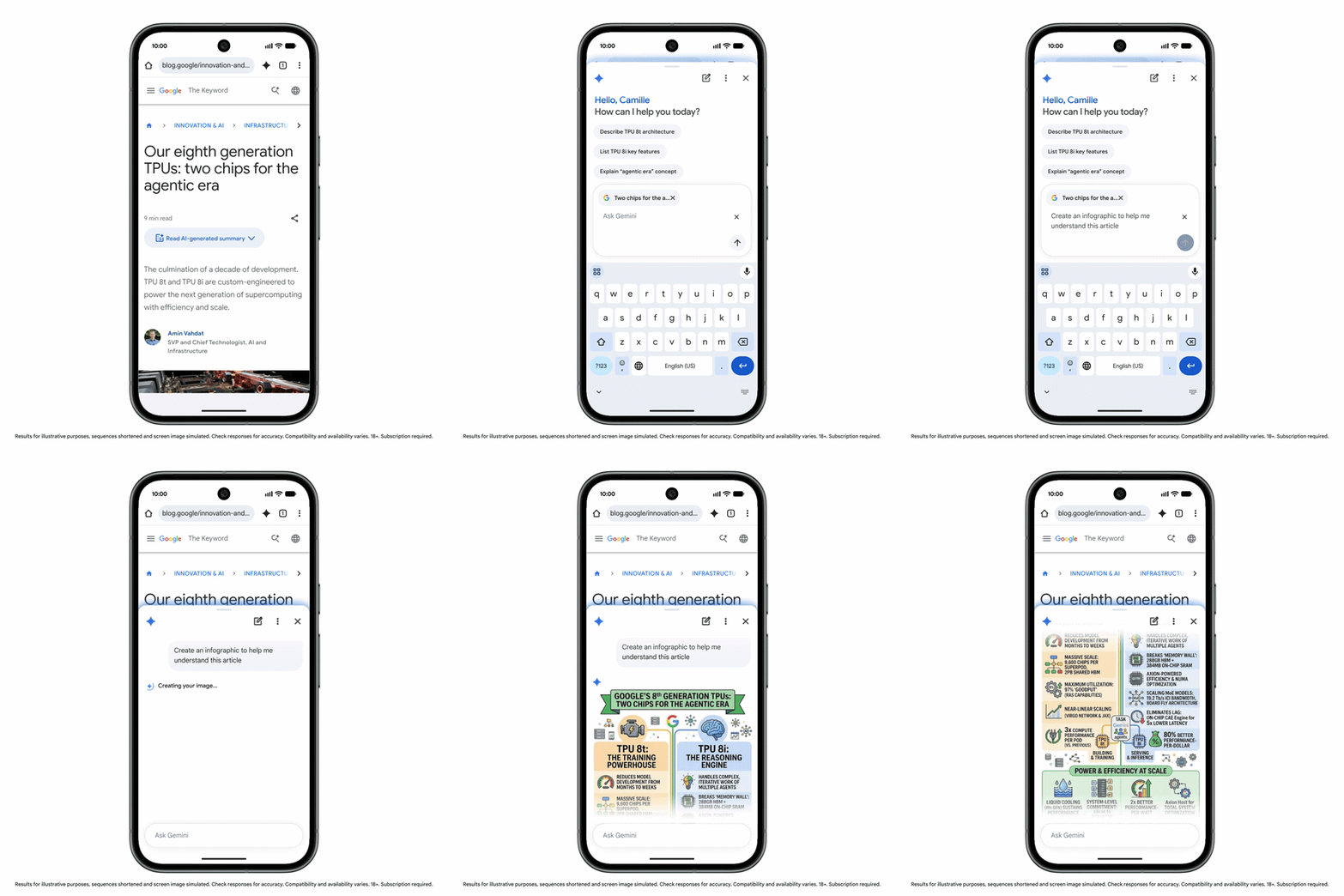
It enables users to:
- Turn webpages into infographics for easier understanding
- Edit images to preview real-world setups, such as furnished rooms
- Customize or generate visuals based on on-page content
This adds a visual layer to browsing for learning, planning, and research.
Auto browse for task automation
For the first time on Android, Chrome introduces auto browse, an agentic feature that can handle multi-step tasks automatically.
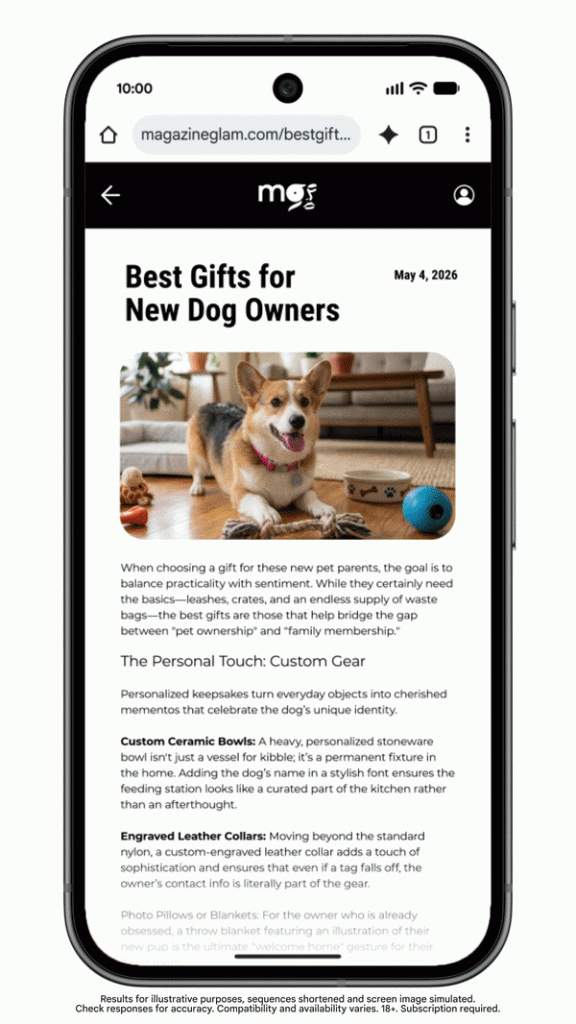
It can:
- Use event details from tickets to book parking via services like SpotHero
- Update subscriptions such as pet food orders on Chewy
- Complete repetitive online tasks with minimal user input
Chrome can use contextual information from webpages to execute actions more efficiently.
Security and user control
Google says these capabilities are built with the same security protections as desktop Chrome, including safeguards against prompt injection and other emerging threats.
For sensitive actions such as payments or social media posts, auto browse will always ask for user confirmation, ensuring users remain in control of critical actions.
Availability
Gemini in Chrome and auto browse will begin rolling out next month with the following conditions:
- Android 12 or higher required
- Devices must have at least 4GB RAM
- Initially available in the U.S.
- English (US) language support required
- Auto browse available for AI Pro and Ultra subscribers on supported devices