
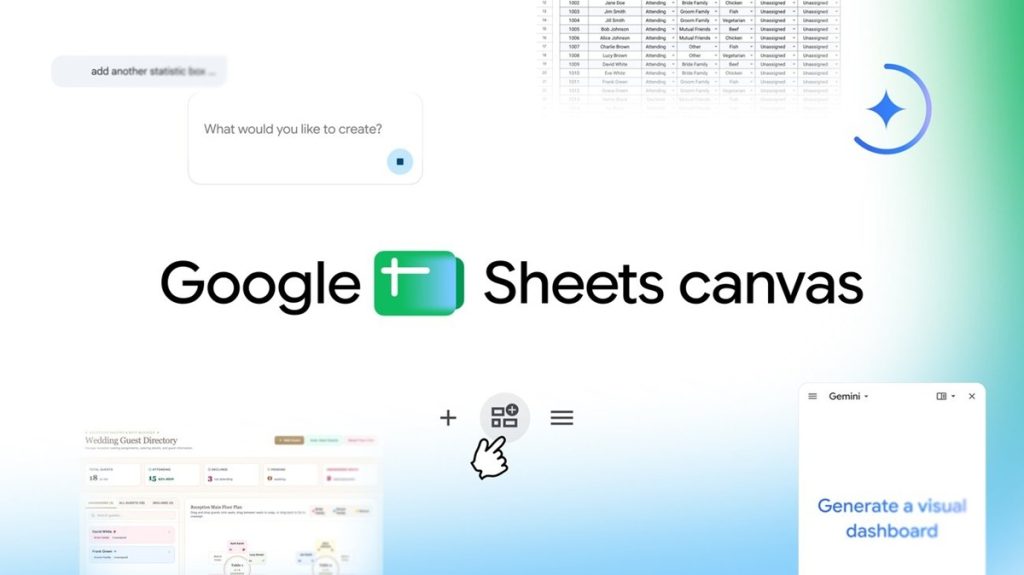
Google has introduced Sheets Canvas, a new Google Sheets feature that uses Gemini to turn spreadsheet data into interactive dashboards, study trackers, seating charts, and other visual tools. Users can describe what they want with a natural-language prompt, and Gemini creates a Canvas based on their spreadsheet data.
Google Sheets Canvas features
Sheets Canvas is a dynamic, read-write layer that sits directly on top of spreadsheet data. It allows users to visually organize, edit, and navigate their data in different layouts while keeping the Canvas connected to the original spreadsheet.
The main features include:
- No coding required: Users do not need formulas or programming. They can describe what they want, such as “create a visual study tracker,” and Gemini builds it using the spreadsheet data.
- Real-time syncing: Changes made to the Canvas or the original spreadsheet are synchronized between the two in real time.
- Customizable: Users can continue prompting Gemini to modify the Canvas, including its layout, design, and functionality.
- Collaboration: Since Canvas exists as a tab within Google Sheets, it can be shared with others like a regular sheet.
Sheets Canvas use cases
Google highlights three examples of how Sheets Canvas can be used with spreadsheet data:
Study tracking: Students can turn a long list of assignments into an interactive study aid. It can be used to track progress, set reminders, and visualize the week ahead.

Fantasy football: Users can create a custom dashboard for their roster to track player performance and compare statistics side by side, using the data in their spreadsheet.

Wedding planning: Guest RSVP data can be turned into an interactive seating chart. Users can drag and drop guests to different tables, while the central spreadsheet stays updated.

Availability
Sheets Canvas is now available globally in English to Google AI Pro and Ultra subscribers. It is also rolling out starting today to Google Workspace customers on Business or Enterprise Standard and Plus plans, as well as Google AI Pro for Education add-on subscribers.
To use Sheets Canvas, open a Google Sheets spreadsheet and select the “Create canvas” option in the Ask Gemini side panel.